
Salary slip with overtime format
Free PDF, Word and Excel template for monthly salary with separately approved overtime. Filled sample, checks and local editing.
Download or edit this sample
Edit document details
Choose your style
Excel download is an editable text worksheet, not an automatic payroll or tax calculator.What each part means
Overtime units
Write a clear hour count and the amount applied to those hours. Convert hours and minutes consistently. Retain an approval reference that payroll can trace, and avoid calling the demonstration hourly figure a statutory rate.
Regular earnings
The regular salary block should still show basic, HRA and the ordinary allowance. Adding overtime to basic would hide how the additional payment arose and make a later month look as though the agreed salary structure changed.
Payroll reconciliation
Check the overtime multiplication, gross pay addition and deduction subtraction independently. Payroll should confirm any effect on other salary components or deductions; the worksheet deliberately does not infer that effect from the overtime value.
Monthly salary with separately approved overtime
An overtime month needs a line that explains why the transfer is higher than the regular salary. This sample separates regular earnings from approved additional hours and their payroll amount. It is useful for a packing, production or operations employee whose attendance system records extra time. The hourly amount here is an illustrative employer-entered figure; this page does not determine the overtime rate required for a particular workplace.
How the filled example works
Rohan has INR 26,000 of regular earnings: basic INR 18,000, HRA INR 6,000 and allowance INR 2,000. Sixteen approved hours at the entered INR 180 amount add INR 2,880. Gross pay is therefore INR 28,880. The entered INR 2,000 deductions leave INR 26,880. A reader can reproduce the additional-hours multiplication without being asked to infer the hours from a single combined salary figure.
Prepare the supporting record
Use the approved timesheet rather than an informal message containing a rough estimate of extra hours. Match each overtime entry with its date, department and approver. Establish whether payroll records hours in whole units, decimal hours or hours and minutes. For example, one hour and thirty minutes means 1.5 hours; entering 1.30 as a decimal would understate the time used in the calculation.
Resolve this scenario before issuing
Resolve whether a night-shift allowance, holiday payment or compensatory leave belongs in the same record. Those items are not interchangeable with paid overtime. If additional work is disputed or approval is still missing, do not issue a completed sample presenting it as settled. A separate pending-timesheet note can help the employee query payroll without changing an already confirmed earning amount.
How to edit and share the document
Use Word when the overtime block needs extra dated rows; use Excel as a worksheet to transcribe the approved hours and amounts. The supplied files contain the same fictional sample, so changing hours requires you to change the earnings and net pay too. Review the PDF after editing and remove the demonstration employer and approval reference. Keep the underlying timesheet outside the payslip rather than crowding a long attendance log into the salary document.
Payroll record boundaries
Treat each salary period as a separate payroll record. Start with approved attendance and the salary structure, record earnings that belong to the period, and subtract the actual deductions confirmed by payroll. Employer contributions and annual CTC do not automatically belong in cash earnings. Keep reimbursements separately identifiable when they are included in the same bank transfer. The completed slip should explain the transfer amount without suggesting that a sample confirms employment.
Review this scenario
- Match overtime to an approved dated timesheet.
- Confirm decimal-hour conversion before multiplication.
- Keep overtime separate from ordinary basic pay.
- Identify night or holiday allowances separately if used.
- Reconcile INR 28,880 less INR 2,000 to the sample net amount.
- Replace the fictional approval and bank references.
Questions about this format
Is INR 180 the legal overtime rate?
No. It is an entered number used to illustrate 16 times 180 in a filled document. The applicable rate and eligibility depend on the actual employment situation and rules. Use the amount approved through your employer’s payroll review.
Can I add more than one overtime rate?
Yes. Add separate rows for the different approved hour categories and amounts, then add their earnings to the regular salary. Keep the categories understandable and update every total after editing rather than retaining the original fictional net pay.
Check before you use it
Use payroll-approved figures and an authorised employer signatory. These fictional figures illustrate the layout; statutory deductions, eligibility and payment evidence require separate checking.
- Replace every sample or bracketed field with accurate information.
- Check dates, amounts, identifiers and the intended recipient’s requirements.
- Open the exported file and obtain any required employer, landlord or legal approval.
Questions about this download
Can I edit it in Word?
Yes. DOCX contains editable text. Customized PDF exports preserve the layout as page images; direct English sample PDFs contain searchable text. Neither is a digitally signed document.
Is my entered information uploaded?
Document generation happens in this browser. Optional consented analytics measures actions, never document contents.
Prepared by Feroz Sheikh · 30 September 2026
Related templates
 Preview & customize ↗
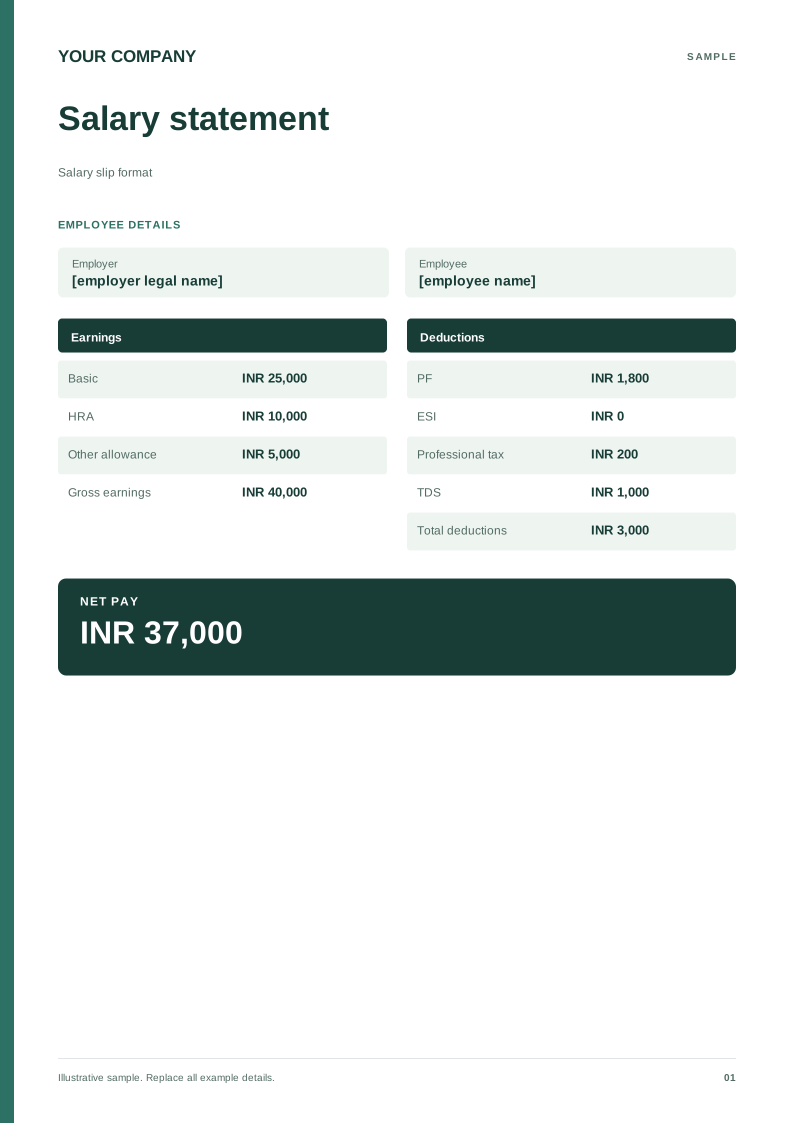
Salary slip format
A monthly salary record with earnings, deductions and net pay. Free PDF, Word and Excel downloads. Edit a blank or filled sample on your device.
 Preview & customize ↗
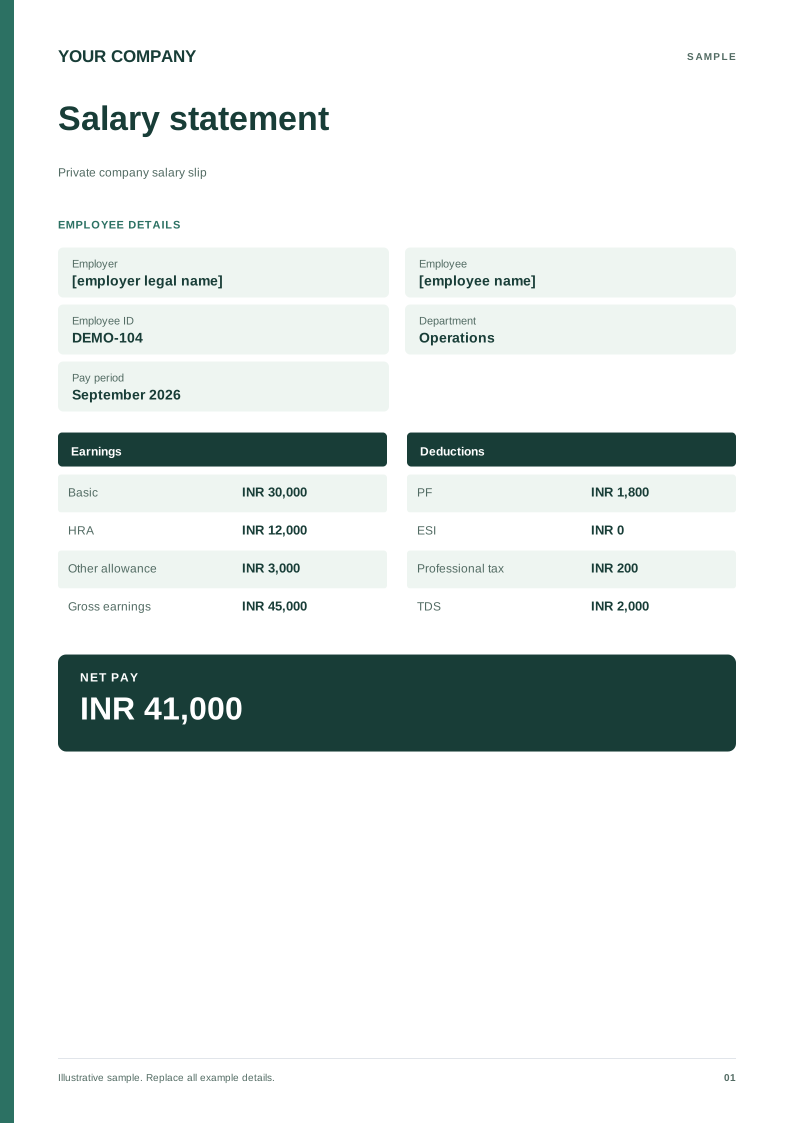
Private company salary slip
A private employer sample with employee ID, department and pay period. Free PDF, Word and Excel downloads. Edit a blank or filled sample on your device.
 Preview & customize ↗
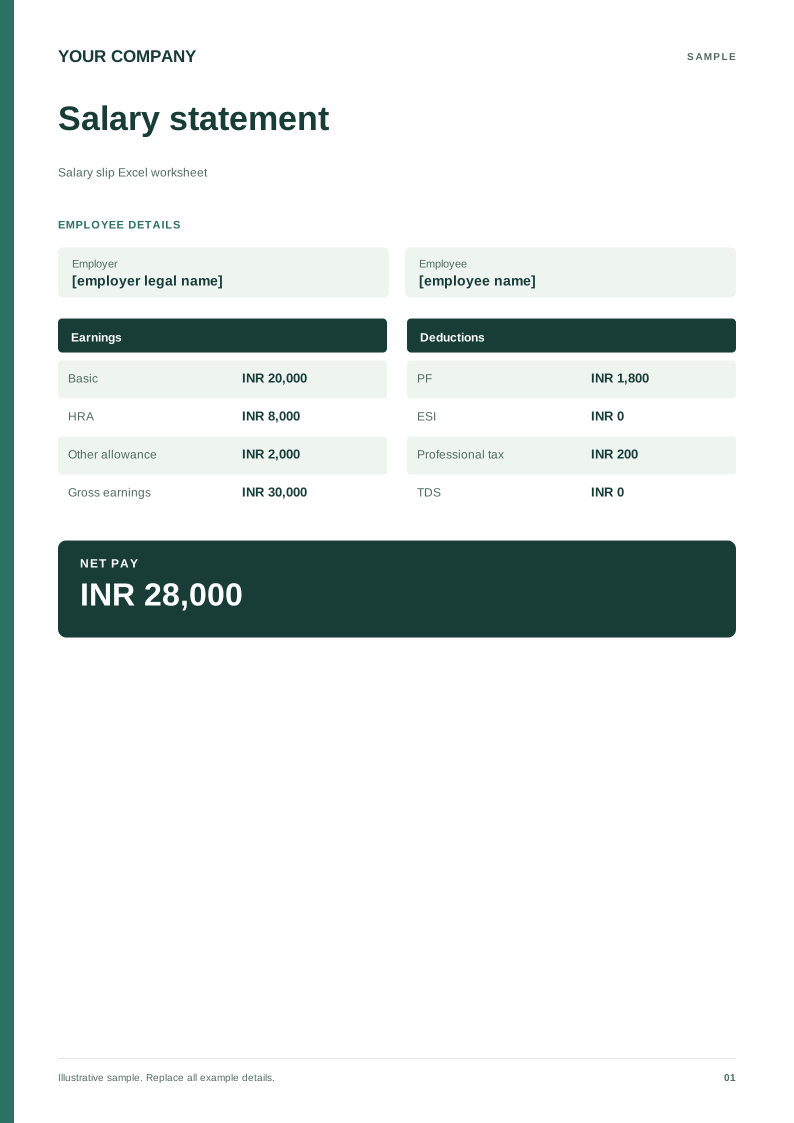
Salary slip Excel worksheet
An editable field-and-value worksheet for checking monthly payroll figures. Free PDF, Word and Excel downloads. Edit a blank or filled sample on your device.
 Preview & customize ↗
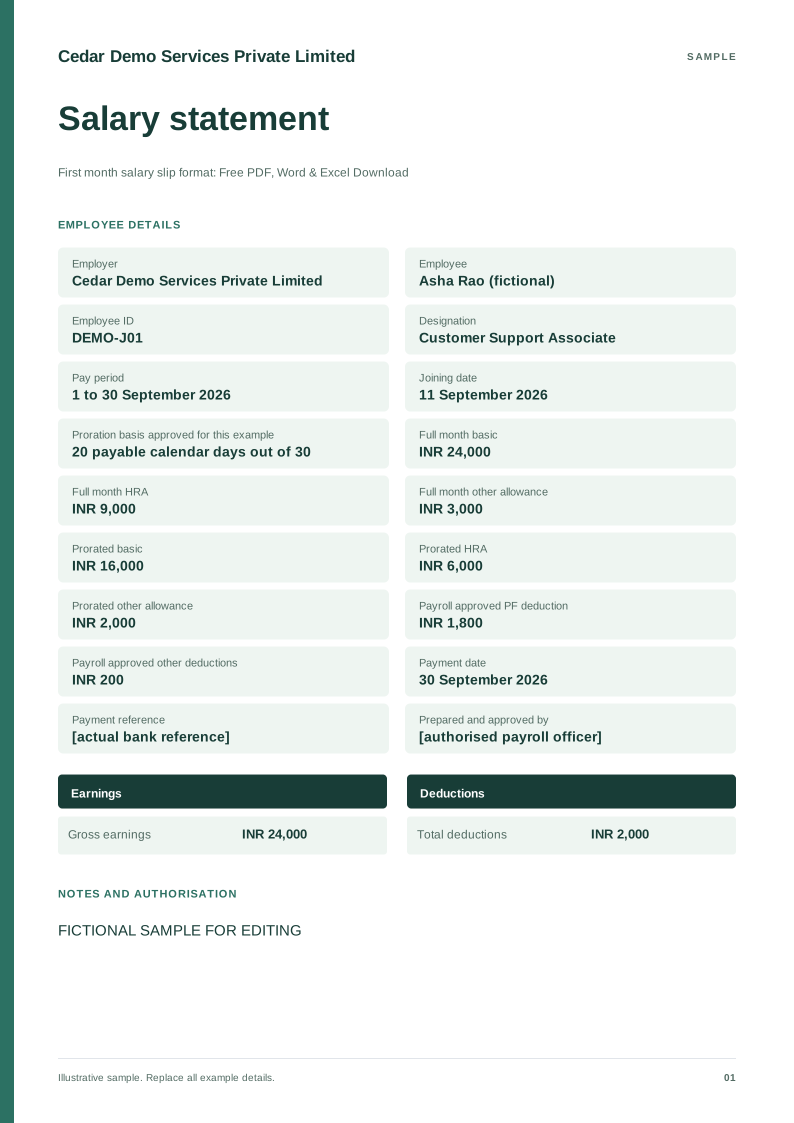
First month salary slip format
Free PDF, Word and Excel downloads for employee joining during a payroll month. Includes a fictional filled sample, scenario checks and an editable blank version.
 Preview & customize ↗
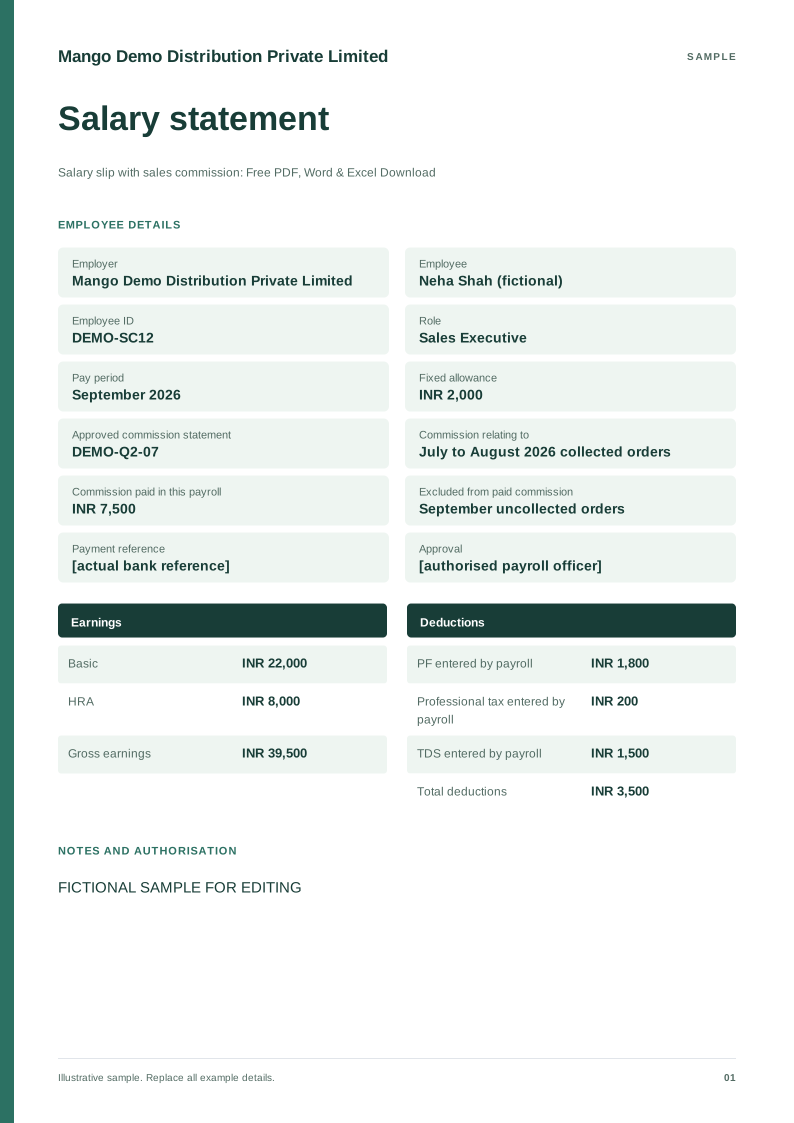
Salary slip with sales commission
Free PDF, Word and Excel template for fixed salary plus commission paid this month. Filled sample, checks and local editing.
 Preview & customize ↗
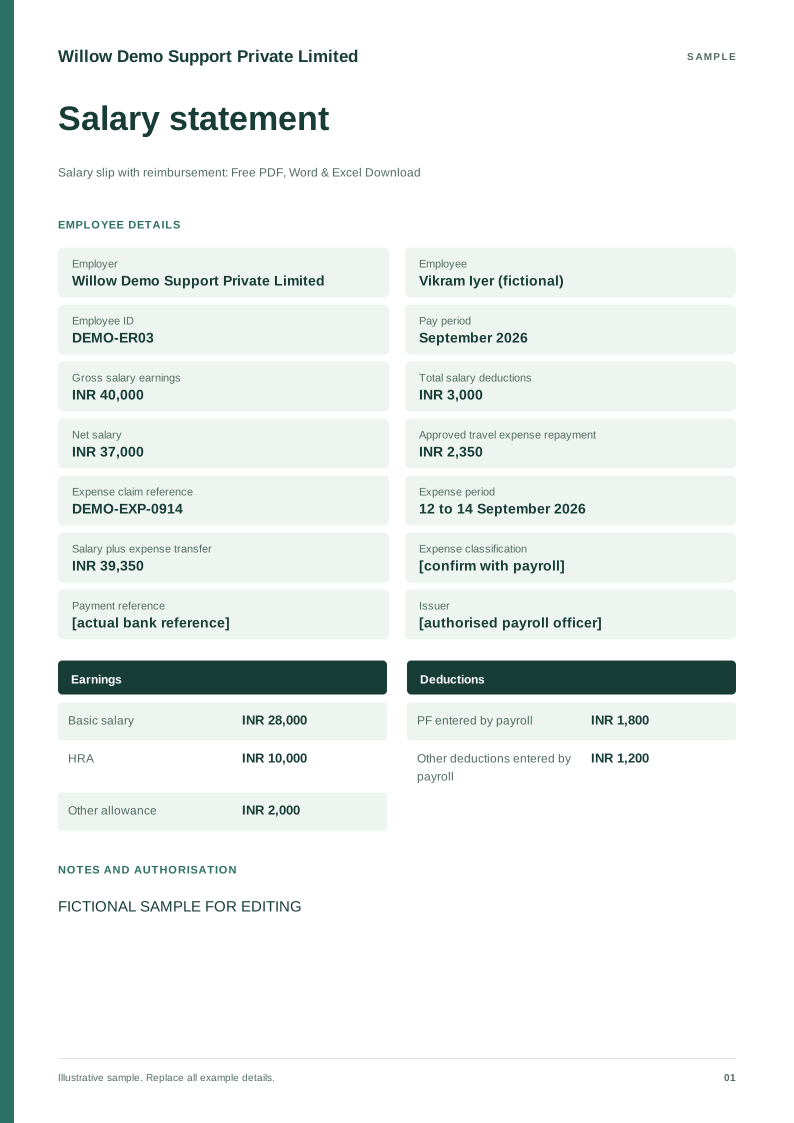
Salary slip with reimbursement
Free PDF, Word and Excel template for salary transfer including an approved expense repayment. Filled sample, checks and local editing.
 Preview & customize ↗
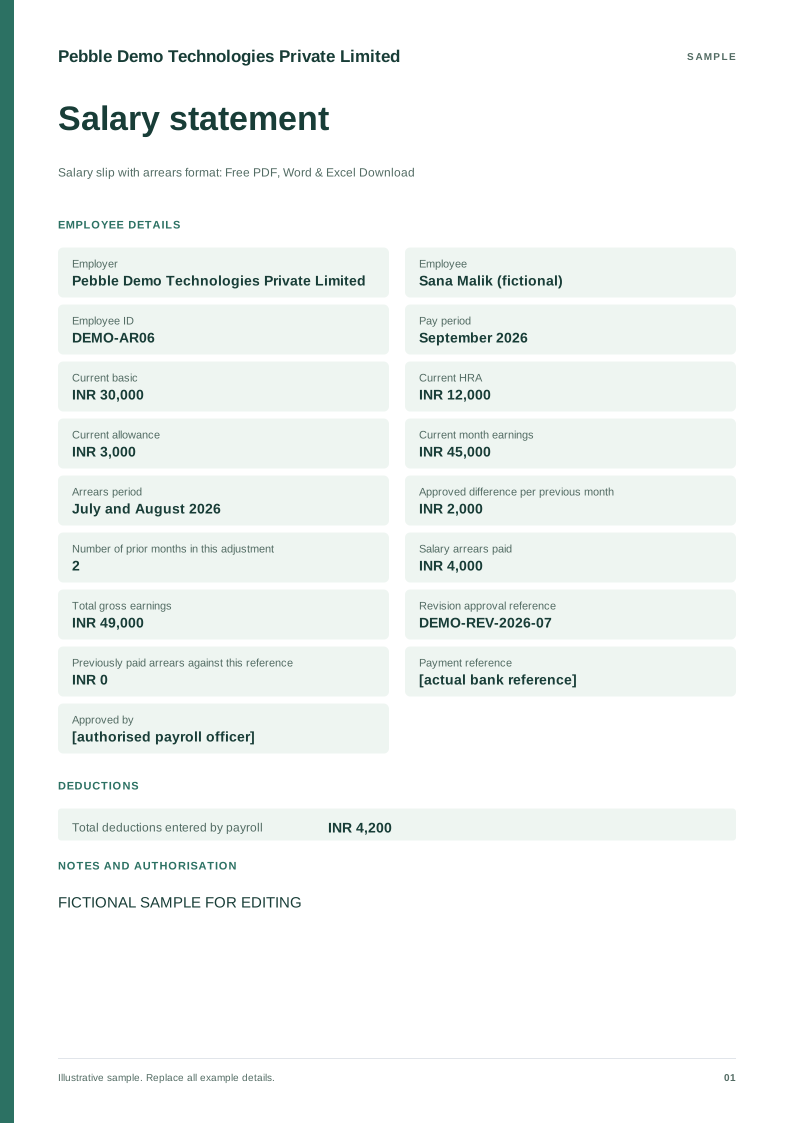
Salary slip with arrears format
Free PDF, Word and Excel template for current pay with an approved retrospective salary adjustment. Filled sample, checks and local editing.
 Preview & customize ↗
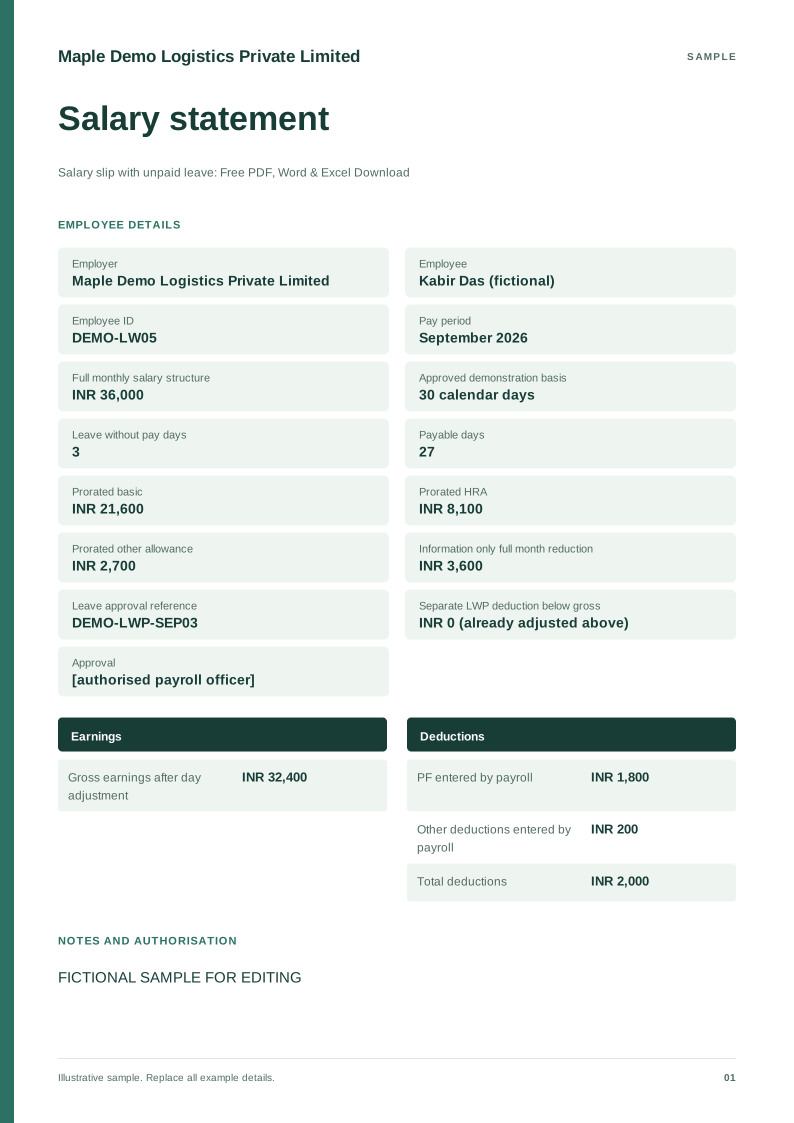
Salary slip with unpaid leave
Free PDF, Word and Excel downloads for pay reduced for approved leave without pay. Includes a fictional filled sample, scenario checks and an editable blank version.
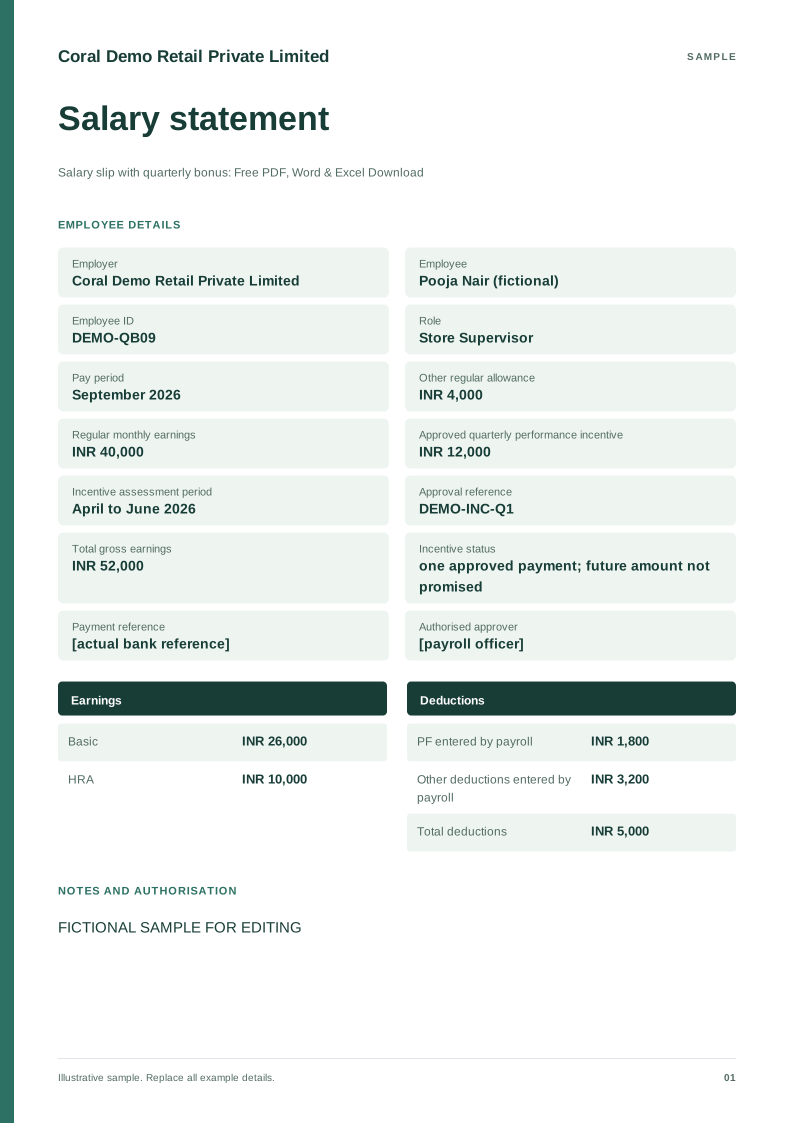 Preview & customize ↗
Salary slip with quarterly bonus
Free PDF, Word and Excel template for monthly pay including an approved quarterly incentive. Filled sample, checks and local editing.
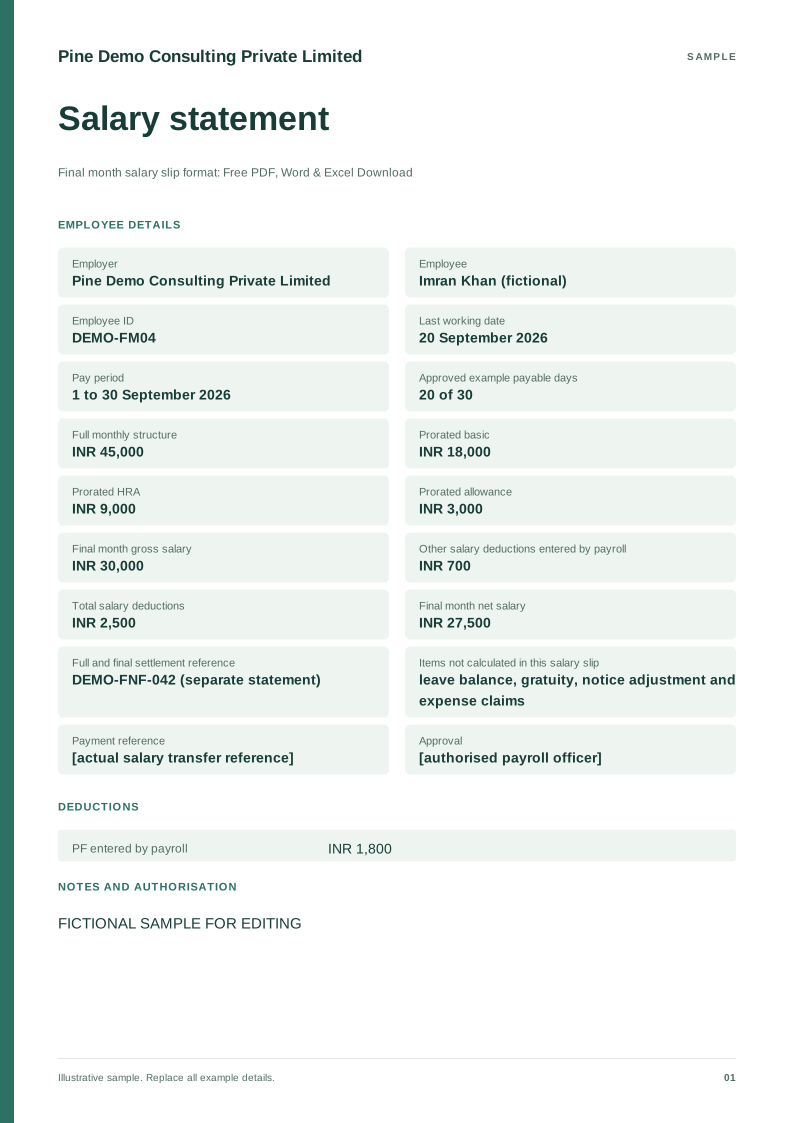 Preview & customize ↗
Final month salary slip format
Free PDF, Word and Excel template for last payroll before a separate full and final settlement. Filled sample, checks and local editing.