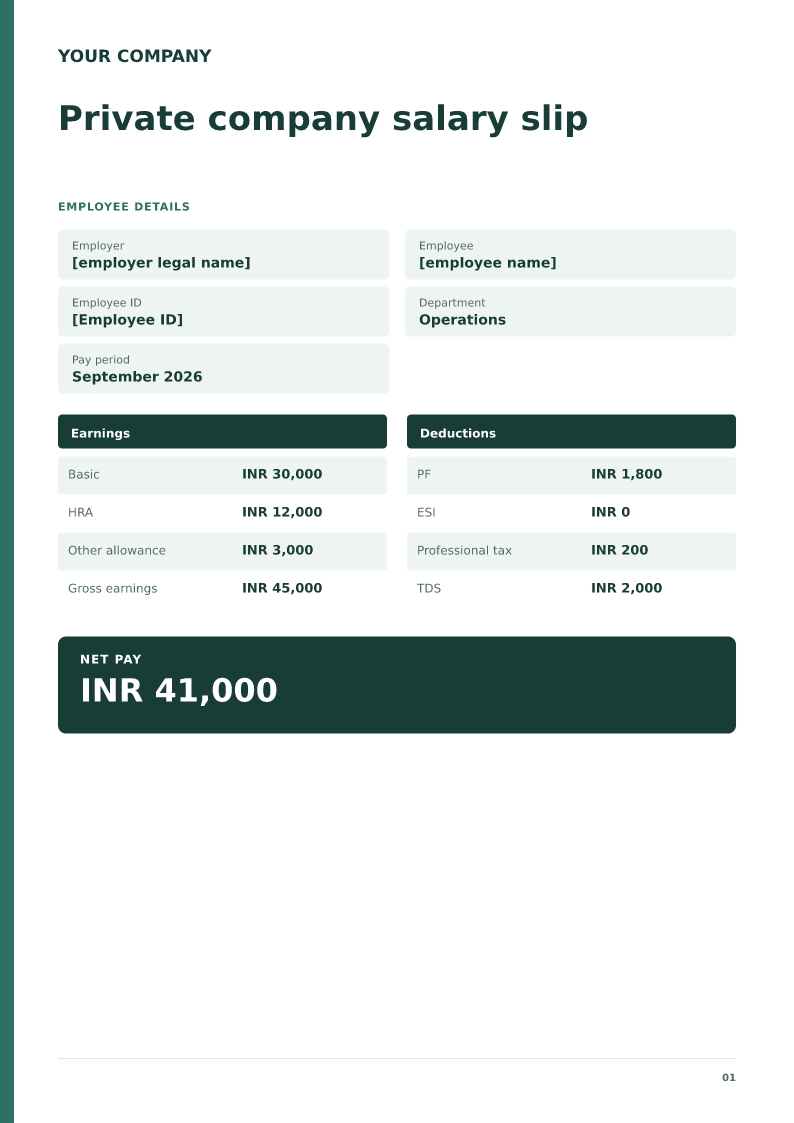
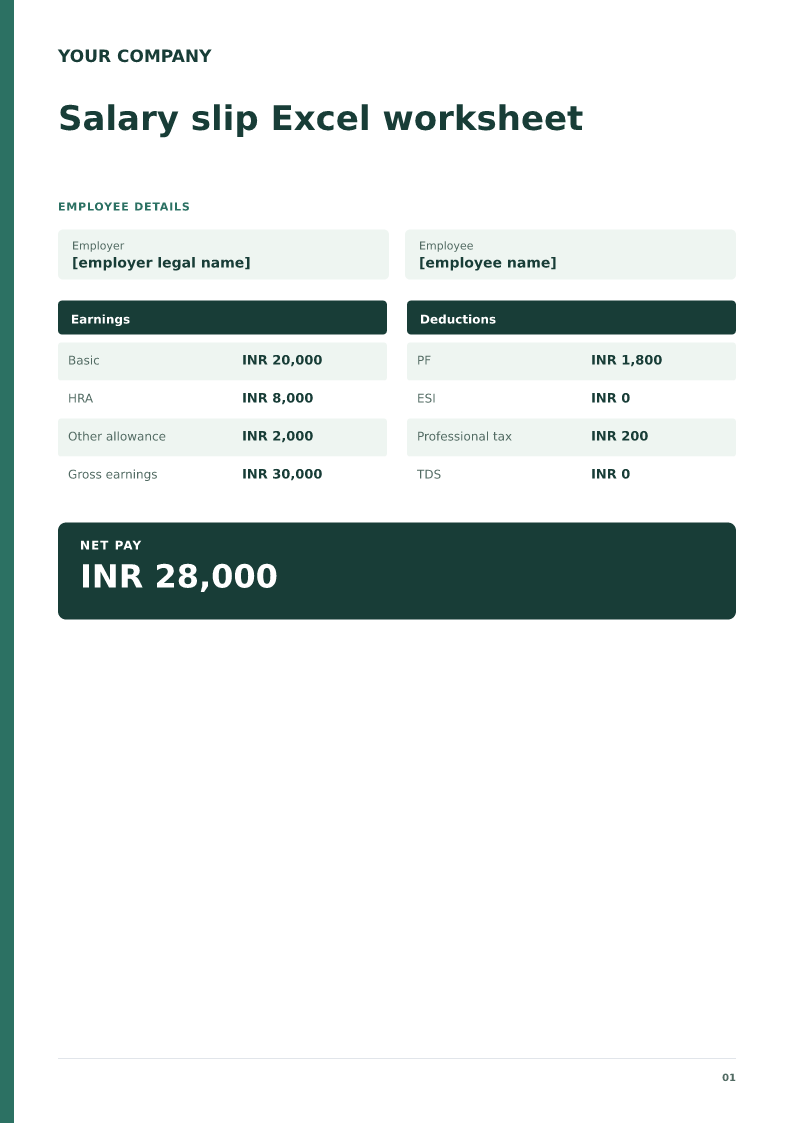
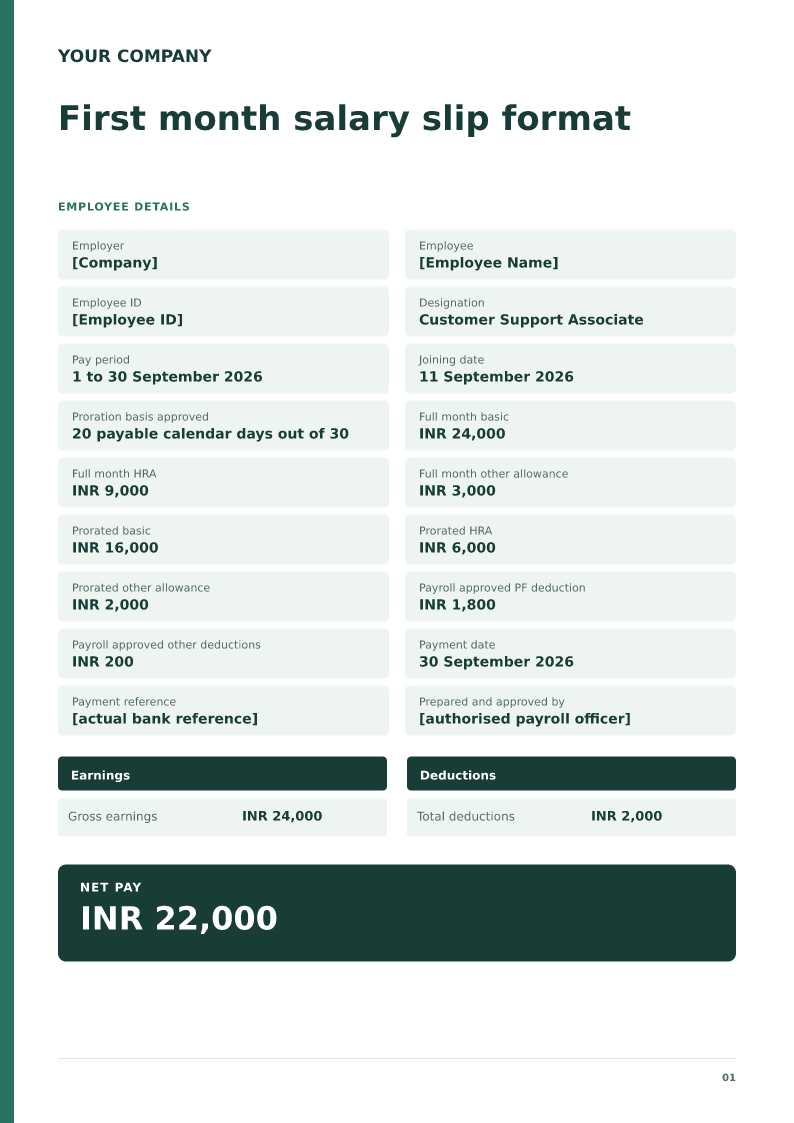
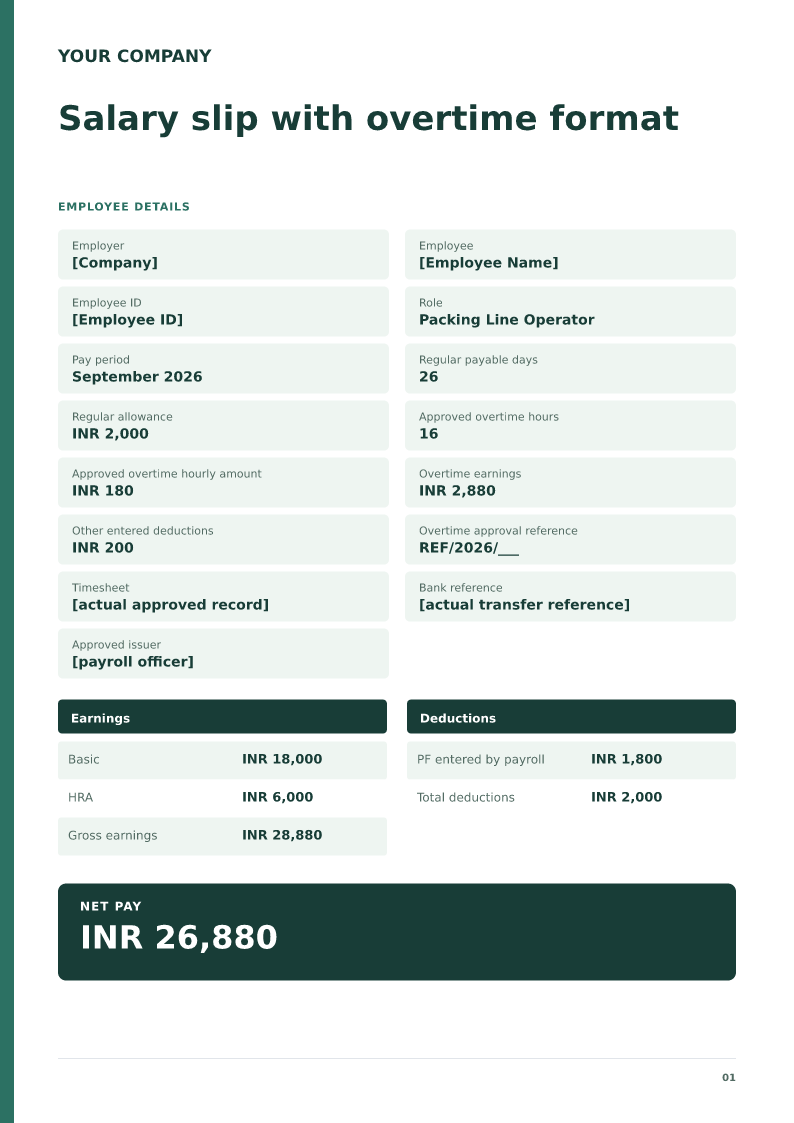
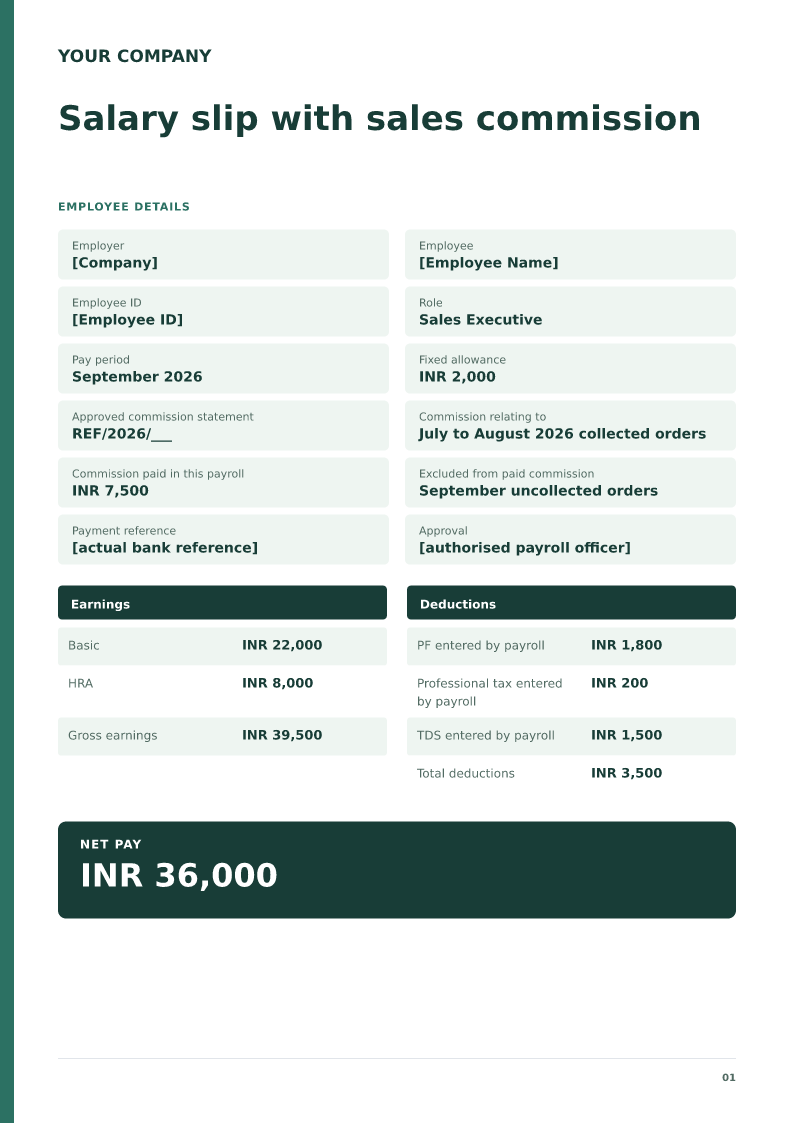
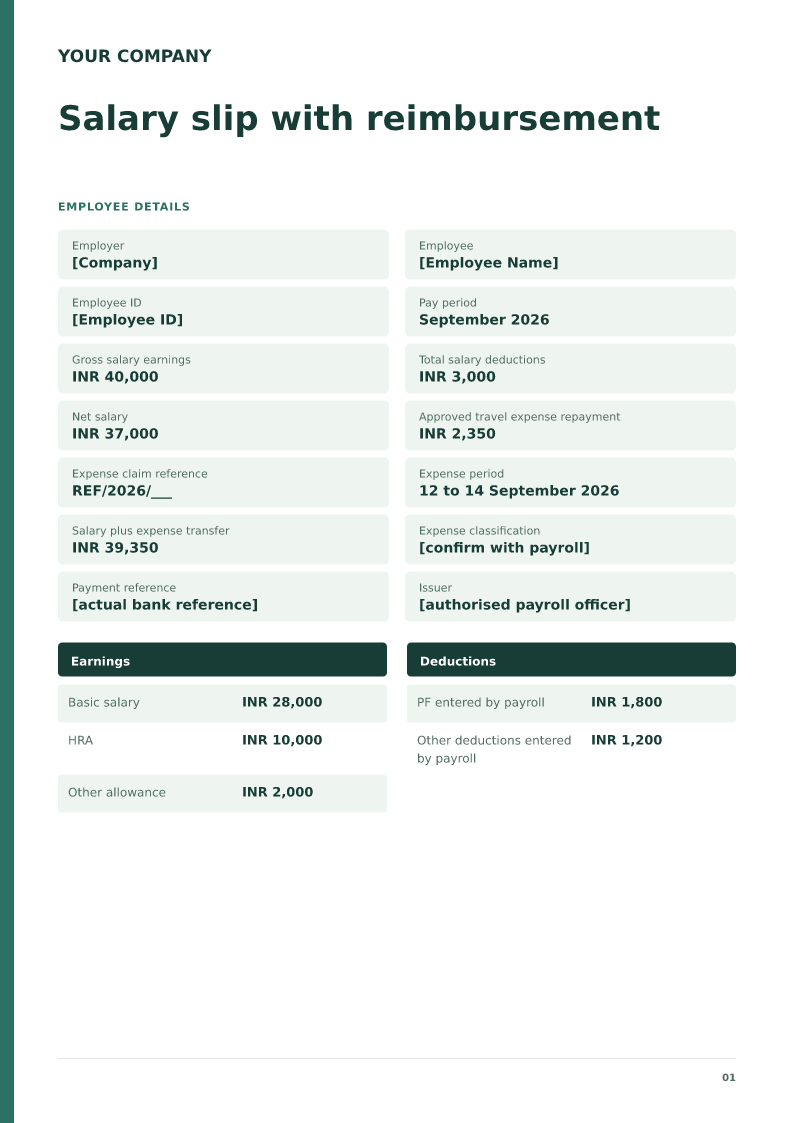
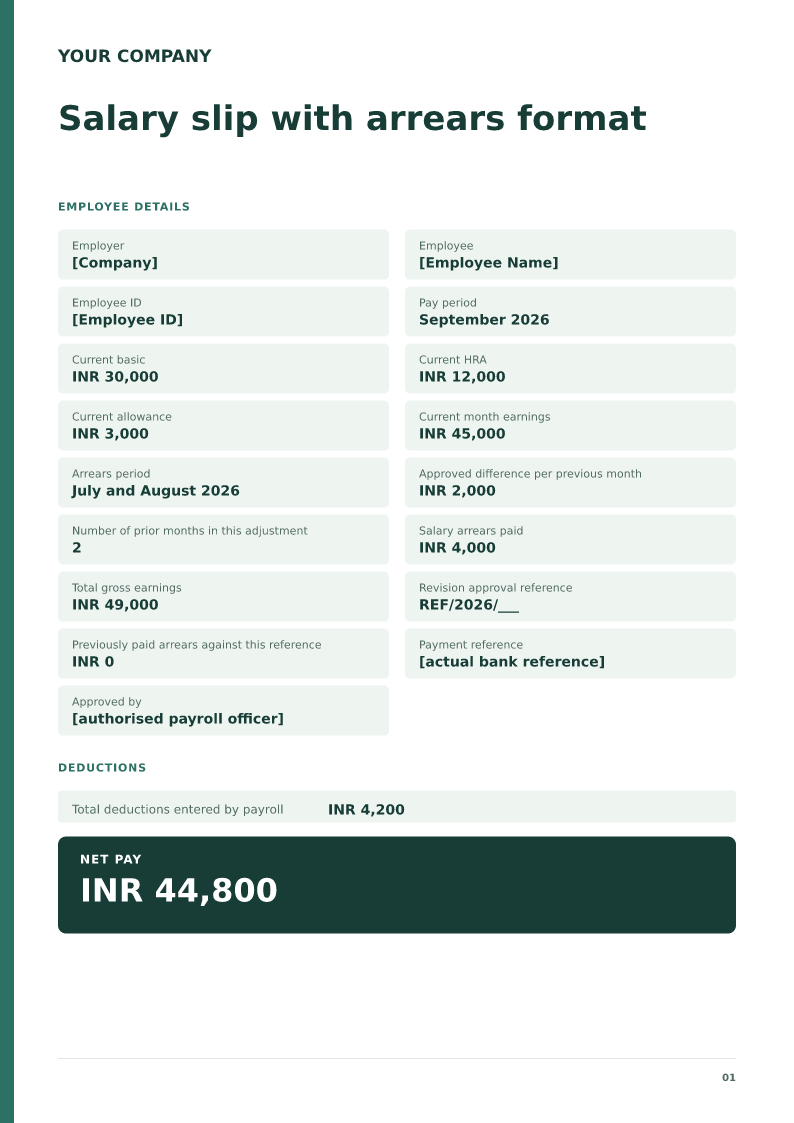
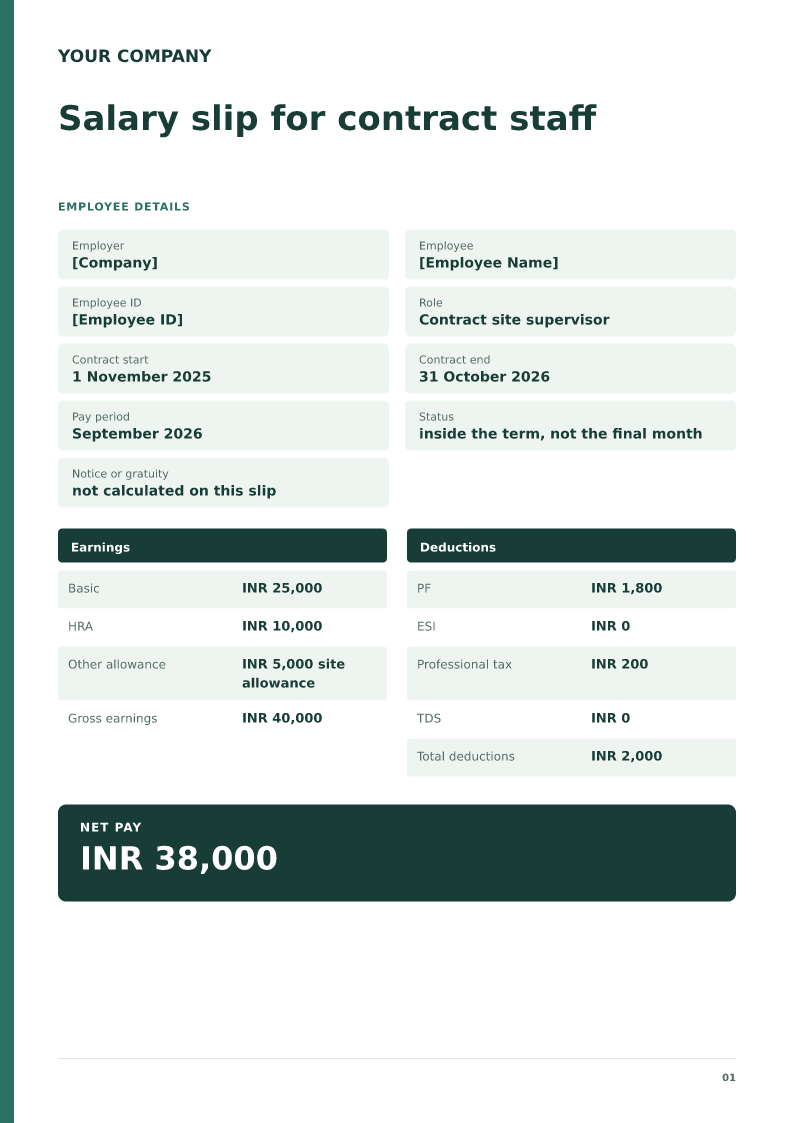
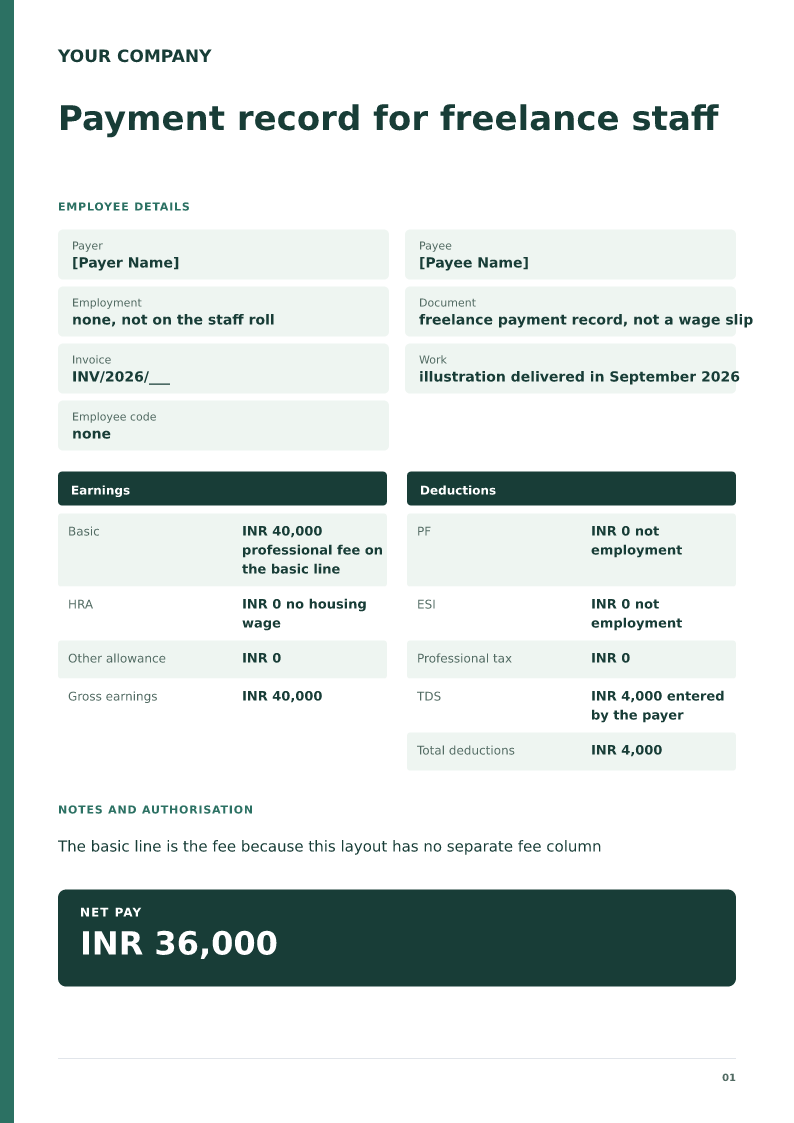
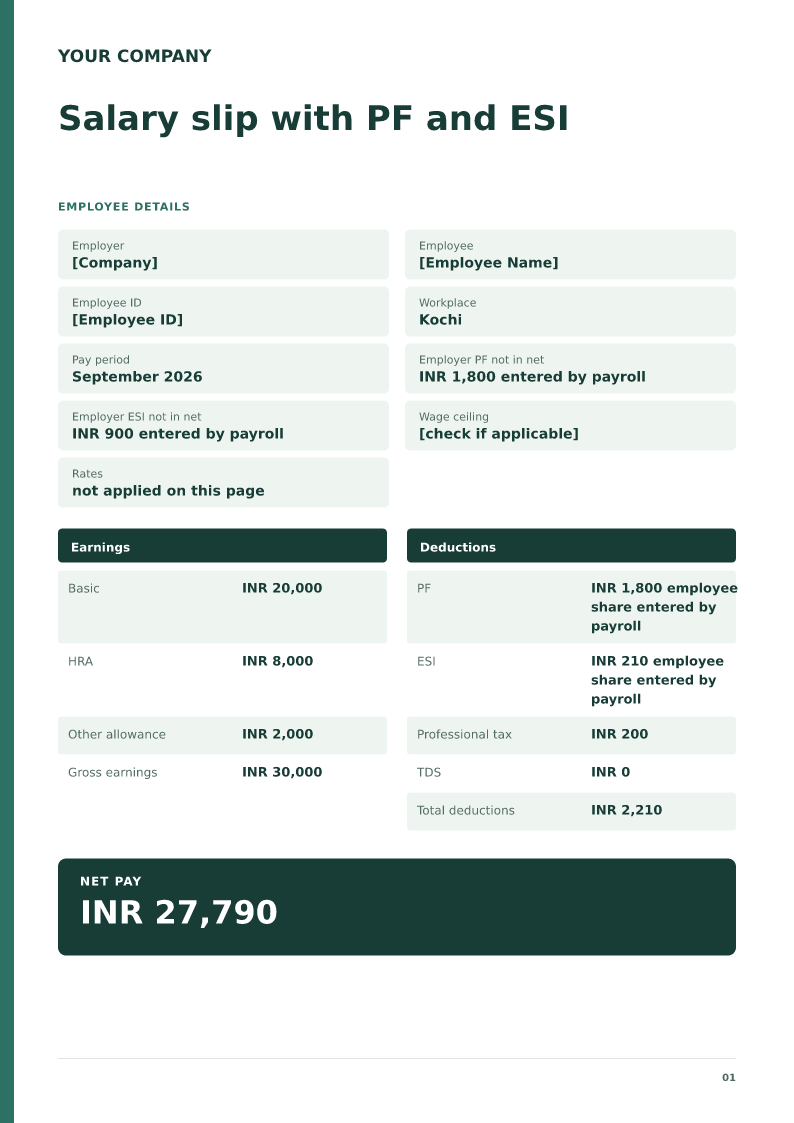
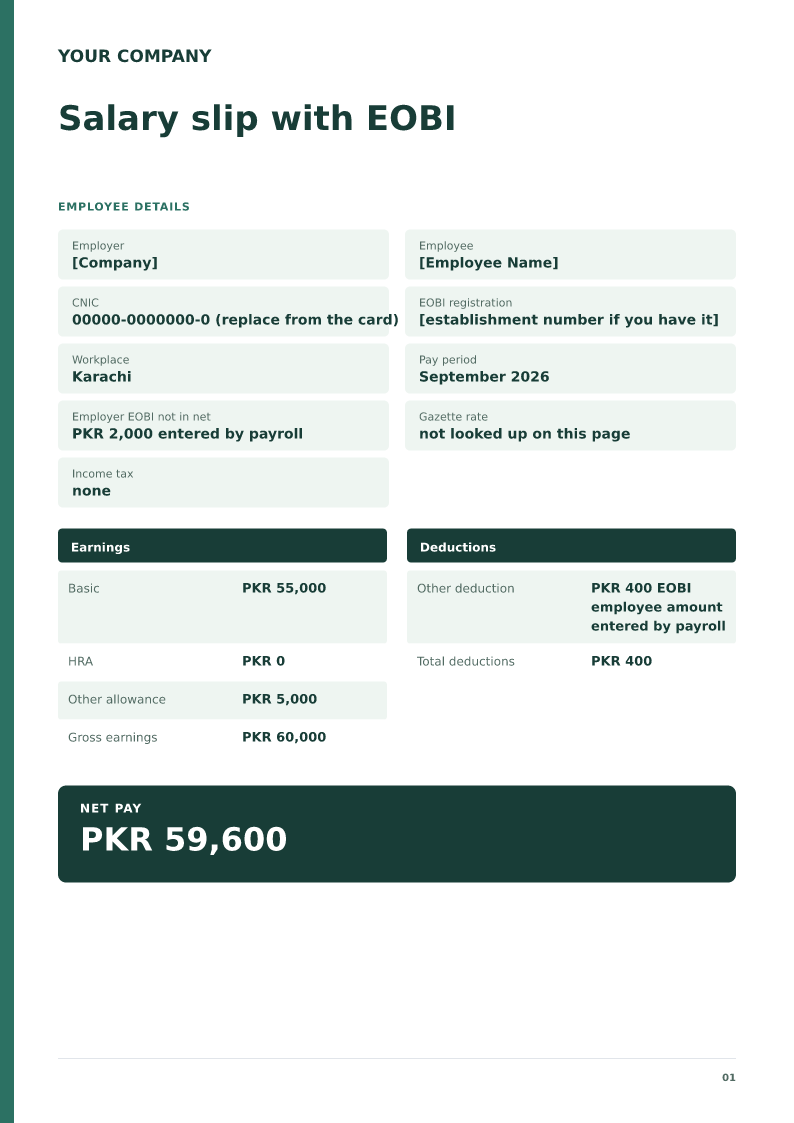
A last month salary slip, also called a final-month salary slip, lists the employer, the employee, the last working day, the pay period, payable days, earnings, deductions, and net pay. Download the PDF, Word, or Excel file and edit the figures. In Excel, gross pay, total deductions, and net pay calculate automatically.
Published · Updated
A last month salary slip, also called a final-month salary slip, lists the employer, the employee, the last working day, the pay period, payable days, earnings, deductions, and net pay. It covers salary only. Download the free PDF, Word, or Excel sample, or copy the short layout or the layout for salary paid with the final settlement.
Replace every bracket with the payroll record. In the Excel file, gross pay, total deductions, and net pay calculate from the amount cells.
Short last month salary slip
Employer: [Employer legal name]
Employee: [Employee name]
Last working day: [Date]
Pay period: [First day] to [last working day]
Payable days: [Days] of [days in month]
Gross earnings for payable days: [Amount]
Deductions payroll already calculated: [Amount]
Net pay: [Gross minus deductions]
Use this when the employer only needs the last working day, the payable days, and the net salary.
Employer: [Employer legal name]
Employee: [Employee name]
Last working day: [Date]
Part A, last month salary
Payable days: [Days]
Gross earnings: [Amount]
Deductions: [Amount]
Net salary: [Gross minus deductions]
Part B, settlement items on the separate statement
Settlement reference: [Reference]
Settlement amount: [Amount from the approved statement]
Total transferred: [Net salary plus settlement amount]
Payment reference: [Transfer reference]
Use this when one transfer pays both. Show the salary once in Part A. Copy the settlement amount from the approved statement instead of adding it as a new earning.
Excel gross pay, total deductions, and net pay calculate from the amount cells. PF, ESI, and tax rates are not looked up.
Live document previewA4 · 1 page
What each part means
Last working date
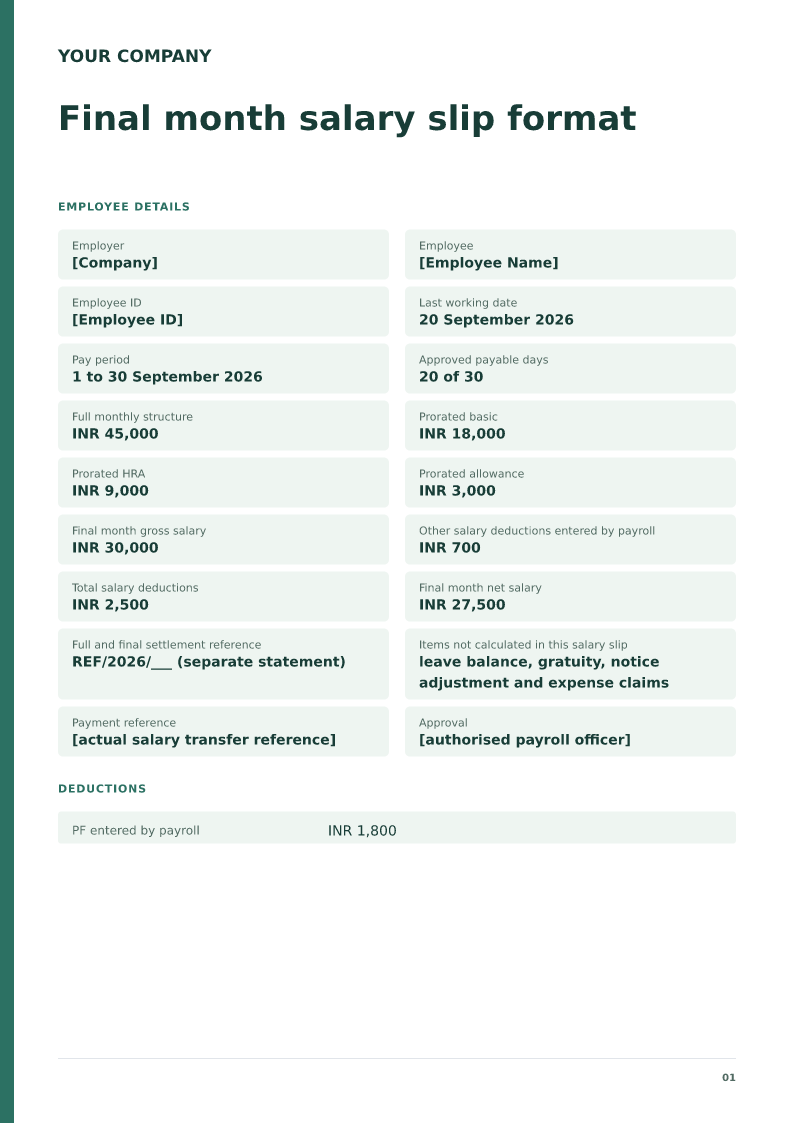
Match the date with the approved exit record and clarify the actual payable period. A last working date alone does not decide every payroll amount; use the employer-approved attendance and payment basis.
Salary boundary
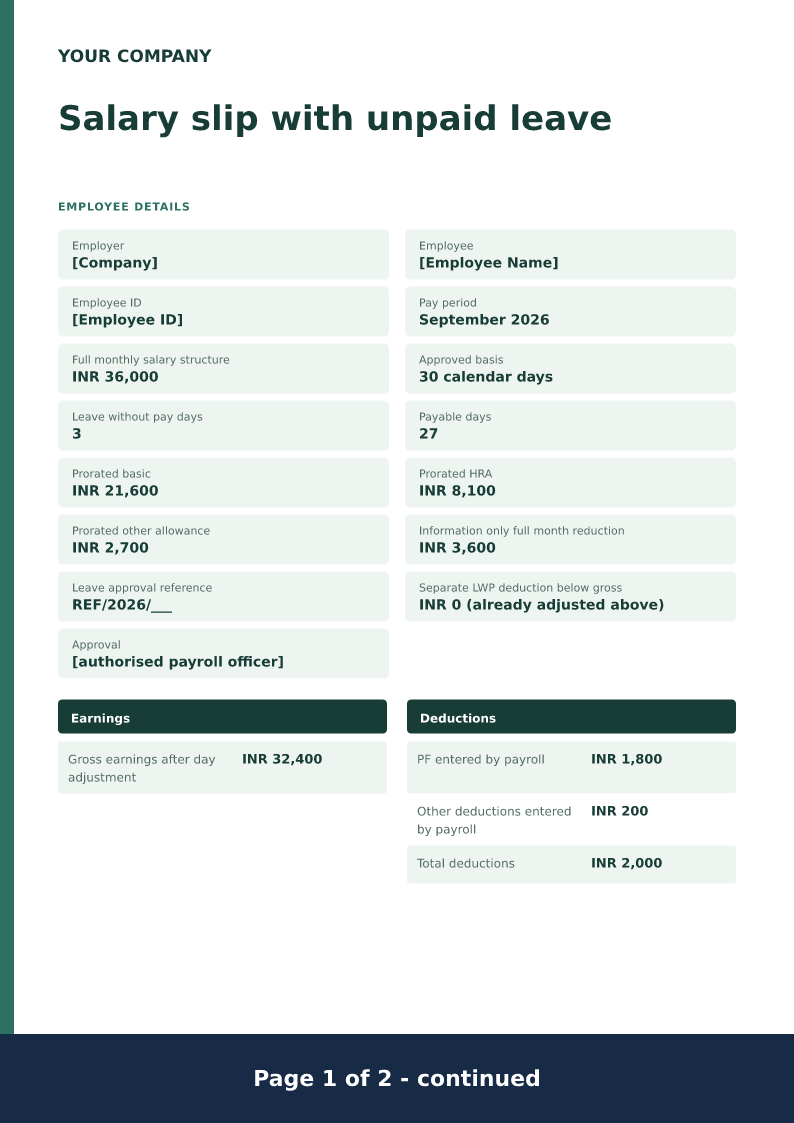
Label the INR 27,500 result as final-month net salary. The reference to a separate settlement matters because leave, notice, expenses or other approved items could be recorded and paid through another document.
Exit adjustments
Require a traceable approved basis for any exit deduction or payment. Keep estimated or disputed items out of a completed salary total until the relevant employer review confirms their treatment.
What this final-month salary slip must contain
A last month salary slip, also called a final-month salary slip, is the last pay period before a separate settlement. It must name the employer and the employee, the last working day, the pay period, the payable days, earnings, deductions, and net pay. Download the PDF, Word, or Excel file and edit those figures. Leave encashment, gratuity, and notice adjustments stay on the settlement unless payroll has already calculated them. Two layouts you can copy are on this page.
How the filled example works
Imran’s full monthly structure is INR 45,000, but the approved basis uses 20 payable days out of 30 after a 20 September last working date. The entered basic, HRA and allowance total INR 30,000. Salary deductions are INR 2,500, leaving INR 27,500 final-month net salary. The separate the sample reference reference prevents this smaller salary statement from appearing to settle every obligation between the employer and employee.
Prepare the supporting record
Collect the last-working-date confirmation, attendance record, salary structure and the employer’s settlement process. Check whether payroll will release final salary through the usual payroll or through a later settlement transfer. Confirm any approved outstanding salary separately from expenses or exit-related amounts. A clearance checklist may help the employer’s process, but it is not an amount that can simply be subtracted from pay.
Resolve this scenario before issuing
Keep settlement adjustments visible and approved. Do not label an estimated asset charge or notice calculation as a confirmed salary deduction while the amount is still disputed or awaiting review. If the employer combines all amounts in one statement, add a clearly separated settlement section with the actual approved calculations and payment details. Remove the sample’s excluded-items sentence only after that separate section truly exists.
How to edit and share the document
Use the Word version when the employer needs a reference to its settlement statement or an explanatory payment date. Excel offers an editable record of salary fields, not a full and final settlement calculator. Reconcile the last salary independently, then compare any separate settlement payment with its own approved statement. After replacing the demonstration data, ask the authorised payroll officer to review the document before issuance.
Payroll record boundaries
Treat each salary period as a separate payroll record. Start with approved attendance and the salary structure, record earnings that belong to the period, and subtract the actual deductions confirmed by payroll. Employer contributions and annual CTC do not automatically belong in cash earnings. Keep reimbursements separately identifiable when they are included in the same bank transfer. The completed slip should explain the transfer amount without suggesting that a sample confirms employment.
Review this scenario
Confirm the approved last working date.
Check the final month payable days and structure.
Separate ordinary salary from settlement items.
Reference the actual full and final statement when available.
Use approved adjustments and accurate payment dates.
Compare each transfer with the statement that explains it.
Questions
What is a last month salary slip?
It is the salary slip for the final pay period, from the first day of that month to the last working day. It shows the payable days, the earnings for those days, the deductions payroll already calculated, and the net pay. Settlement items are on a separate statement.
Is this a complete full and final statement?
No. The sample records last-month salary and references a separate settlement. It deliberately does not compute leave balances, gratuity, notice adjustments or other exit amounts. Add those only through an employer-approved settlement calculation and appropriate review.
Can final salary be paid with the settlement?
Yes, if that is the actual employer arrangement. Identify the combined payment and separate its salary and other settlement components clearly. Avoid presenting the same salary once in payroll and again as an additional settlement earning.
What does Final month salary slip format include?
The employer, the employee, the pay period, earnings, deductions, and the net pay that results from those figures.
Does it calculate PF, ESI, or income tax?
No. Type those amounts. The Excel salary slip does not look up statutory rates.
Can I edit it in Word?
Yes. DOCX contains editable text. Customized PDF exports preserve the layout as page images; direct English sample PDFs contain searchable text. Neither is a digitally signed document.
Is my entered information uploaded?
Document generation happens in this browser. Optional consented analytics measures actions, never document contents.
Check before you use it
Only payroll figures the employer has already approved should appear. Leave encashment and gratuity stay on the separate settlement unless payroll has already calculated them.
Replace every sample or bracketed field with accurate information.
Check dates, amounts, identifiers and the intended recipient’s requirements.
Open the exported file and obtain any required employer, landlord or legal approval.