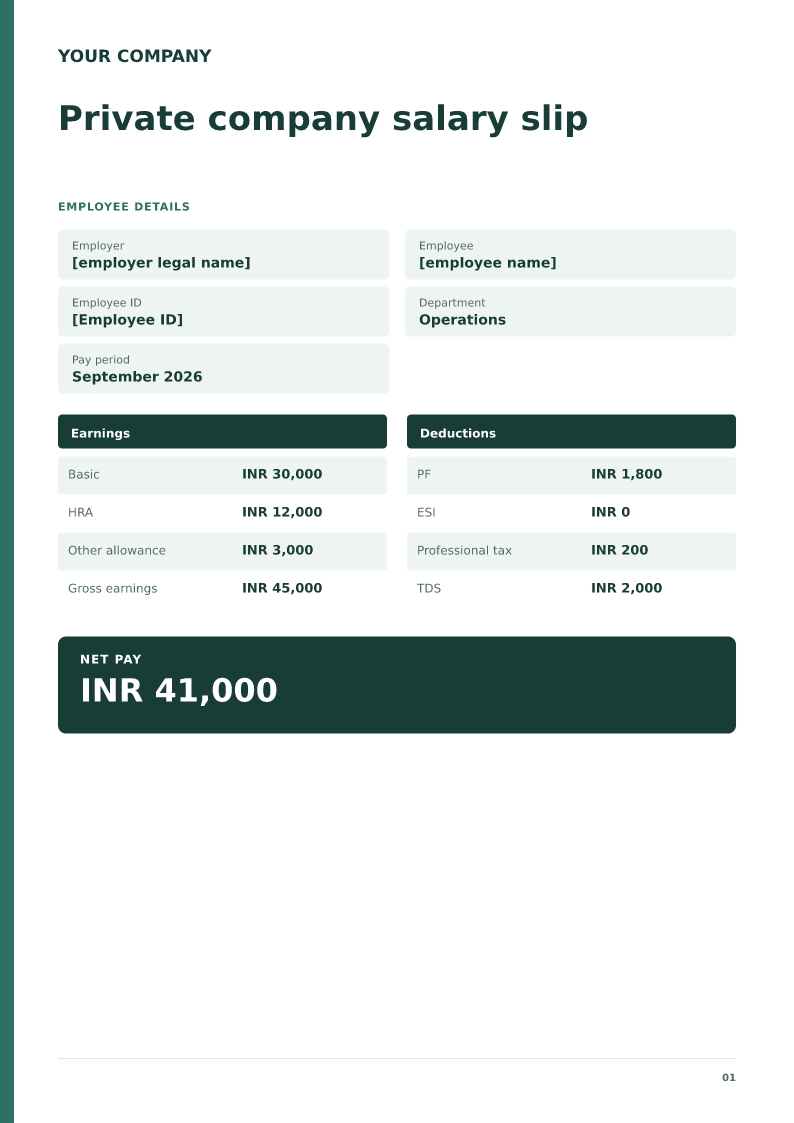
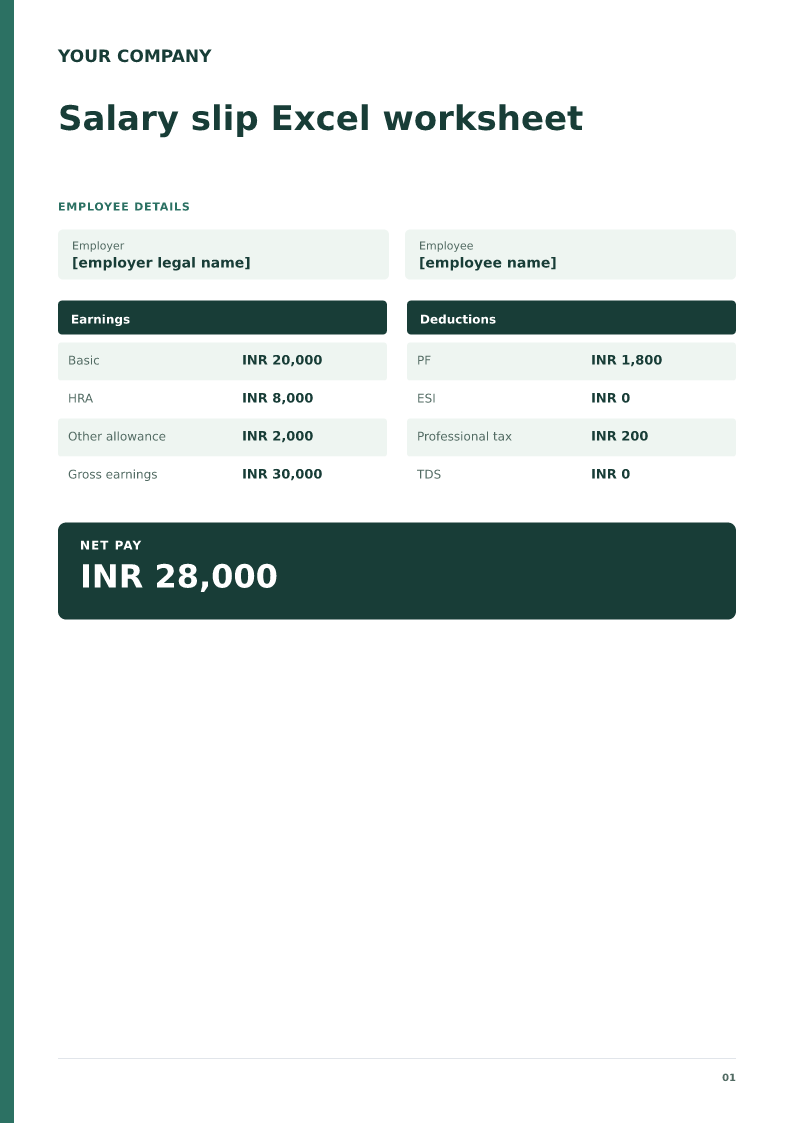
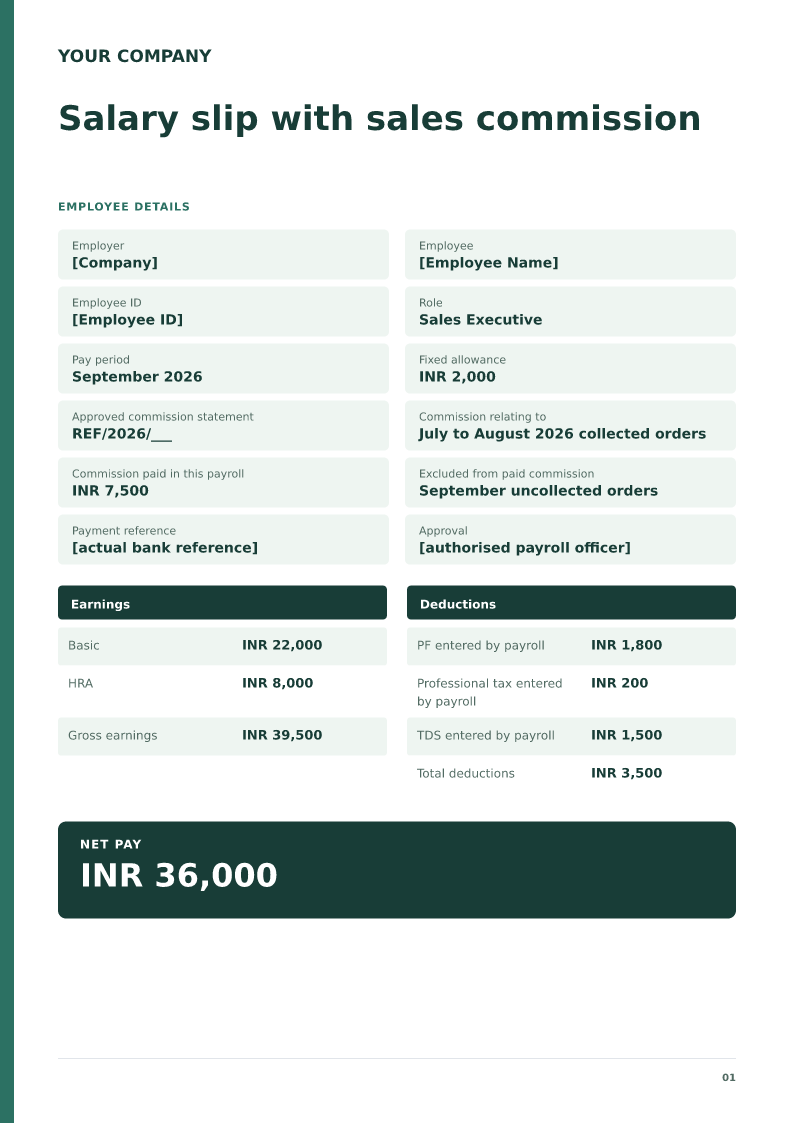
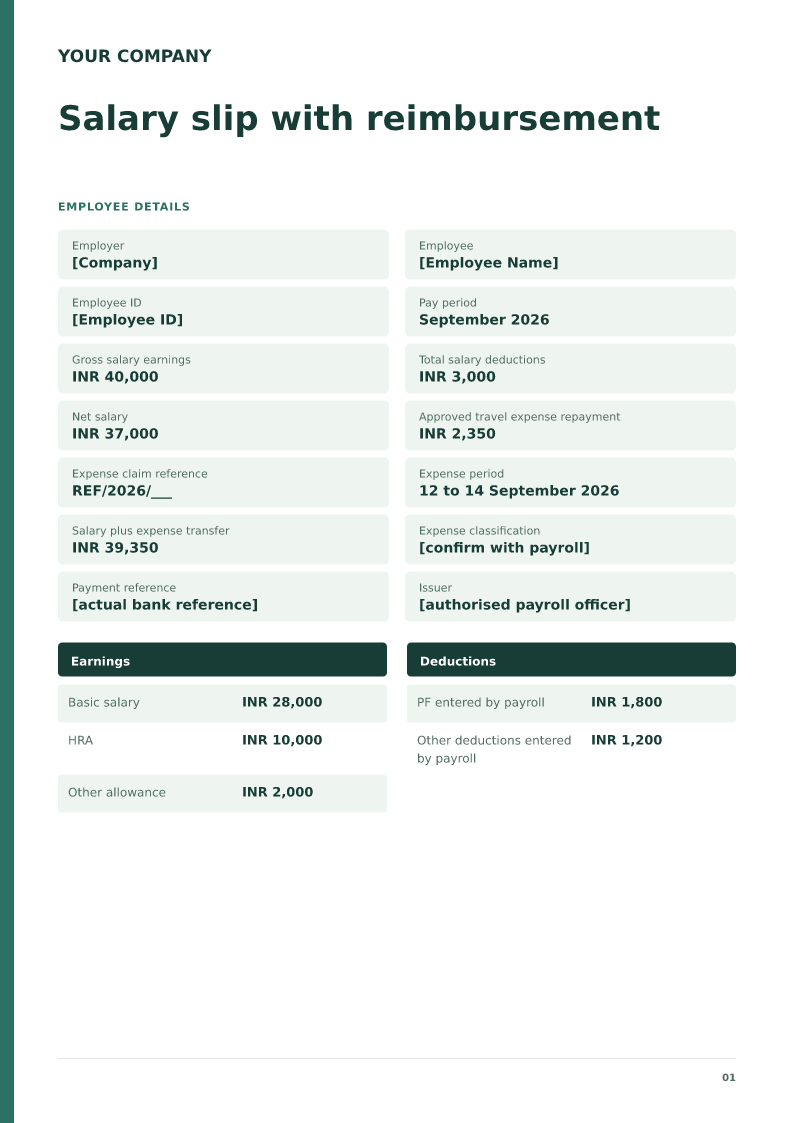
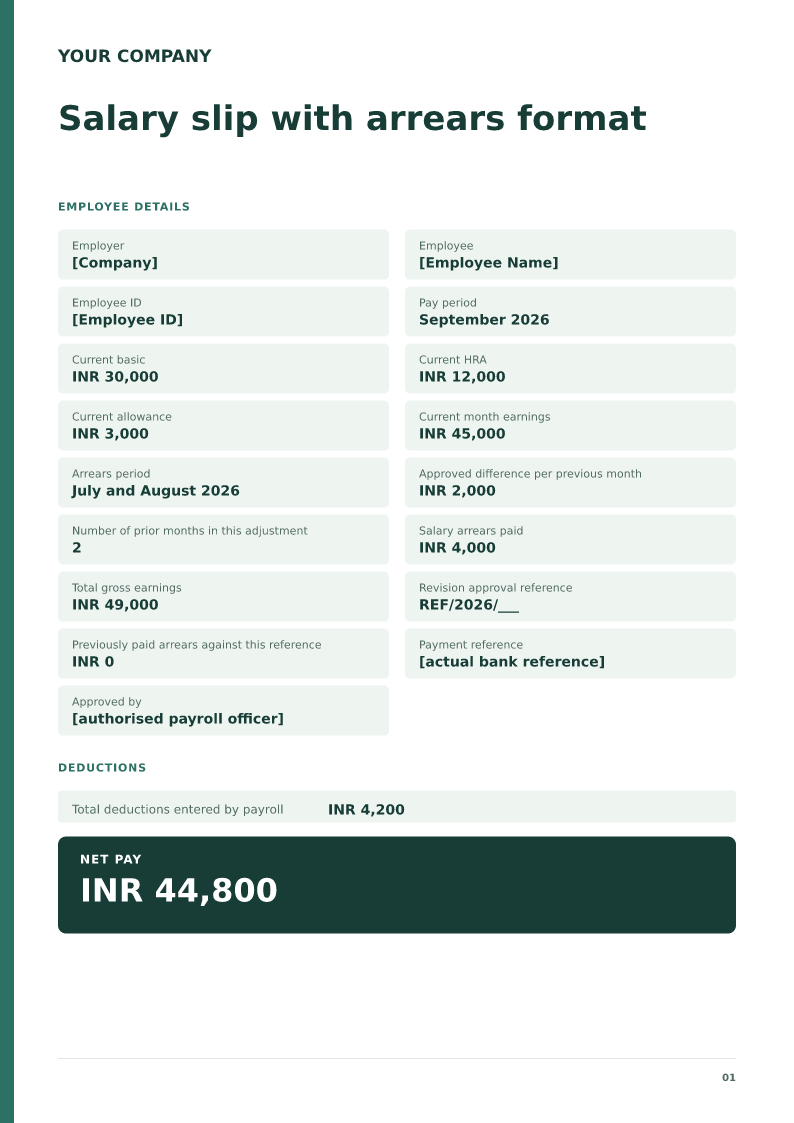
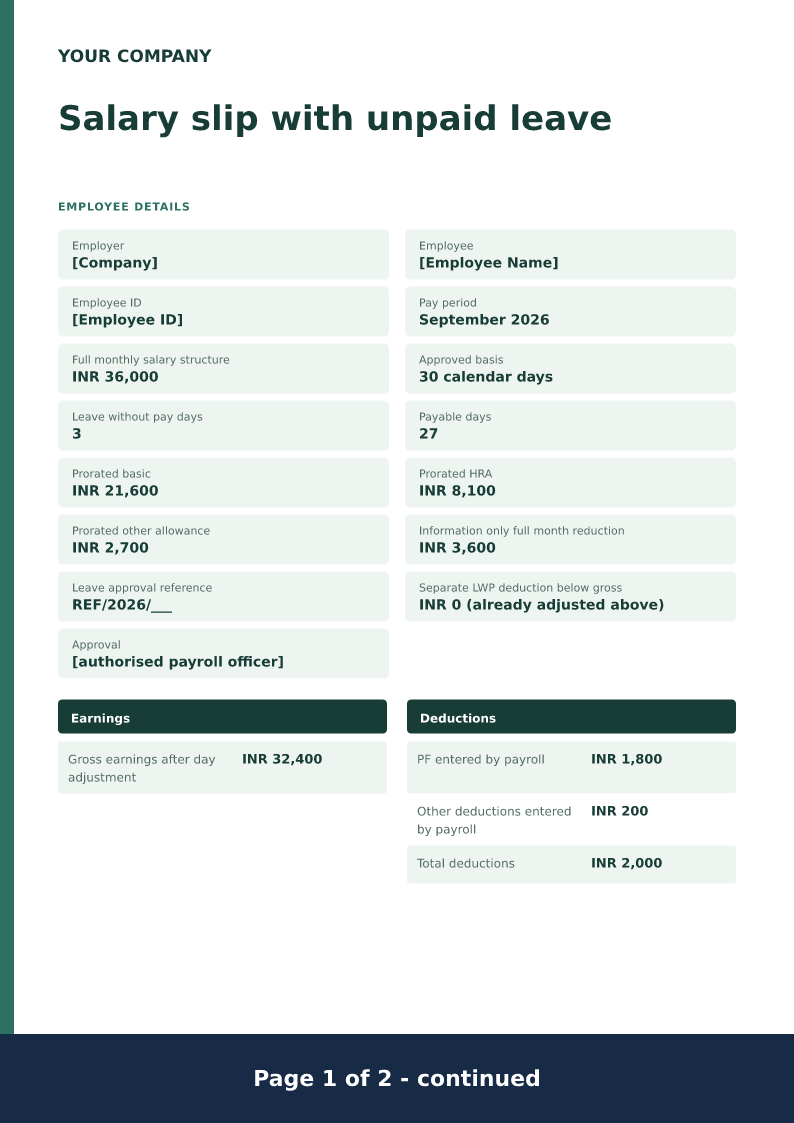
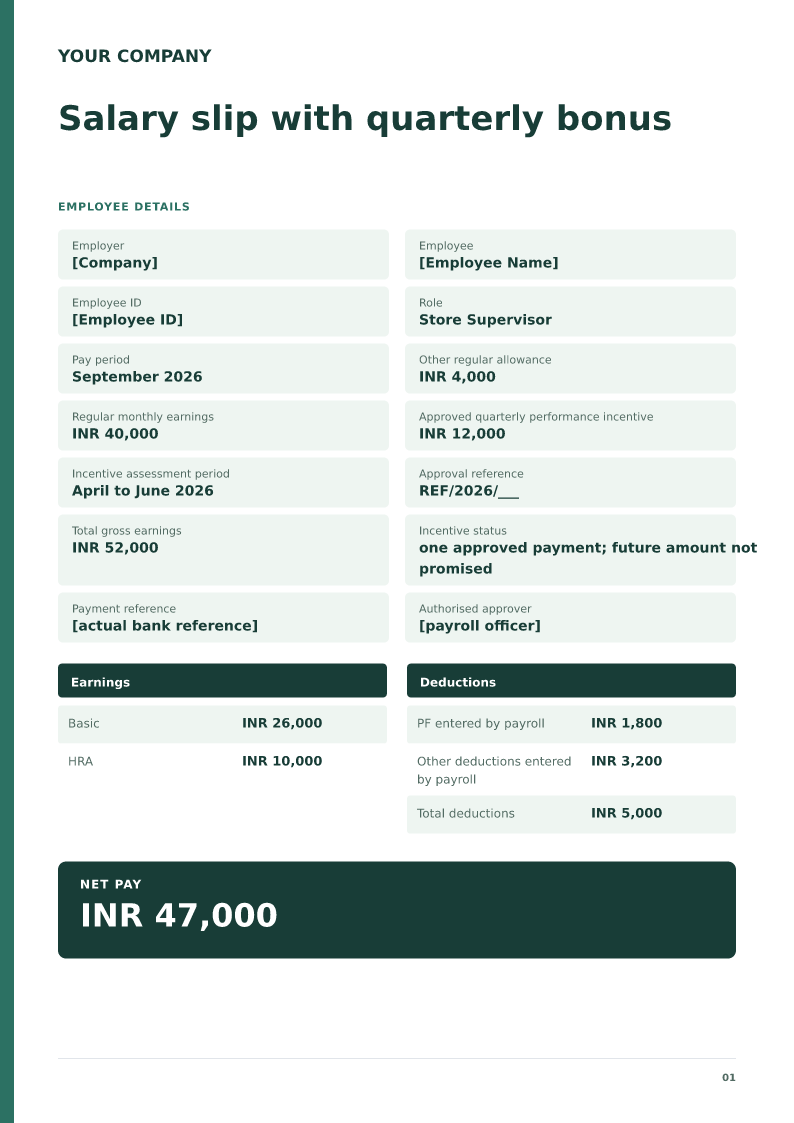
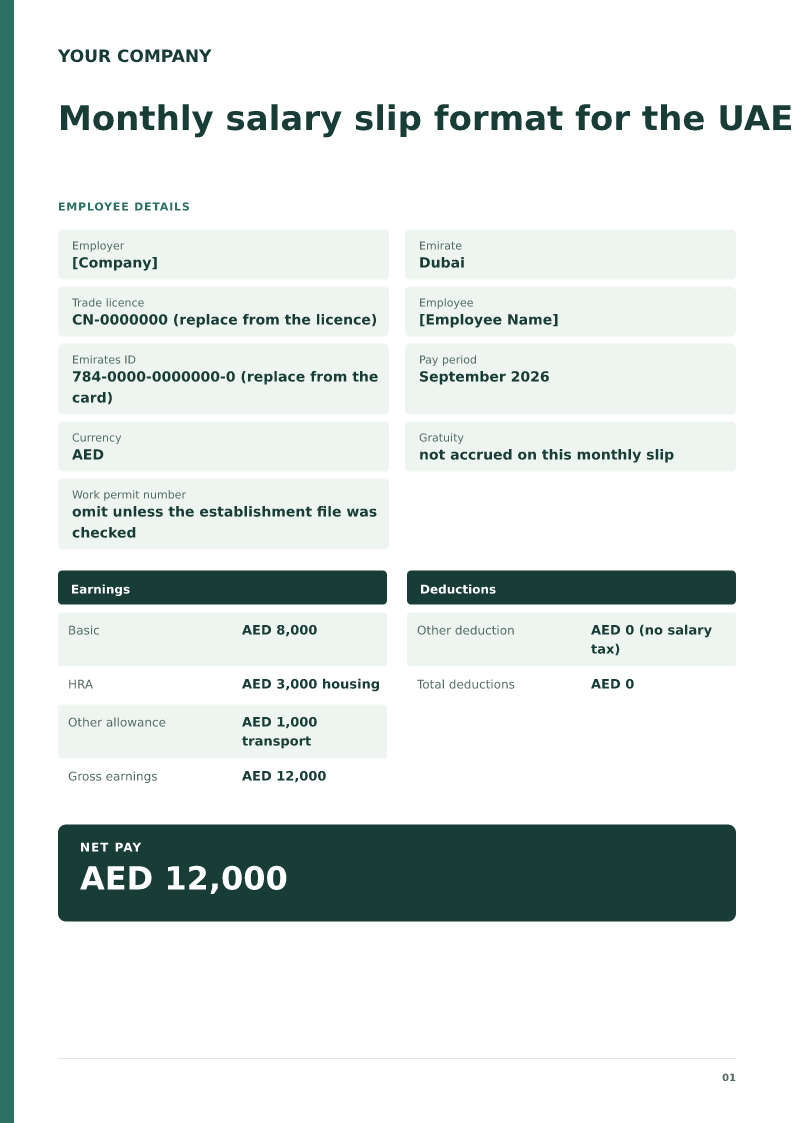
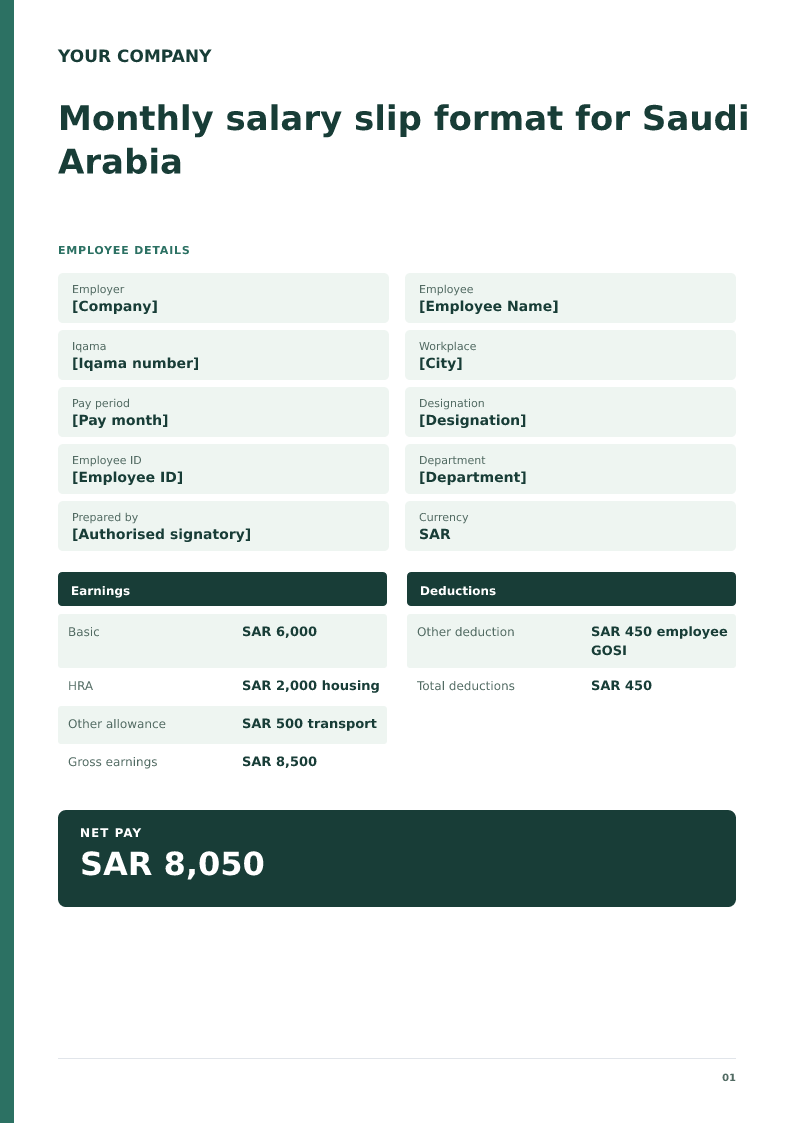
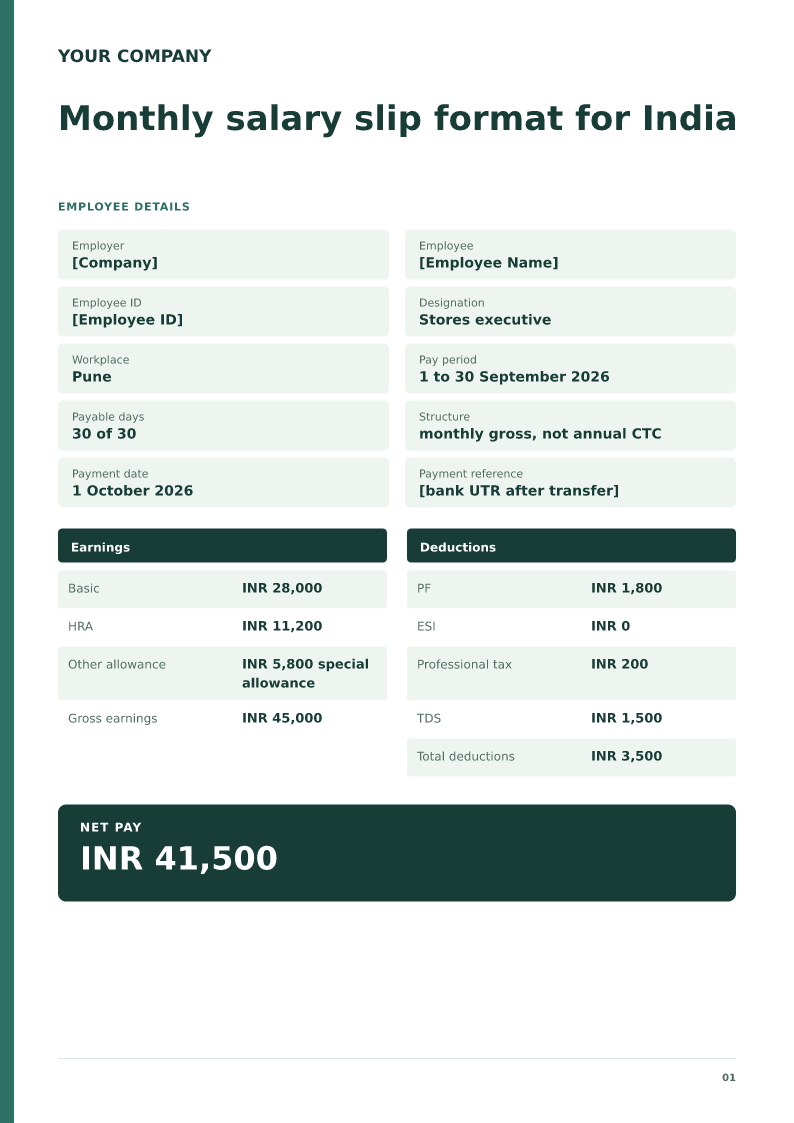
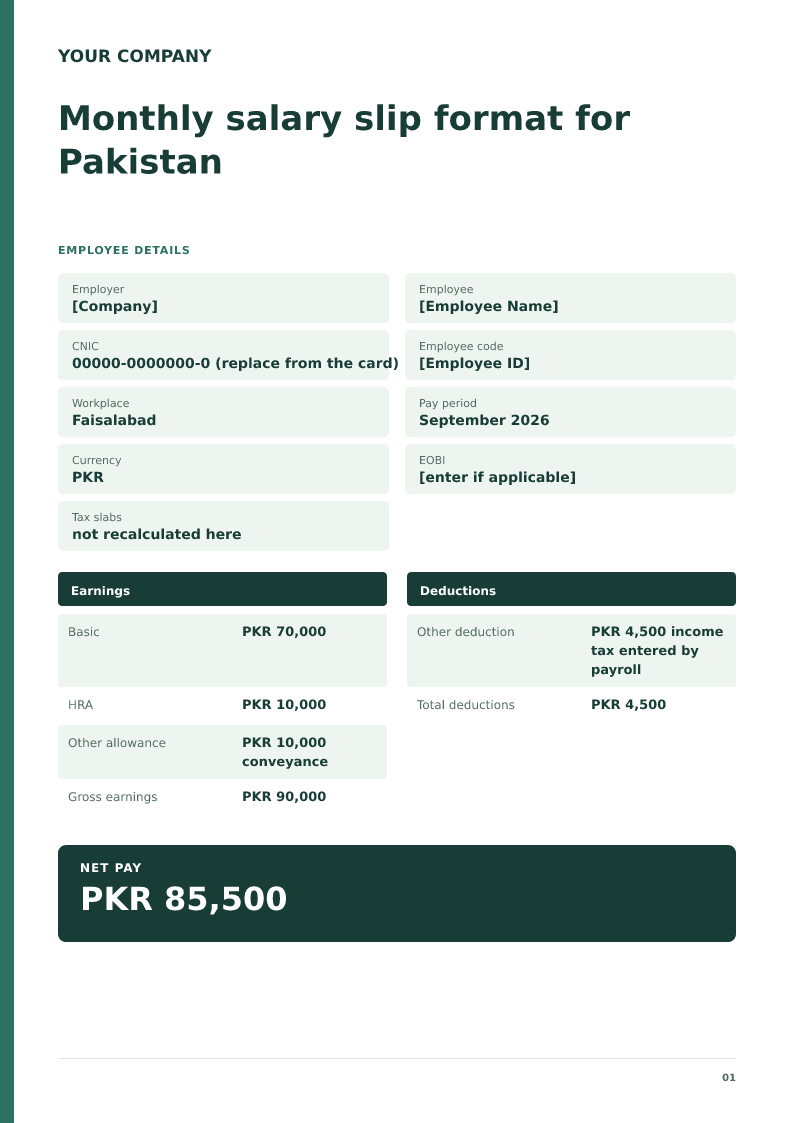
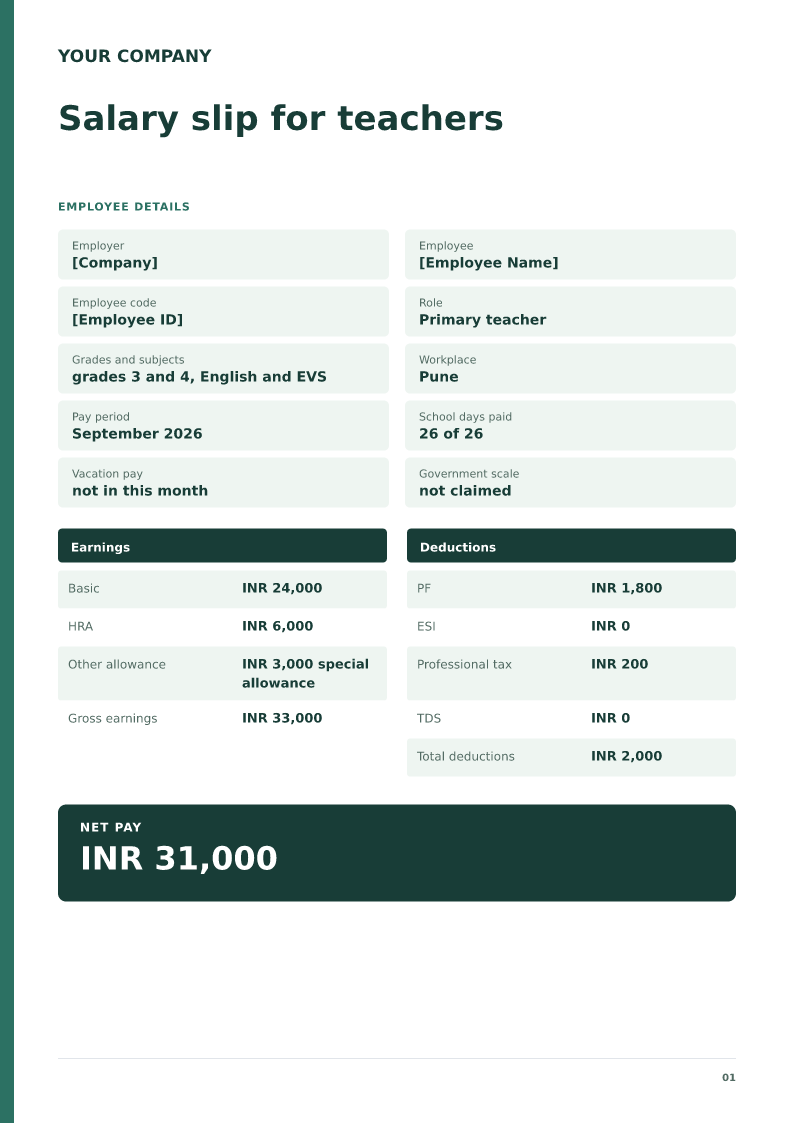
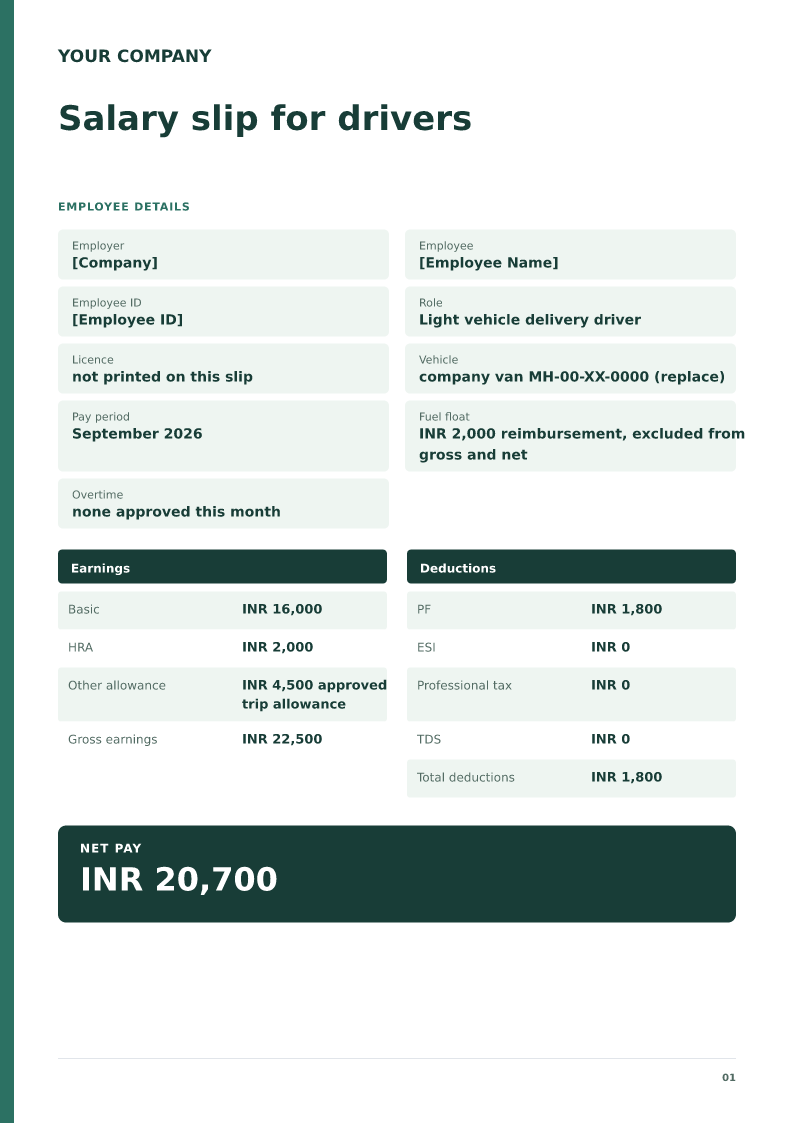
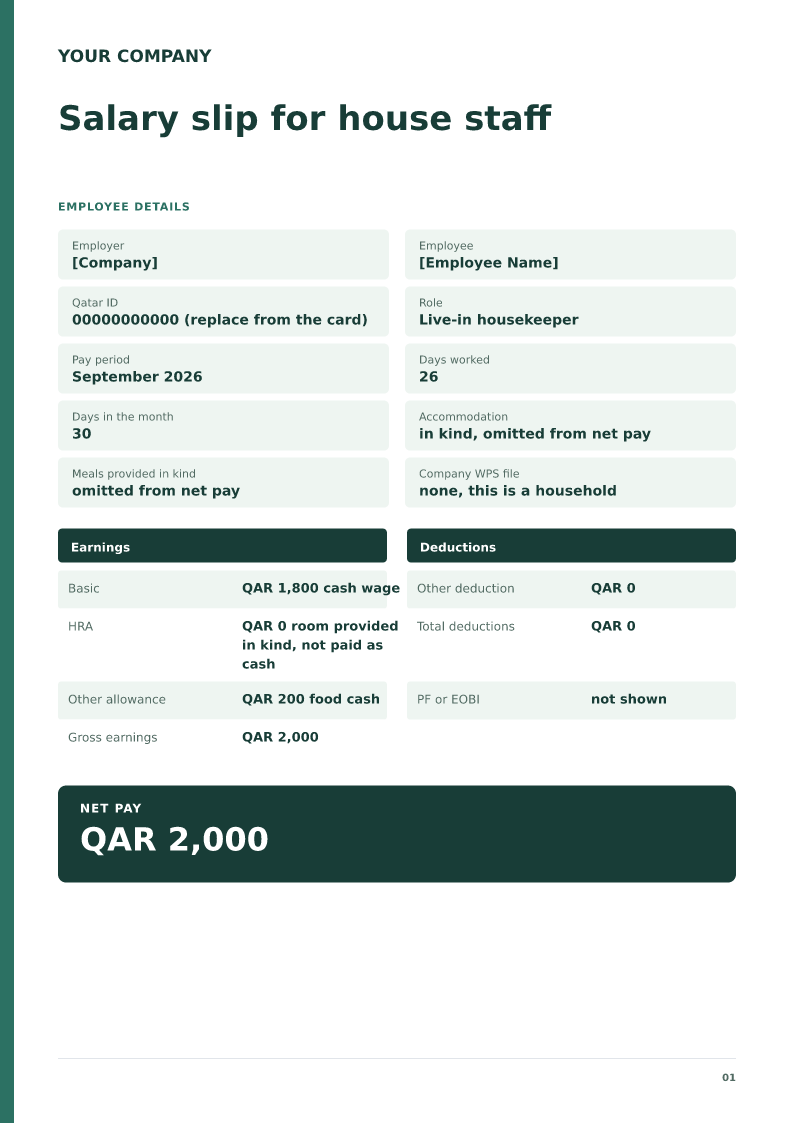
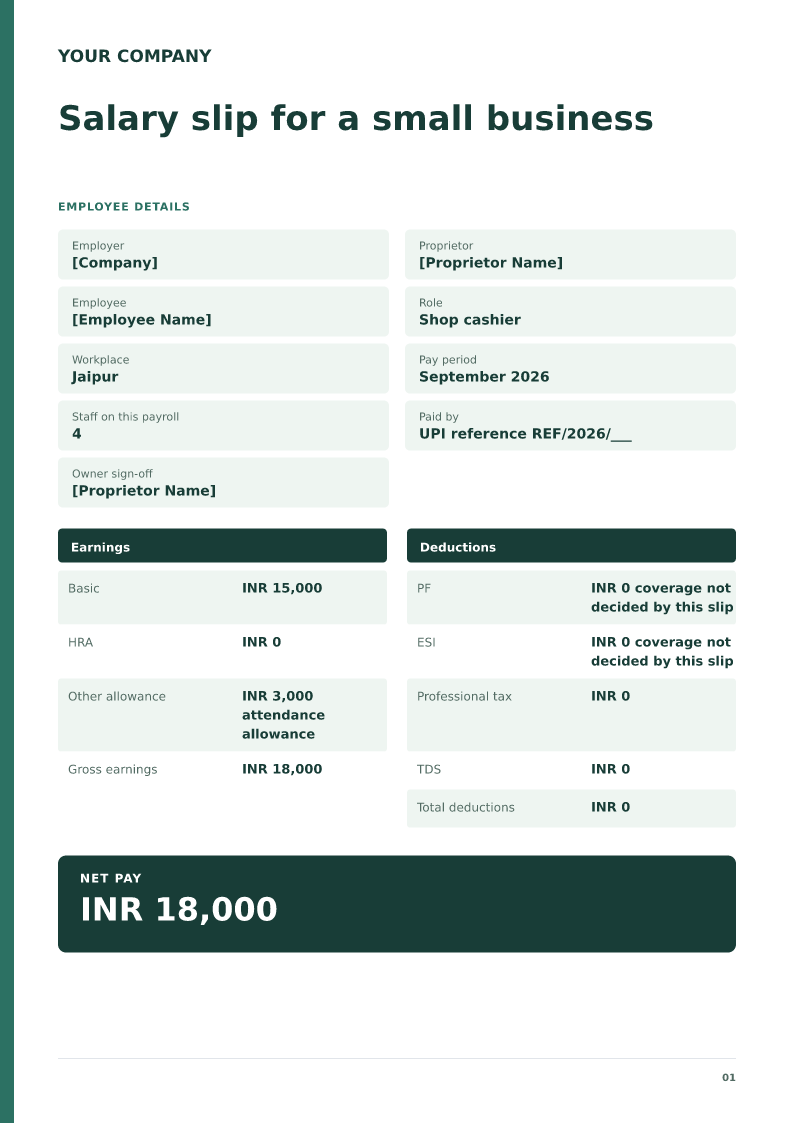
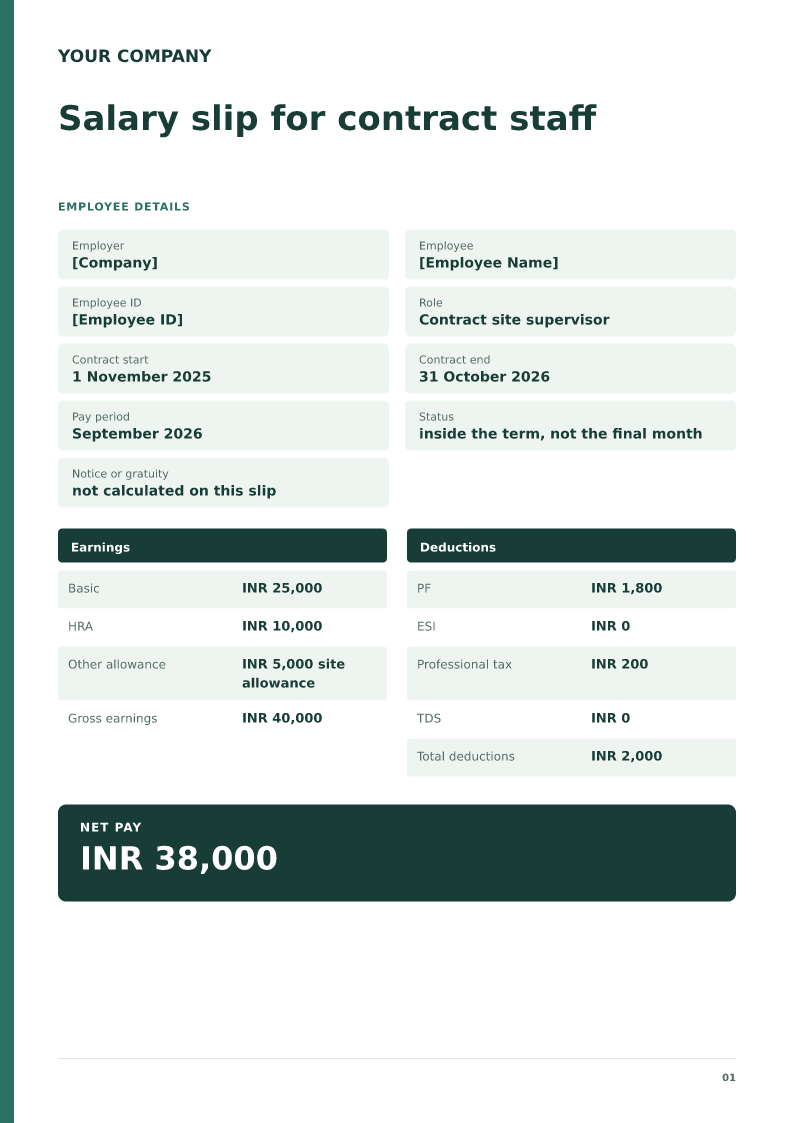
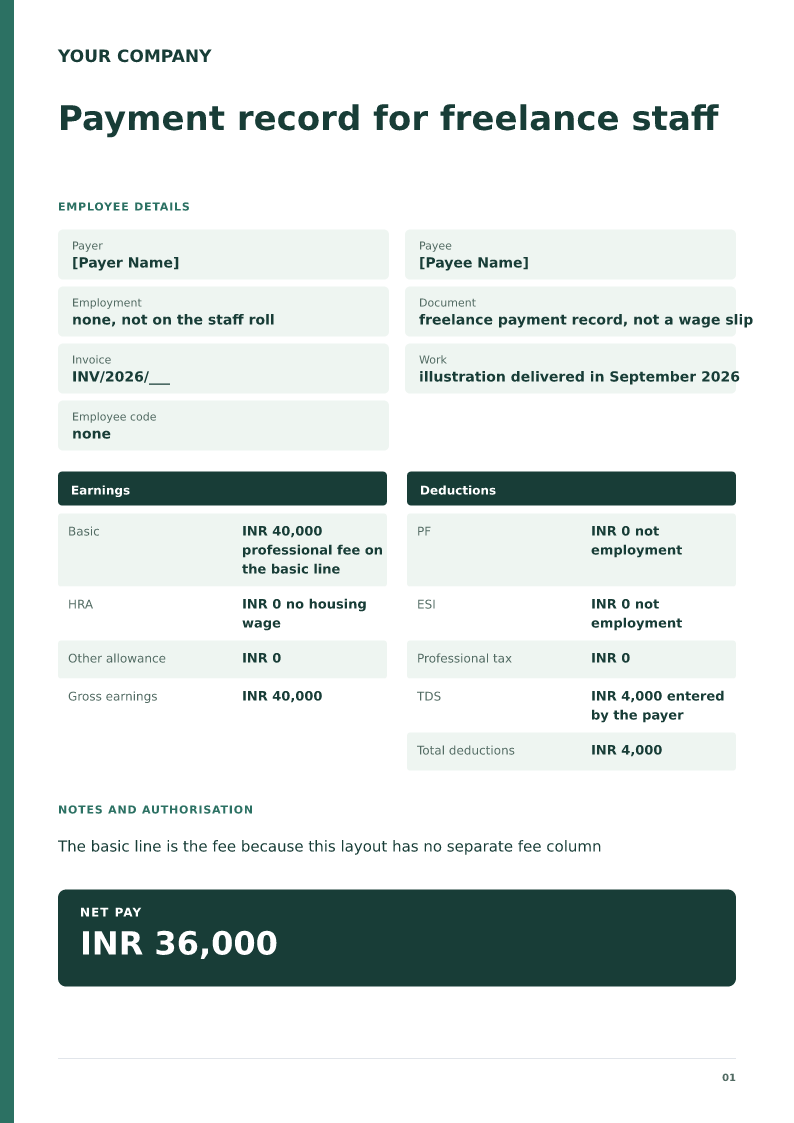
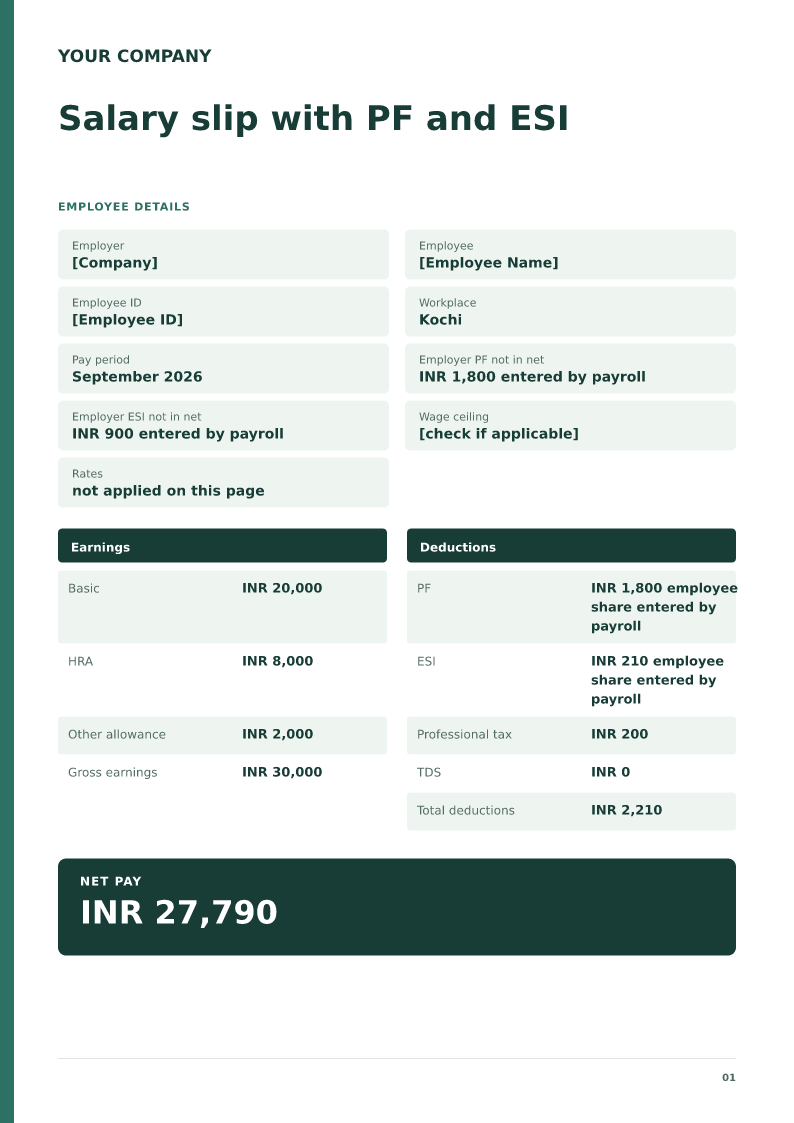
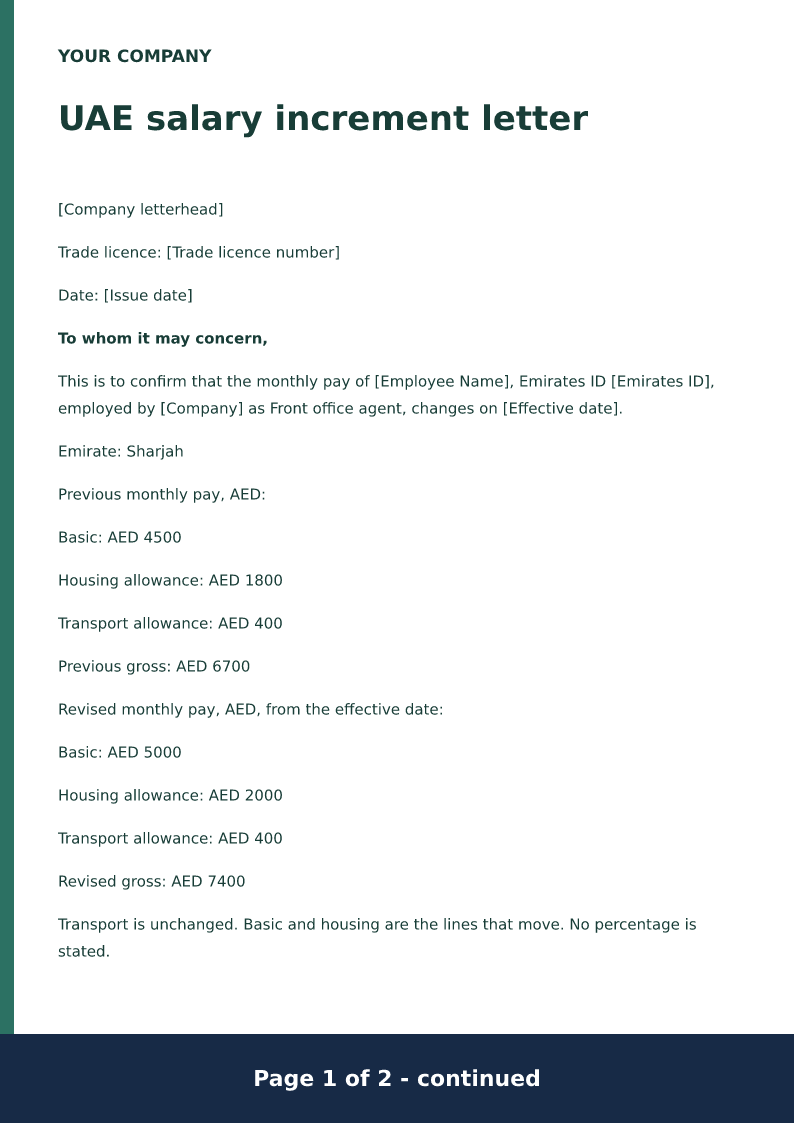
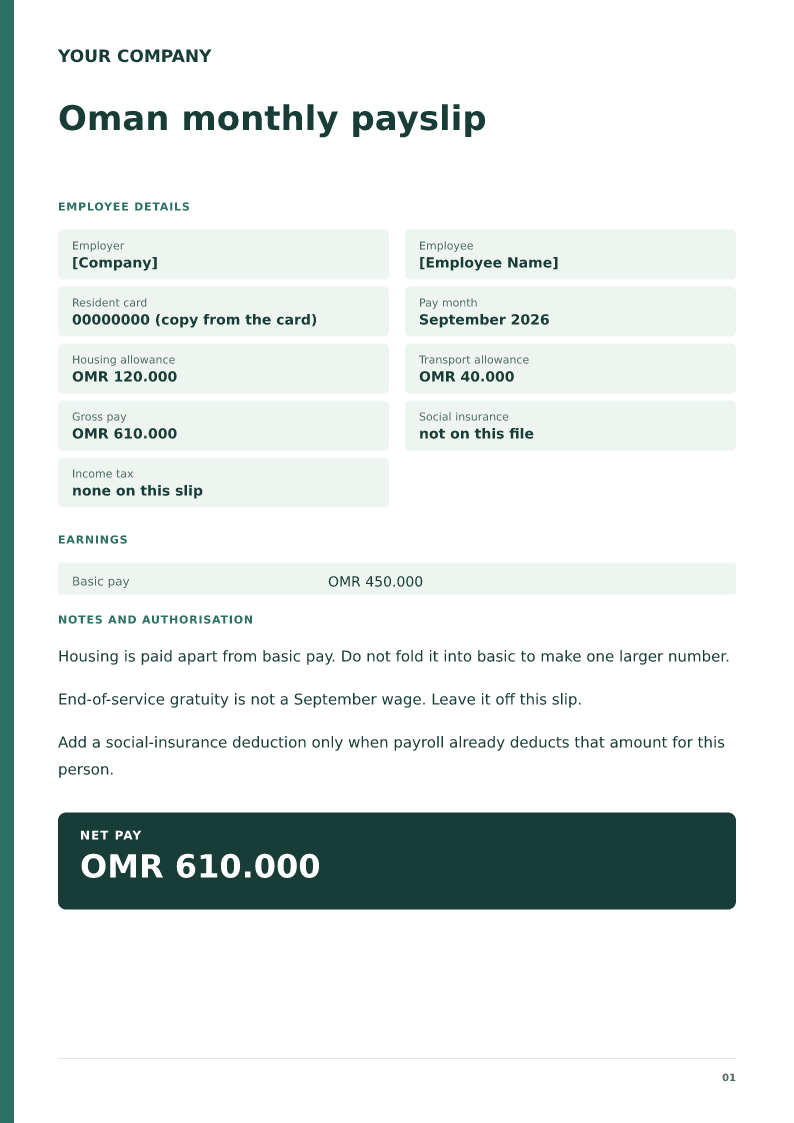
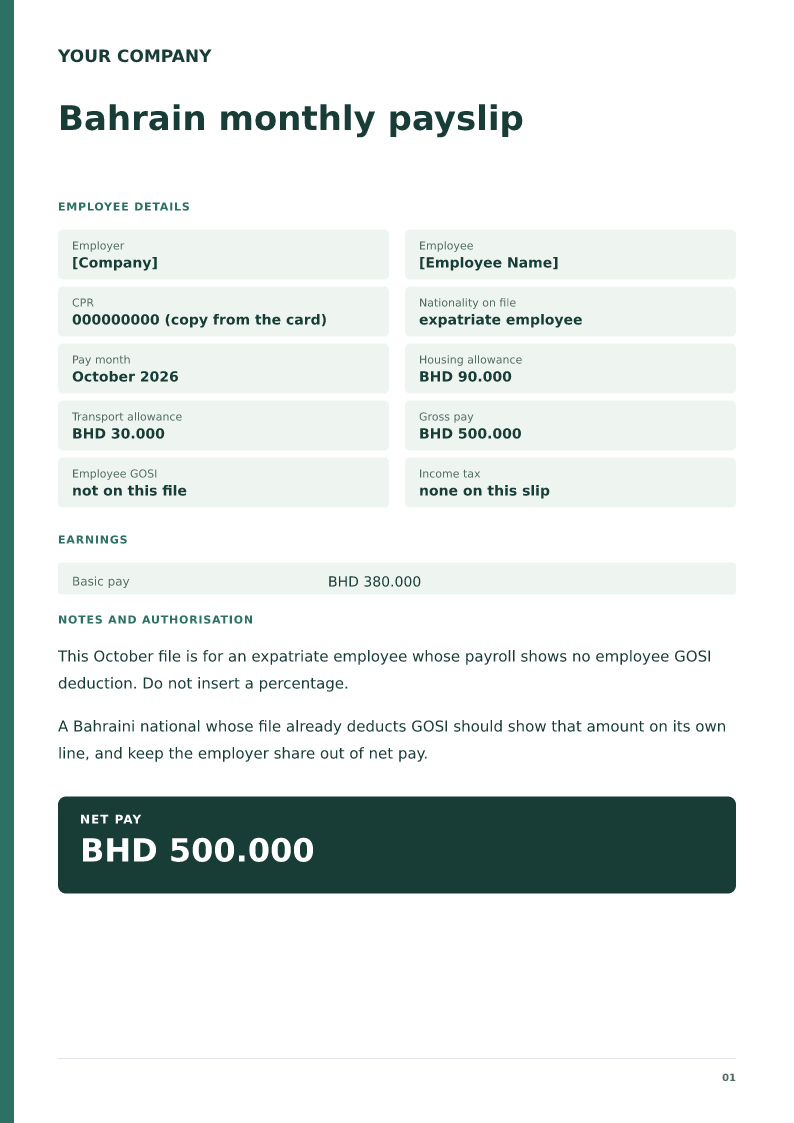
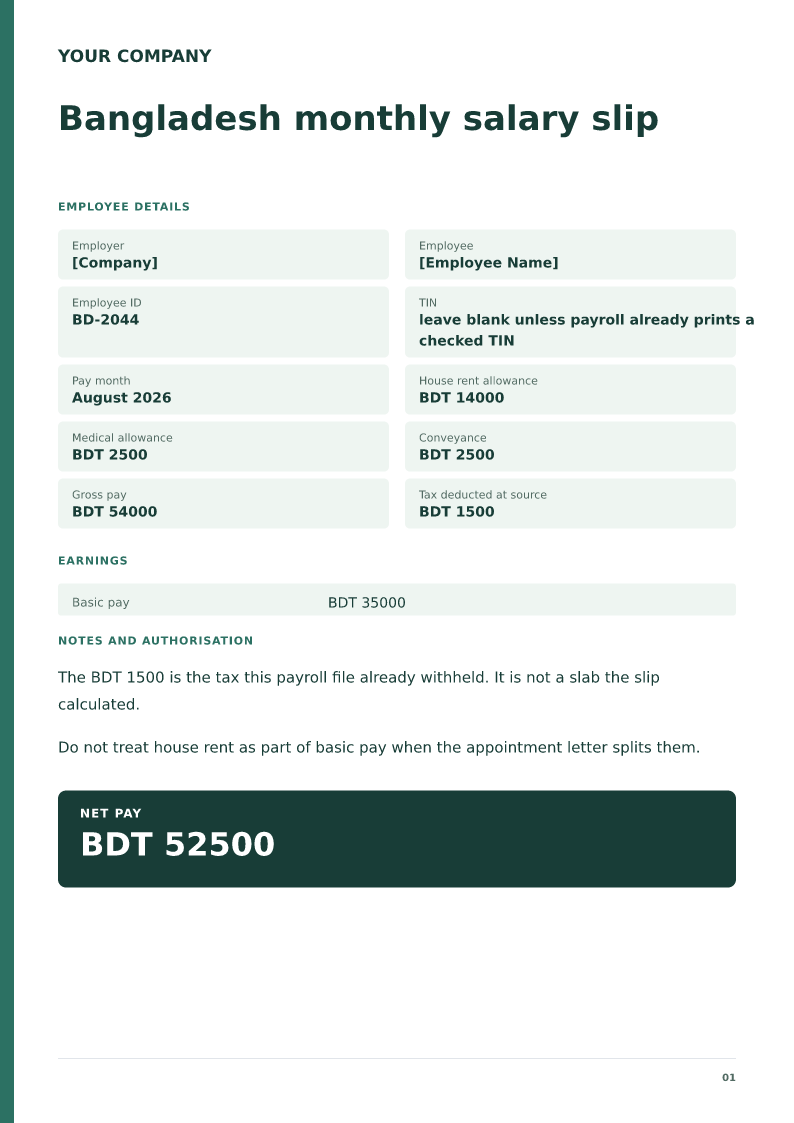
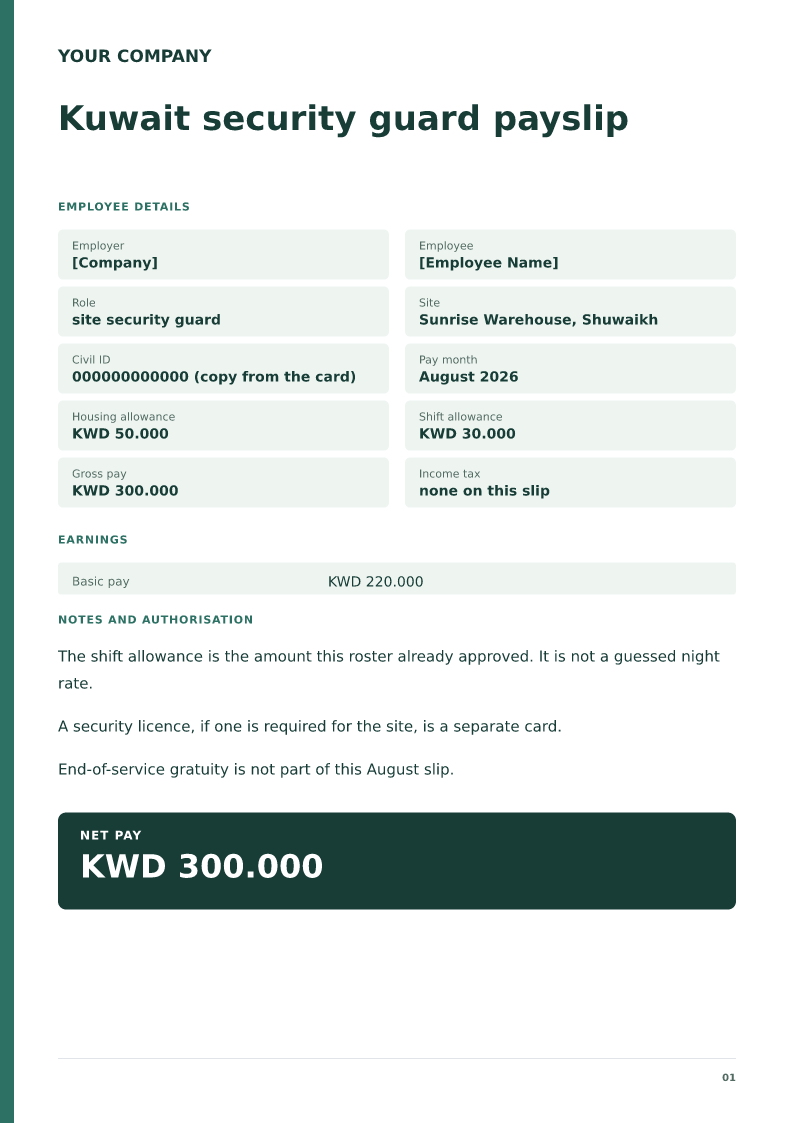
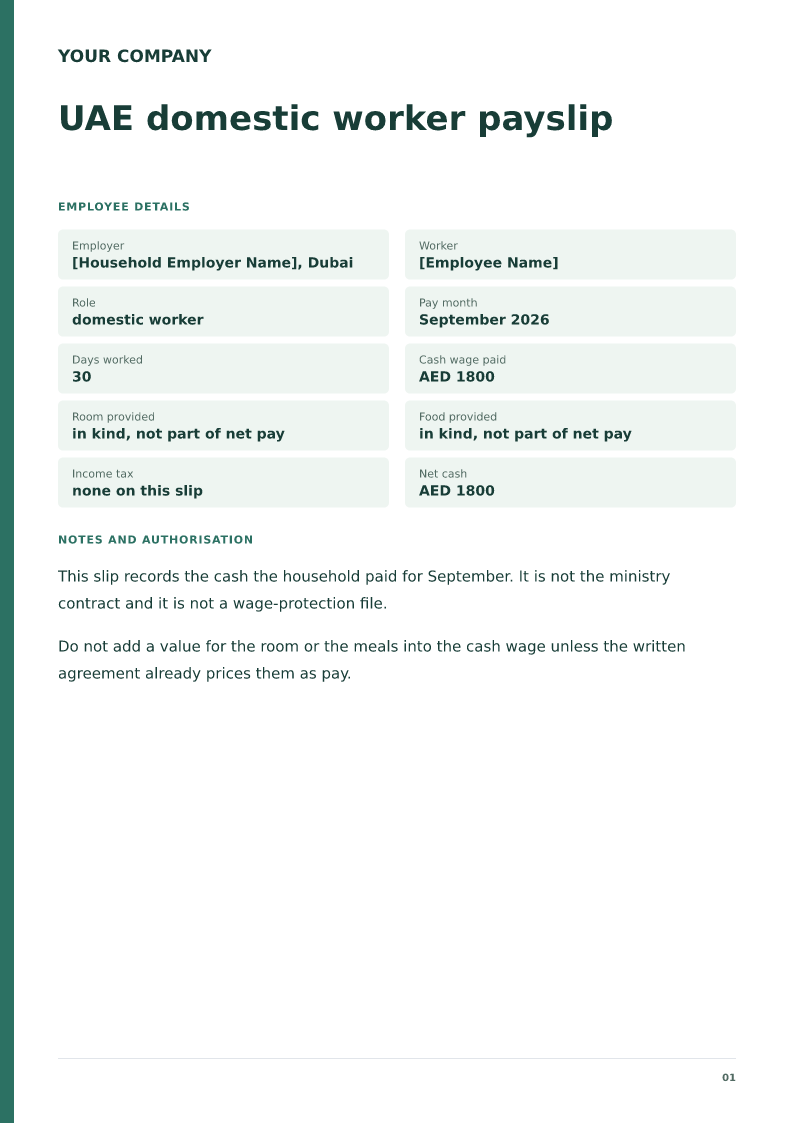
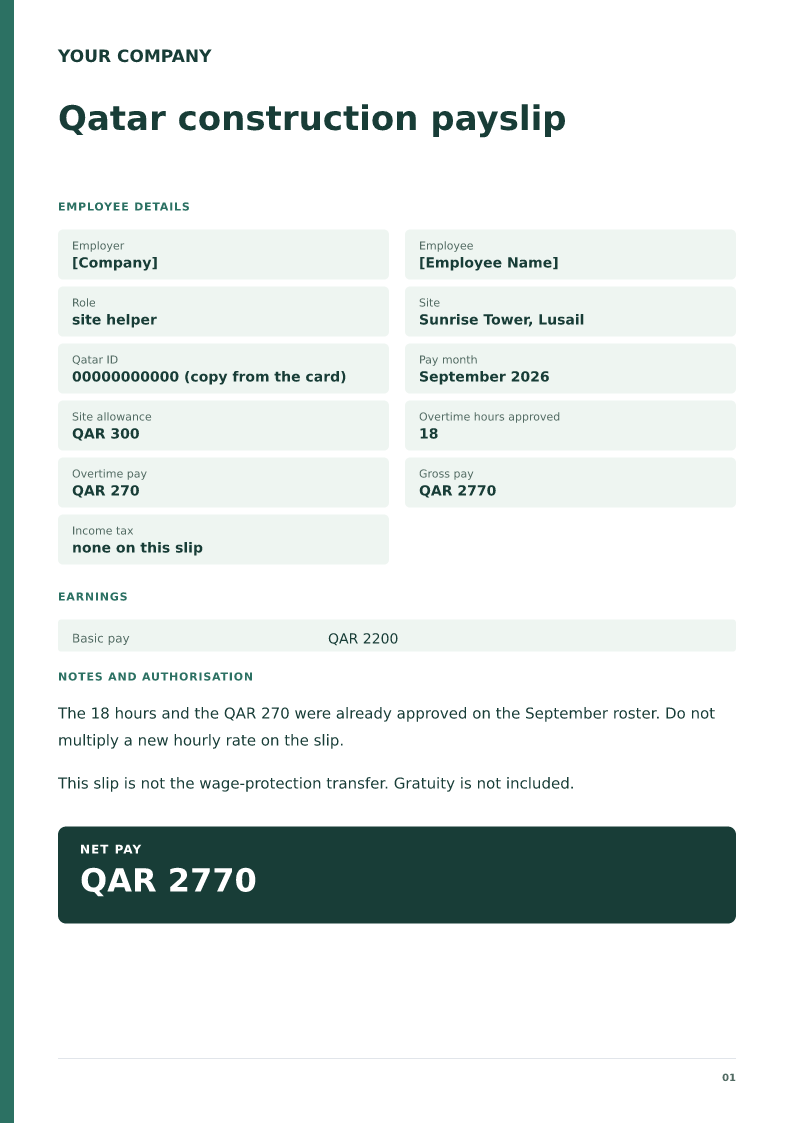
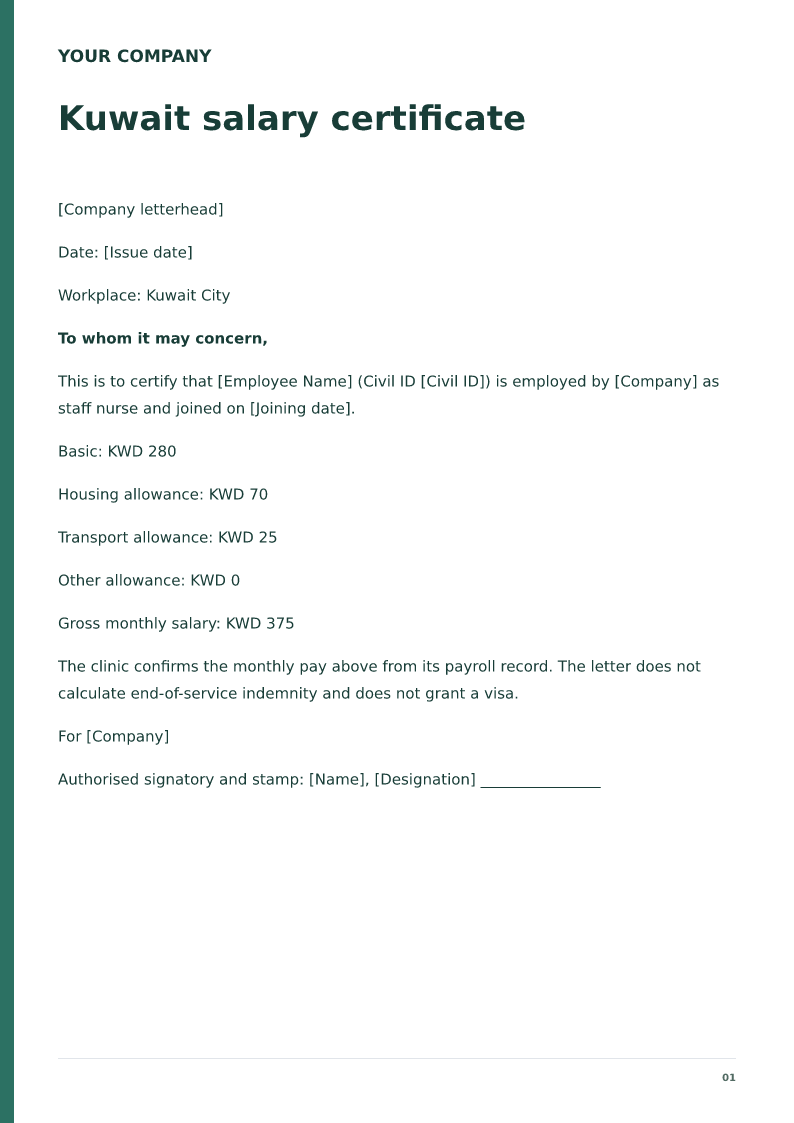
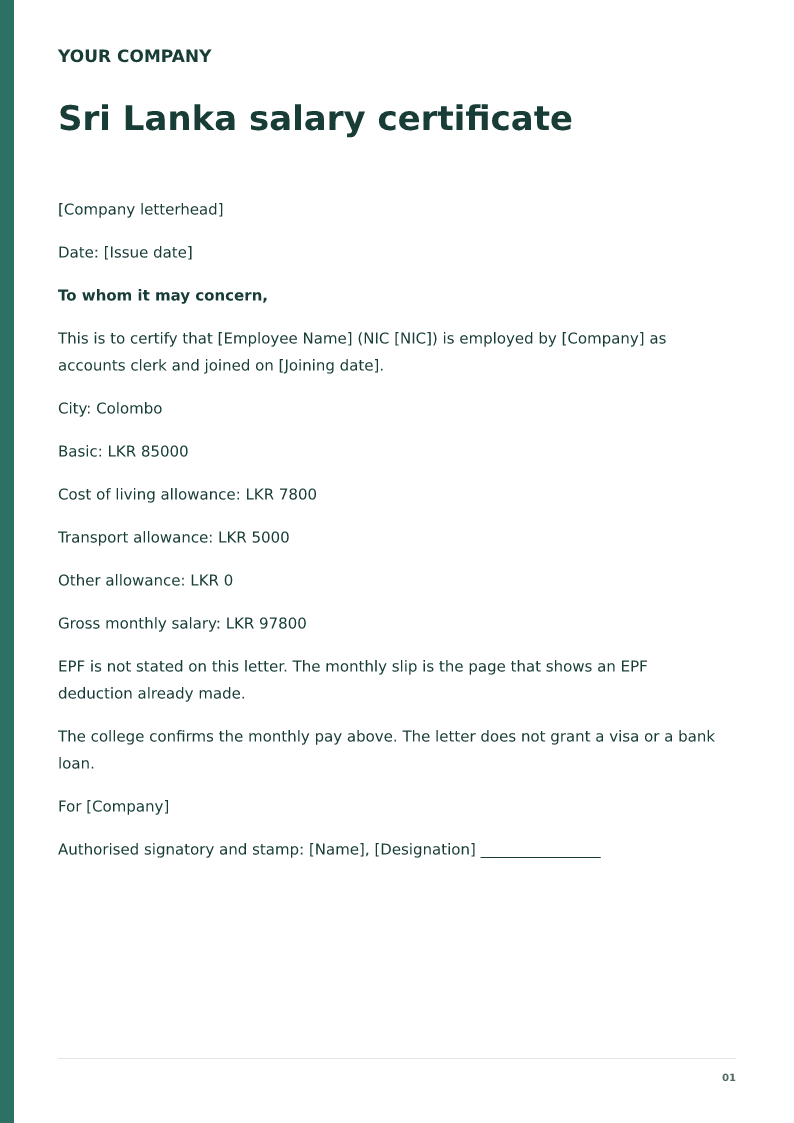
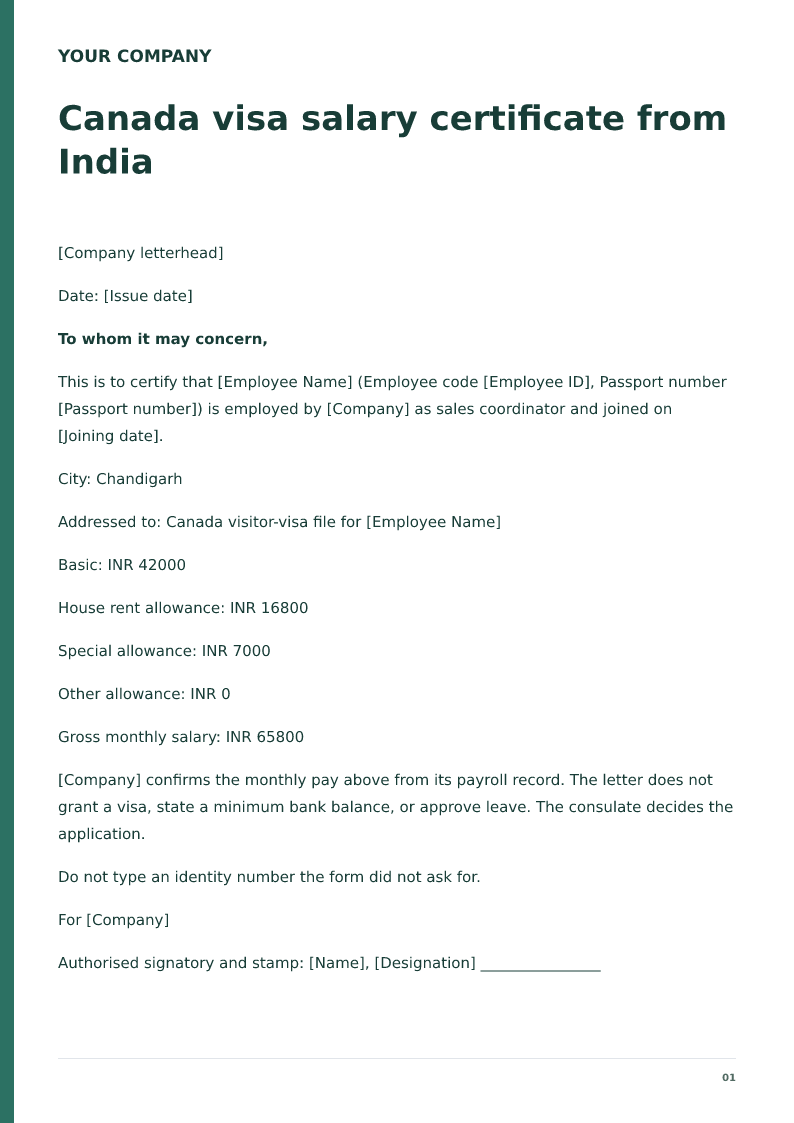
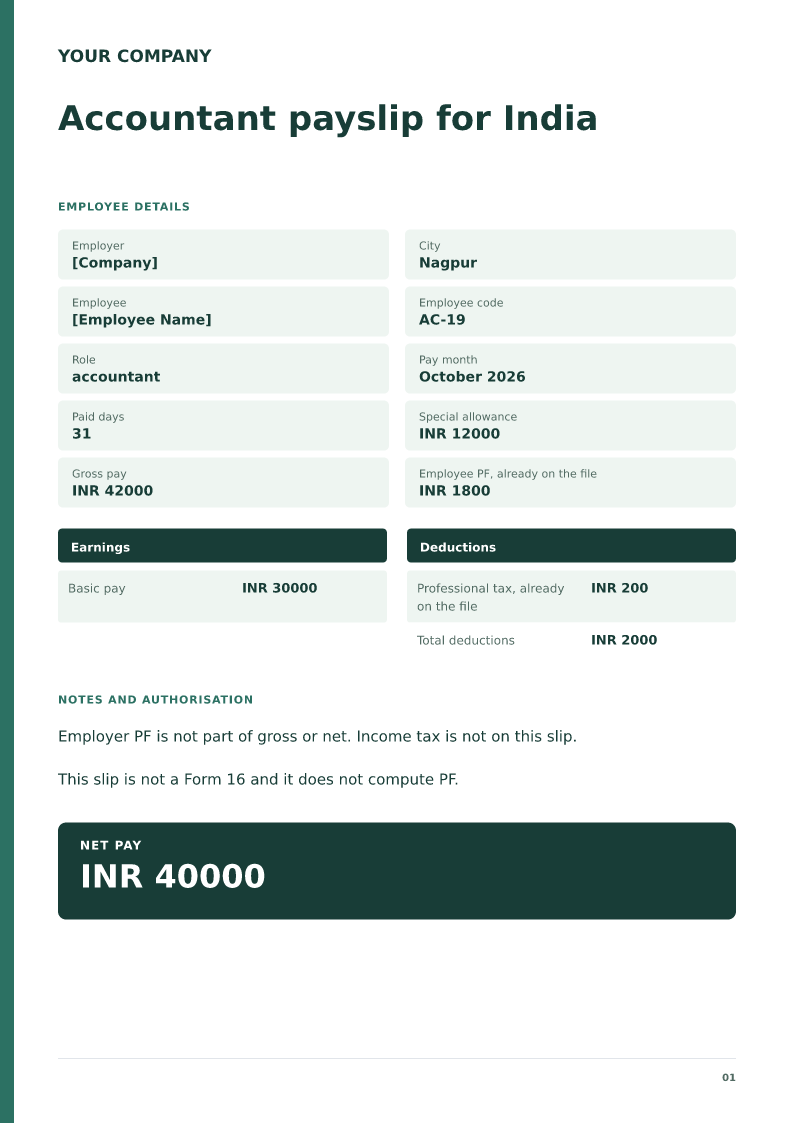
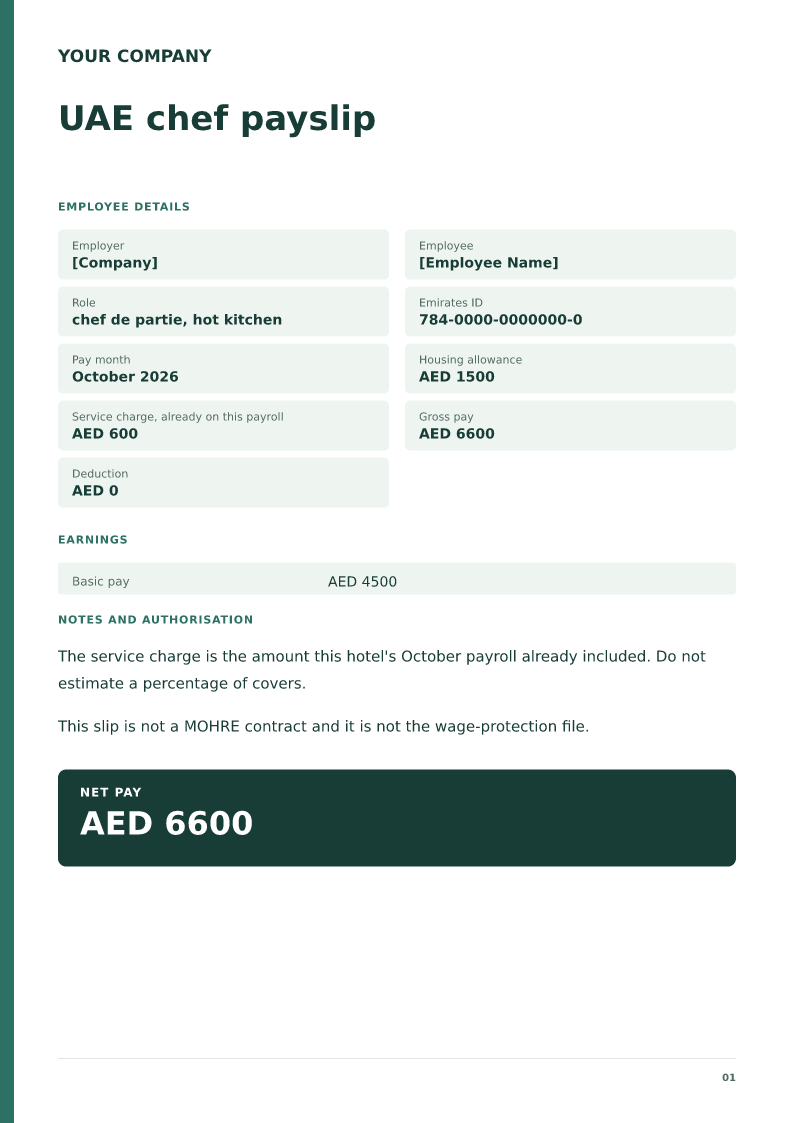
A monthly salary slip format is the employer's record of one pay period, with earnings, deductions, and net pay. To leave PF and ESI off the net, set those cells to 0, or delete those two lines in Word. In Excel, gross pay is a SUM of the earning cells, total deductions is a SUM of PF, ESI, professional tax, and TDS, and net pay is gross minus that total, so do not delete the PF or ESI rows or the sums break. PF and ESI apply only where the employer or employee is covered, so check coverage with your payroll or accountant.
Published · Updated
Monthly salary slip format free download in PDF, Word and Excel, with live formulas for gross, deductions and net pay. Edit the cells. No signup.
Replace every bracket with the payroll record. In the Excel file, gross pay, total deductions, and net pay calculate from the amount cells.
Monthly salary slip layout
Employer: [Employer legal name]
Employee: [Employee name]
Employee ID: [Employee ID]
Pay period: [Month and year]
Basic: [Currency and amount]
House rent allowance: [Currency and amount]
Other allowance: [Currency and amount]
Gross earnings: [Sum of earnings]
Deductions: [Each deduction the payroll record already shows]
Total deductions: [Sum of deductions]
Net pay: [Gross minus deductions]
The Excel, Word, and PDF files on this page are the filled monthly sample. Gross pay, total deductions, and net pay are formulas in Excel. Copy this layout into the sheet when you want these lines. The sheet does not look up PF, ESI, or tax rates.
Employer: [Employer legal name]
Employee: [Employee name]
Pay period: [Month and year]
Basic: [Amount]
House rent allowance: [Amount]
Other allowance: [Amount]
Gross earnings: [Sum of earnings]
Employee PF: [Amount already deducted]
Employee ESI: [Amount already deducted]
Professional tax: [Amount already deducted]
Total deductions: [Sum of employee deductions]
Net pay: [Gross minus employee deductions]
Employer PF, kept out of net pay: [Amount]
Employer ESI, kept out of net pay: [Amount]
Keep the employer shares out of gross pay and out of net pay. Type the employee shares payroll already deducted.
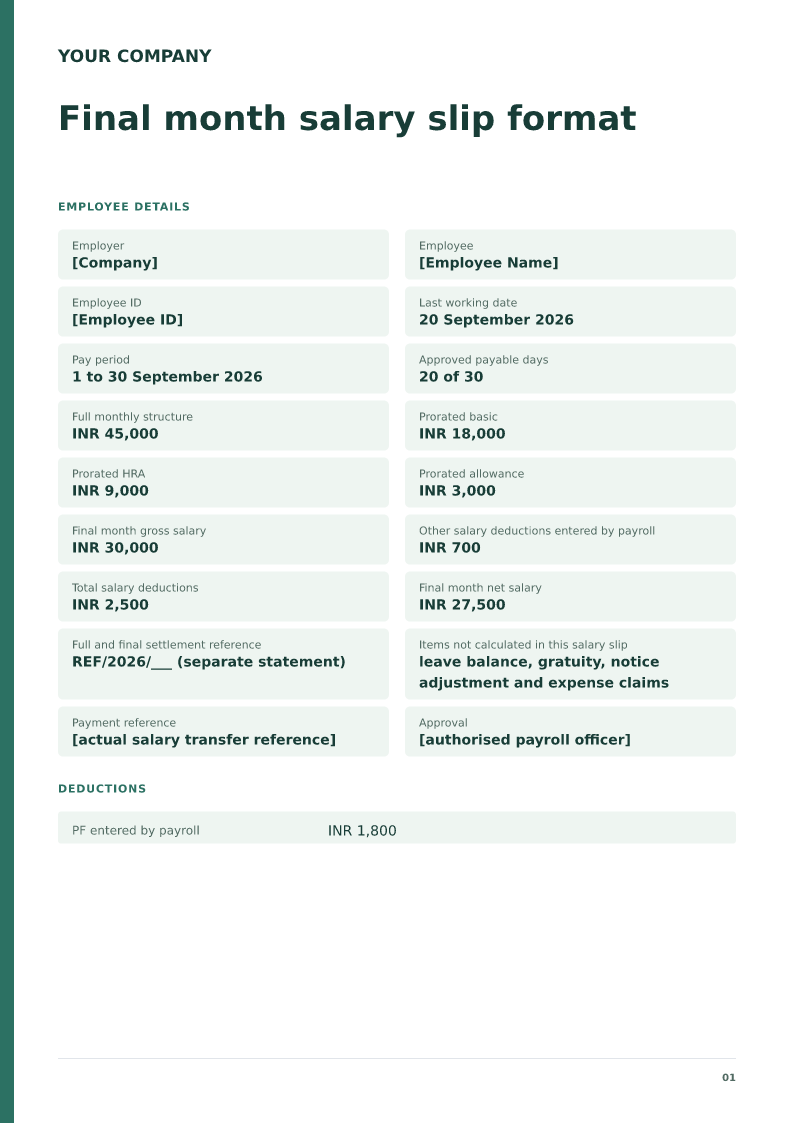
Employer: [Employer legal name]
Employee: [Employee name]
Last working day: [Last working day]
Pay period: [Final pay period]
Payable days: [Days]
Basic: [Amount]
Other earnings: [Amount]
Leave encashment, if payroll has already calculated it: [Amount]
Gross earnings: [Sum of earnings]
Deductions already calculated: [Amount]
Total deductions: [Sum of deductions]
Net pay: [Gross minus deductions]
This slip does not calculate gratuity.
Employer: [Employer legal name]
Employee: [Employee name]
Pay period: [Month and year]
Current month basic: [Amount]
Current month allowances: [Amount]
Arrears: [Amount]
Arrears period: [Months the arrears cover]
Gross earnings: [Sum of current earnings and arrears]
Deductions: [Amount already on payroll]
Total deductions: [Sum of deductions]
Net pay: [Gross minus deductions]
Show the arrears on their own line and name the months they cover. Do not hide them inside basic pay.
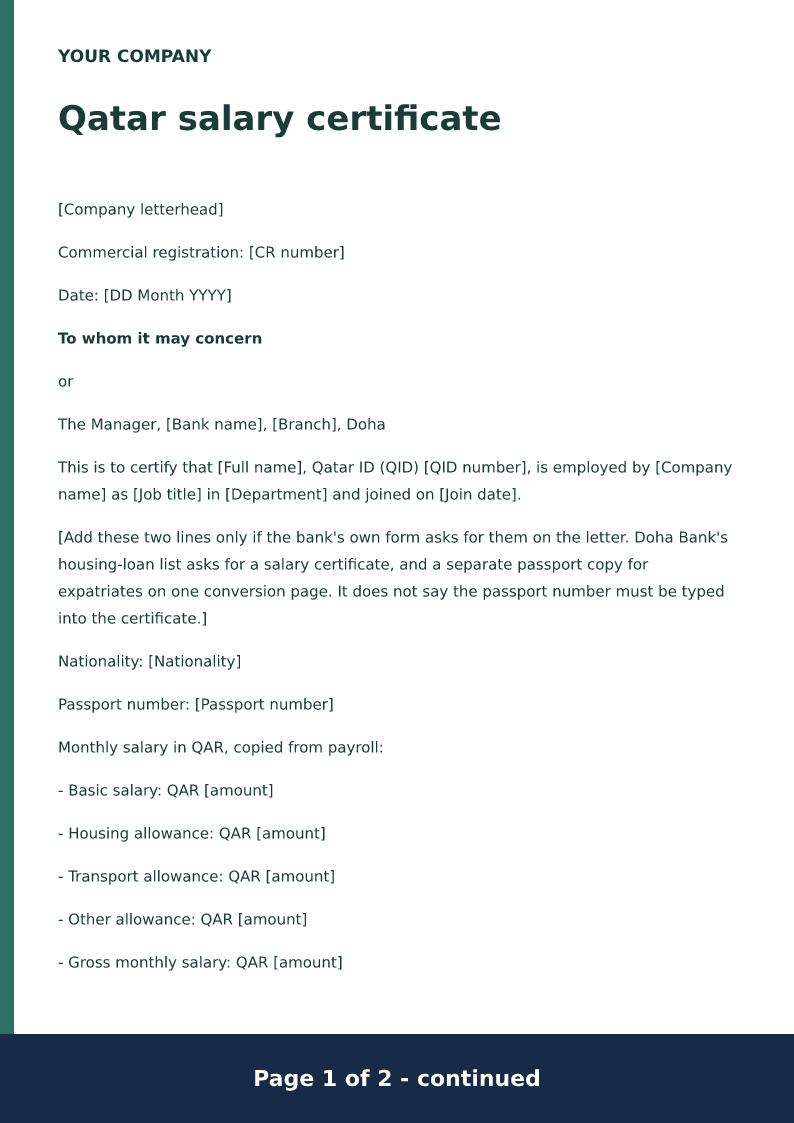
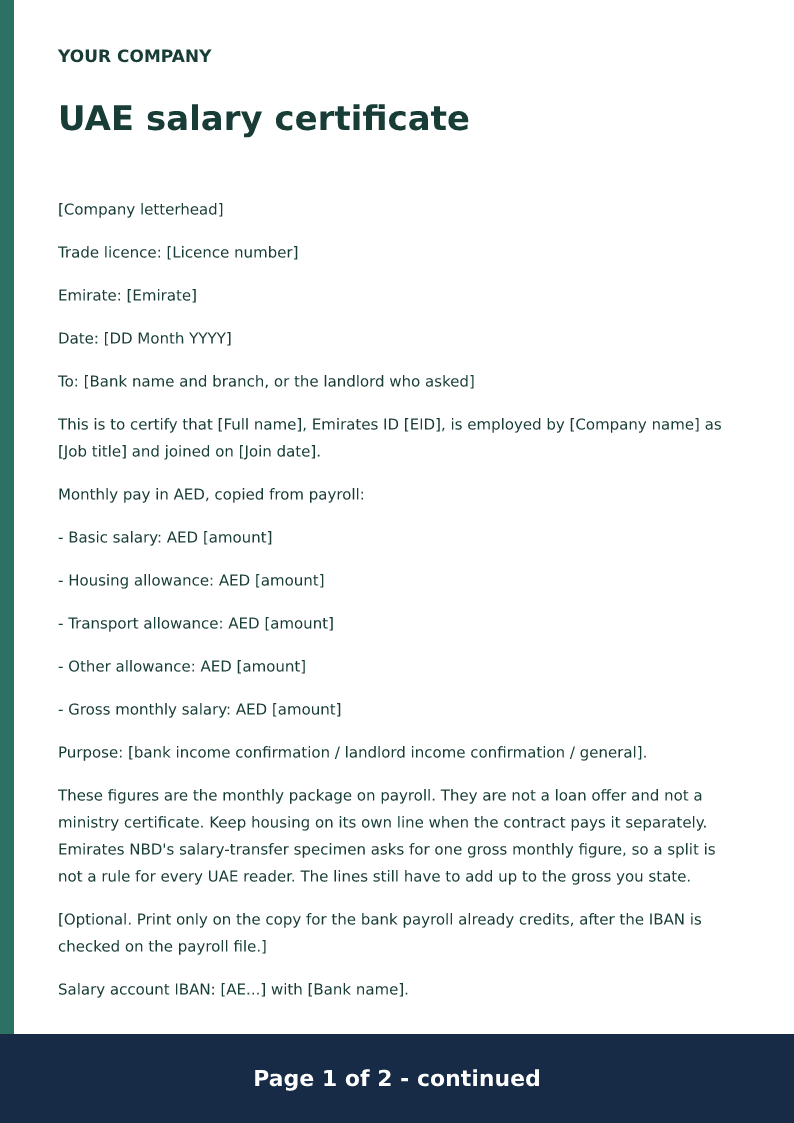
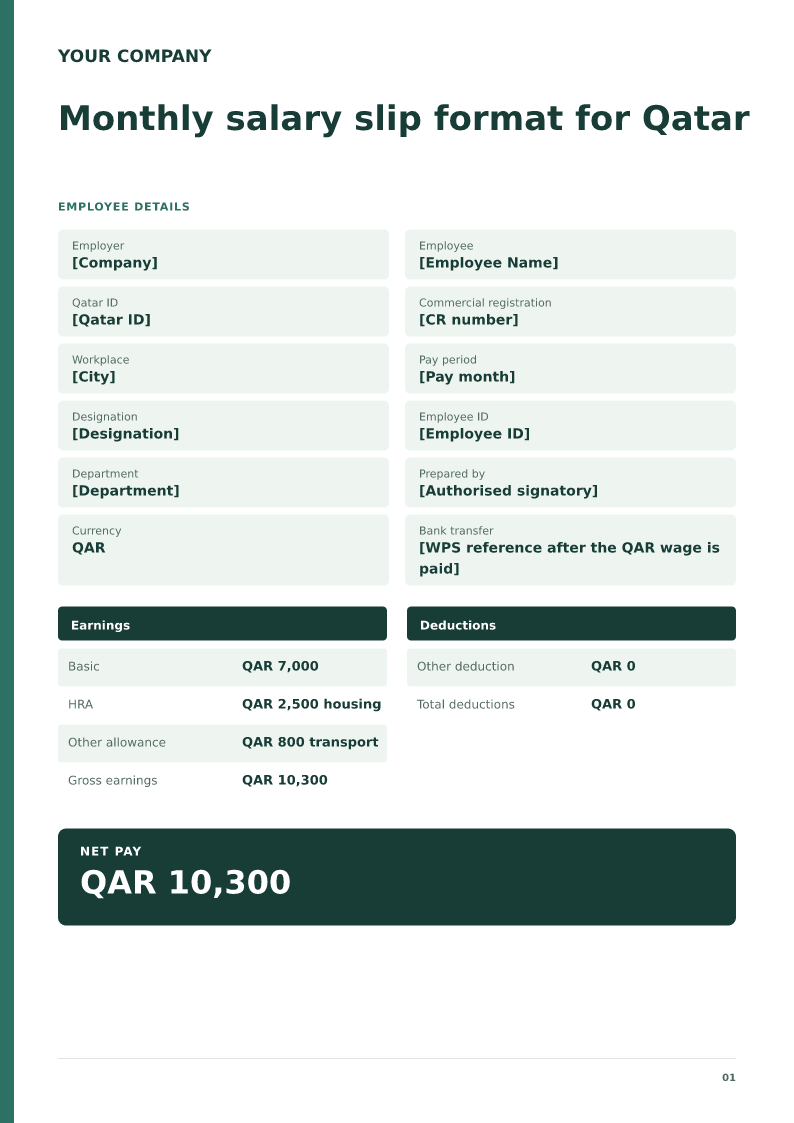
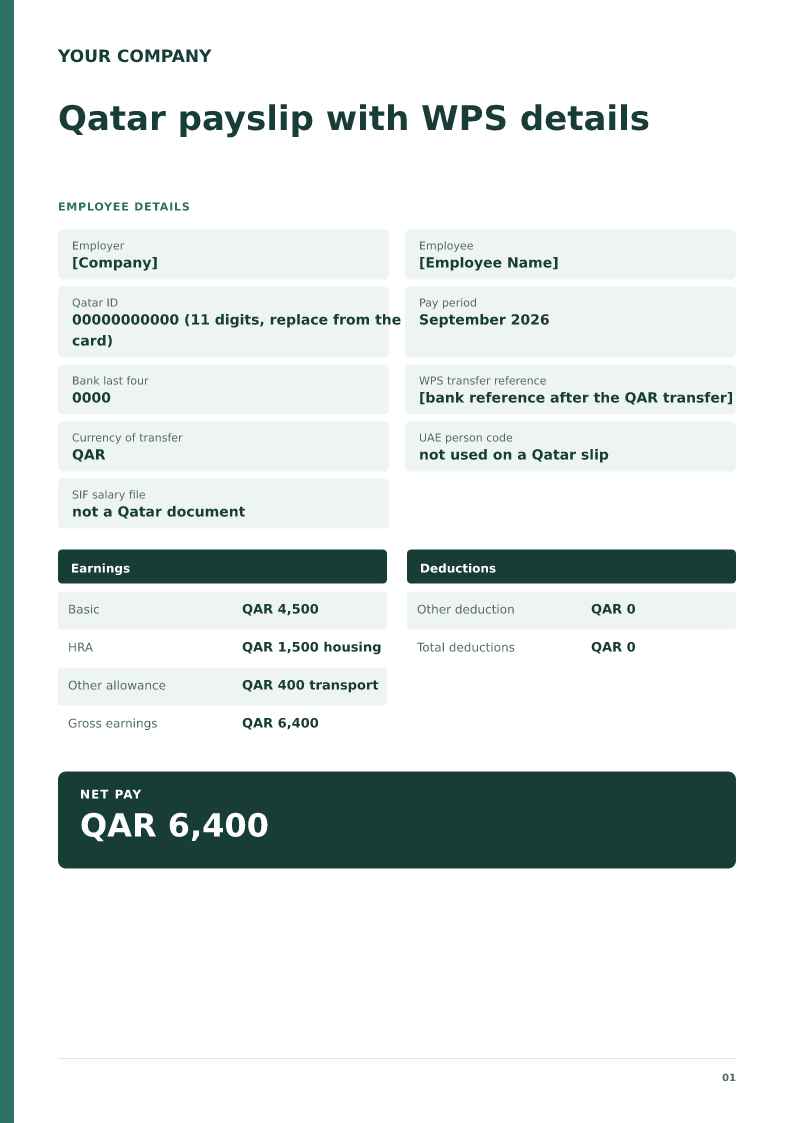
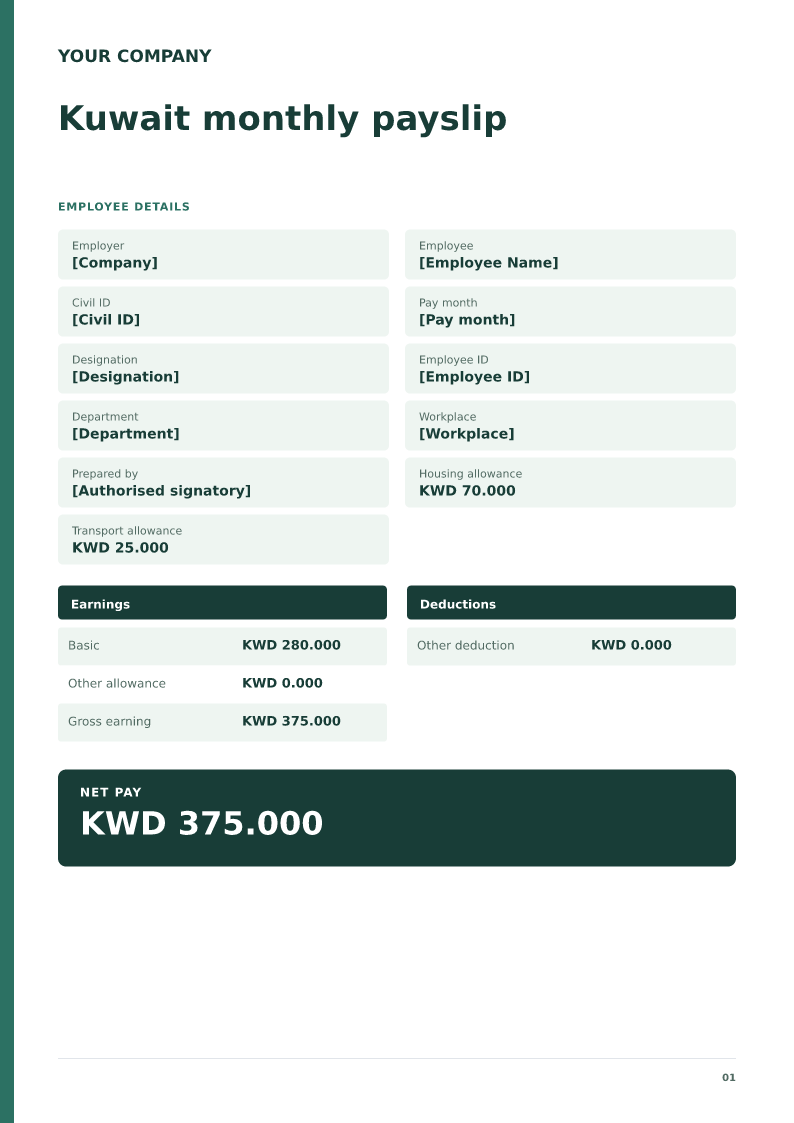
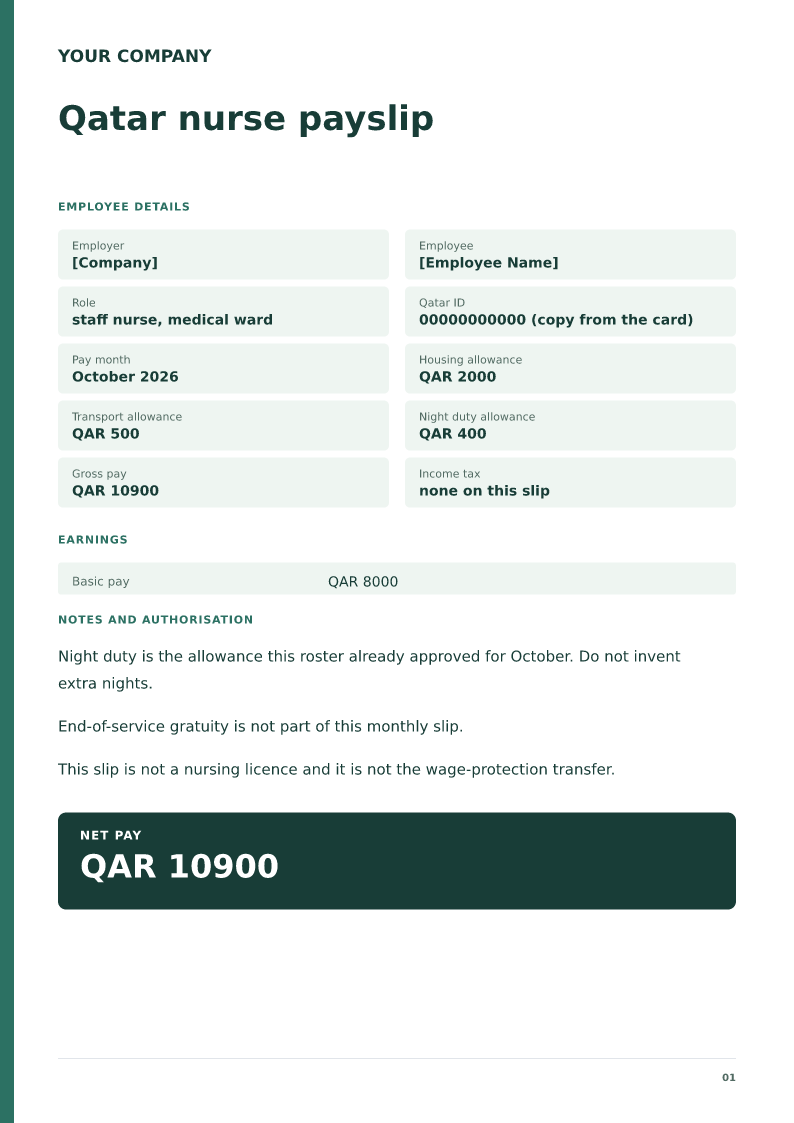
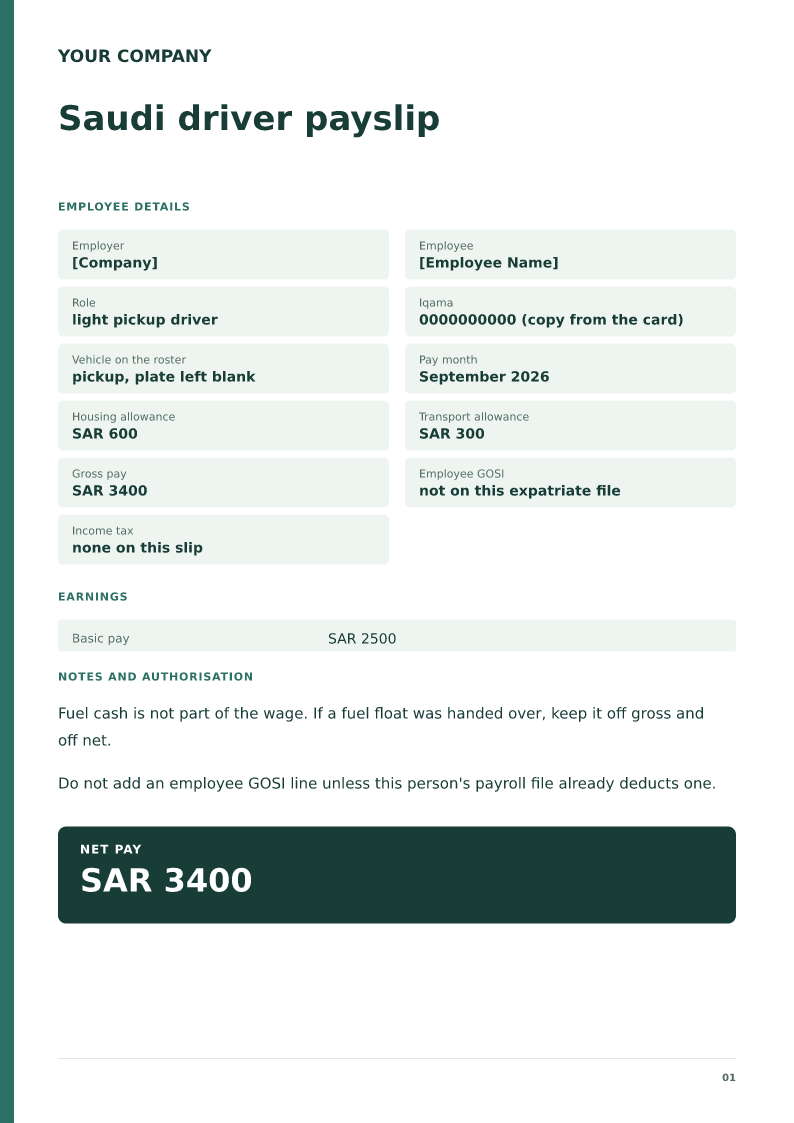
Employer: [Company name]
Employee: [Employee name]
Identifier: [Qatar ID, Emirates ID, Civil ID, or Iqama]
Pay month: [Month and year]
Currency: [QAR, AED, KWD, or SAR]
Basic: [Amount]
Housing: [Amount]
Transport: [Amount]
Other allowance: [Amount]
Gross earnings: [Sum]
Deductions already on payroll: [Amount]
Total deductions: [Sum of deductions]
Net pay: [Gross minus deductions]
End-of-service gratuity is not a line on this monthly slip.
The Excel, Word, and PDF files on this page are the filled monthly sample. Gross pay, total deductions, and net pay are formulas in Excel. Copy this layout into the sheet when you want these lines. The sheet does not look up PF, ESI, or tax rates.
Open the page that matches the country or the pay type. Each linked page has its own Word, PDF, and, where listed, Excel file. This page keeps the monthly Excel workbook, with gross pay, total deductions, and net pay as formulas.
Excel gross pay, total deductions, and net pay calculate from the amount cells. PF, ESI, and tax rates are not looked up.
Live document previewA4 · 1 page
What each part means
Employer and employee
Use the employer’s legal name, employee ID and pay period.
Earnings
Separate Basic, HRA and other allowances; do not confuse CTC with cash earnings.
Deductions
Enter actual payroll PF, ESI, professional tax and TDS amounts. This template does not calculate statutory eligibility or rates.
What this monthly salary slip must contain
A monthly salary slip is the employer’s record of one pay period. It must name the employer and the employee, state the pay period, and list earnings such as basic, HRA and other allowances, the deductions, and the net pay. Download the PDF, Word, or Excel file and edit the figures before you print it.
Use the payroll figures, not a fresh calculation
Type the amounts payroll has already approved. The sheet does not look up a PF ceiling or a tax slab, and a downloaded file does not prove that the wage was transferred.
Layouts you can copy
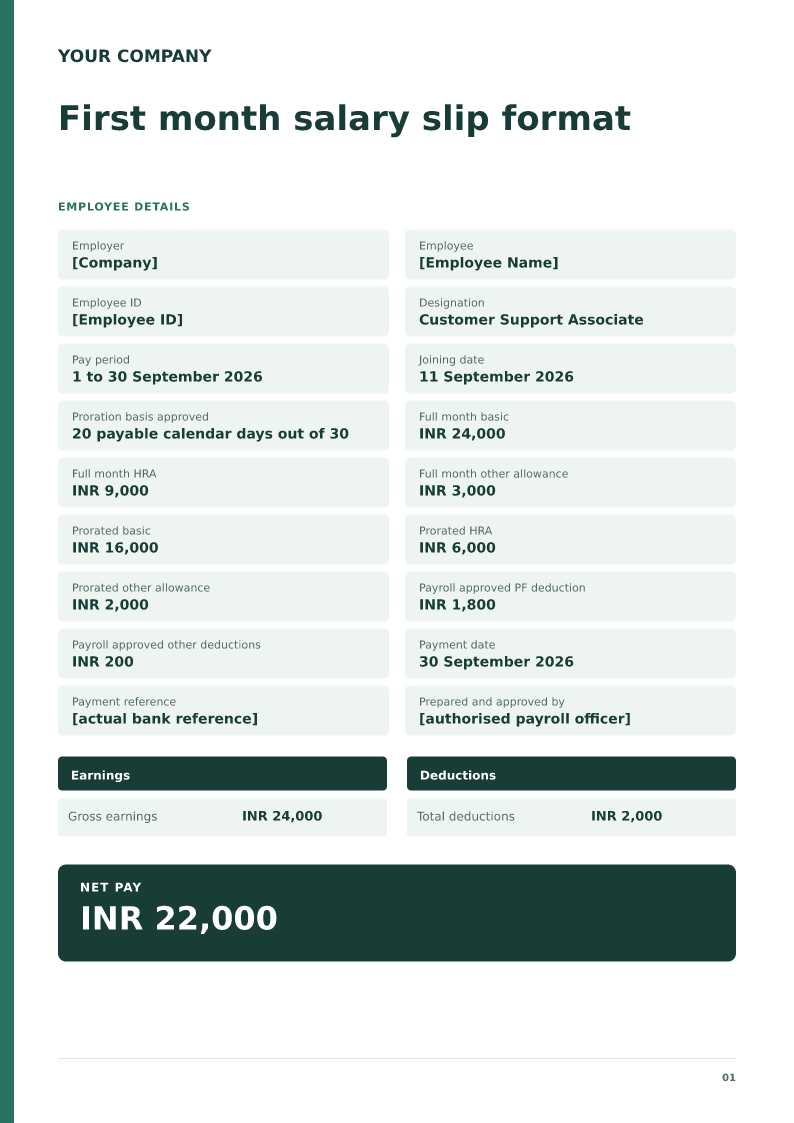
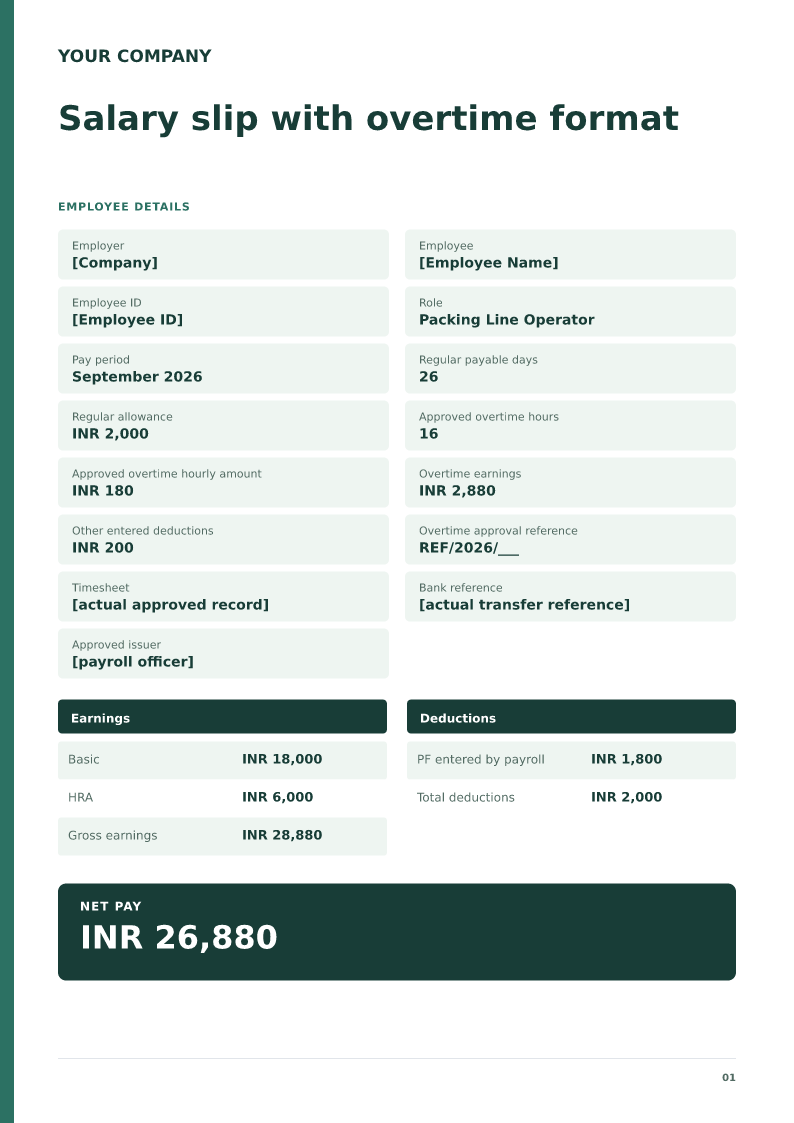
The monthly layout is a blank set of lines for one pay period. The PF and ESI layout keeps employer shares out of net pay. The final-month layout has the last working day and leave encashment only when payroll has already calculated it. The arrears layout names the months the arrears cover. The Gulf layout uses the local currency and leaves end-of-service gratuity off the monthly slip.
Country and type pages
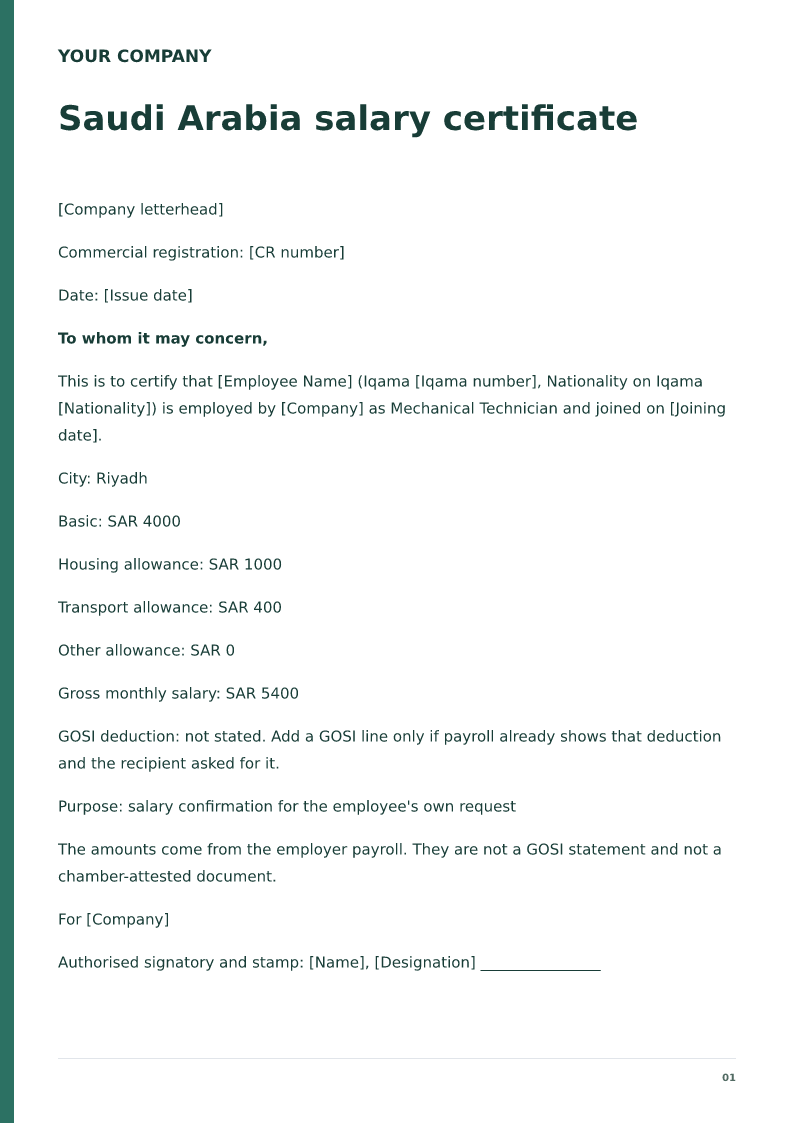
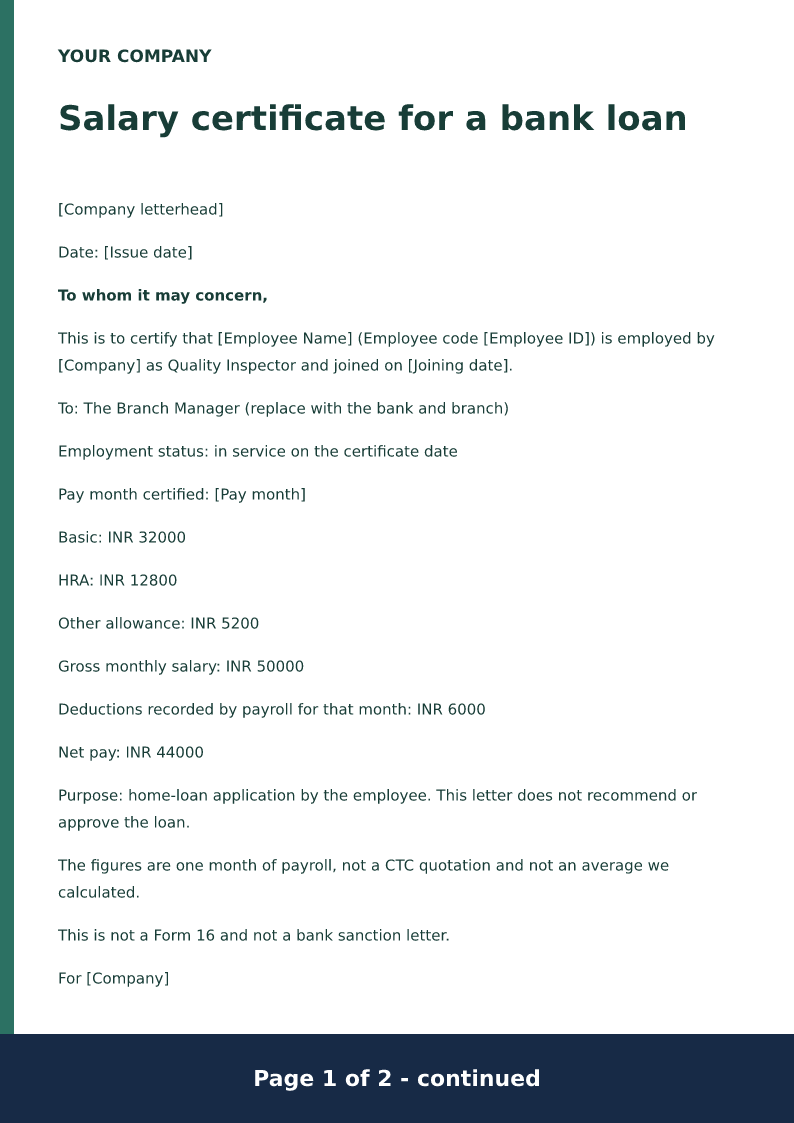
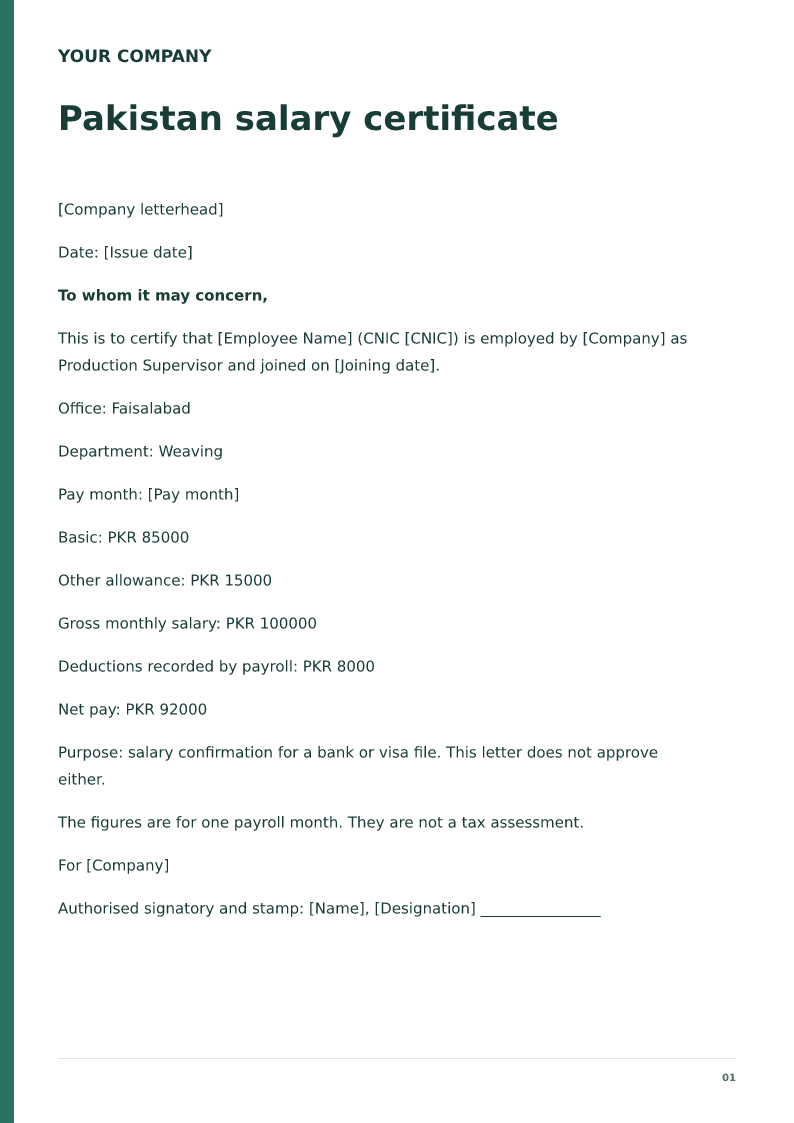
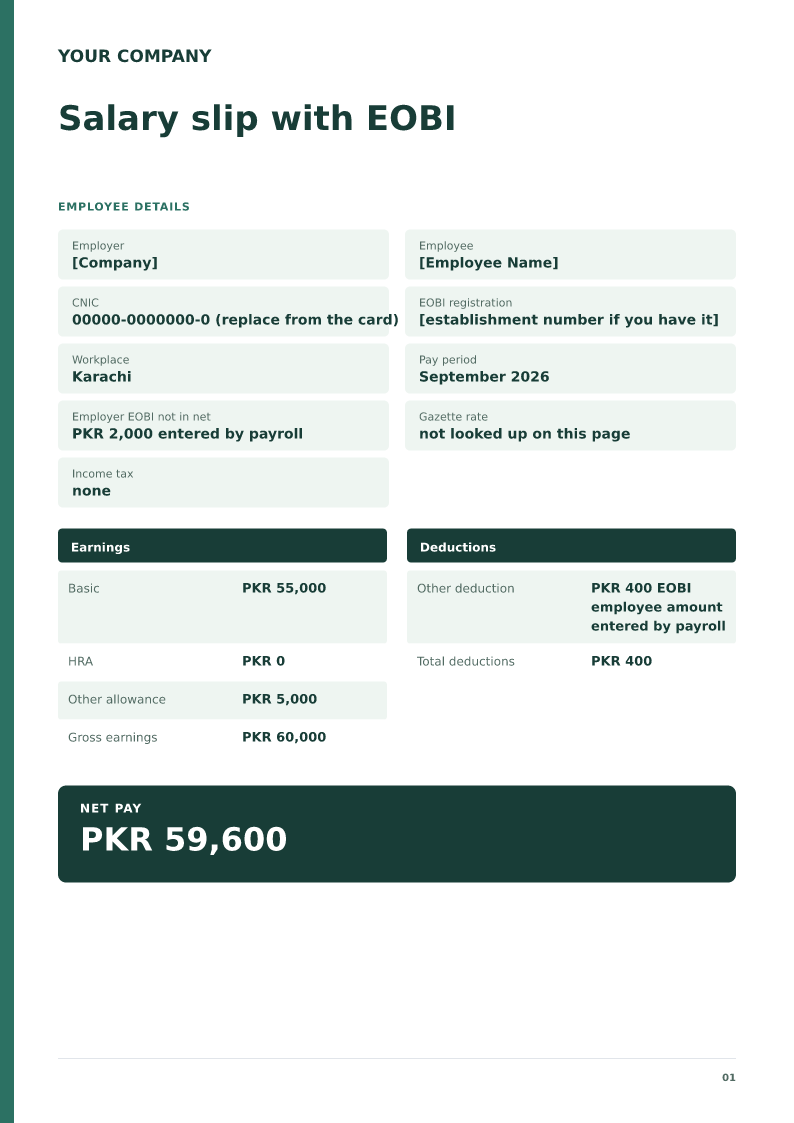
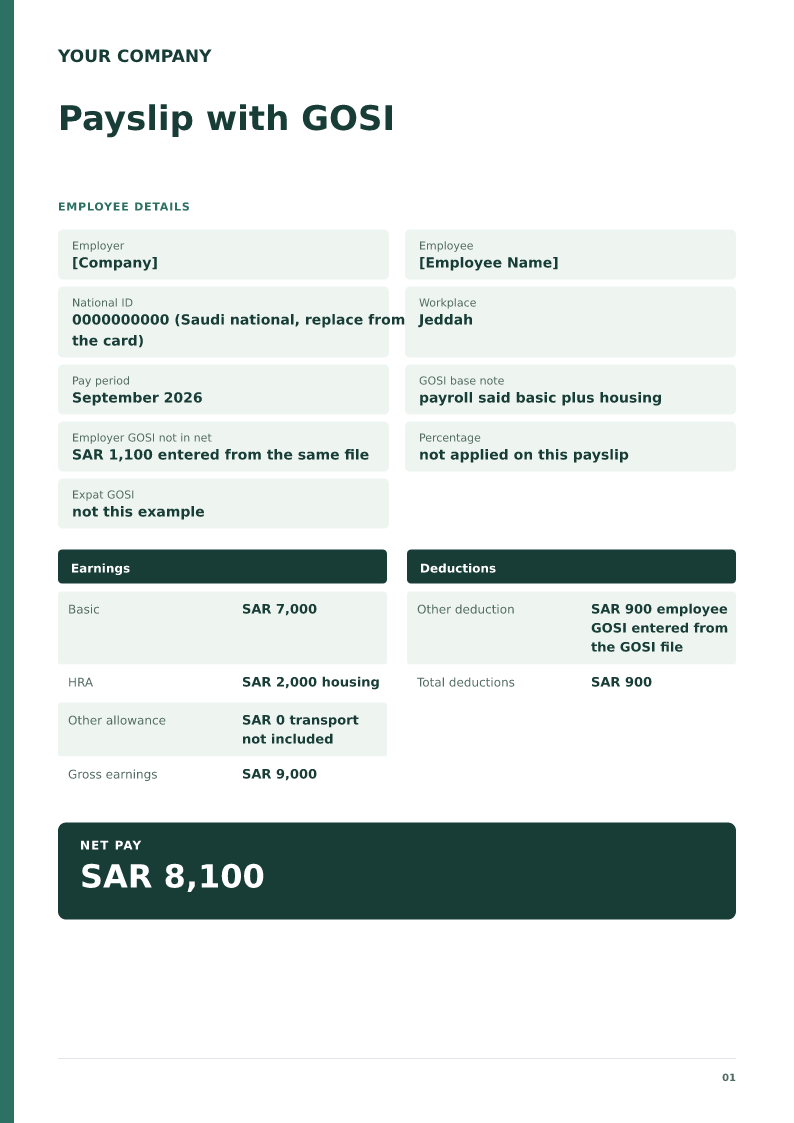
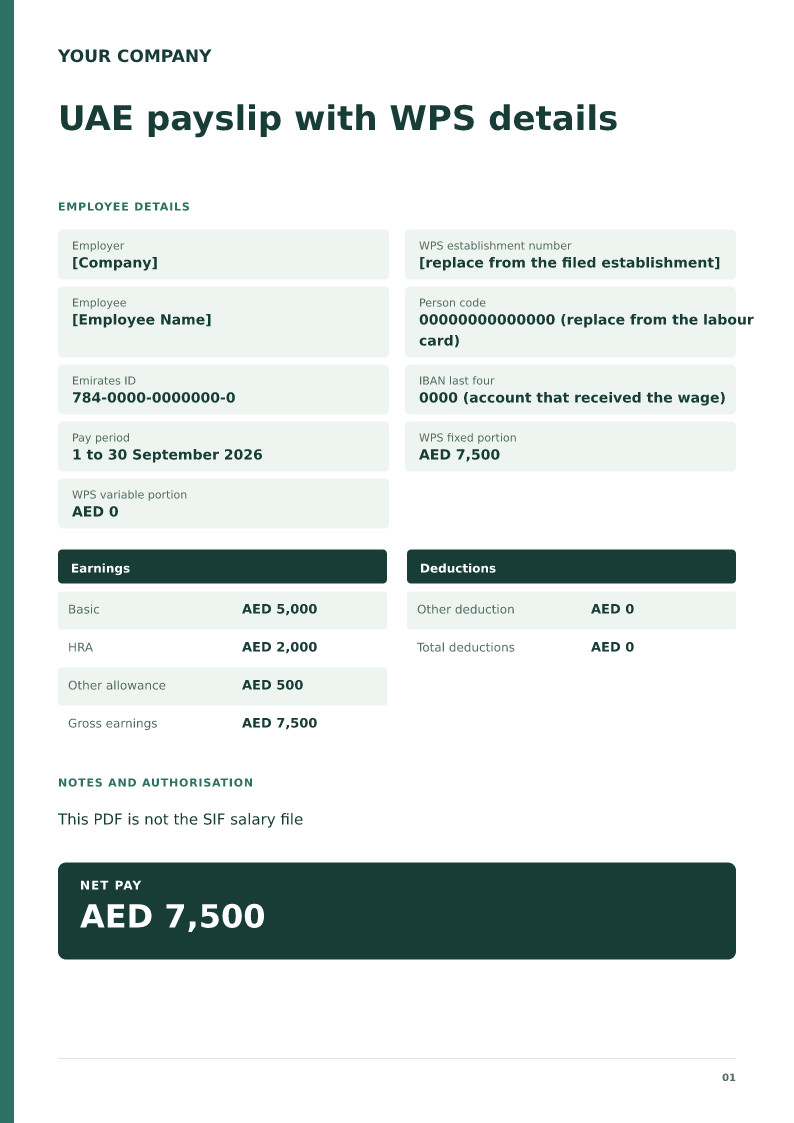
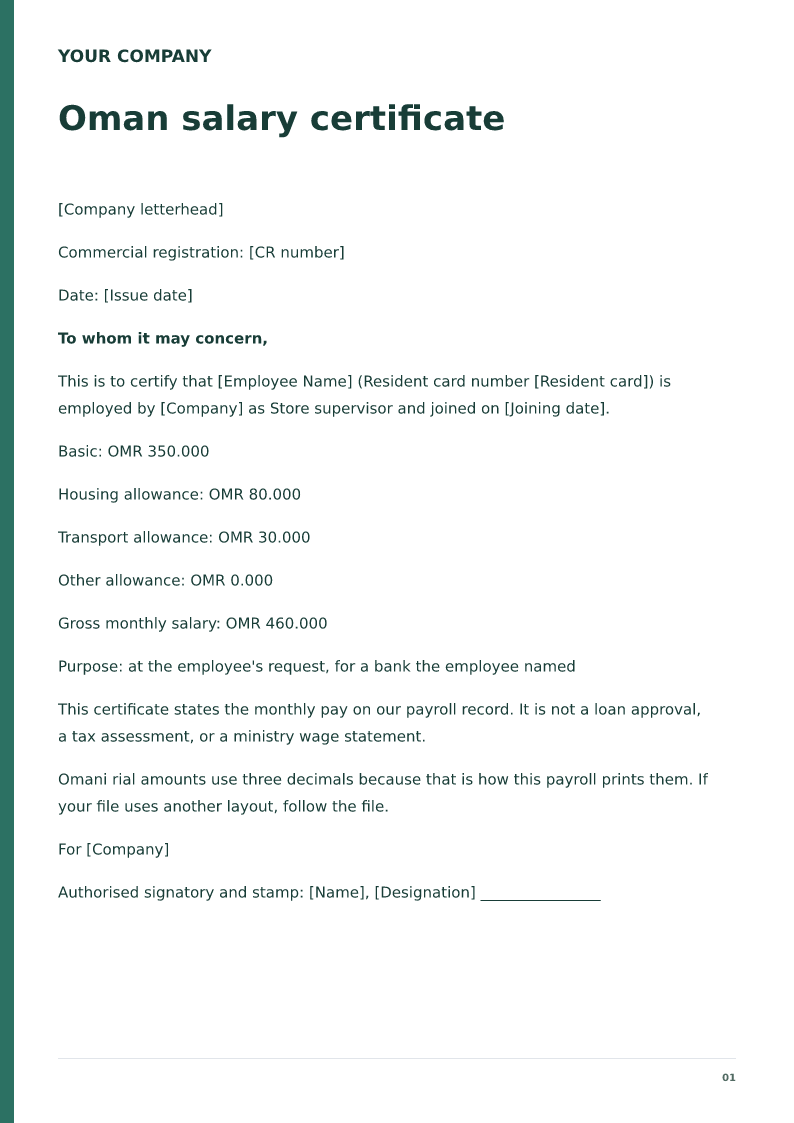
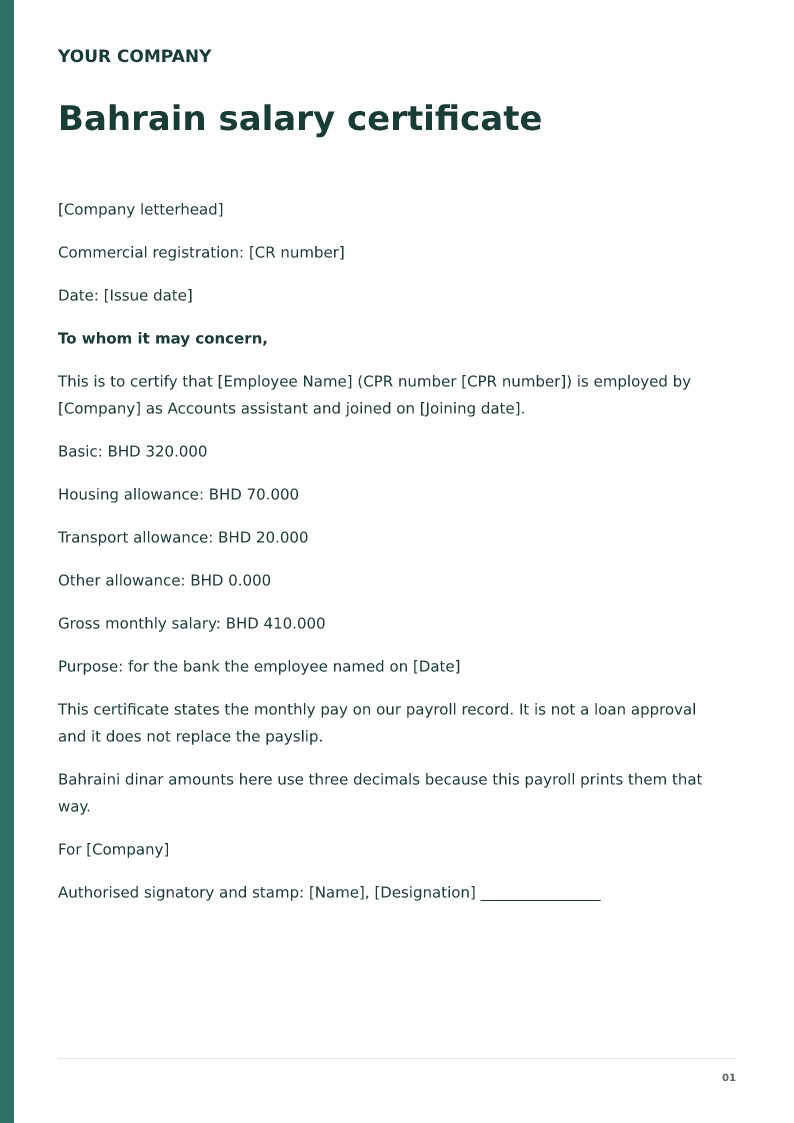
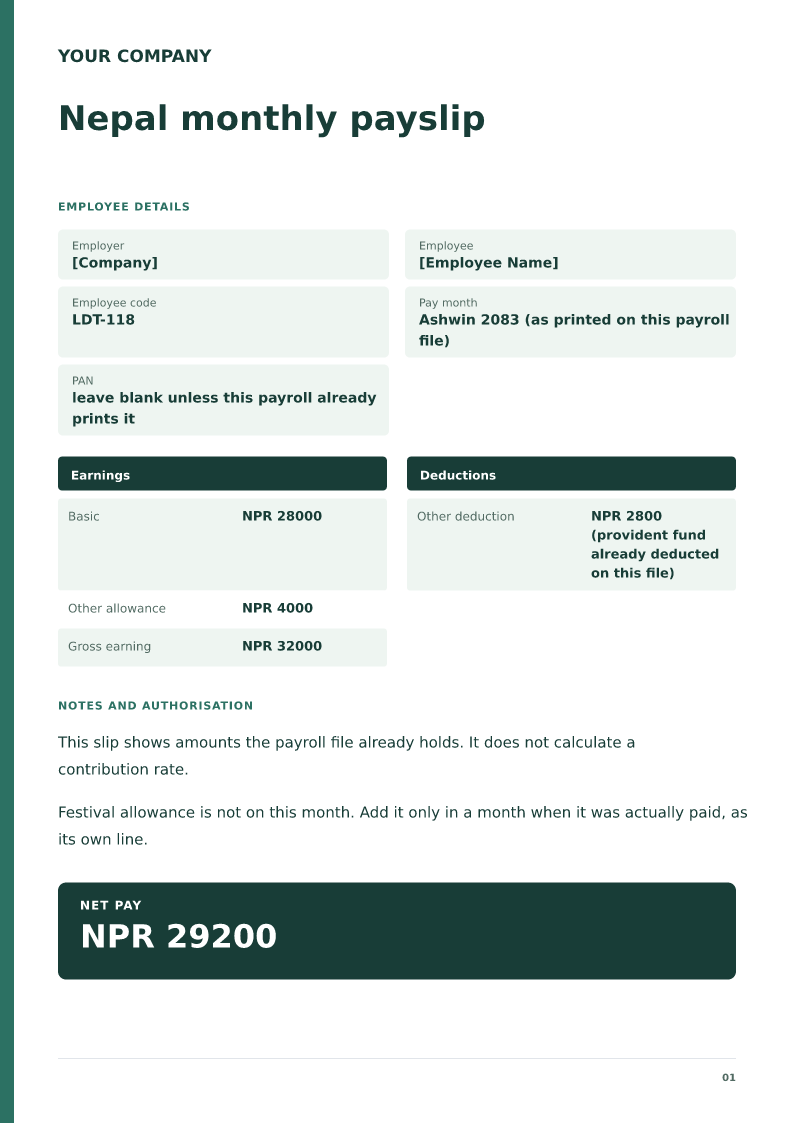
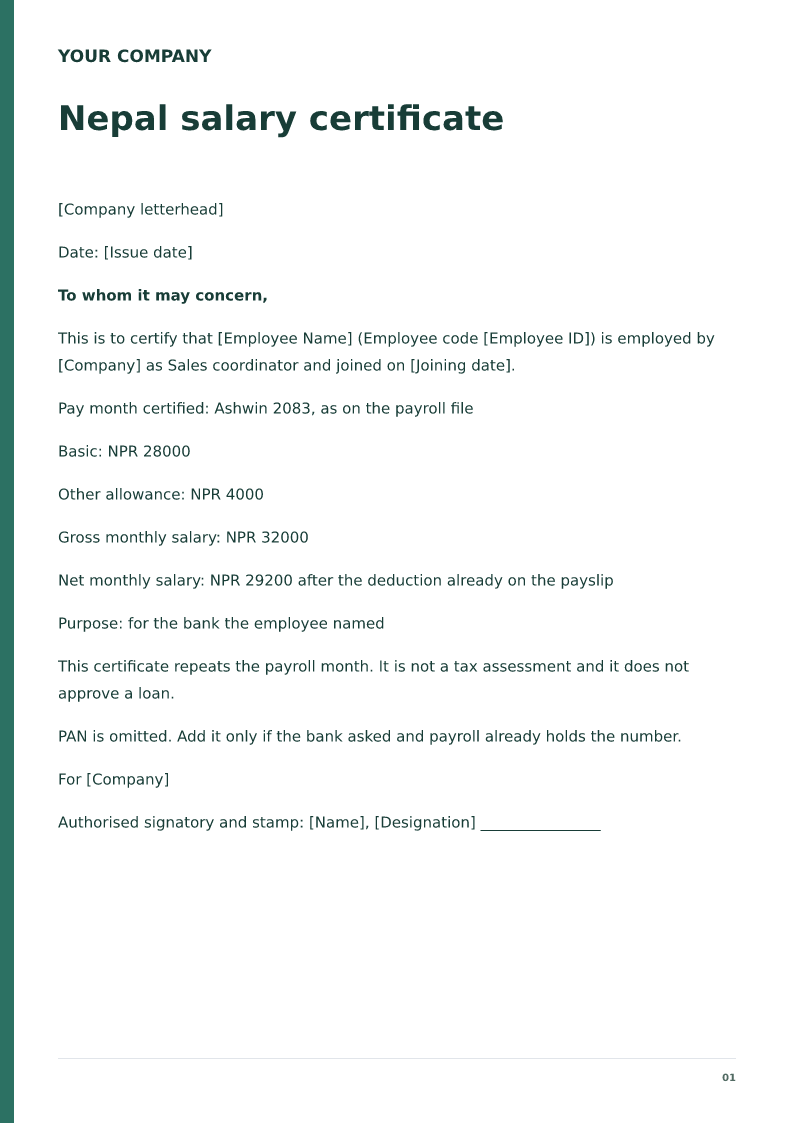
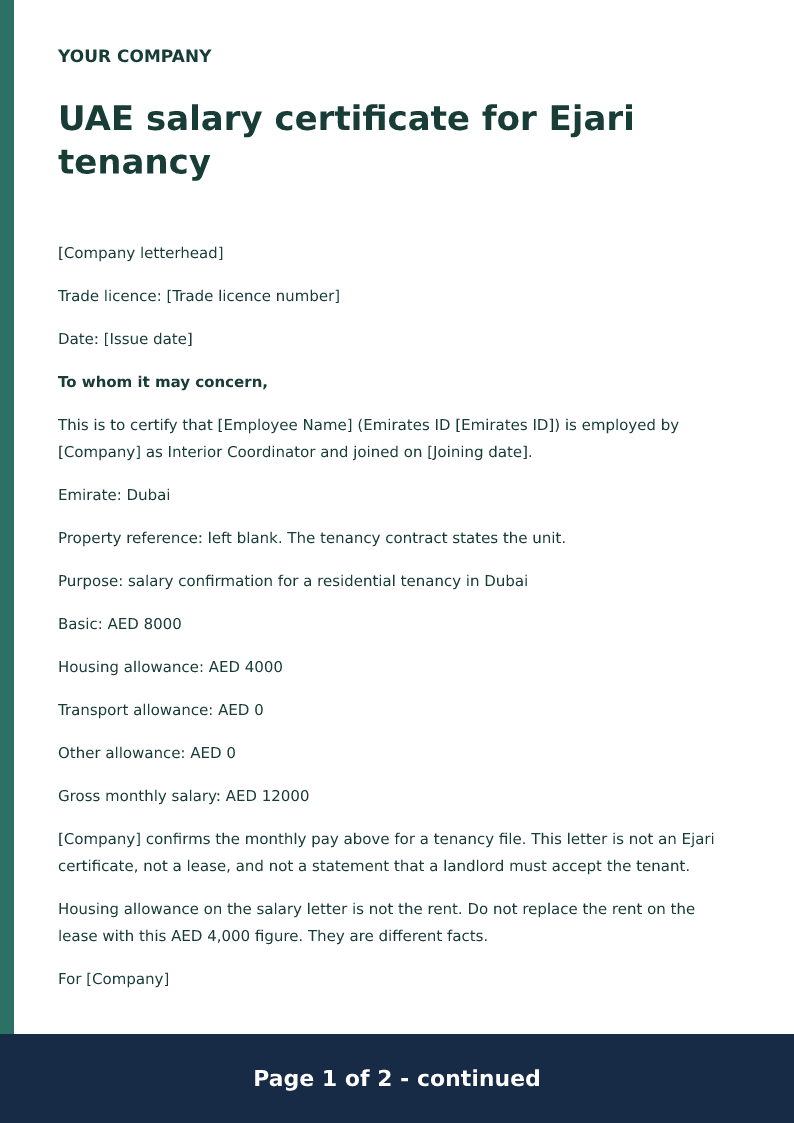
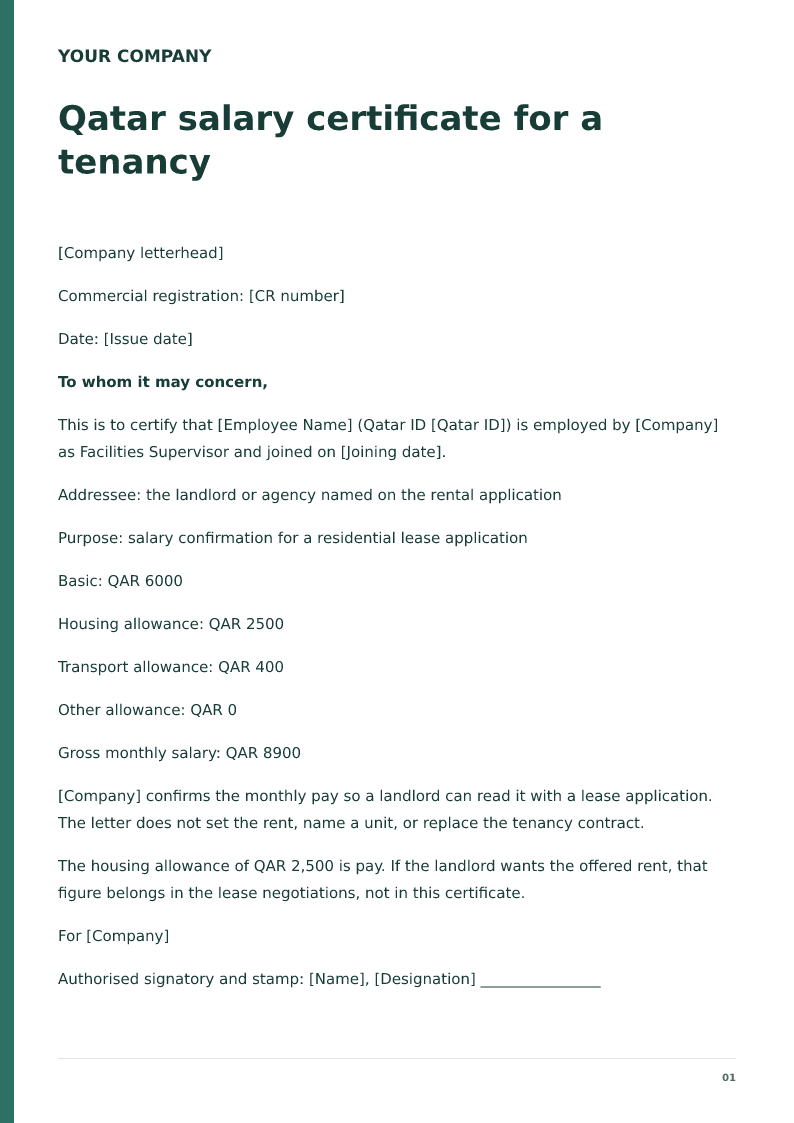
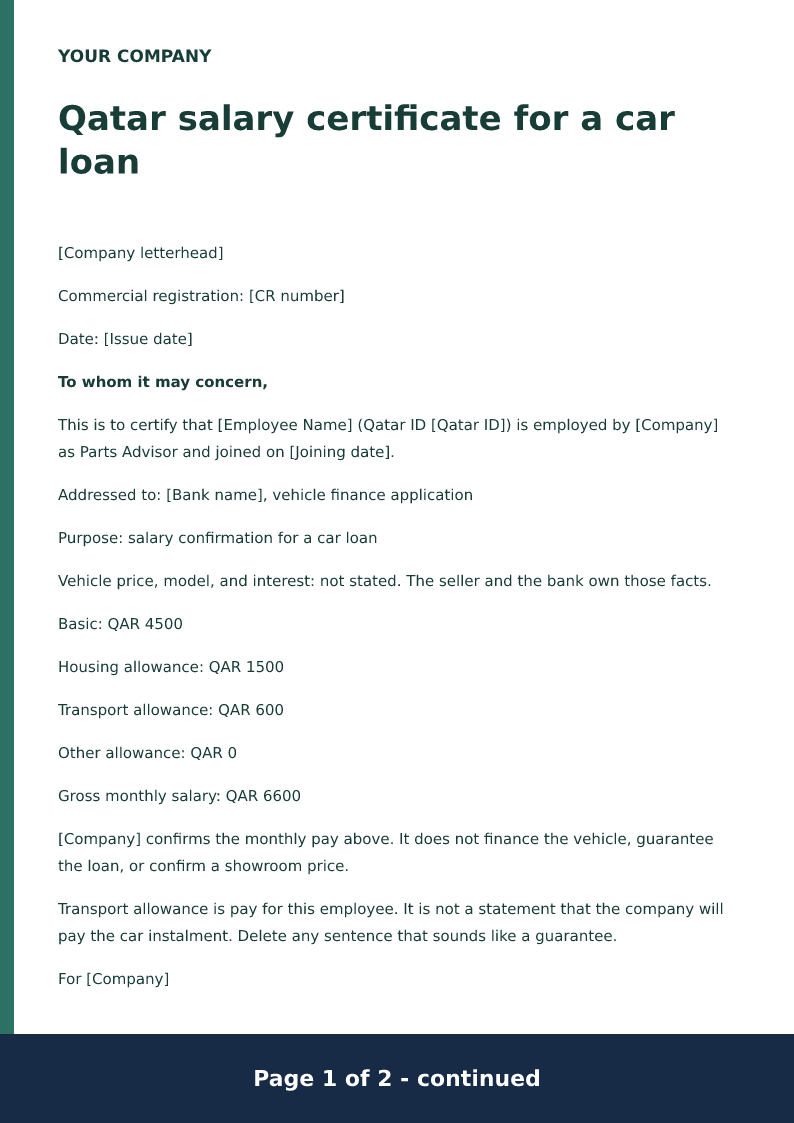
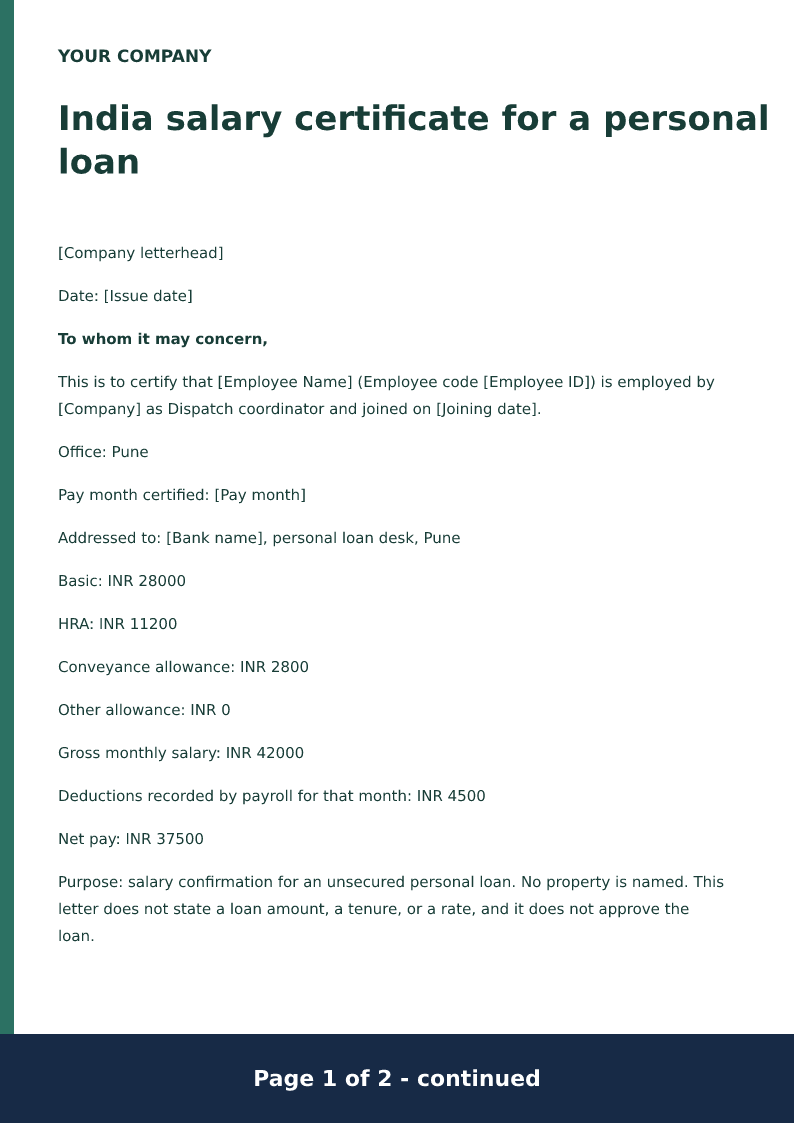
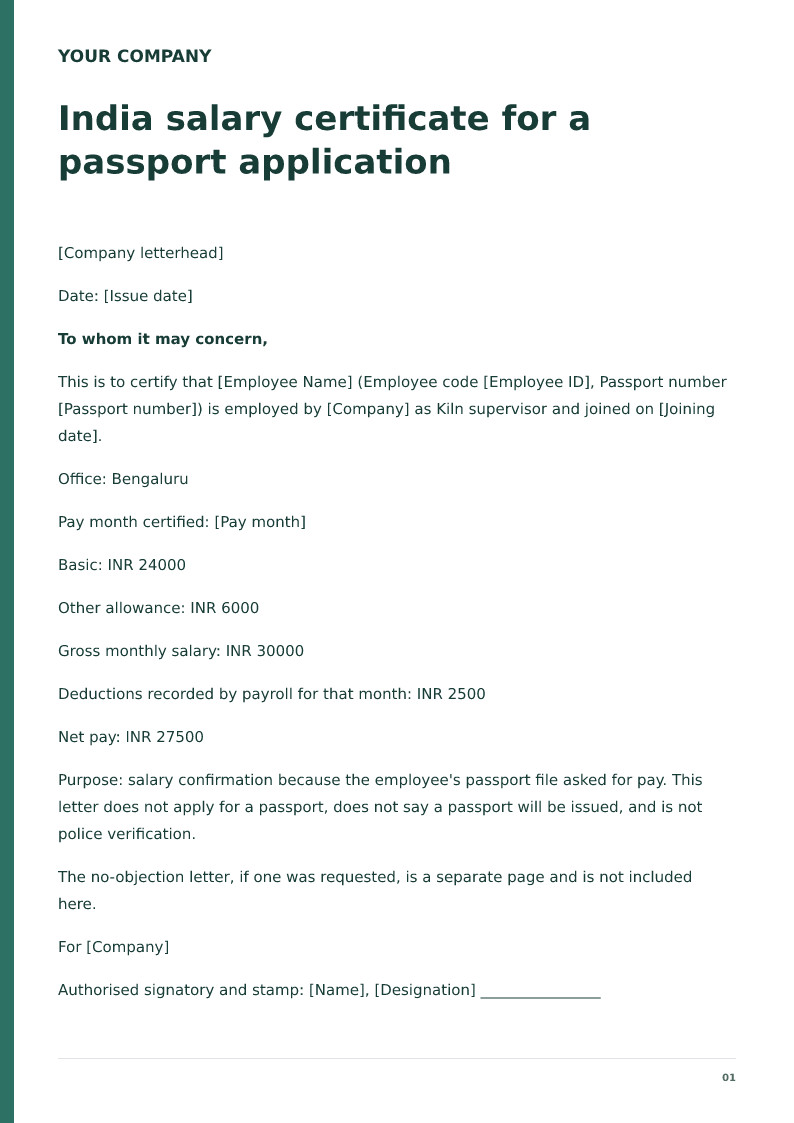
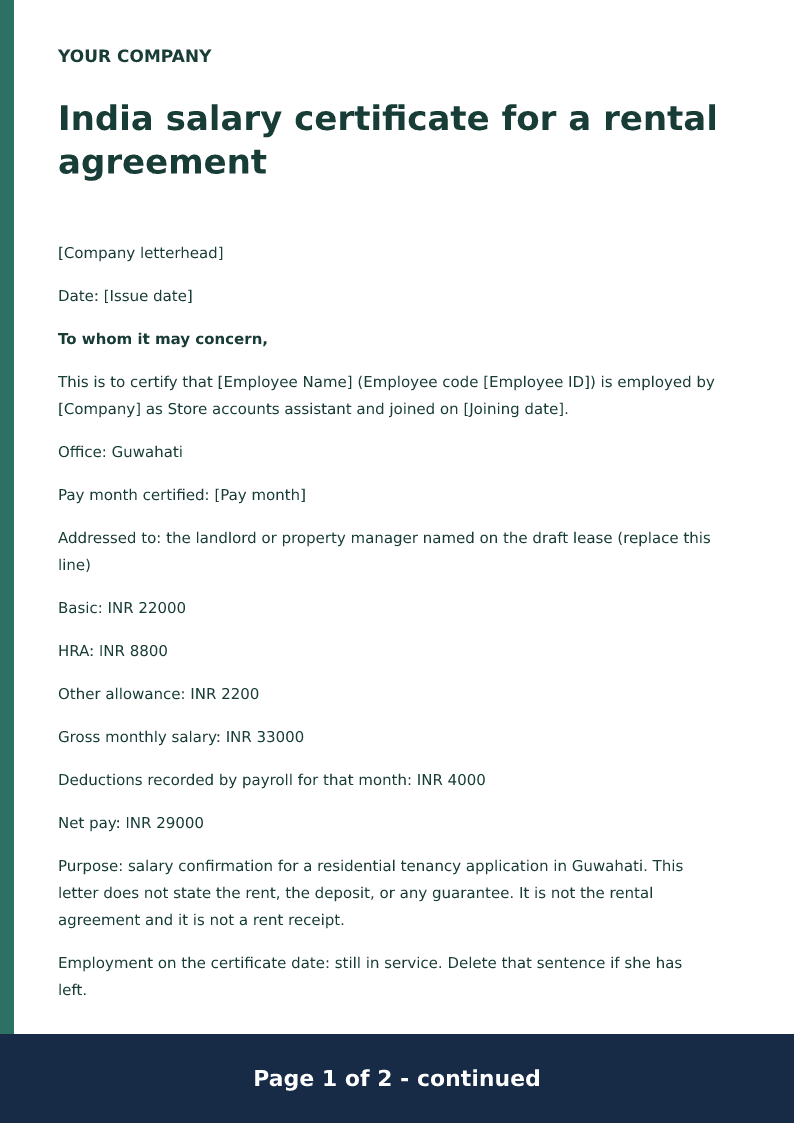
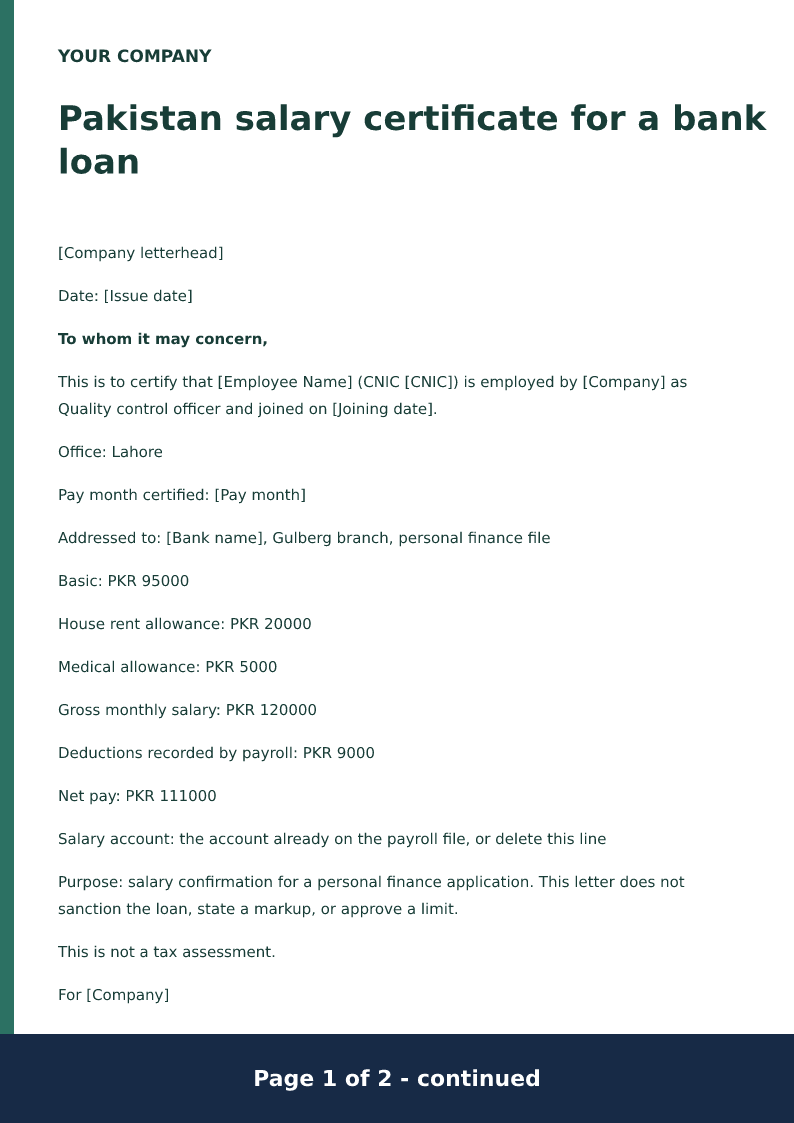
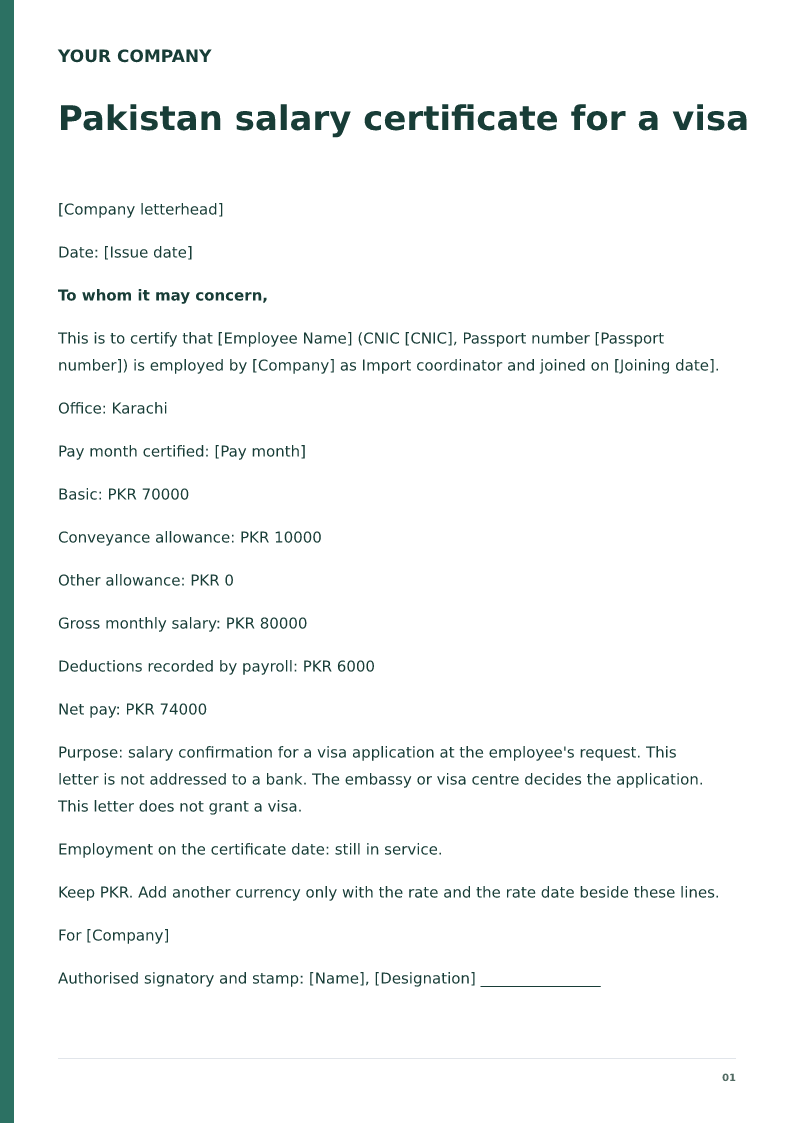
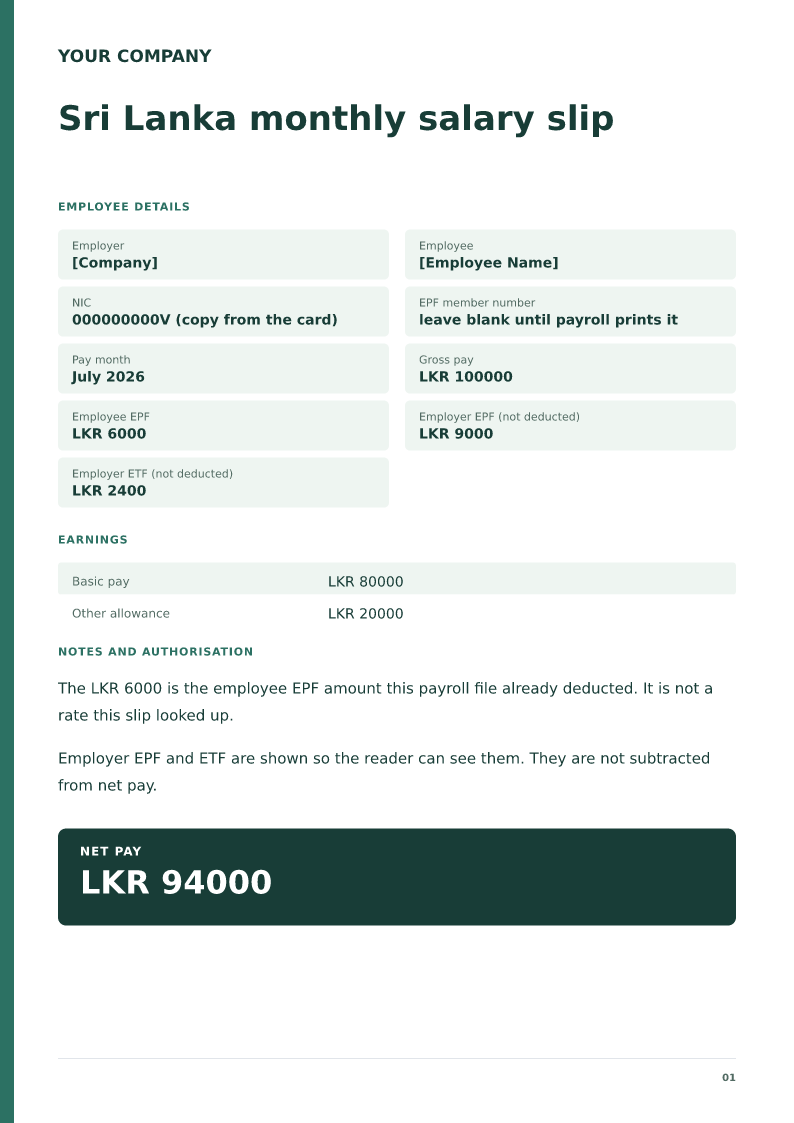
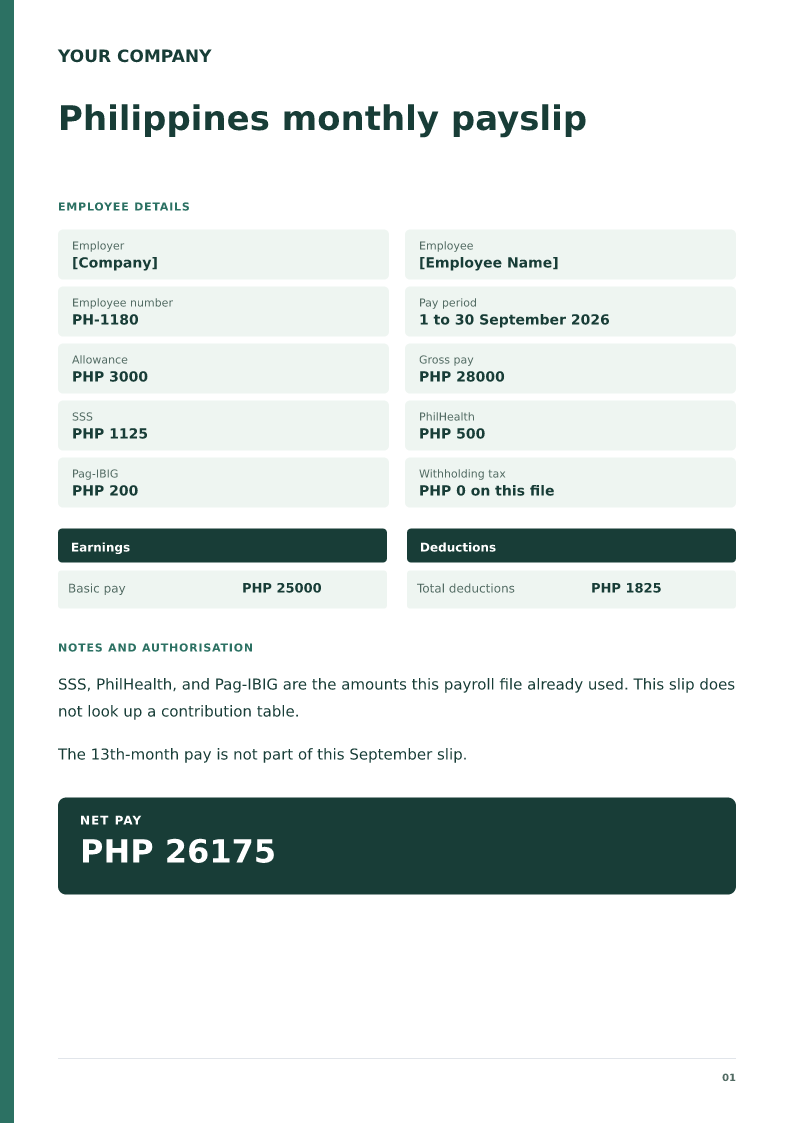
Qatar, Saudi Arabia, Kuwait, the UAE, including a domestic-worker payslip, India, Pakistan, and the other country pages linked below are separate files. Final month, arrears, first month, overtime, WPS, GOSI, and EOBI each have their own page. Use this page's Excel file when you want the monthly formulas.
What to include
Name the employer, the employee, and the pay period.
List basic pay, allowances, and each deduction on its own line.
Type PF, ESI, and tax amounts payroll has already approved.
Let Excel add gross pay, total deductions, and net pay.
Keep annual cost to company and end-of-service gratuity off this monthly slip.
Questions
What must a salary slip format contain?
The employer, the employee, the pay period, earnings such as basic and allowances, the deductions, and the net pay.
Do the Excel formulas calculate PF or tax?
No. Gross pay, total deductions, and net pay calculate from the amount cells. PF, ESI, and tax rates are not looked up. Type the amounts payroll has already approved.
Where are salary slips for other countries and types?
This page links Qatar, Saudi Arabia, Kuwait, the UAE, India, Pakistan, and other monthly slips, plus final-month, arrears, PF, and WPS layouts. Open the matching page for that file.
Is net pay the same as annual cost to company?
No. The slip shows one pay period. Annual cost to company, employer provident fund, and benefits in kind stay off the net pay unless payroll has already put that cash in the earnings.
Which files can I download?
PDF, Word, and Excel. In Excel, edit the amount cells and the gross, total deductions, and net pay update. A downloaded file does not prove the wage was paid.
Check before you use it
Only payroll figures the employer has already approved should appear on the slip. The worksheet does not look up PF, ESI, professional tax, or income-tax rates. In the Excel file, gross pay, total deductions, and net pay are formulas. A downloaded file does not prove that the wage was paid.
Replace every sample or bracketed field with accurate information.
Check dates, amounts, identifiers and the intended recipient’s requirements.
Open the exported file and obtain any required employer, landlord or legal approval.