
Nepal monthly payslip
Nepal monthly payslip lists the employer, employee, pay period, earnings, deductions, and net pay. Tax, PF, and ESI stay amounts you type; statutory rates are not looked up. Where Excel is offered, gross pay, total deductions, and net pay are formulas. Use NPR. Enter a provident-fund or social-security deduction only when payroll already deducts it.
Published · Updated
Free Nepal monthly payslip for 2026. Download Word or PDF with no signup, then edit NPR earnings and deductions payroll already calculated, on your device.
Download or edit this sample
Edit document details
Choose your style
What each part means
Month name
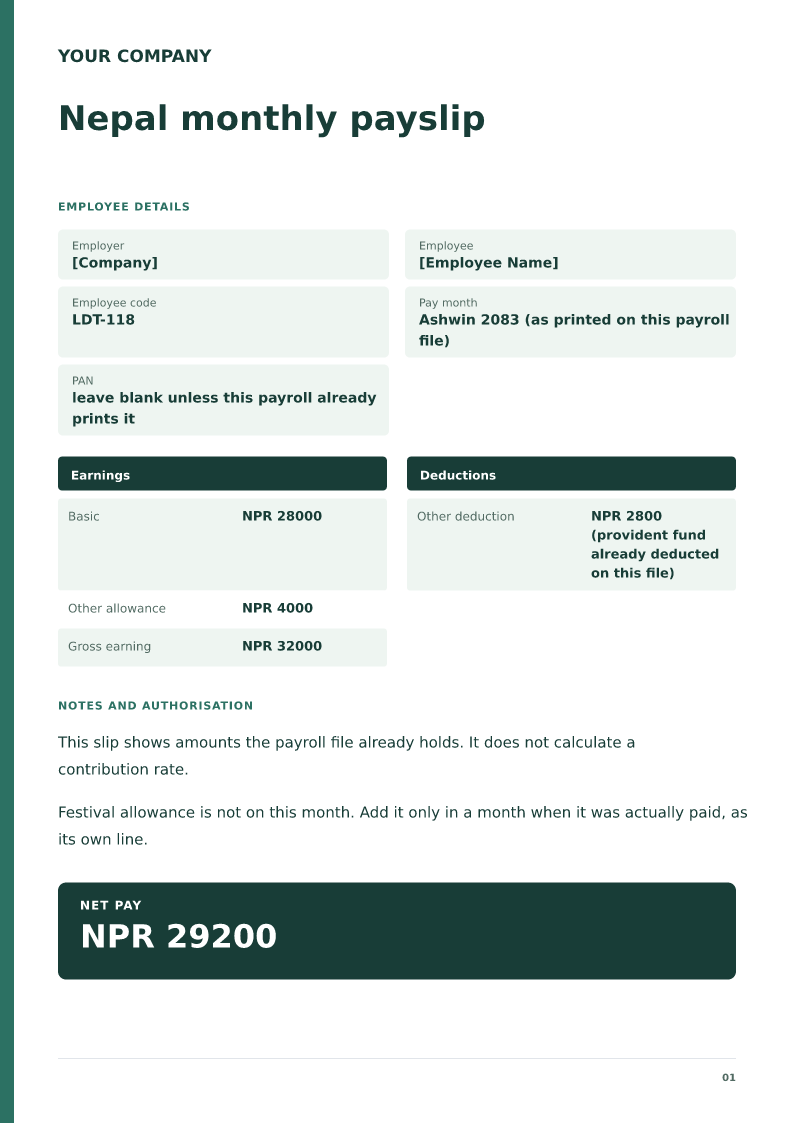
The sample says Ashwin 2083 because this example file uses the Bikram Sambat month the employer already prints. If your file uses a Gregorian month, print that instead. Do not print both unless the file does.
Provident fund
NPR 2800 is on the slip only because the story says payroll already deducted it. If your file has no deduction, delete the line. Do not look up a percentage and multiply.
PAN
Leave the PAN blank unless payroll already prints it on slips. A payslip is optional as a place to repeat a tax number.
Rupees, one month, amounts you already have
Srijana's example slip is basic NPR 28,000 plus NPR 4,000 allowance, gross NPR 32,000, a provident-fund deduction of NPR 2,800, and net NPR 29,200. The deduction is labelled as already deducted. That sentence is the point. A Nepal payslip template should not become a social-security calculator. Rates and who must contribute change, and this page does not store them.
Print the month the way the office prints it
Some Kathmandu payrolls label the month in the Bikram Sambat calendar, some use January to December, and some print both. The sample uses Ashwin 2083 and says so. Follow the label on the file you are copying from. A slip that says October while the ledger says Ashwin will look like a different month to the employee.
Festival pay is its own line, in the month it was paid
Dashain or other festival allowances are not a monthly entitlement you should smear across every slip. The sample leaves them off Ashwin unless that was the month they were paid. When they are paid, add one earnings line with the amount payroll approved. Do not title it basic.
How to edit
Edit Word, delete any deduction your file does not have, and check the arithmetic of the lines you typed. The sheet will not correct you. Keep the slip with that month's payroll. The PDF is a sample for Srijana, who is example.
Review this scenario
- Use NPR and the month label your file uses.
- Show basic and allowances as payroll shows them.
- Add provident fund or social security only if already deducted.
- Leave PAN blank unless payroll already prints it.
- Put festival pay on its own line, in the month it was paid.
- Check net against the lines you typed.
Questions
Does this slip calculate SSF or the provident fund?
No. NPR 2,800 is an amount the example payroll had already deducted. Replace or delete it.
Can I use this for a bank loan?
You can show the slip you actually paid. The slip does not certify a future salary or approve the loan.
What does Nepal monthly payslip include?
The employer, the employee, the pay period, earnings, deductions, and the net pay that results from those figures.
Does it calculate PF, ESI, or income tax?
No. Type those amounts. The Excel salary slip does not look up statutory rates.
Are the sample names real people?
No. Replace the name, the identifiers, and the amounts with the payroll record.
Can I edit it in Word?
Yes. DOCX contains editable text. Customized PDF exports preserve the layout as page images; direct English sample PDFs contain searchable text. Neither is a digitally signed document.
Is my entered information uploaded?
Document generation happens in this browser. Optional consented analytics measures actions, never document contents.
Check before you use it
Type a provident-fund or social-security deduction only when payroll already deducts it. This slip does not know the statutory rate.
- Replace every sample or bracketed field with accurate information.
- Check dates, amounts, identifiers and the intended recipient’s requirements.
- Open the exported file and obtain any required employer, landlord or legal approval.
Prepared by Feroz Sheikh ·
Related templates
 Preview & customize ↗
Private company salary slip
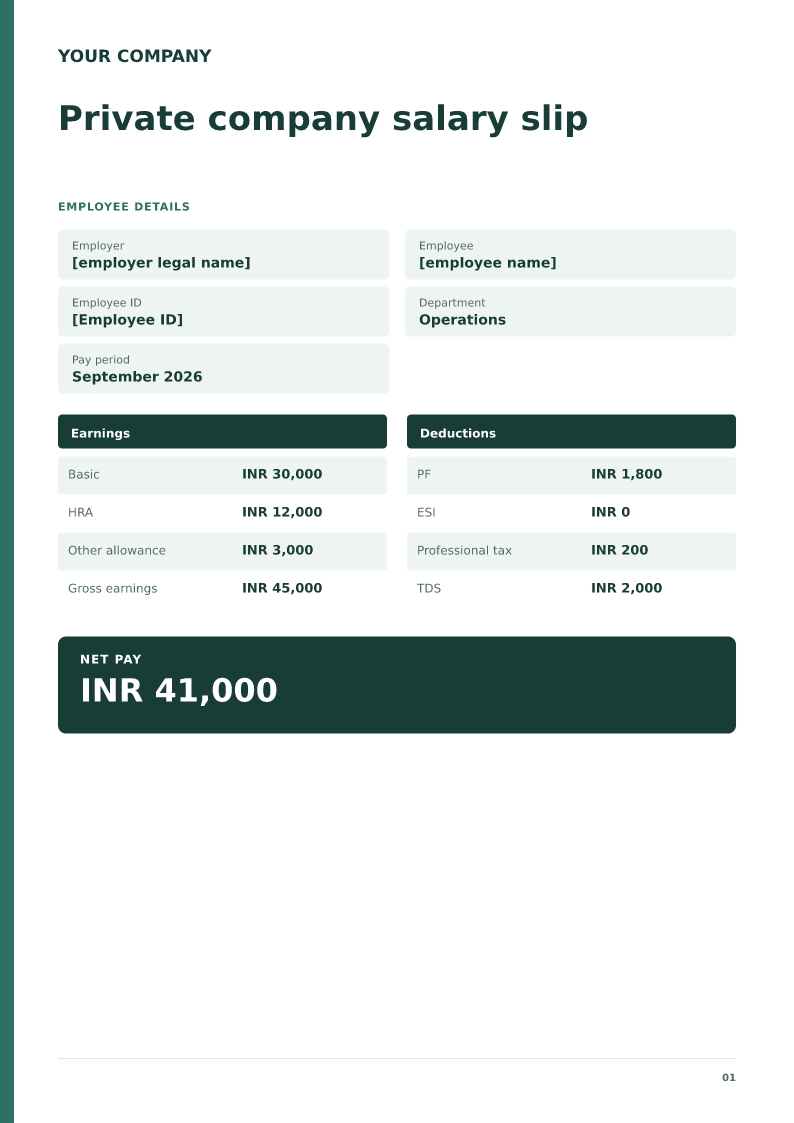
A private employer sample with employee ID, department and pay period. Free PDF, Word and Excel downloads. Edit a blank or filled sample on your device.
 Preview & customize ↗
Salary slip Excel worksheet
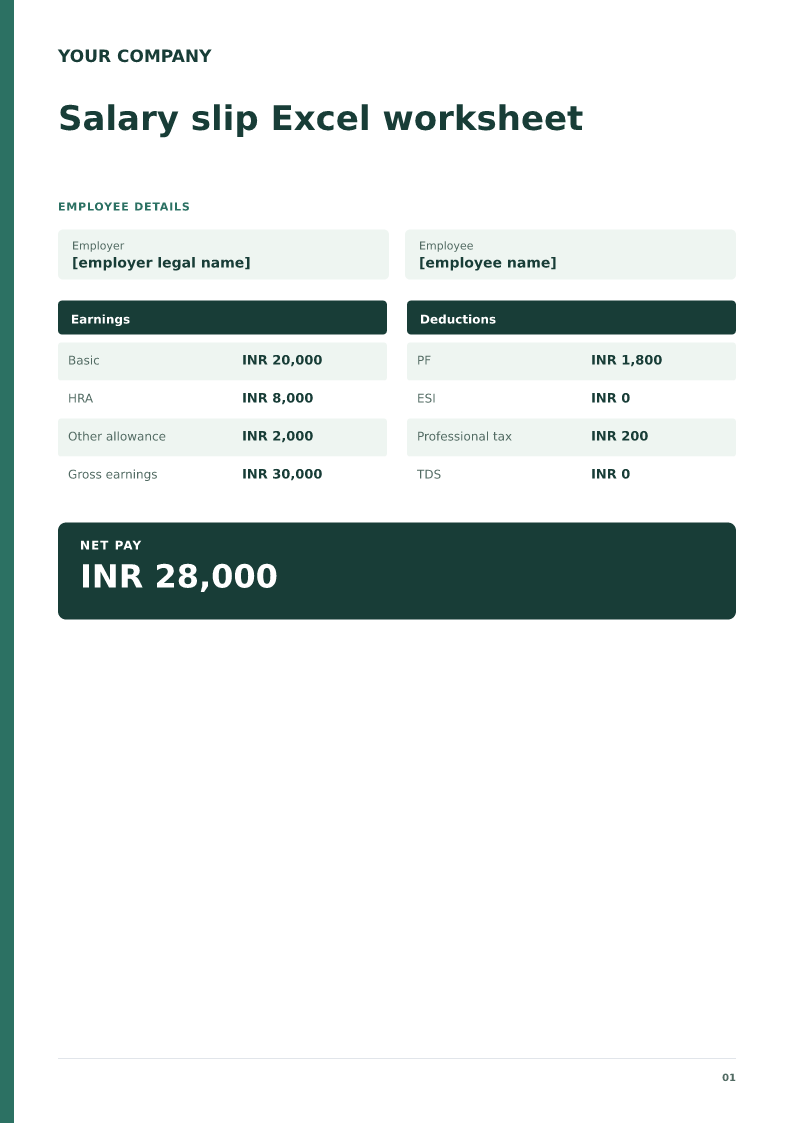
An Excel salary slip whose gross pay, total deductions, and net pay calculate from the cells you edit. Free PDF, Word and Excel downloads.
 Preview & customize ↗
First month salary slip format
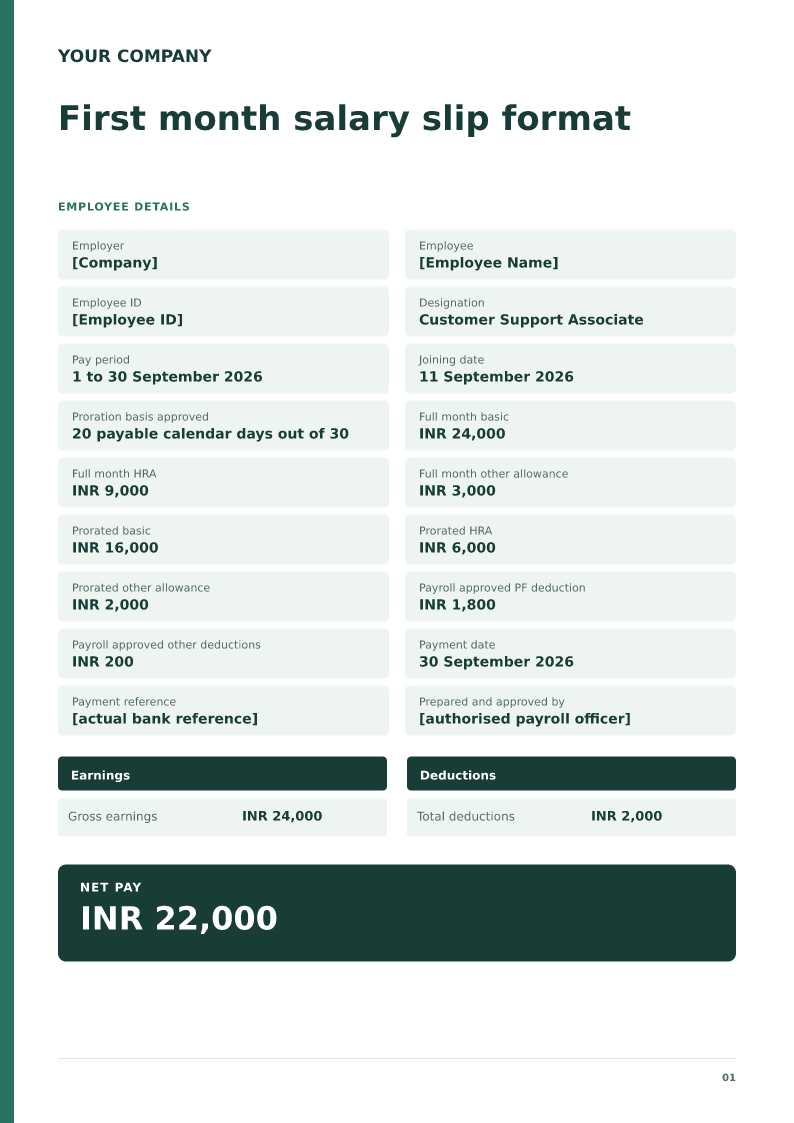
Free PDF, Word and Excel downloads for employee joining during a payroll month. Includes an editable sample with placeholders, scenario checks, and an editable blank version.
 Preview & customize ↗
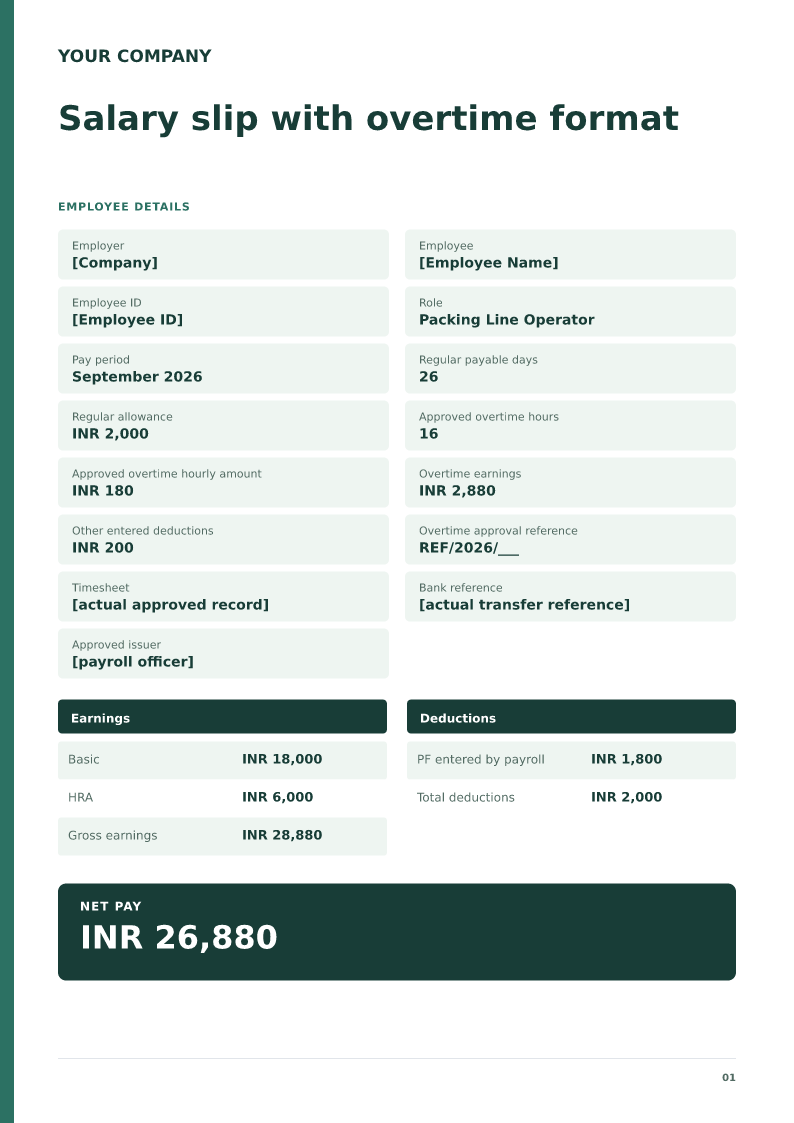
Salary slip with overtime format
Free PDF, Word and Excel template for monthly salary with separately approved overtime. Filled sample, checks and local editing.
 Preview & customize ↗
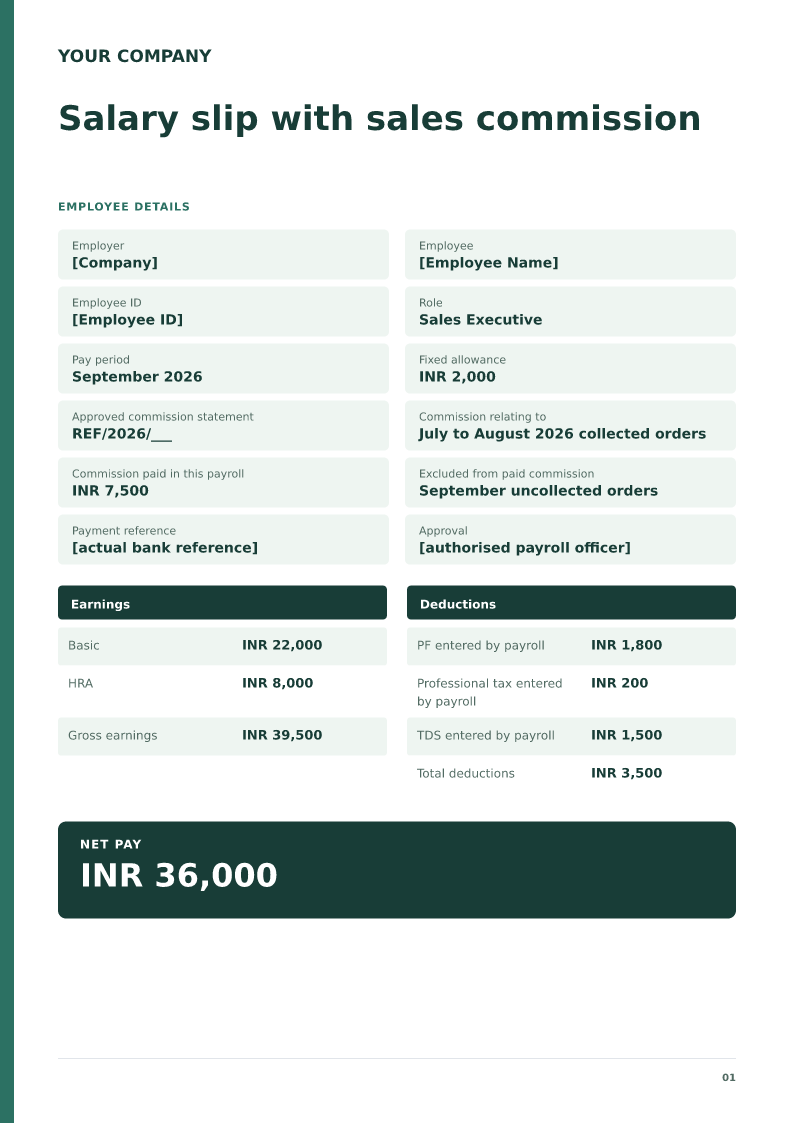
Salary slip with sales commission
Free PDF, Word and Excel template for fixed salary plus commission paid this month. Filled sample, checks and local editing.
 Preview & customize ↗
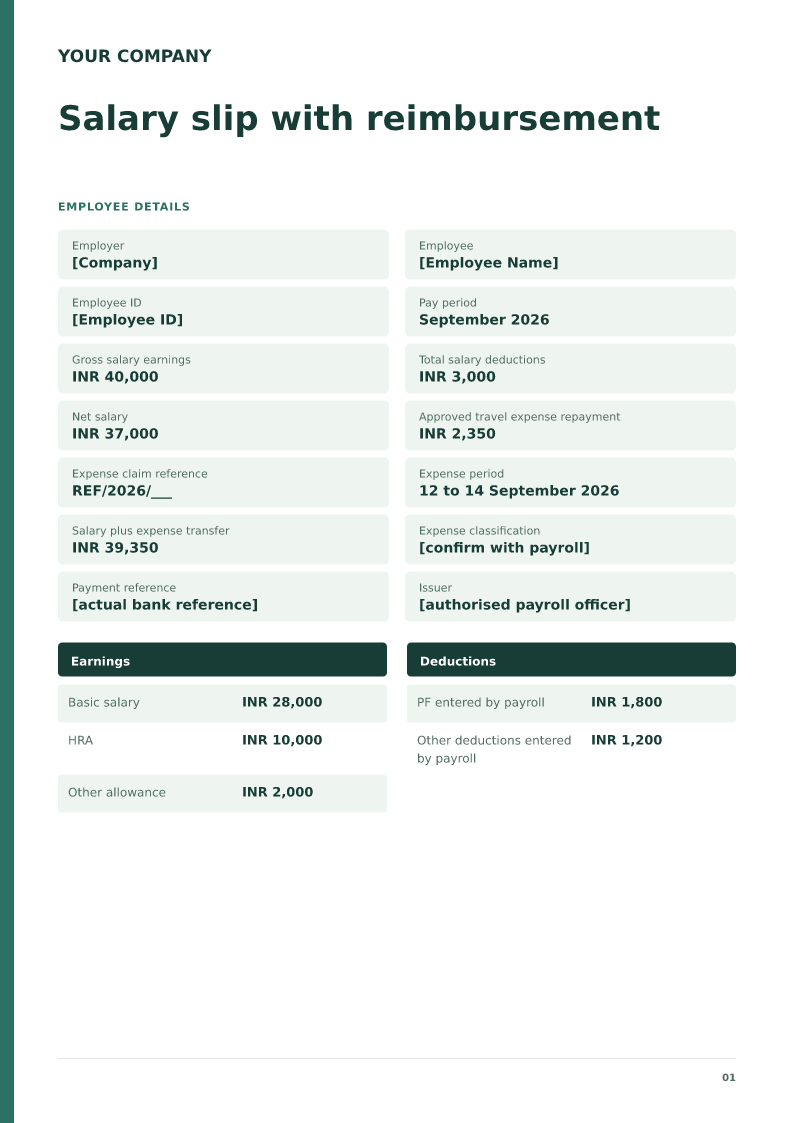
Salary slip with reimbursement
Free PDF, Word and Excel template for salary transfer including an approved expense repayment. Filled sample, checks and local editing.
 Preview & customize ↗
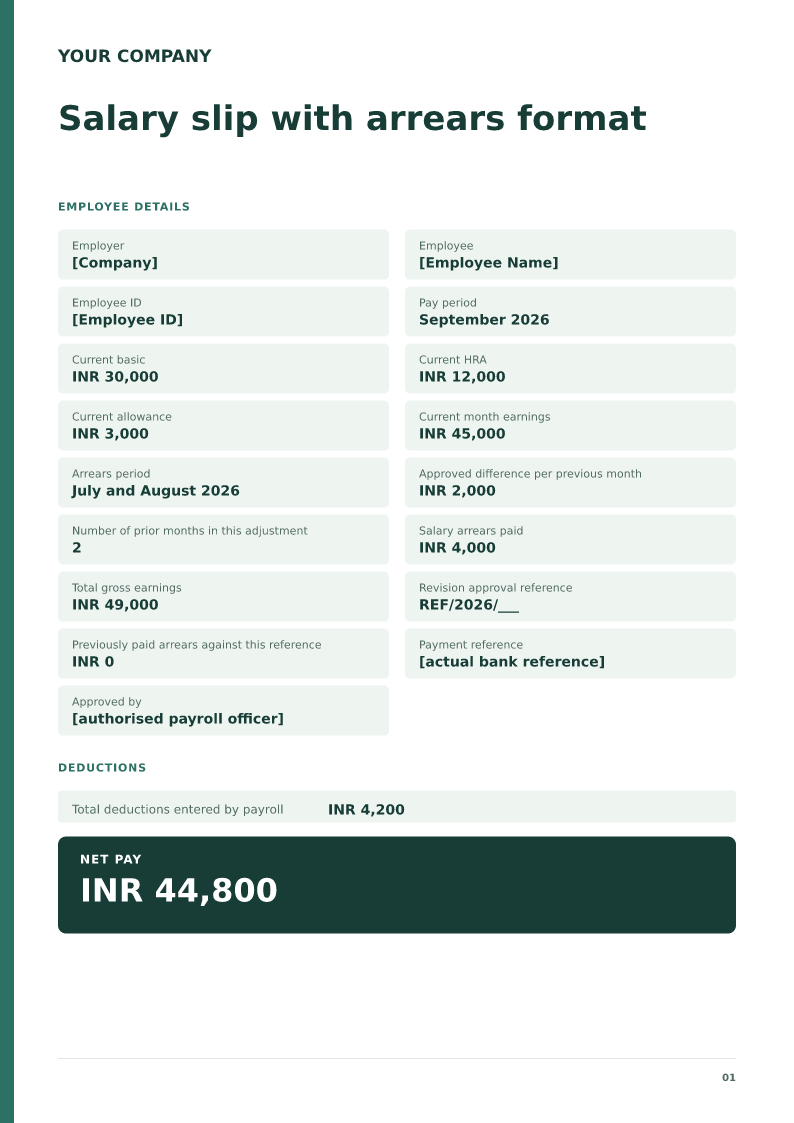
Salary slip with arrears format
A salary slip with arrears lists the employer, the employee, the pay period, current earnings, the arrears line and the period it covers, deductions, and net pay. Download and edit the PDF, Word, or Excel sample.
 Preview & customize ↗
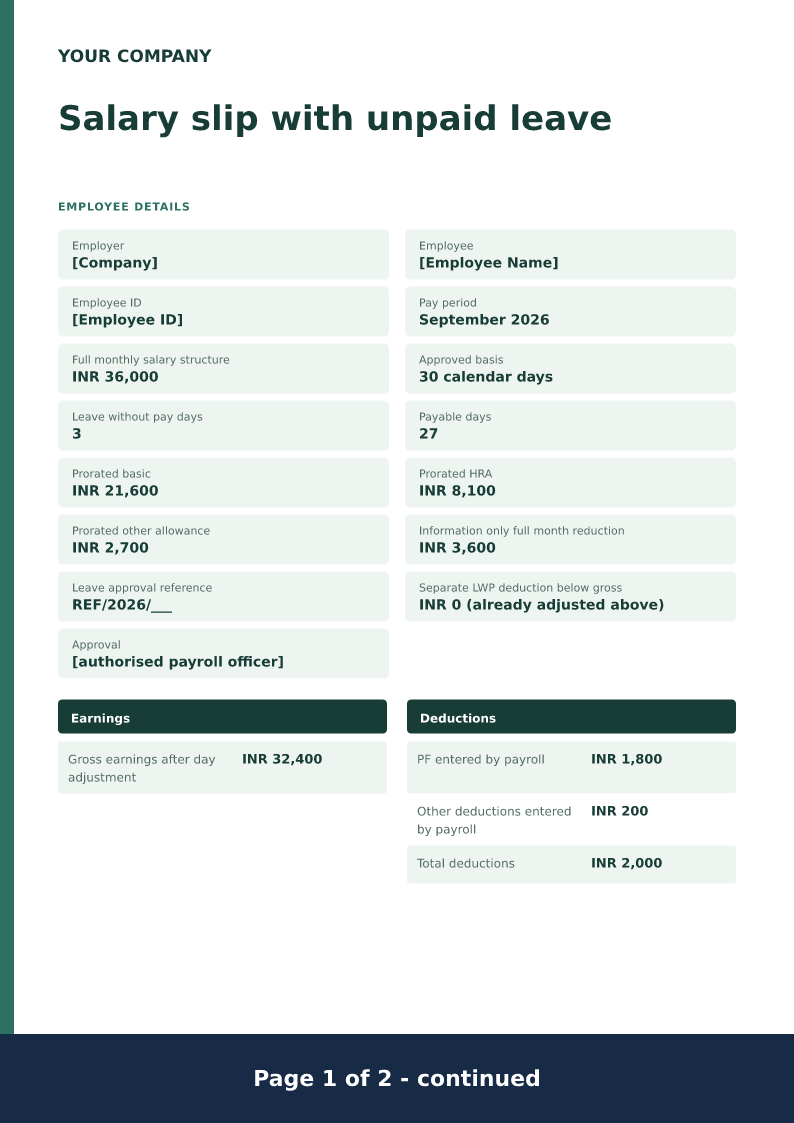
Salary slip with unpaid leave
Free PDF, Word and Excel downloads for pay reduced for approved leave without pay. Includes an editable sample with placeholders, scenario checks, and an editable blank version.
 Preview & customize ↗
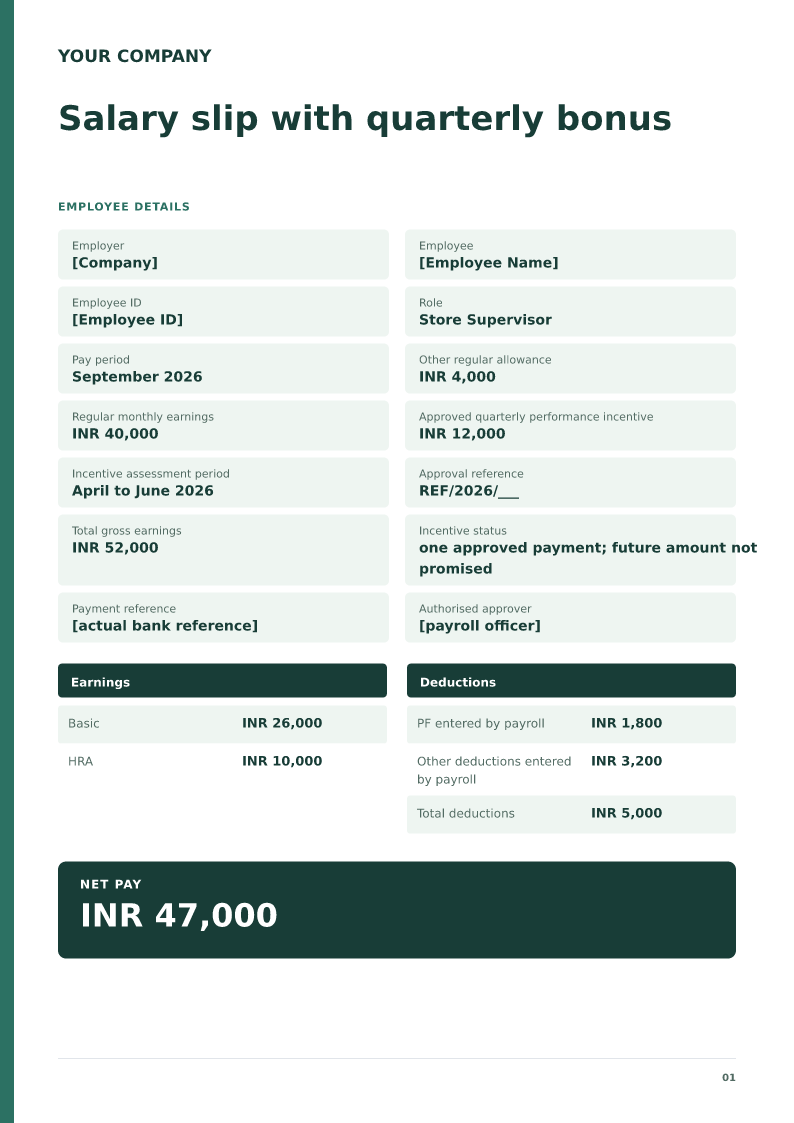
Salary slip with quarterly bonus
Free PDF, Word and Excel template for monthly pay including an approved quarterly incentive. Filled sample, checks and local editing.
 Preview & customize ↗
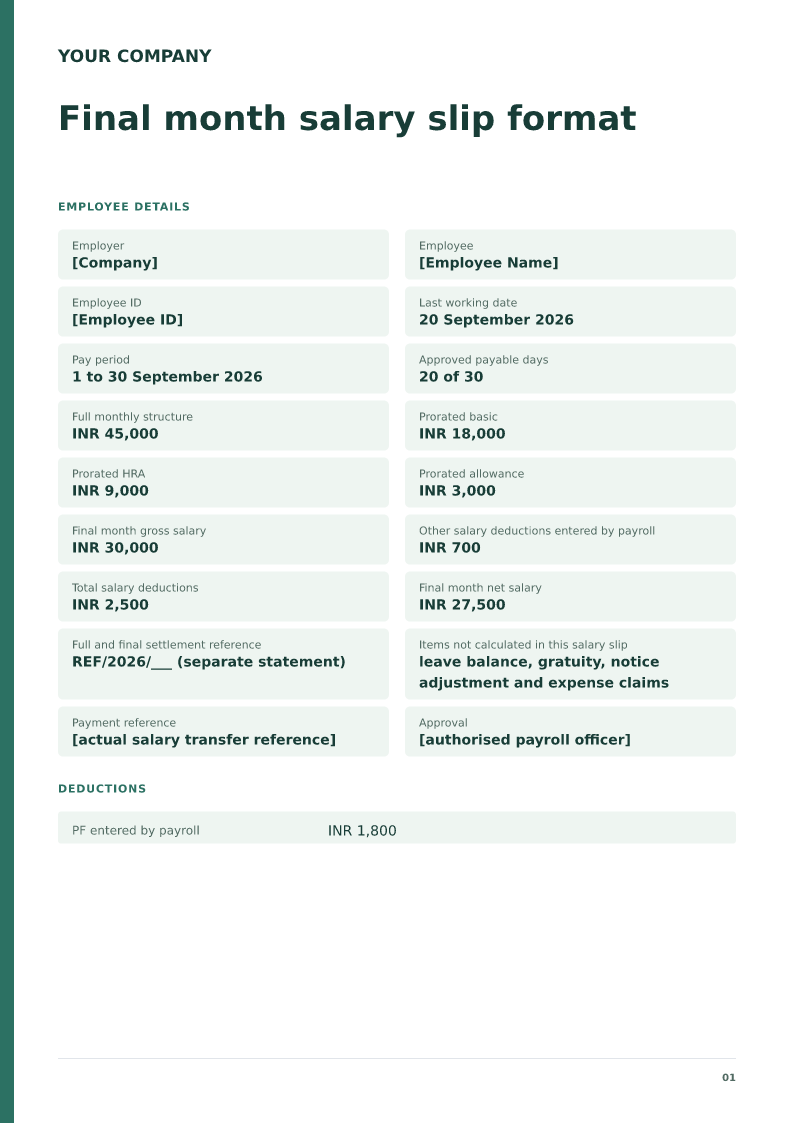
Final month salary slip format
A last month salary slip, also called a final-month salary slip, lists the employer, the employee, the last working day, the pay period, payable days, earnings, deductions, and net pay. It covers salary only. Download the free PDF, Word, or Excel sample, or copy the short layout or the layout for salary paid with the final settlement.
 Preview & customize ↗
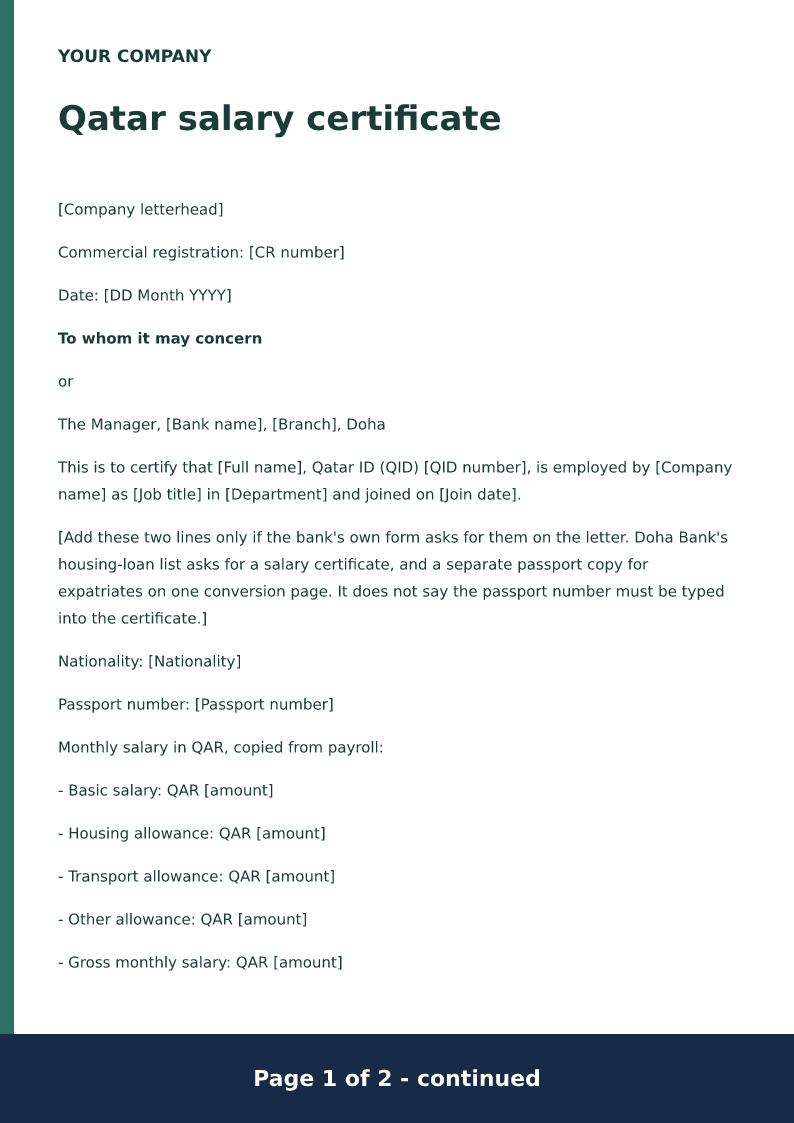
Qatar salary certificate
A Qatar salary certificate confirms the employer, the Qatar ID, the job title, the joining date, and monthly basic pay plus allowances in QAR. Commercial Bank of Qatar's published example is that bank's form only. Replace the brackets, then have an authorised person sign and stamp it.
 Preview & customize ↗
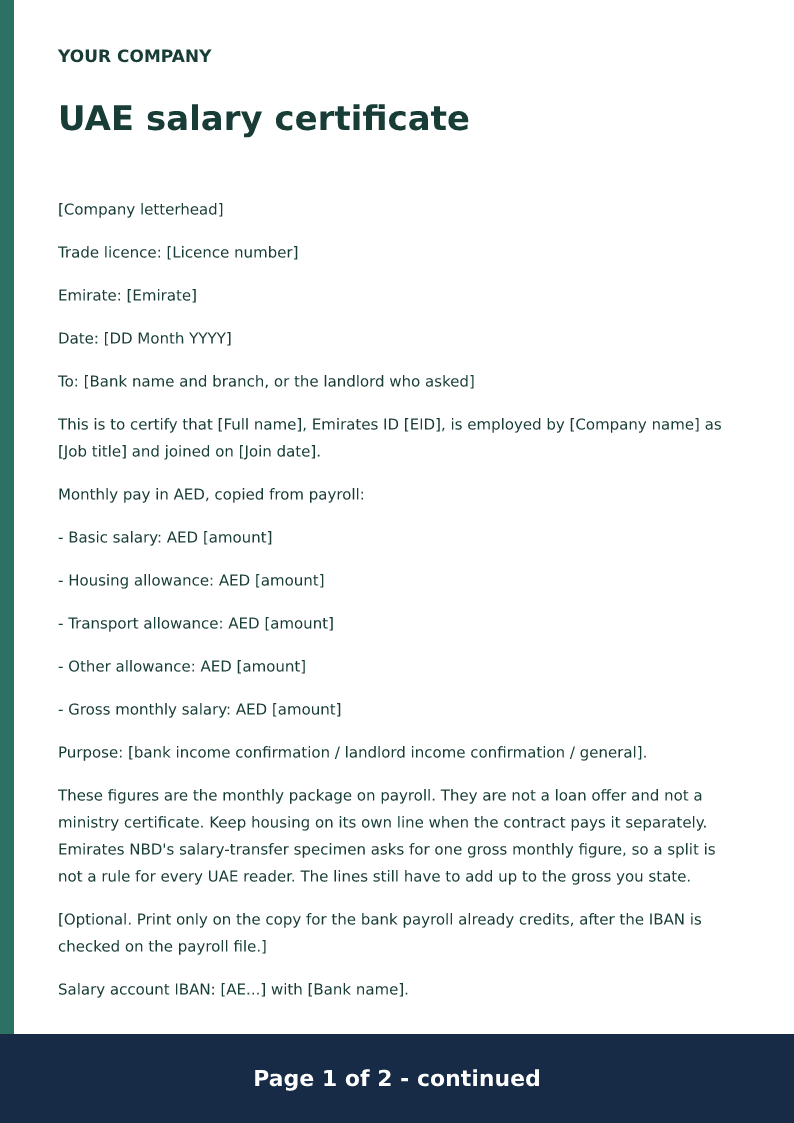
UAE salary certificate
A UAE salary certificate confirms the Emirates ID, the job title, and monthly basic pay plus allowances in AED for a bank or a landlord who asked. It is not an Ejari registration. End-of-service wording is not part of this certificate.
 Preview & customize ↗
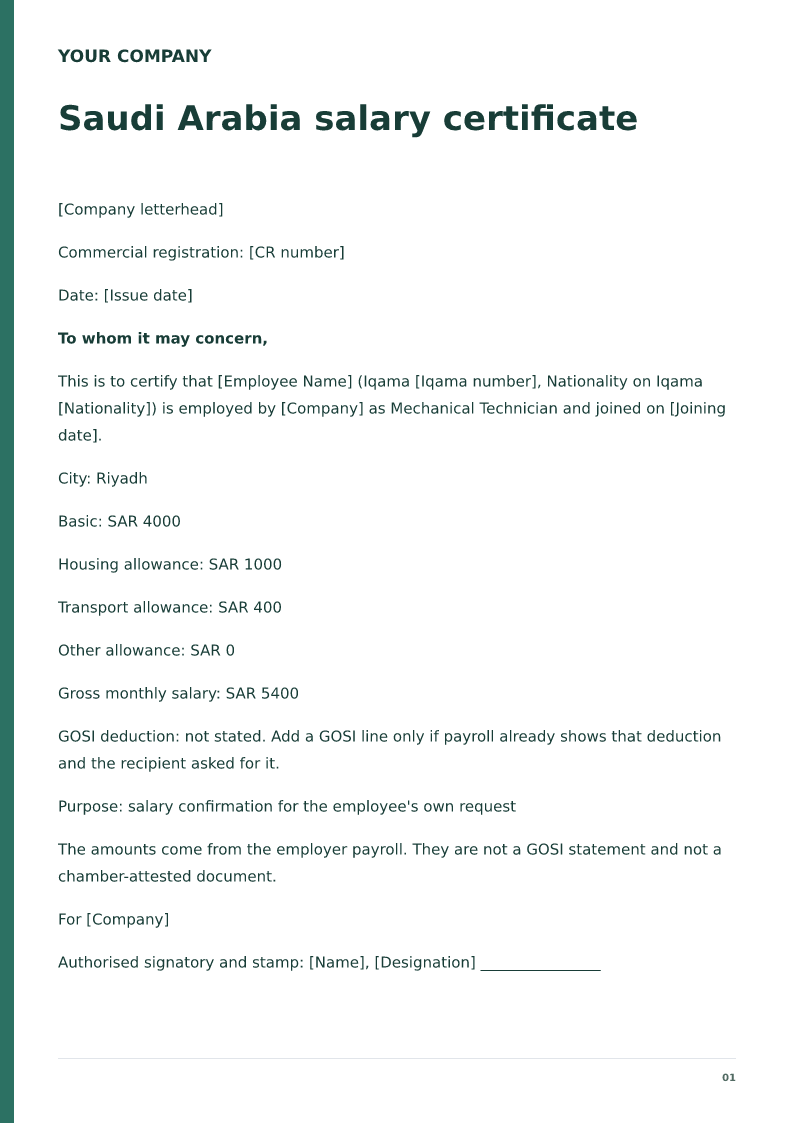
Saudi Arabia salary certificate
Free PDF and Word Saudi salary certificate with Iqama and SAR allowances. Filled sample, checks and local editing.
 Preview & customize ↗
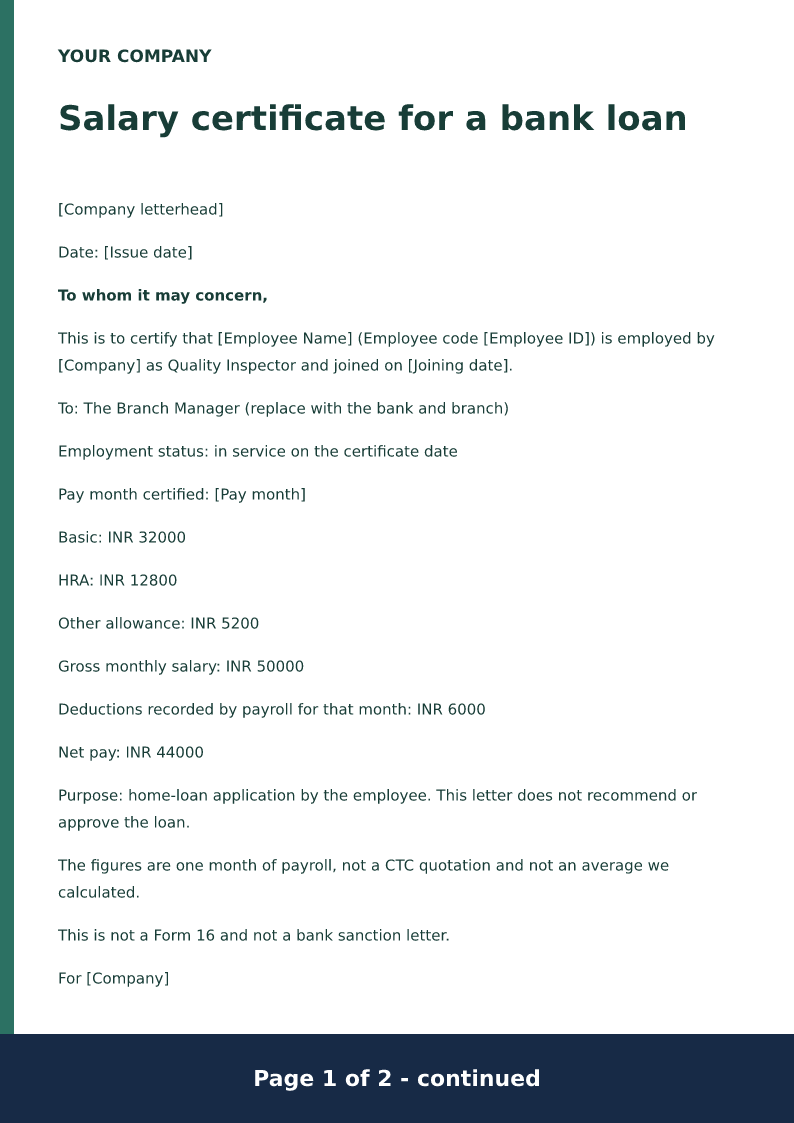
Salary certificate for a bank loan
Free PDF and Word salary certificate for an India bank loan, with gross and net. Filled sample, checks and local editing.
 Preview & customize ↗
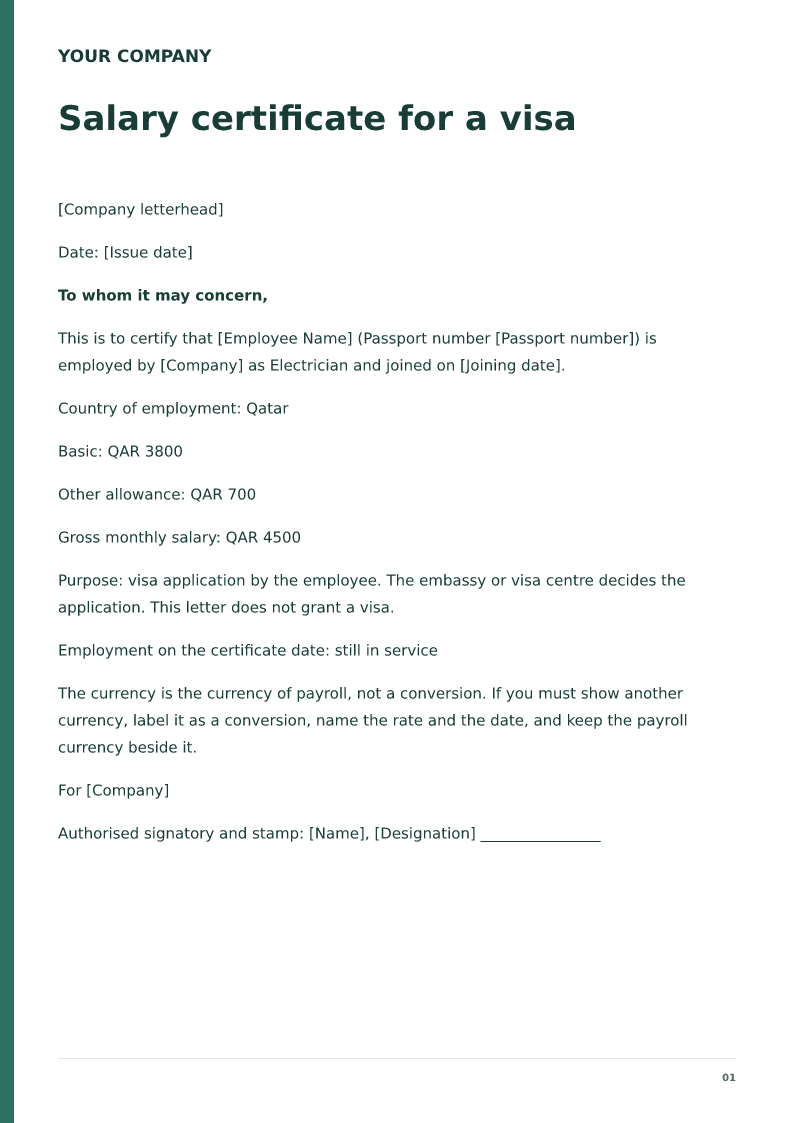
Salary certificate for a visa
Free PDF and Word salary certificate for a visa file, in the currency you pay. Filled sample, checks and local editing.
 Preview & customize ↗
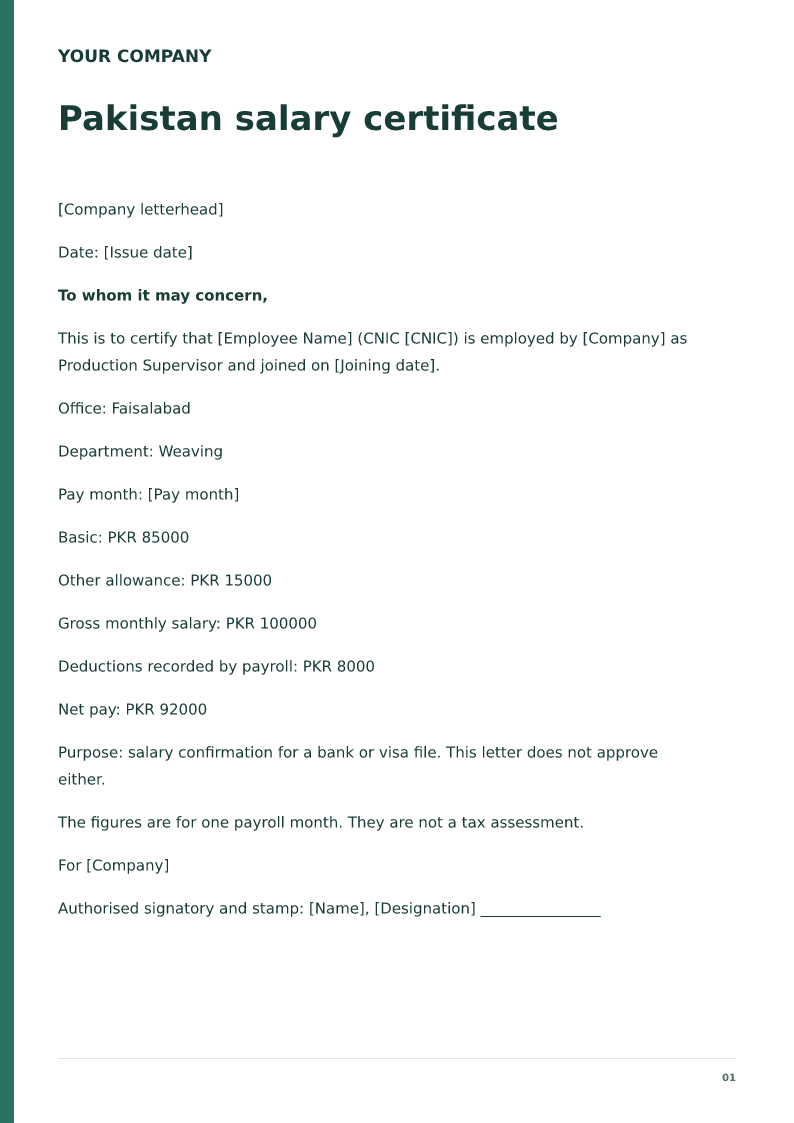
Pakistan salary certificate
Free PDF and Word Pakistan salary certificate with CNIC and PKR pay. Filled sample, checks and local editing.
 Preview & customize ↗
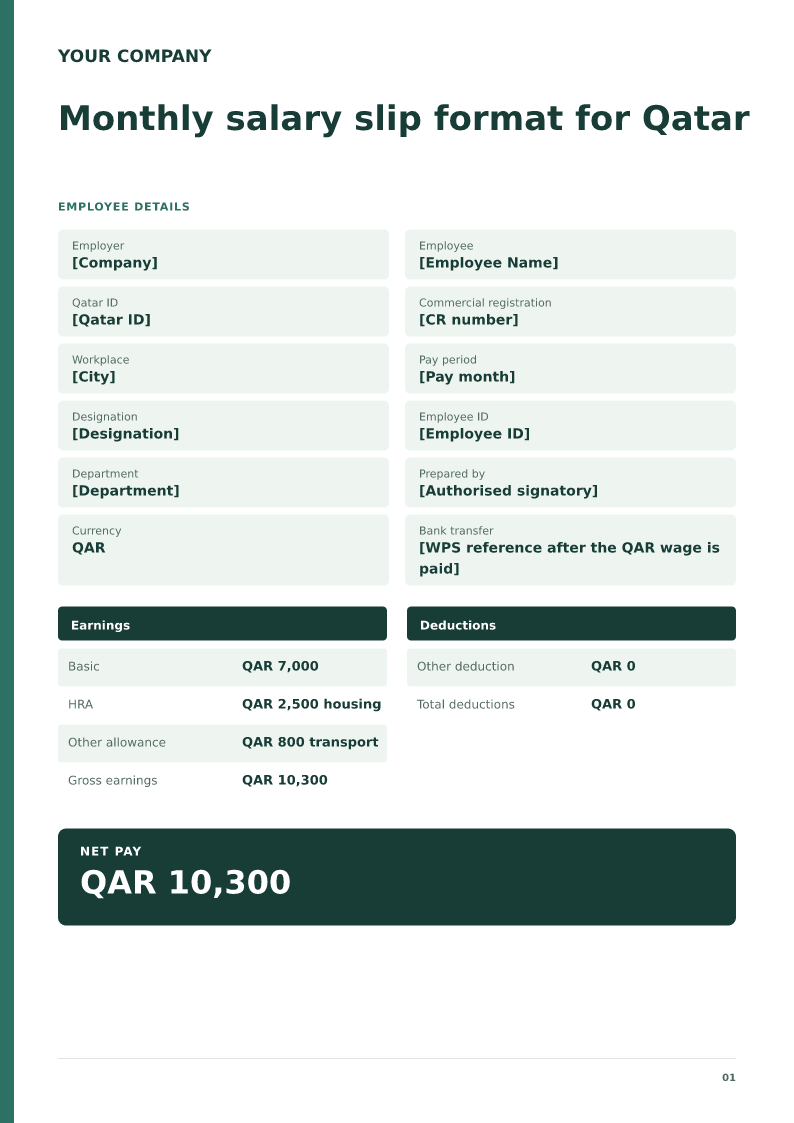
Monthly salary slip format for Qatar
A monthly Qatar wage slip in QAR, with housing and transport kept apart from basic pay. Free PDF, Word and Excel downloads. Edit the filled sample on your device.
 Preview & customize ↗
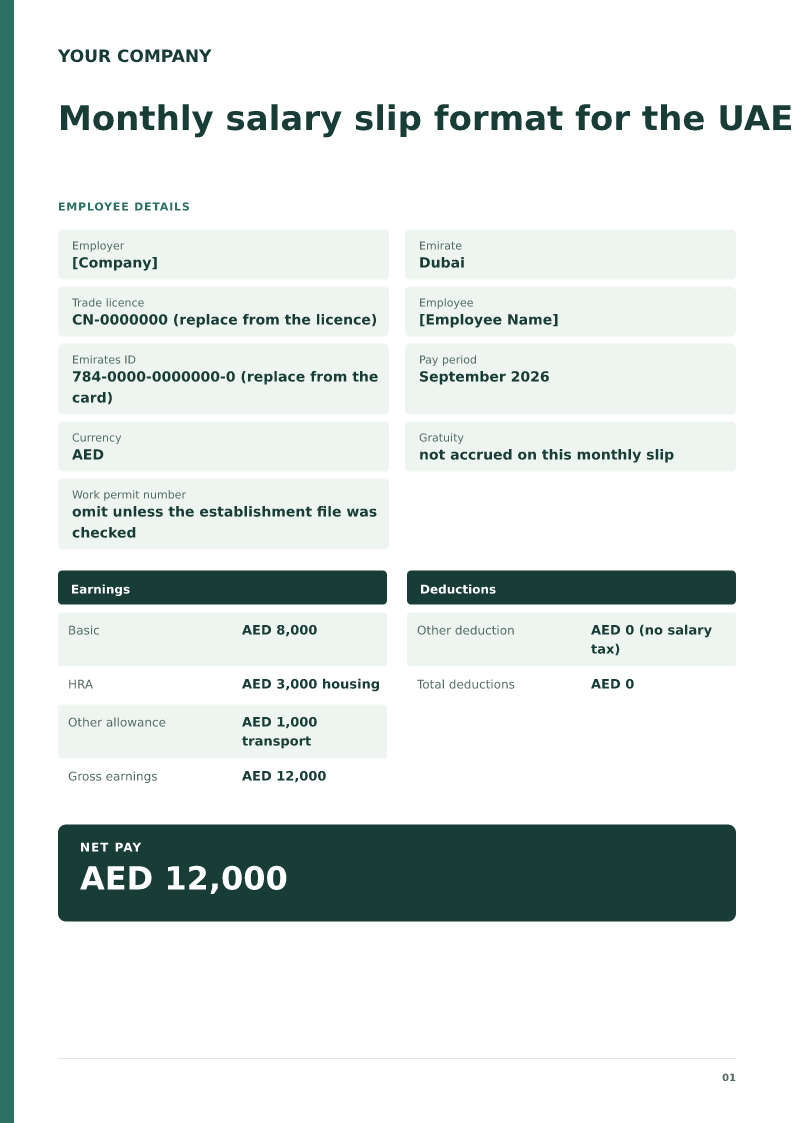
Monthly salary slip format for the UAE
A monthly UAE wage slip in AED with housing, transport and the employing company's emirate. Free PDF, Word and Excel downloads. Edit the filled sample on your device.
 Preview & customize ↗
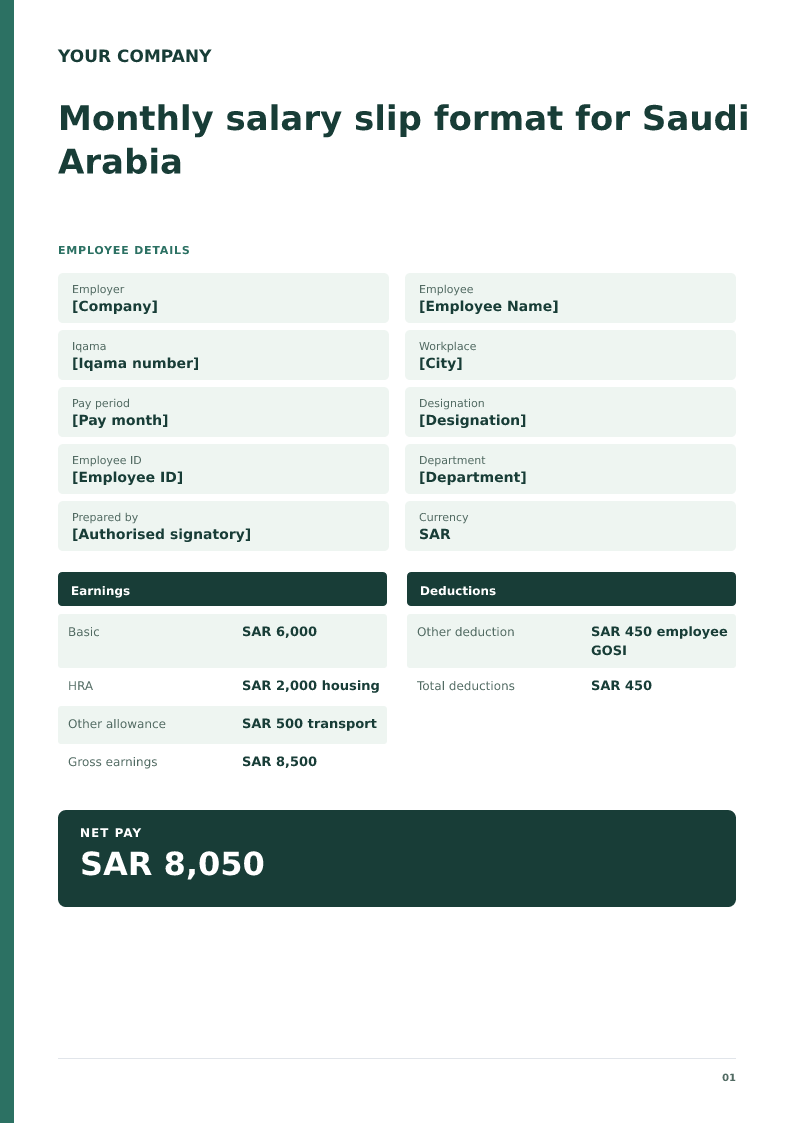
Monthly salary slip format for Saudi Arabia
A Saudi monthly salary slip is the employer's record of one pay month in riyals, issued from the payroll file. It must show the Iqama or national ID, SAR basic pay, housing, any employee GOSI amount already deducted, and the net pay. Download the free PDF, Word, or Excel sample for 2026. The sheet sums the amounts you type and does not apply a GOSI percentage.
 Preview & customize ↗
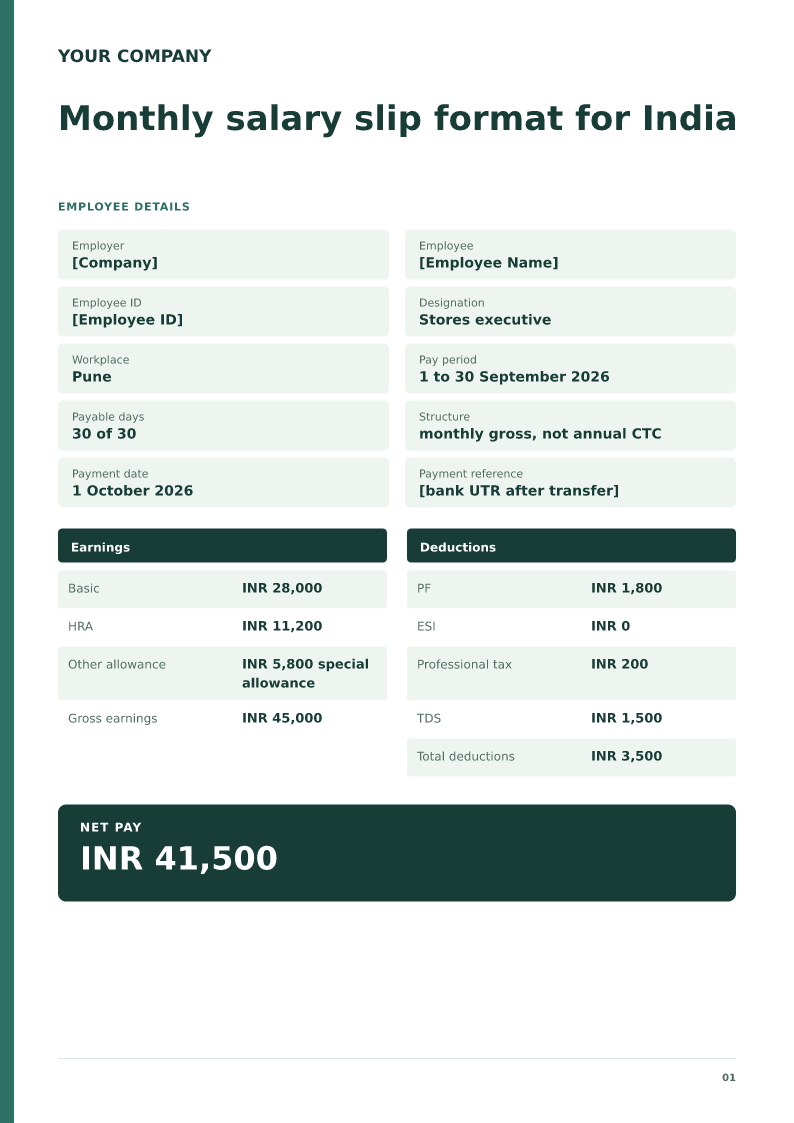
Monthly salary slip format for India
A full-month India salary slip with payable days, basic, HRA, special allowance, PF, professional tax and TDS. Free PDF, Word and Excel downloads.
 Preview & customize ↗
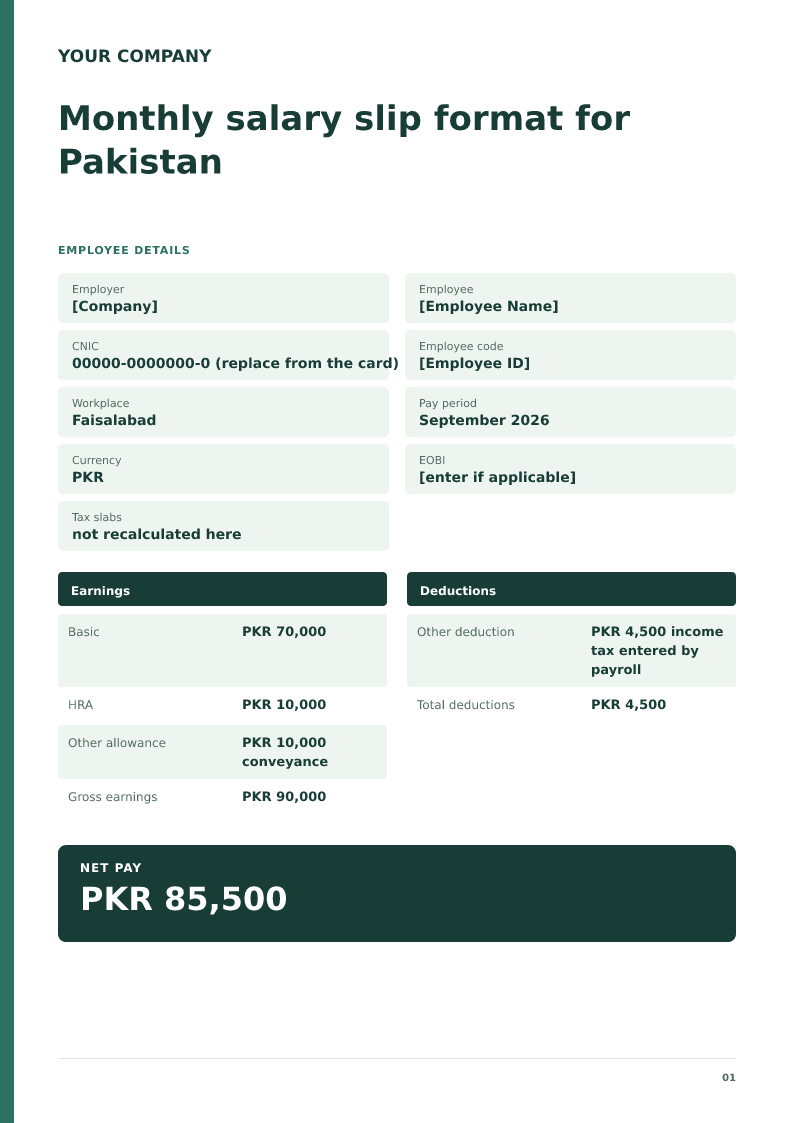
Monthly salary slip format for Pakistan
A monthly Pakistan wage slip in PKR with CNIC, basic, allowance and income tax only as payroll entered it. Free PDF, Word and Excel downloads.
 Preview & customize ↗
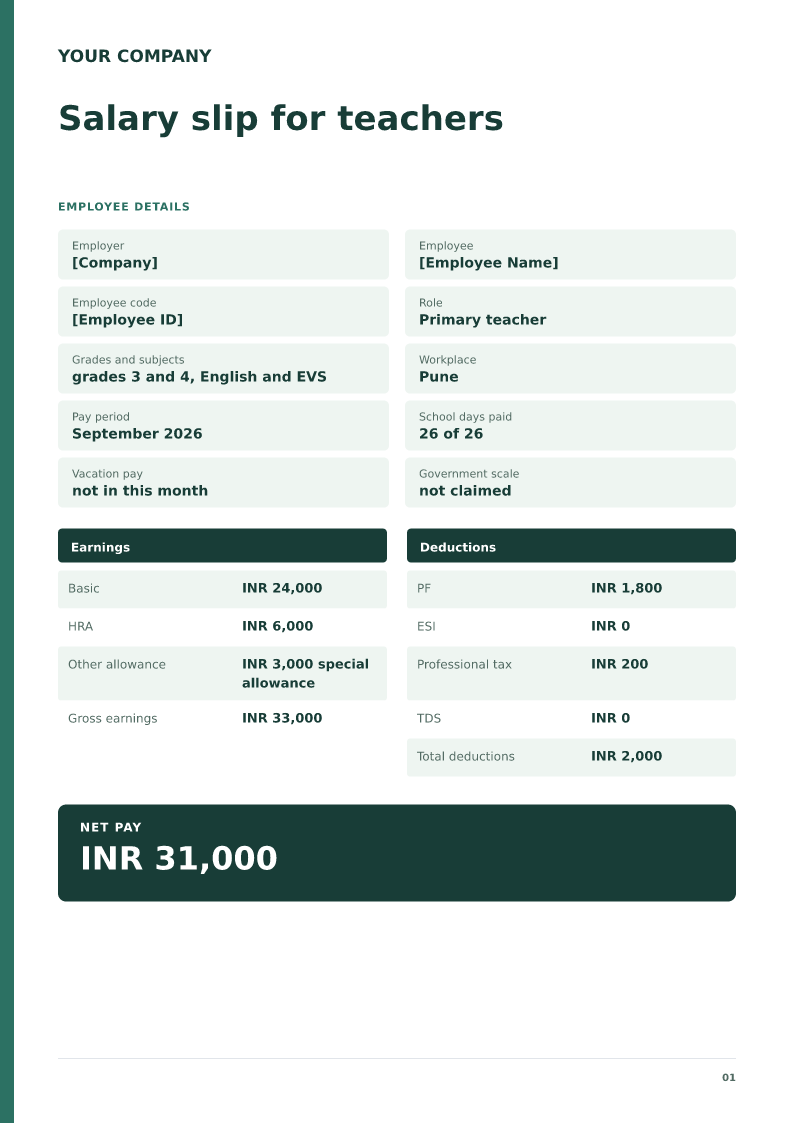
Salary slip for teachers
A private-school teacher salary slip with grades taught, school days, and pay that is not a government pay-commission scale. Free PDF, Word and Excel downloads.
 Preview & customize ↗
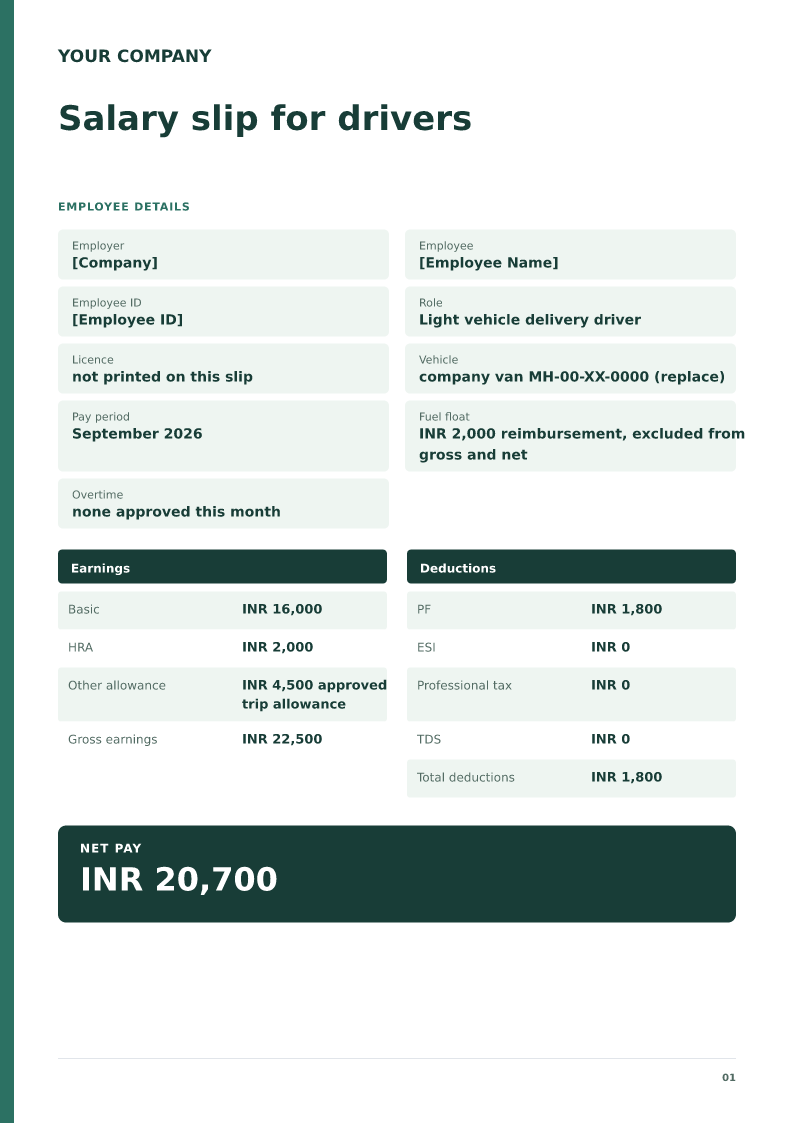
Salary slip for drivers
A delivery-driver salary slip that keeps trip allowance in earnings and fuel float out of net pay. Free PDF, Word and Excel downloads.
 Preview & customize ↗
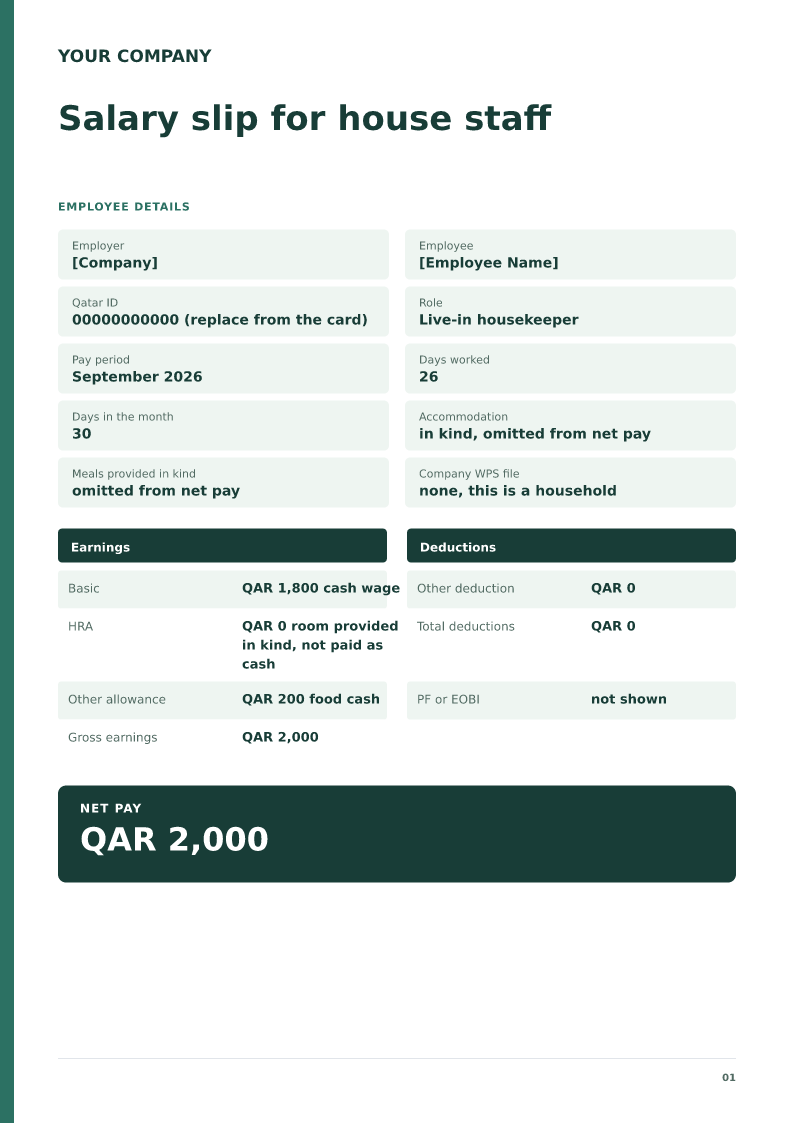
Salary slip for house staff
A household salary slip for a live-in housekeeper, with cash wage separate from room and food provided in kind. Free PDF, Word and Excel downloads.
 Preview & customize ↗
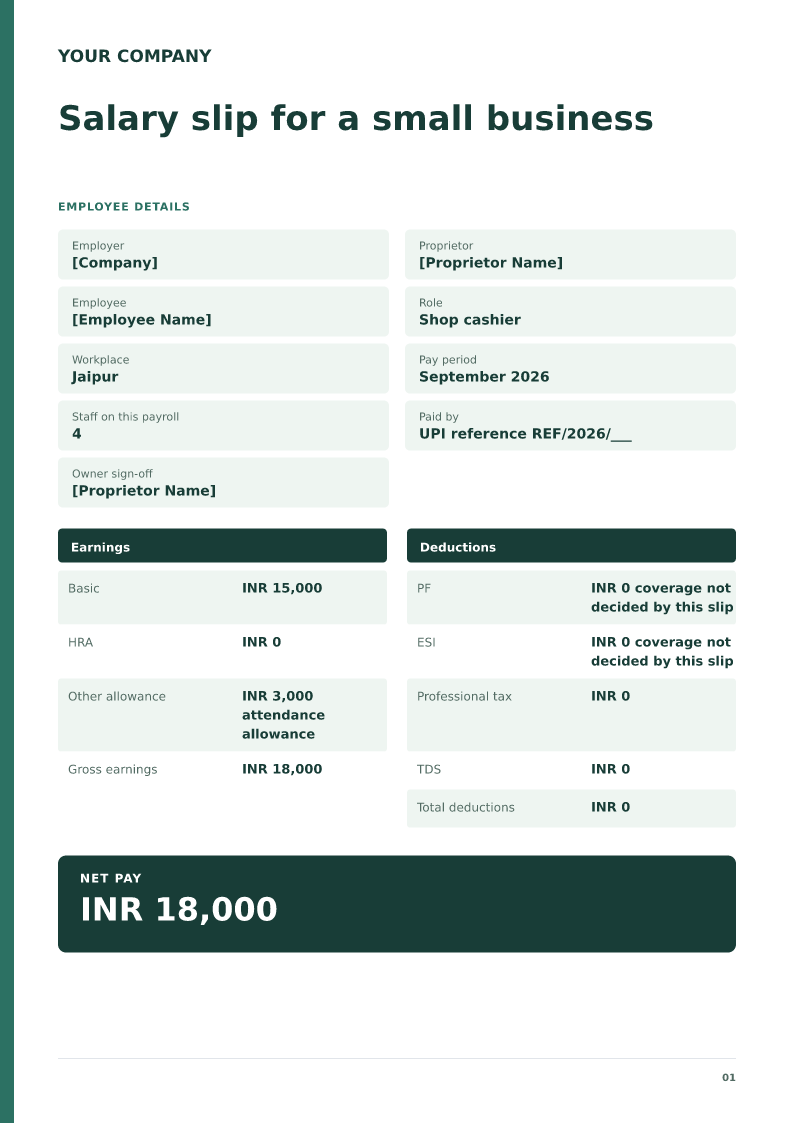
Salary slip for a small business
A proprietor's salary slip for a shop cashier, with a staff count and no assumed PF coverage. Free PDF, Word and Excel downloads.
 Preview & customize ↗
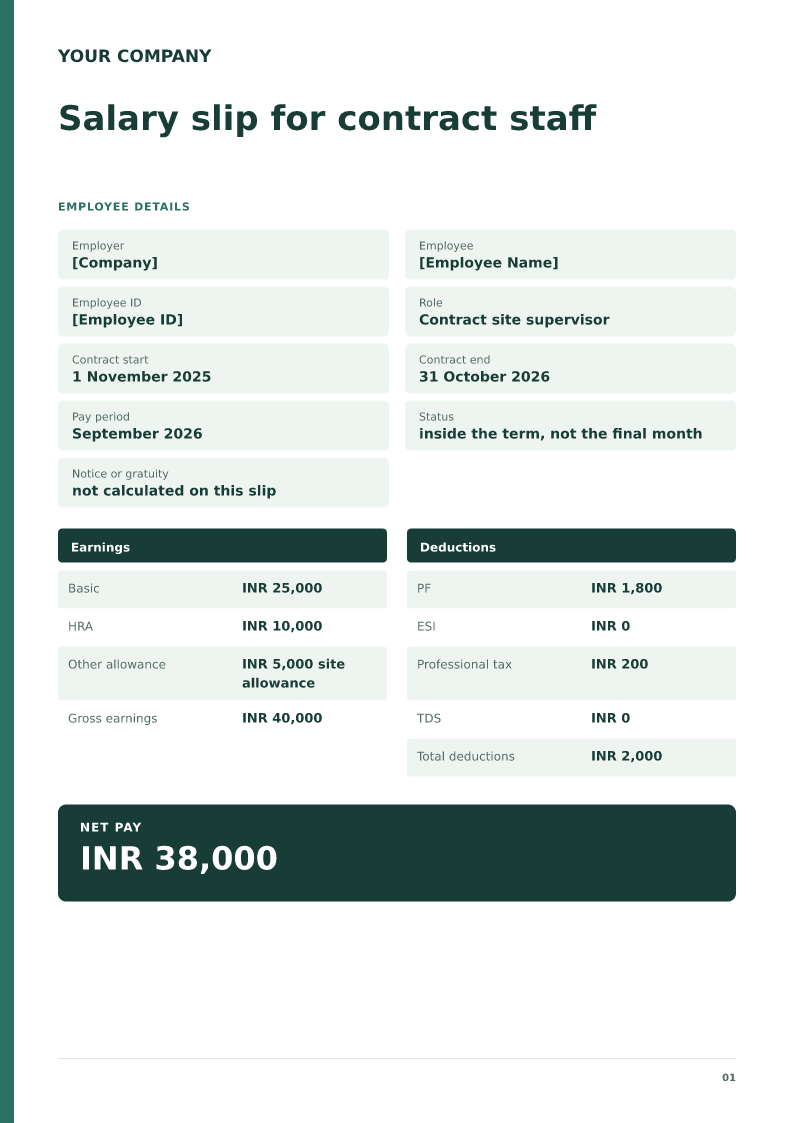
Salary slip for contract staff
A payroll slip for an employee on a fixed-term contract, with the contract end date kept separate from this month's net pay. Free PDF, Word and Excel downloads.
 Preview & customize ↗
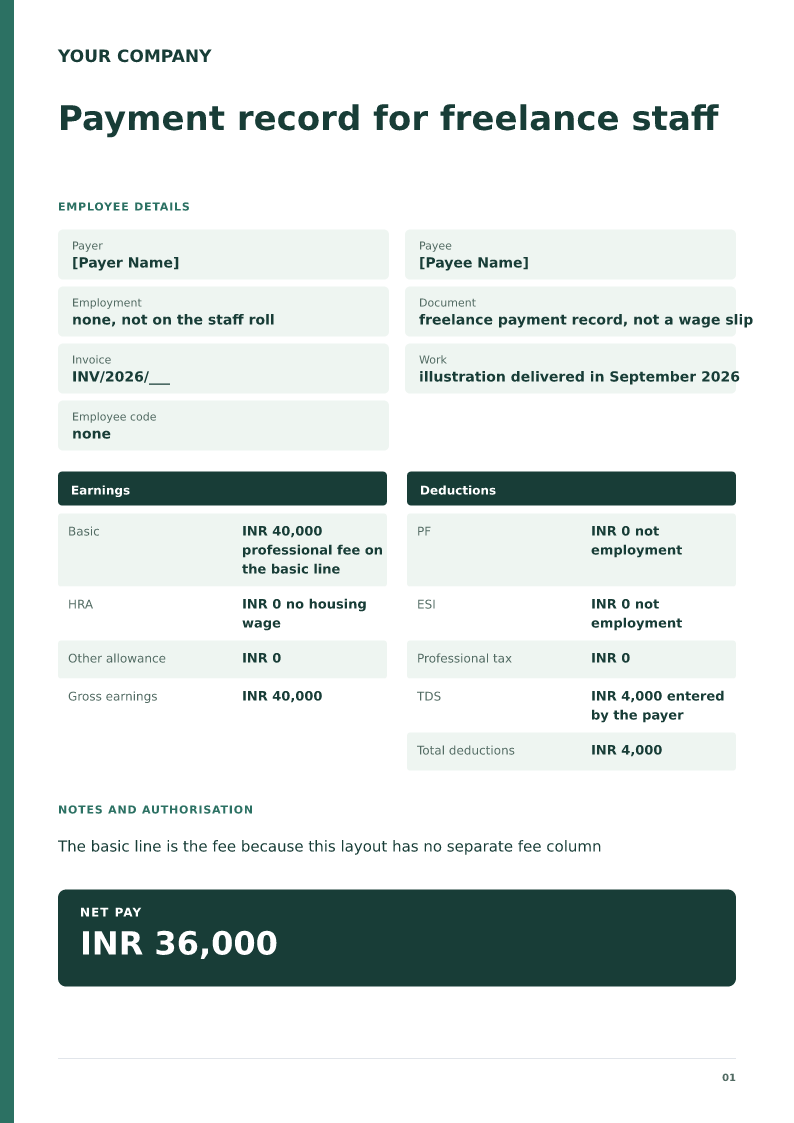
Payment record for freelance staff
A payer's record of one freelance fee, with invoice number and tax withheld, and no employee PF or ESI. Free PDF, Word and Excel downloads.
 Preview & customize ↗
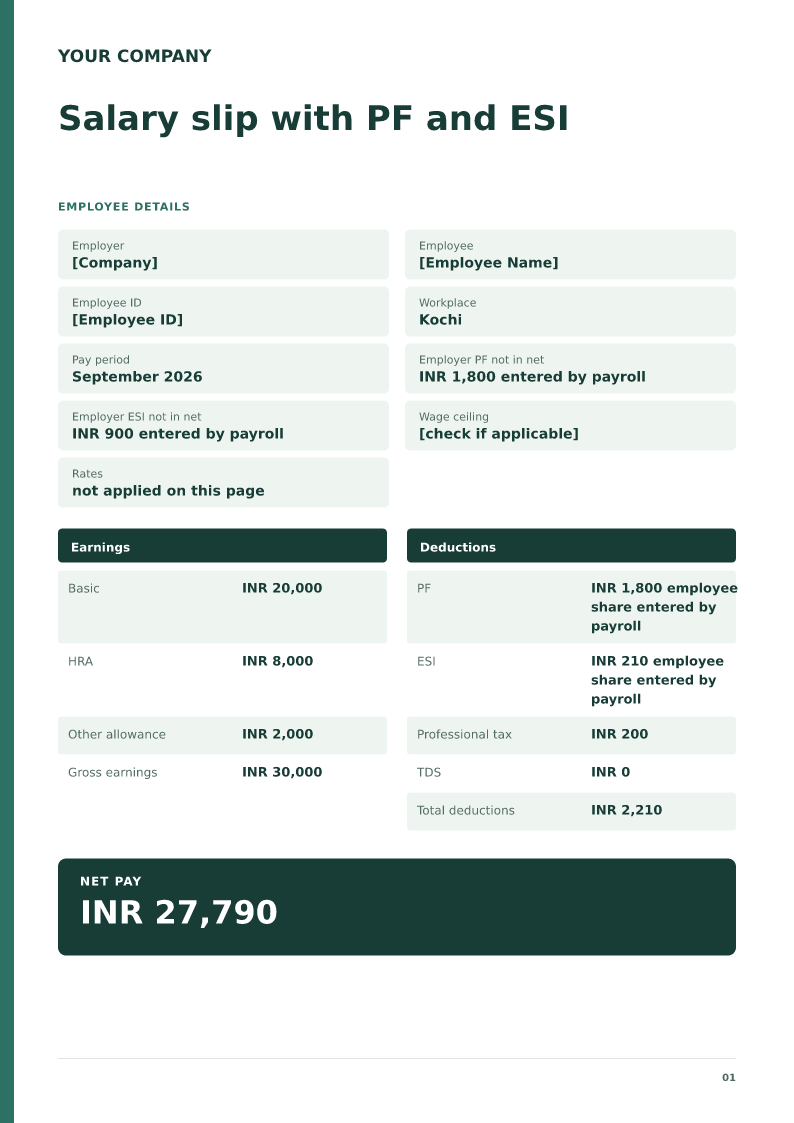
Salary slip with PF and ESI
An India salary slip that shows employee PF and ESI apart from the employer shares, which are not in net pay. Free PDF, Word and Excel downloads.
 Preview & customize ↗
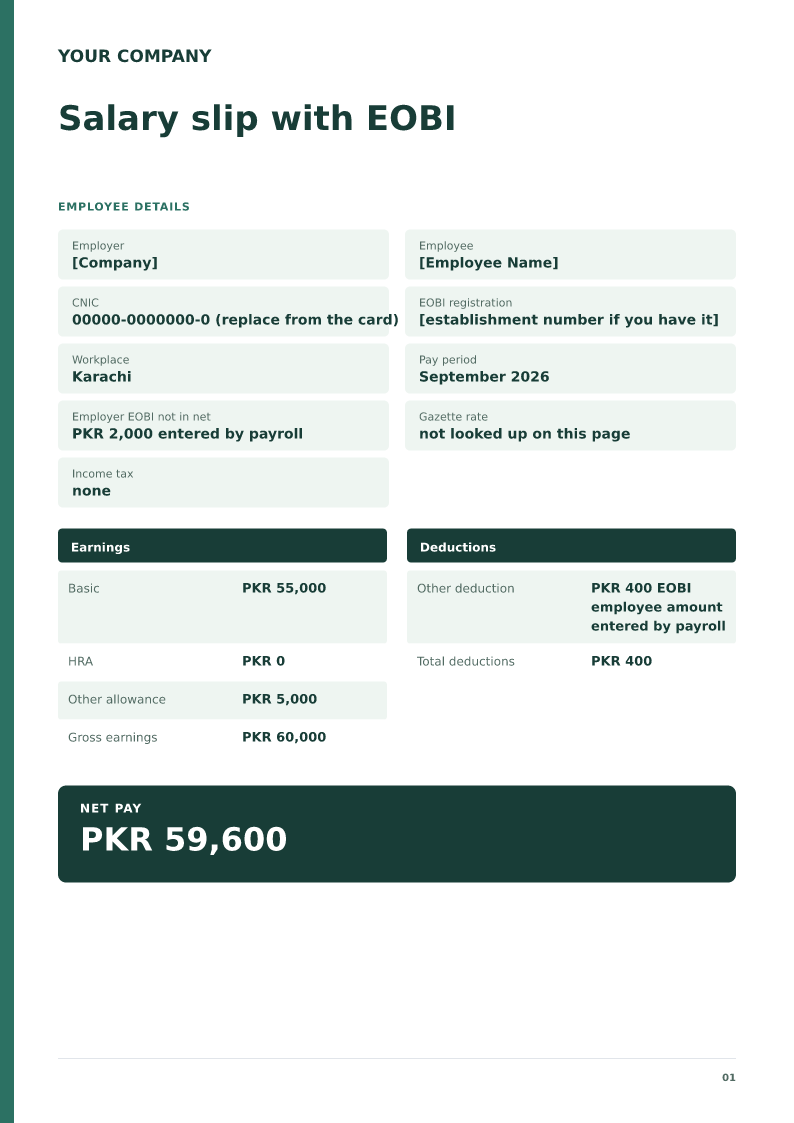
Salary slip with EOBI
A Pakistan salary slip with the employee EOBI amount payroll deducted, and the employer EOBI amount kept out of net pay. Free PDF, Word and Excel downloads.
 Preview & customize ↗
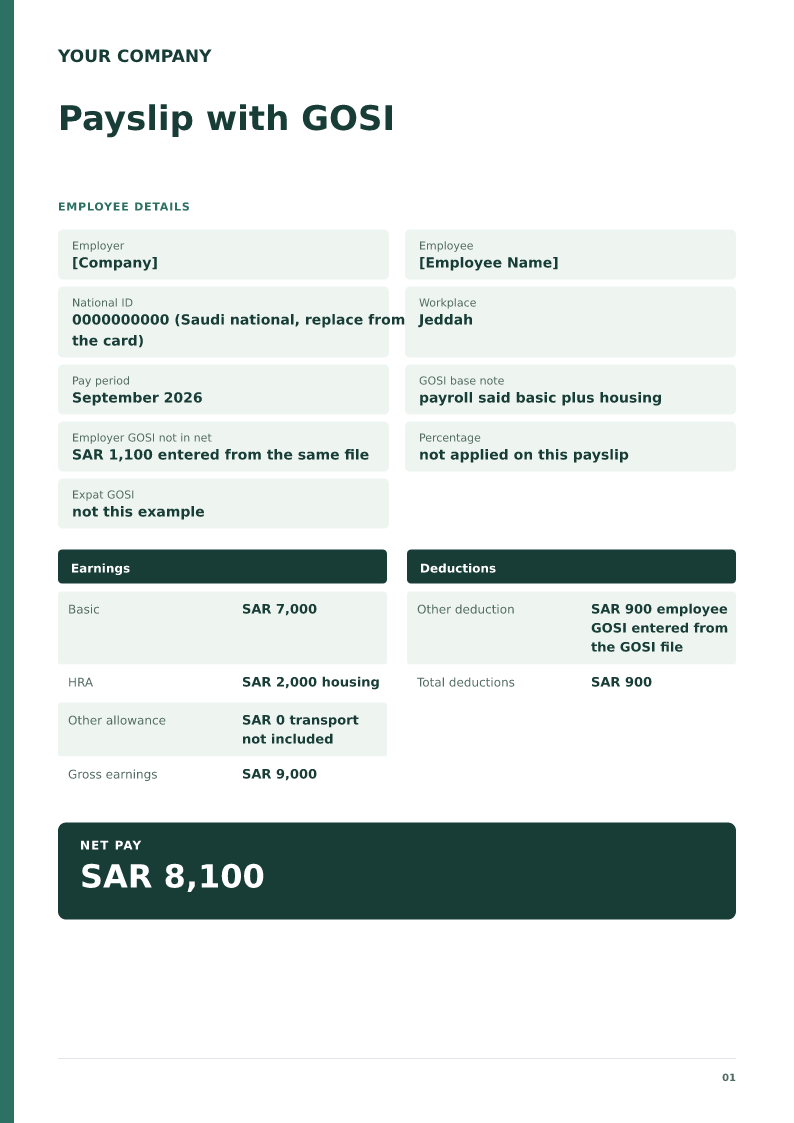
Payslip with GOSI
A Saudi payslip that shows the employee GOSI amount from the GOSI file and leaves the employer share out of net pay. Free PDF, Word and Excel downloads.
 Preview & customize ↗
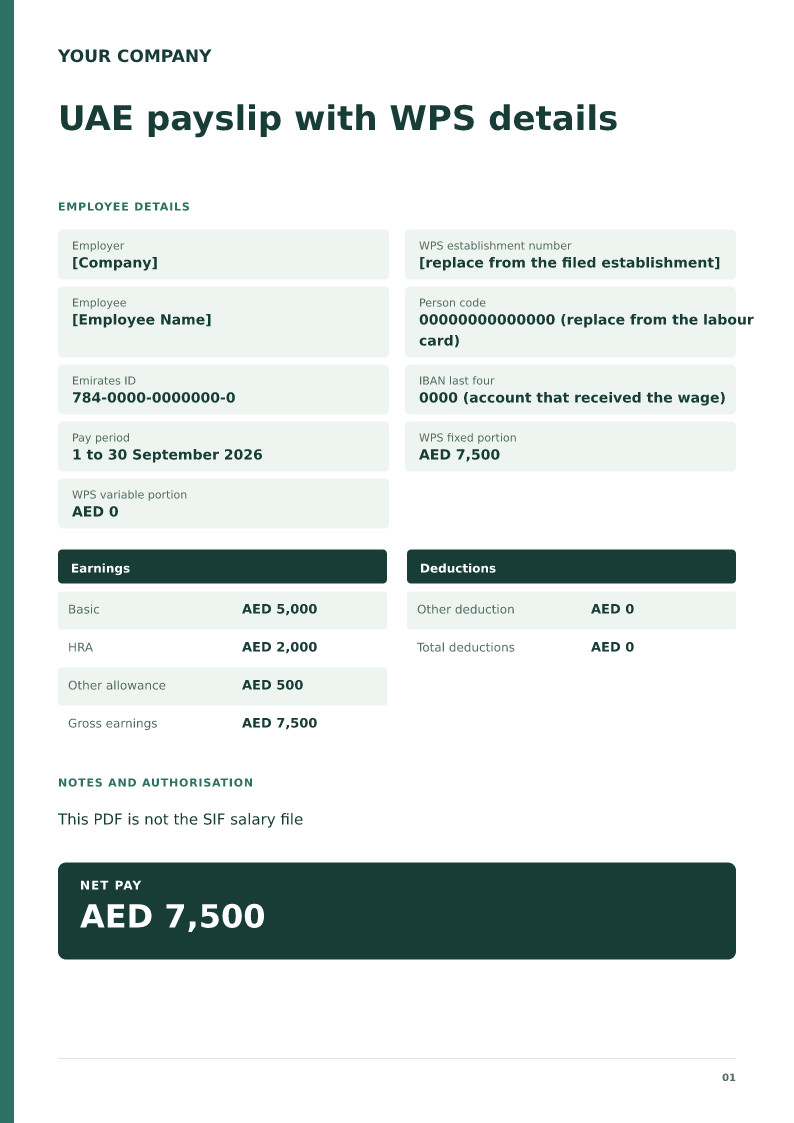
UAE payslip with WPS details
A UAE payslip whose net pay matches the fixed and variable amounts in the wage protection file, including person code and IBAN. Free PDF, Word and Excel downloads.
 Preview & customize ↗
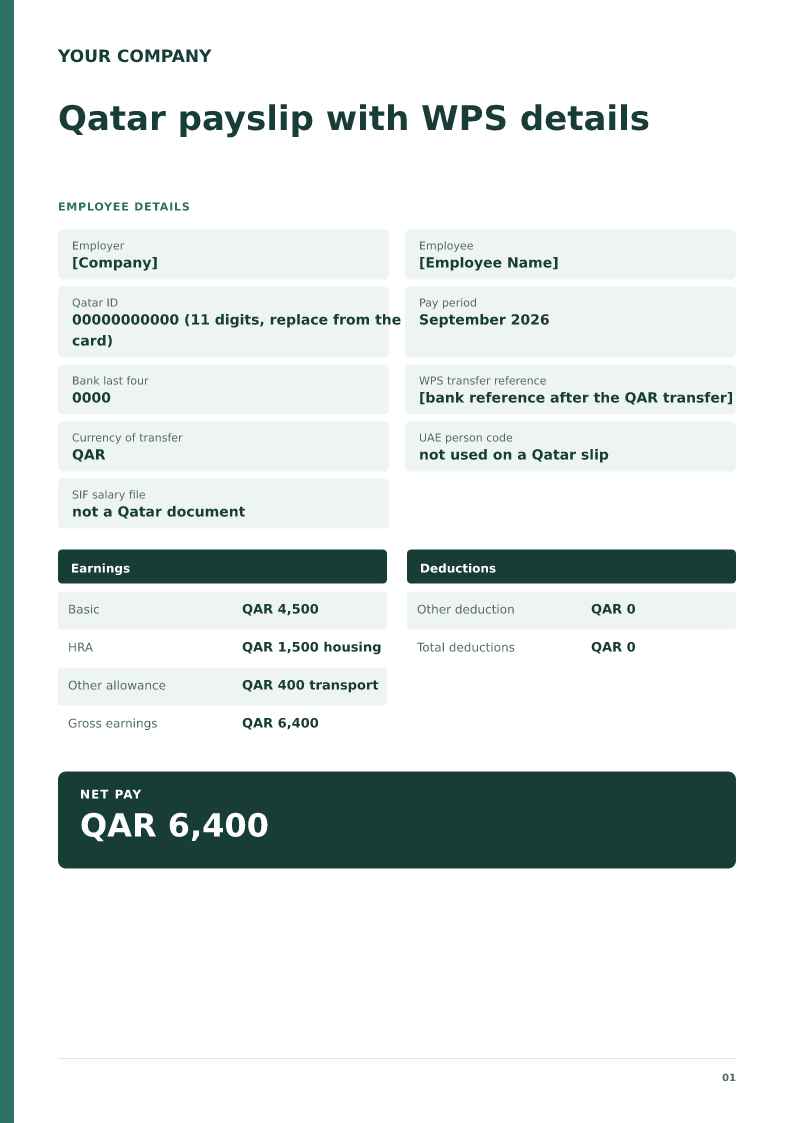
Qatar payslip with WPS details
A Qatar payslip in QAR whose net matches the wage transferred under wage protection, with QID and the bank reference. Free PDF, Word and Excel downloads.
 Preview & customize ↗
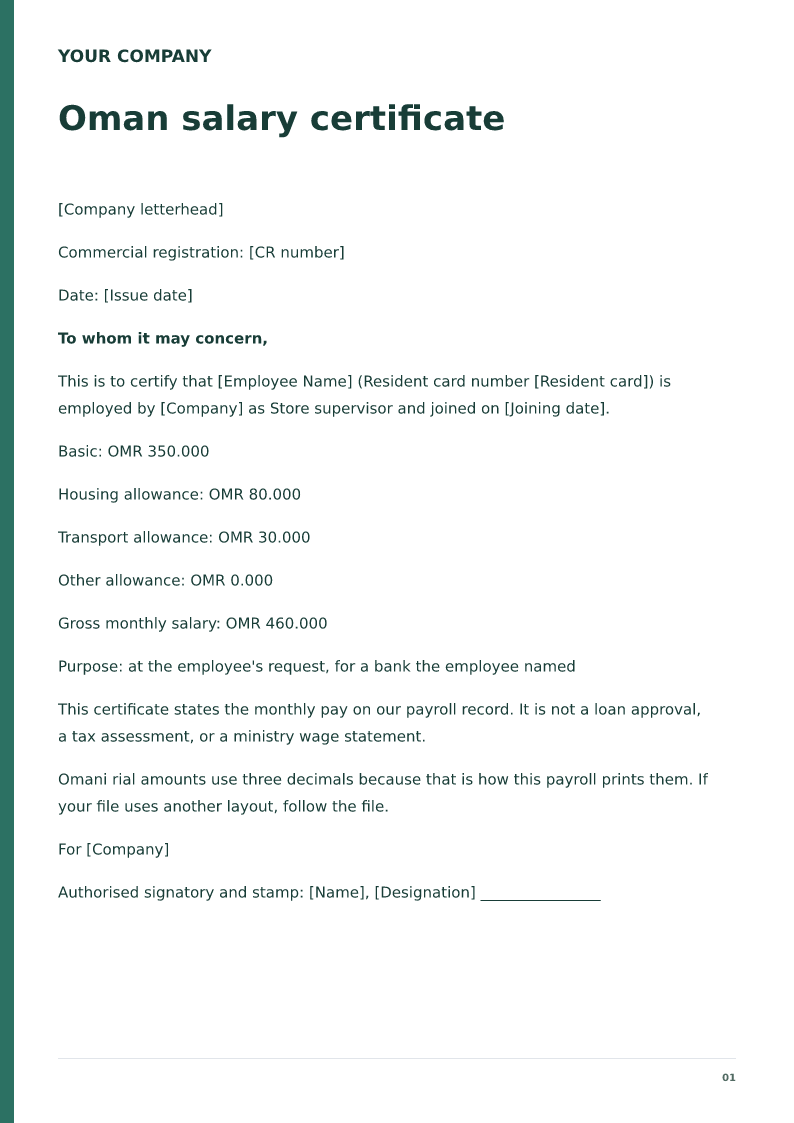
Oman salary certificate
Free Oman salary certificate for 2026. Download Word or PDF with no signup and edit OMR basic pay, allowances and the resident card on your device before issue.
 Preview & customize ↗
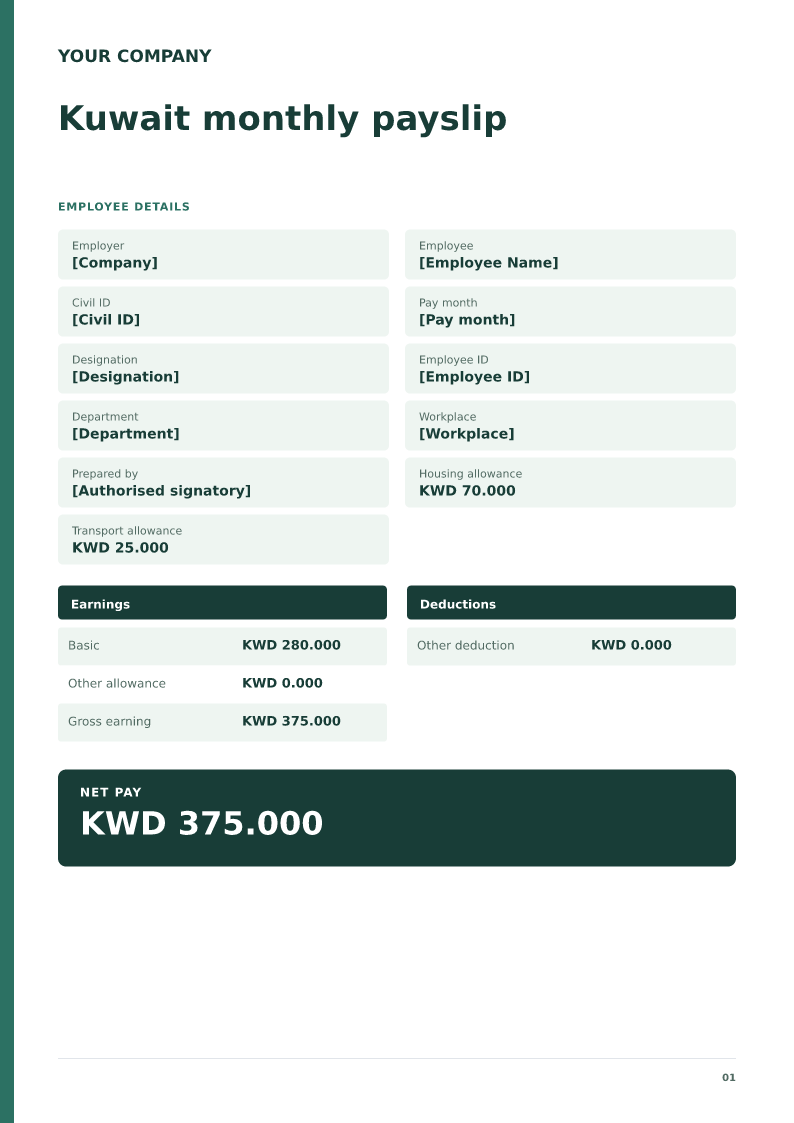
Kuwait monthly payslip
A Kuwait monthly salary slip is the employer's record of one pay month in dinars, issued from the payroll file. It must show the Civil ID, KWD basic pay, allowances, any deduction already on the file, and the net pay. Download the free Word or PDF sample for 2026. Do not add a tax line the payroll file does not show.
 Preview & customize ↗
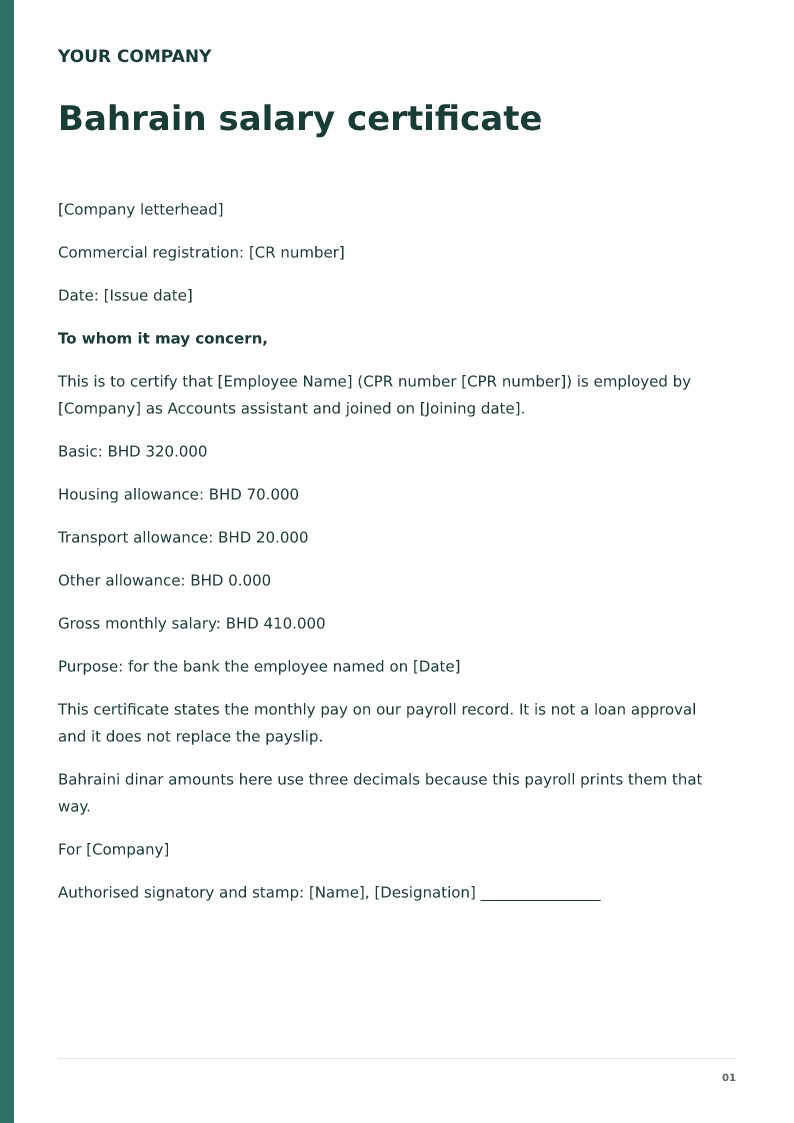
Bahrain salary certificate
Free Bahrain salary certificate for 2026. Download Word or PDF with no signup and edit BHD basic pay, allowances and the CPR number on your device before issue.
 Preview & customize ↗
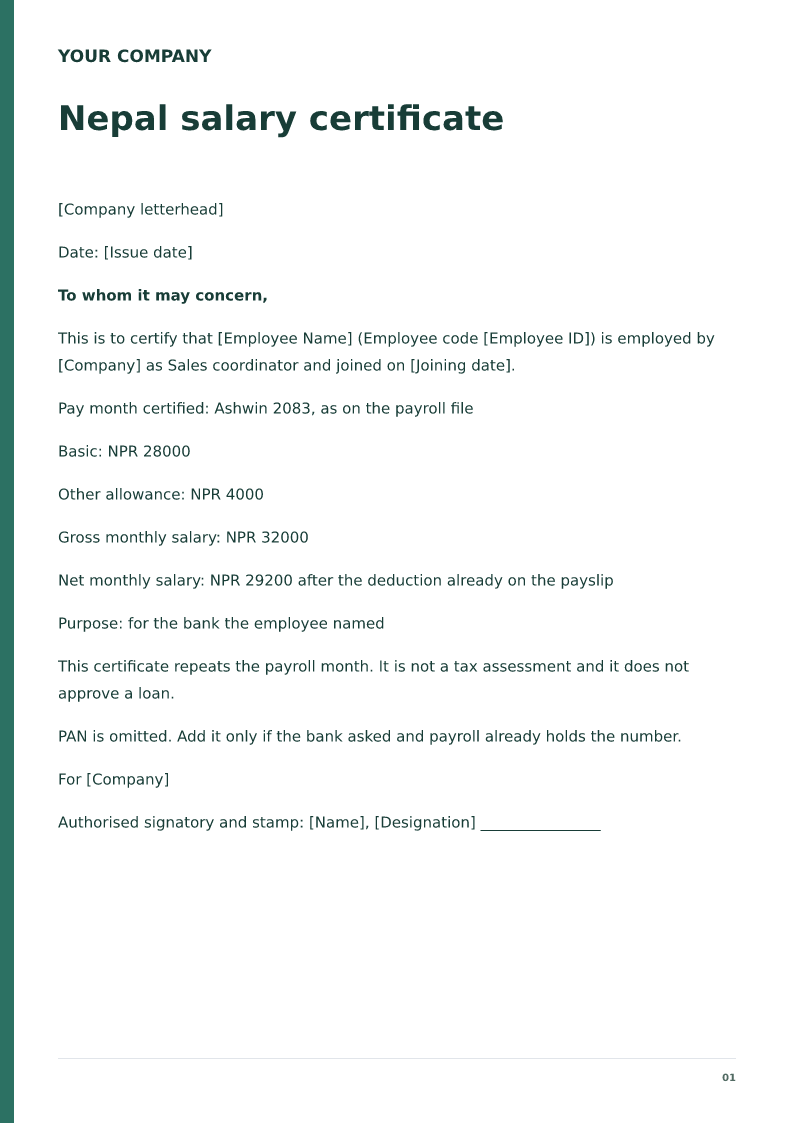
Nepal salary certificate
Free Nepal salary certificate for 2026. Download Word or PDF with no signup and edit NPR basic pay, allowances and employer name on your device before issue.
 Preview & customize ↗
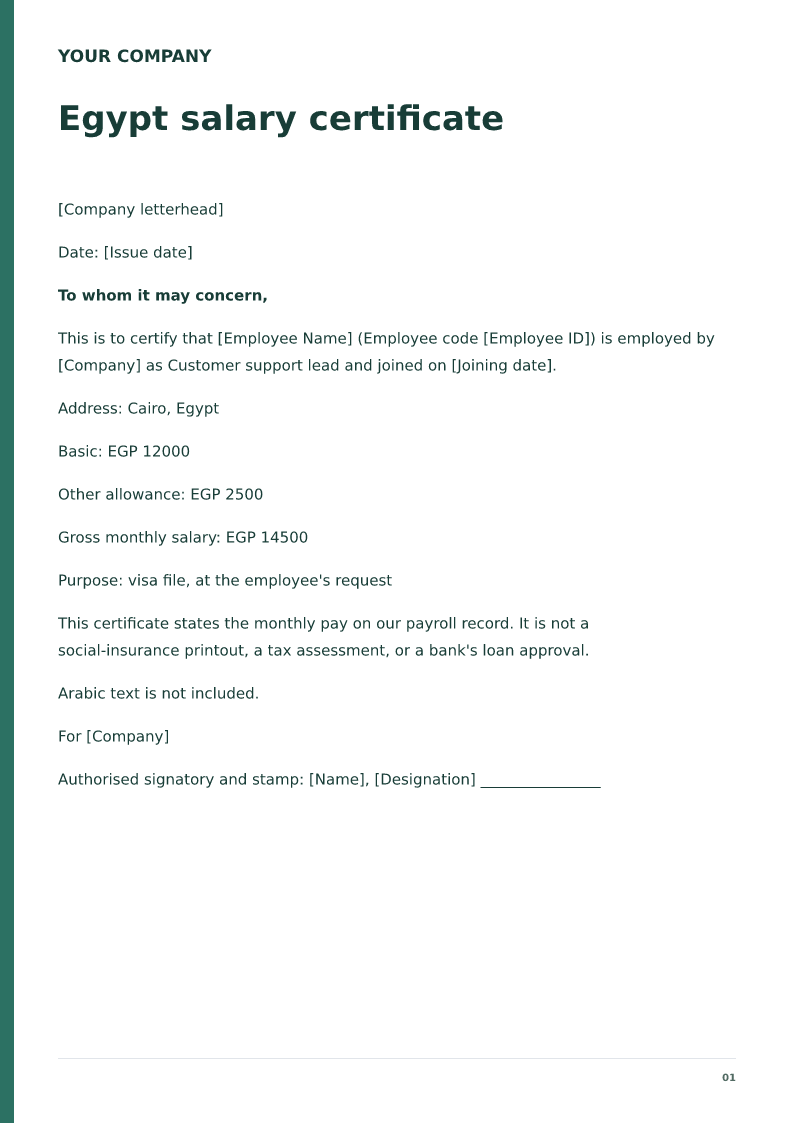
Egypt salary certificate
Free Egypt salary certificate for 2026. Download Word or PDF with no signup and edit EGP pay and allowances on your device. The file does not write Arabic.
 Preview & customize ↗
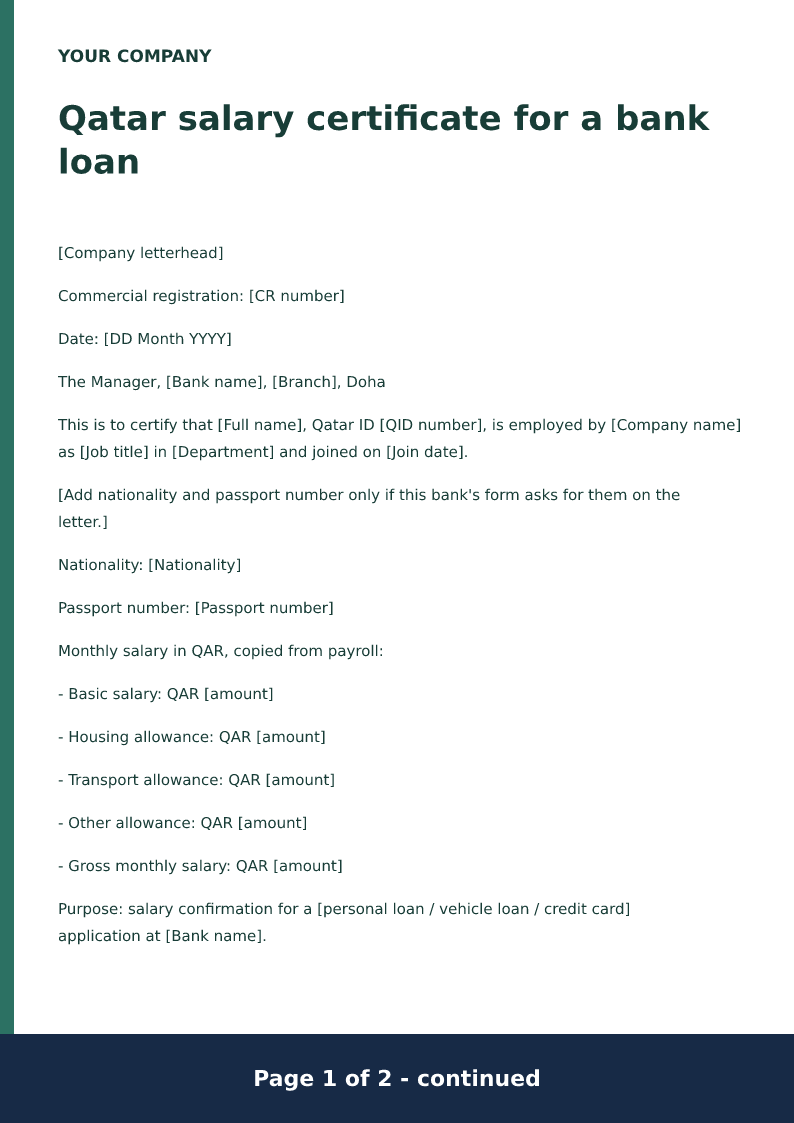
Qatar salary certificate for a bank loan
A Qatar bank-loan salary certificate names the lending bank, the Qatar ID, and basic pay plus allowances in QAR. It confirms payroll and does not approve the loan. Salary continuation and end-of-service sentences are proposed wording an authorised approver must accept.
 Preview & customize ↗
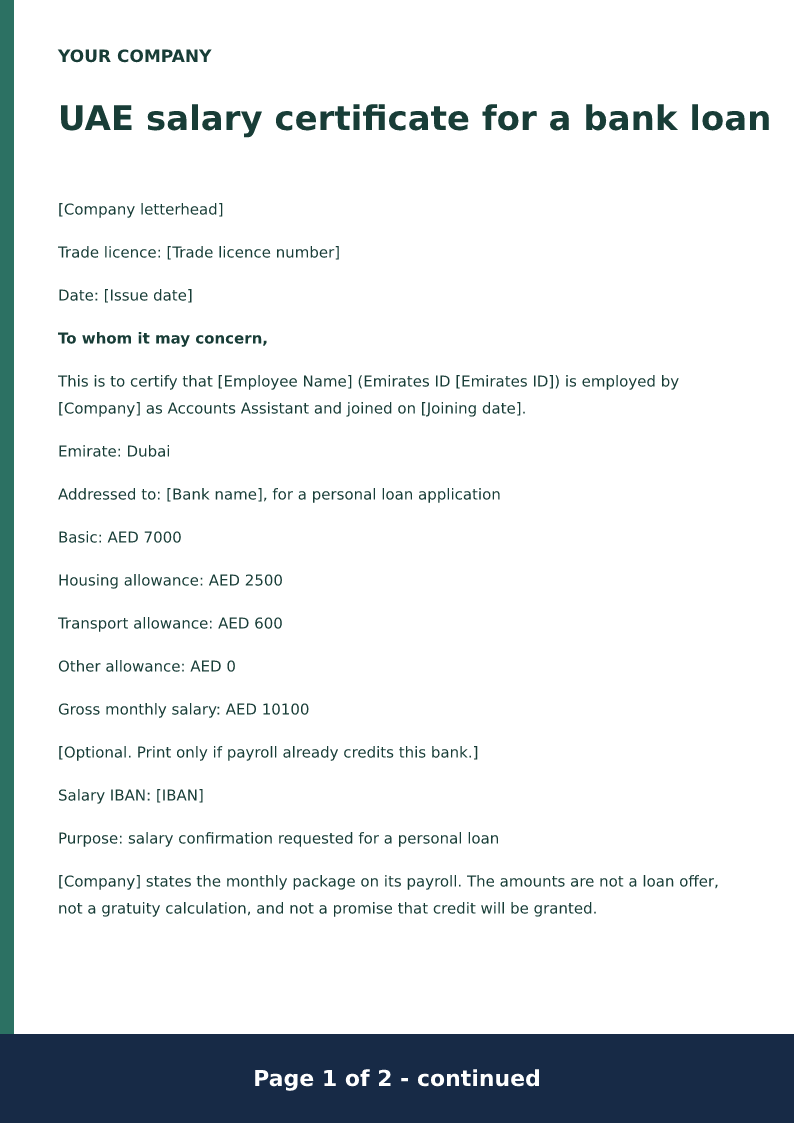
UAE salary certificate for a bank loan
A UAE bank-loan salary certificate names the bank, the Emirates ID, and basic pay plus allowances in AED. It confirms payroll and does not approve the loan. Any end-of-service sentence is proposed wording an authorised approver must accept.
 Preview & customize ↗
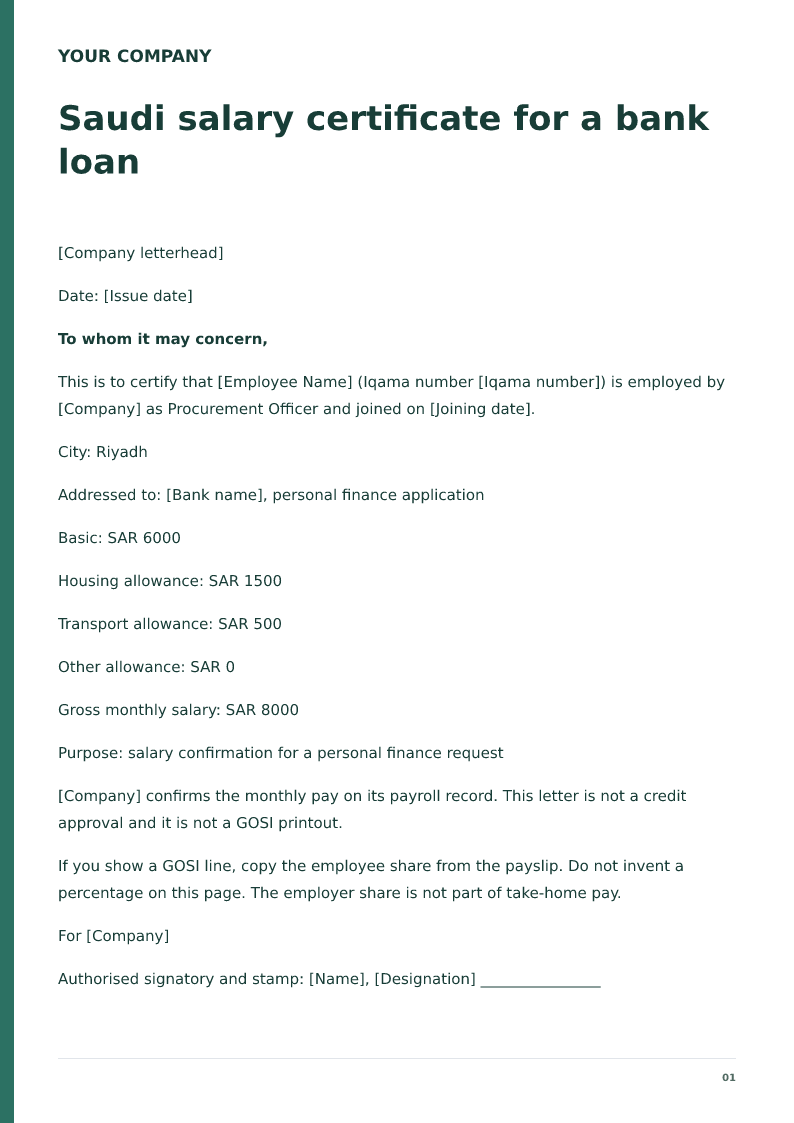
Saudi salary certificate for a bank loan
Free Saudi bank-loan salary certificate for 2026. Download Word or PDF with no signup and edit the Iqama, SAR basic pay and allowances before the bank sees it.
 Preview & customize ↗
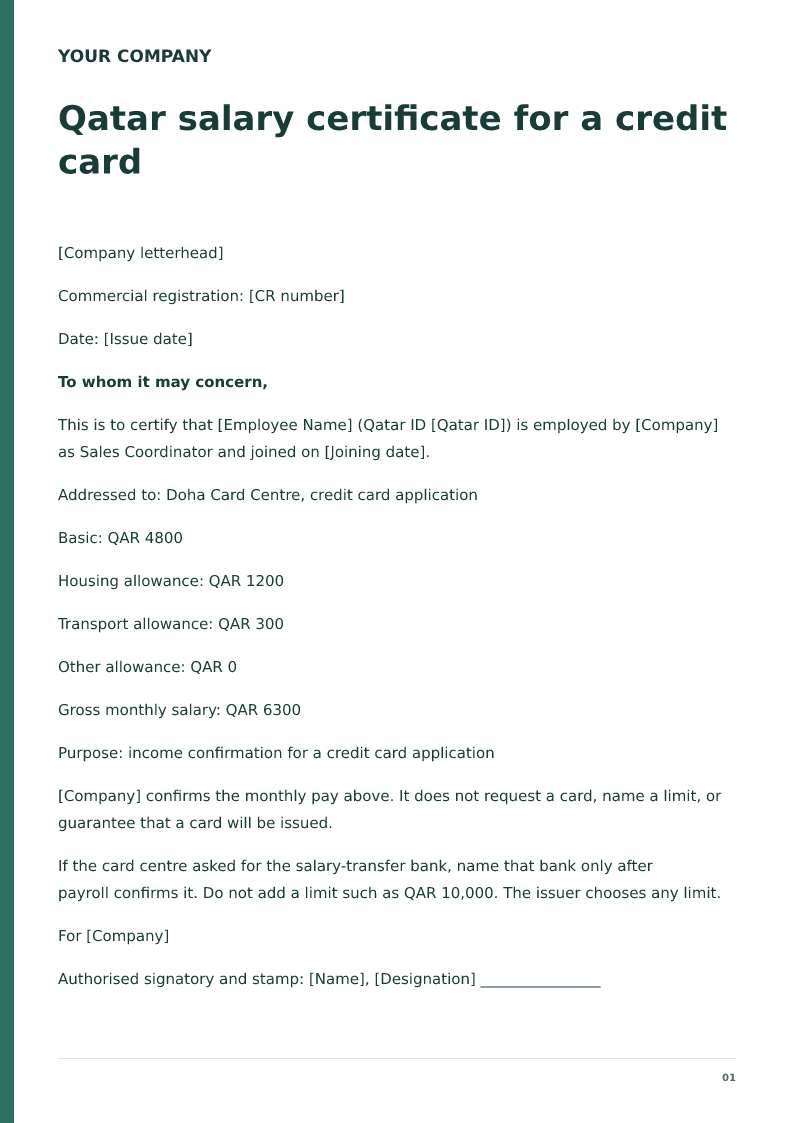
Qatar salary certificate for a credit card
Free Qatar credit-card salary certificate for 2026. Download Word or PDF with no signup and edit the QID and QAR pay the card file usually needs.
 Preview & customize ↗
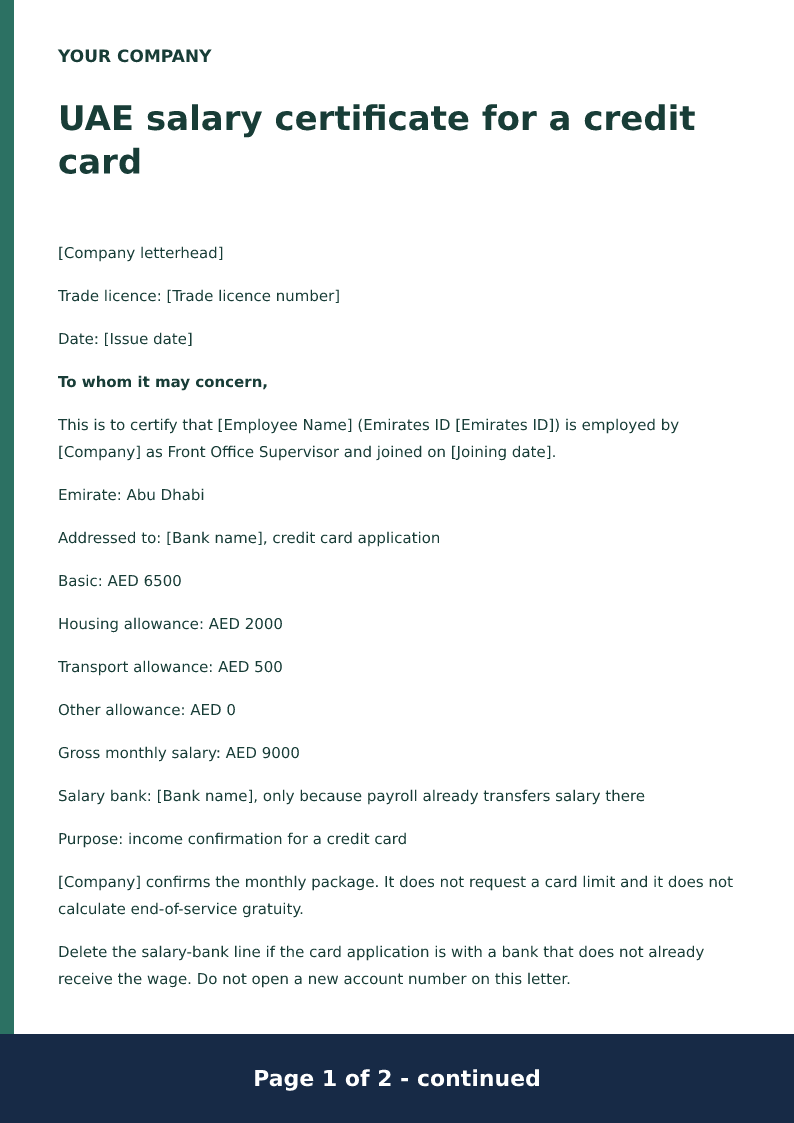
UAE salary certificate for a credit card
Free UAE credit-card salary certificate for 2026. Download Word or PDF with no signup and edit the Emirates ID, AED allowances and salary bank locally.
 Preview & customize ↗
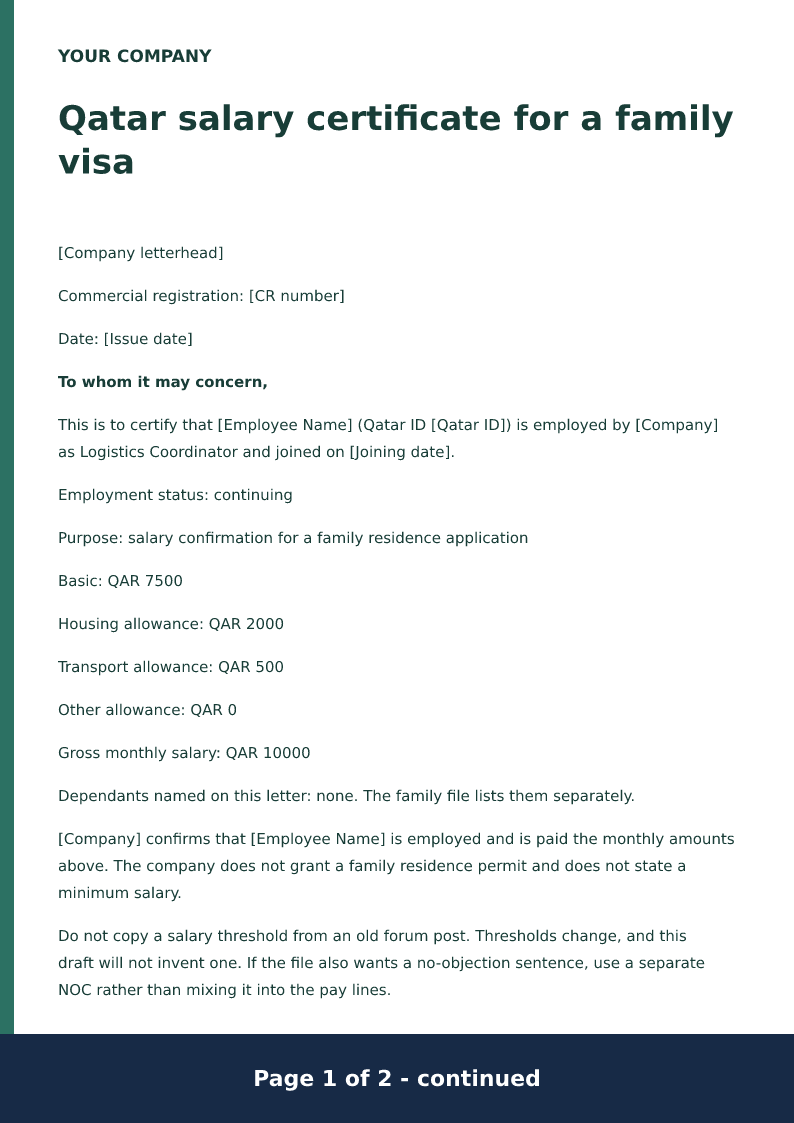
Qatar salary certificate for a family visa
Free Qatar family-visa salary certificate for 2026. Download Word or PDF with no signup and edit the QID, QAR allowances and joining date before you file it.
 Preview & customize ↗
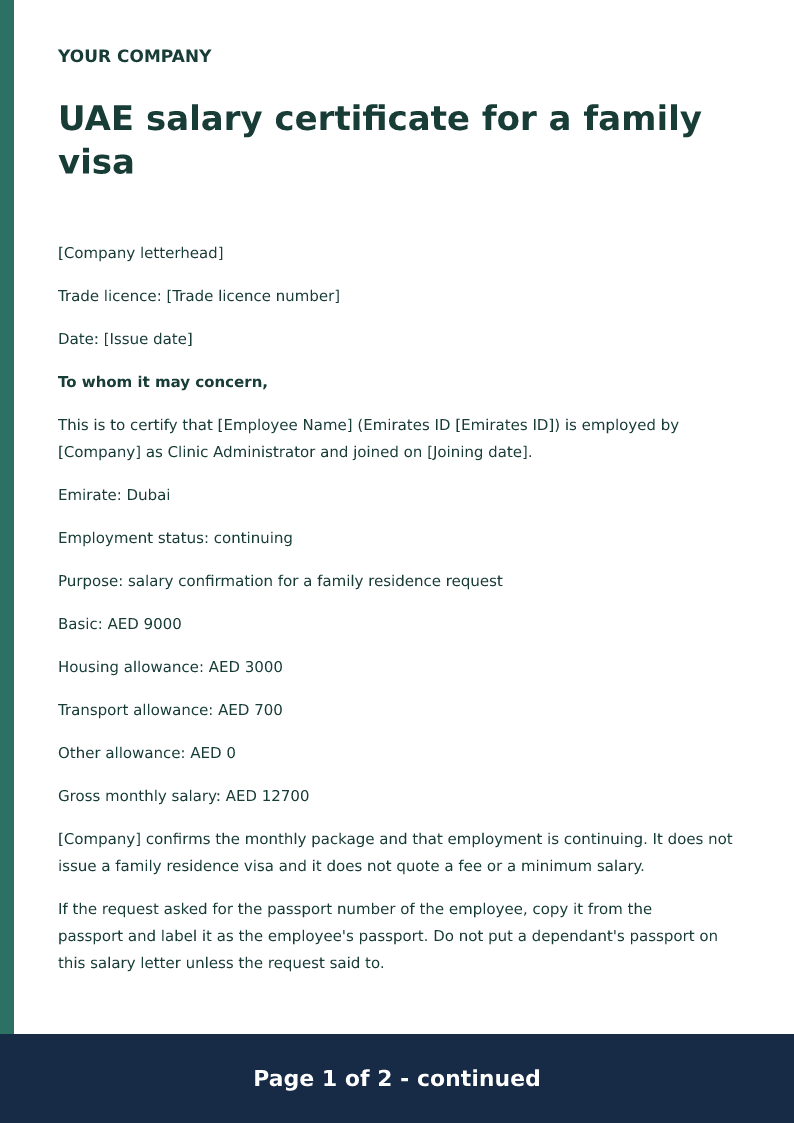
UAE salary certificate for a family visa
Free UAE family-visa salary certificate for 2026. Download Word or PDF with no signup and edit the Emirates ID, AED allowances and family-file purpose.
 Preview & customize ↗
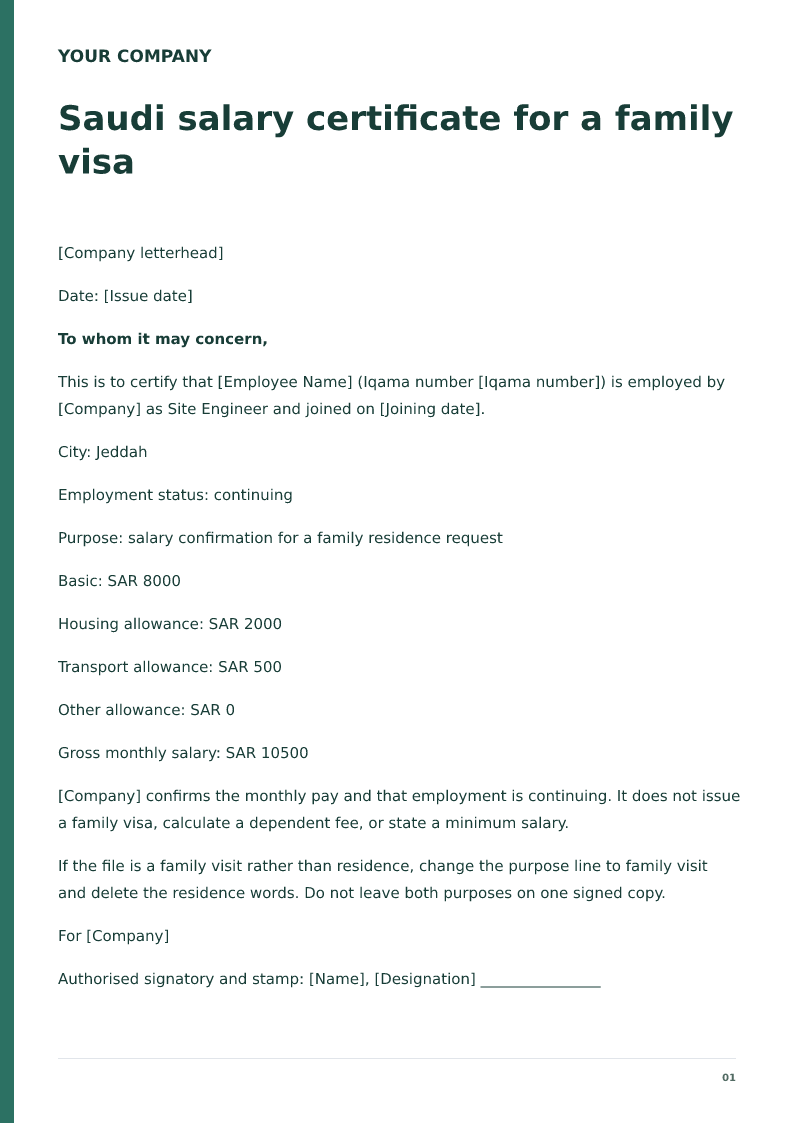
Saudi salary certificate for a family visa
Free Saudi family-visa salary certificate for 2026. Download Word or PDF with no signup and edit the Iqama, SAR allowances and joining date on your device.
 Preview & customize ↗
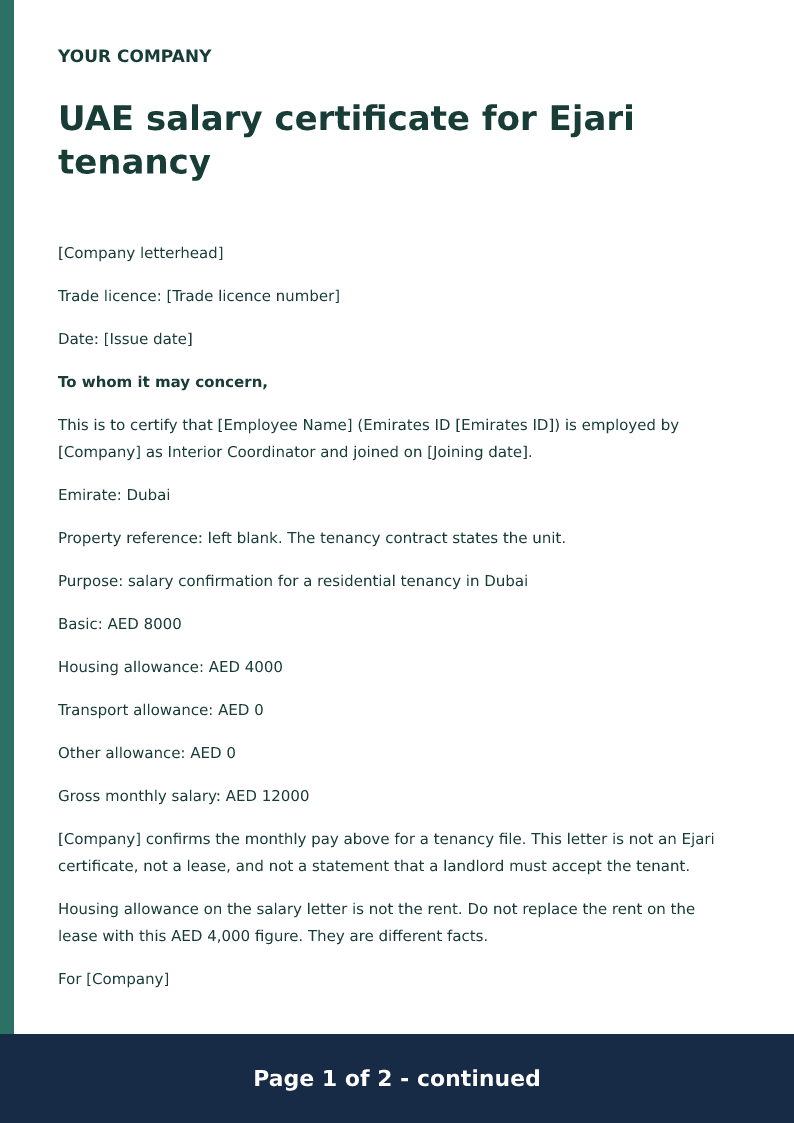
UAE salary certificate for Ejari tenancy
Free UAE Ejari salary certificate for 2026. Download Word or PDF with no signup and edit the Emirates ID, AED allowances and the tenancy purpose locally.
 Preview & customize ↗
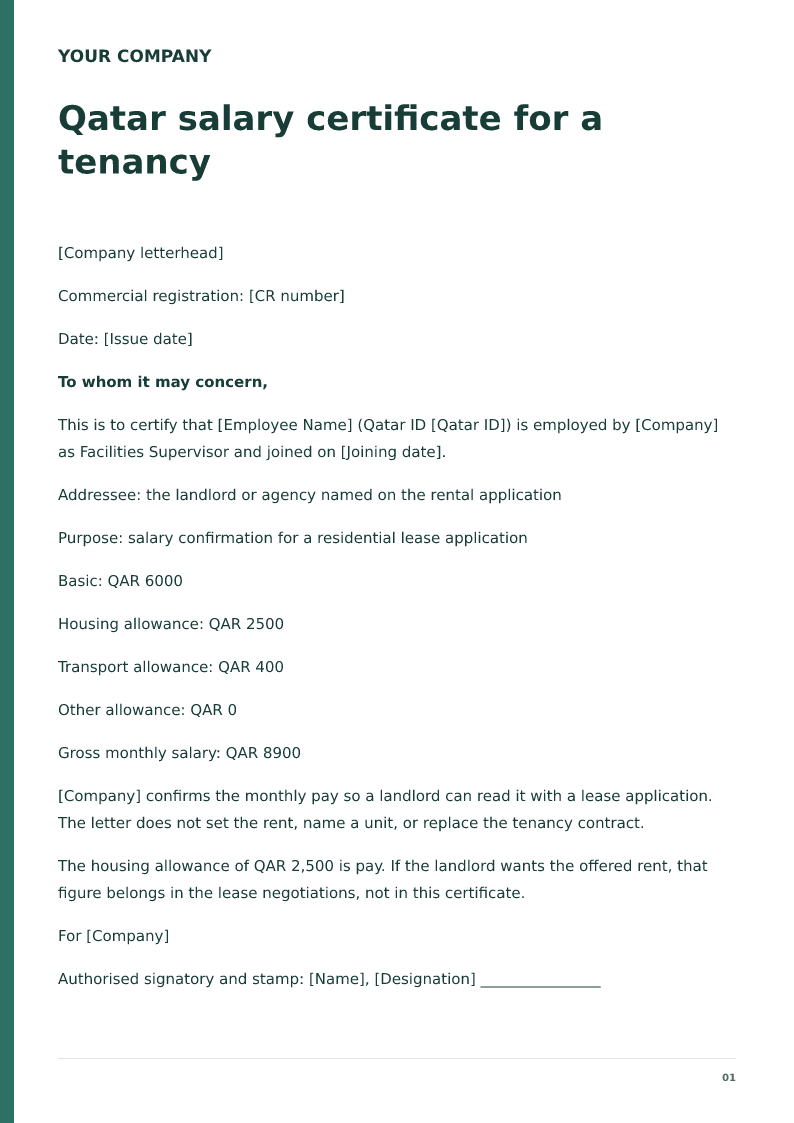
Qatar salary certificate for a tenancy
Free Qatar tenancy salary certificate for 2026. Download Word or PDF with no signup and edit the QID, QAR allowances and the rental purpose before issue.
 Preview & customize ↗
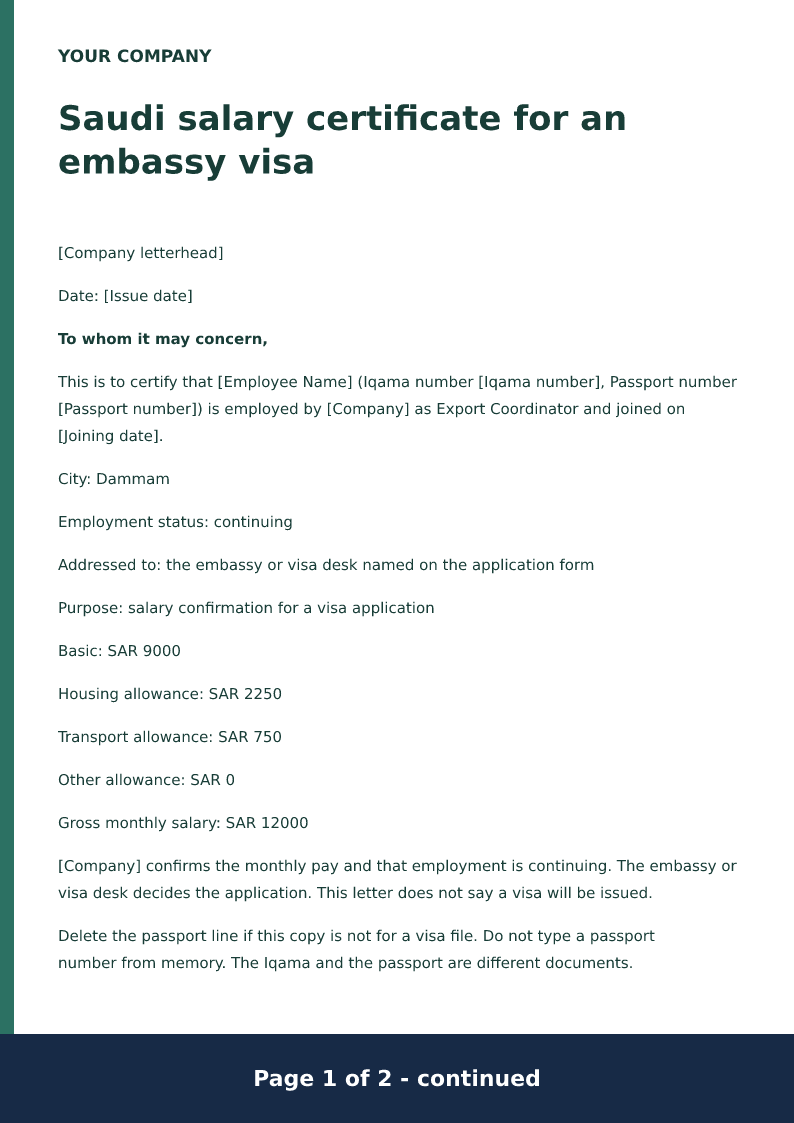
Saudi salary certificate for an embassy visa
Free Saudi embassy salary certificate for 2026. Download Word or PDF with no signup and edit the Iqama, passport line and SAR allowances before a visa file.
 Preview & customize ↗
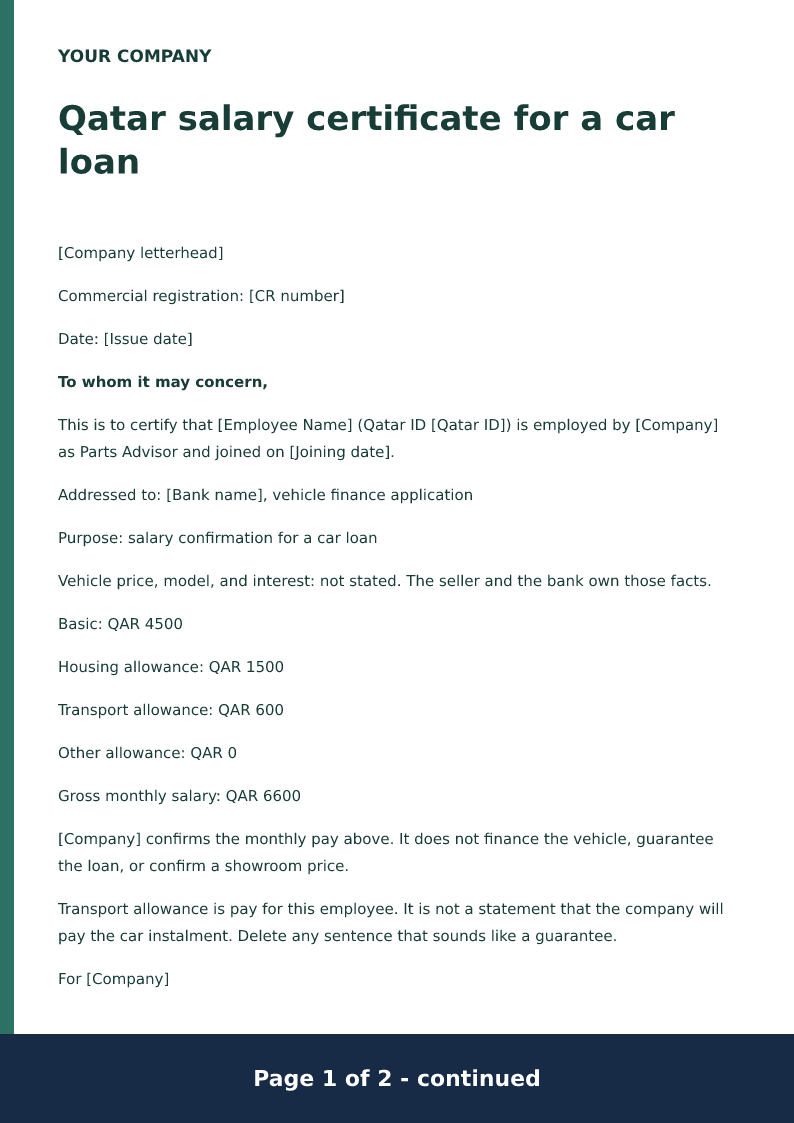
Qatar salary certificate for a car loan
Free Qatar car-loan salary certificate for 2026. Download Word or PDF with no signup and edit the QID, QAR allowances and the vehicle-finance purpose locally.
 Preview & customize ↗
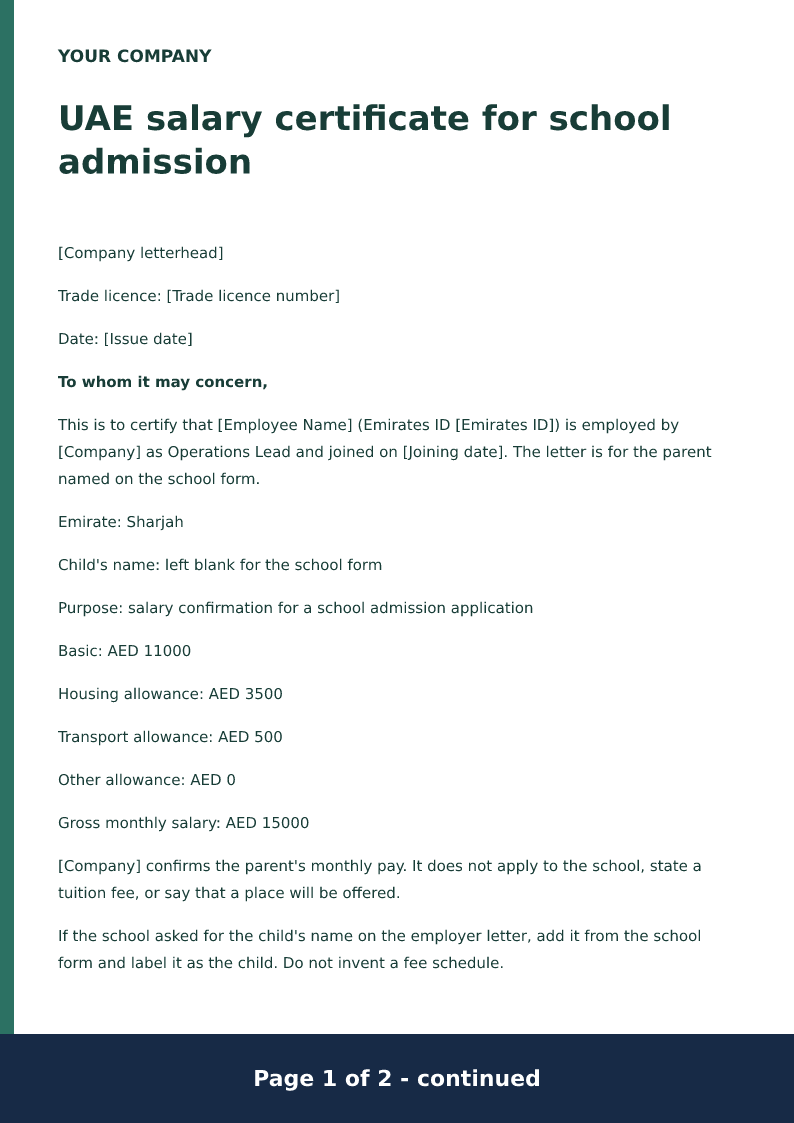
UAE salary certificate for school admission
Free UAE school salary certificate for 2026. Download Word or PDF with no signup and edit the Emirates ID, AED allowances and the parent role locally.
 Preview & customize ↗
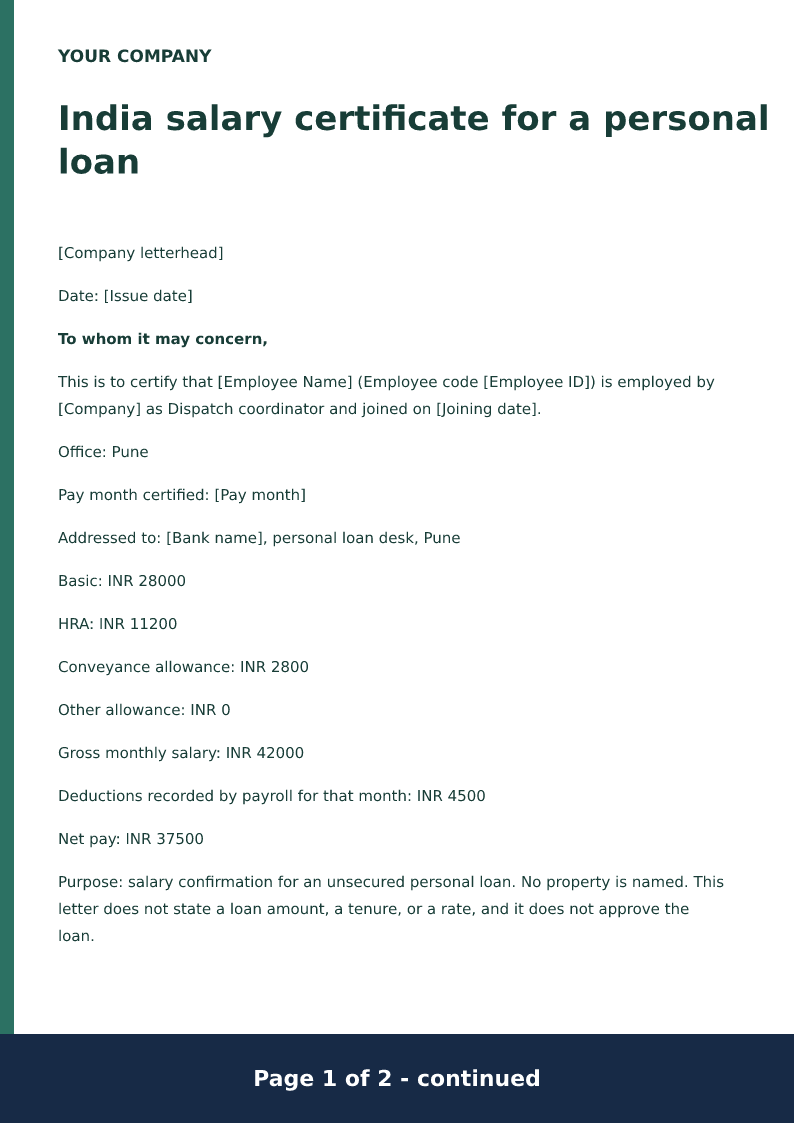
India salary certificate for a personal loan
Free India personal-loan salary certificate for 2026. Download Word or PDF with no signup and edit INR basic pay, allowances and net before the bank reads it.
 Preview & customize ↗
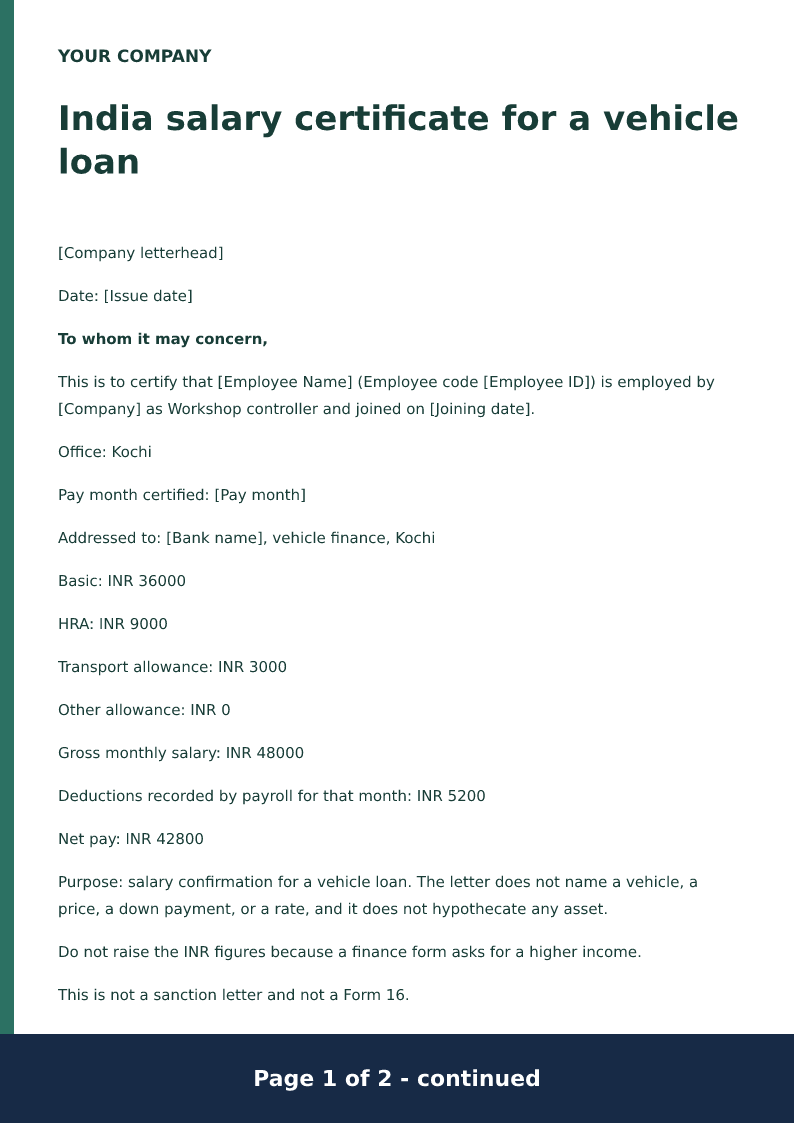
India salary certificate for a vehicle loan
Free India vehicle-loan salary certificate for 2026. Download Word or PDF with no signup and edit INR allowances and net pay. The letter states no car price.
 Preview & customize ↗
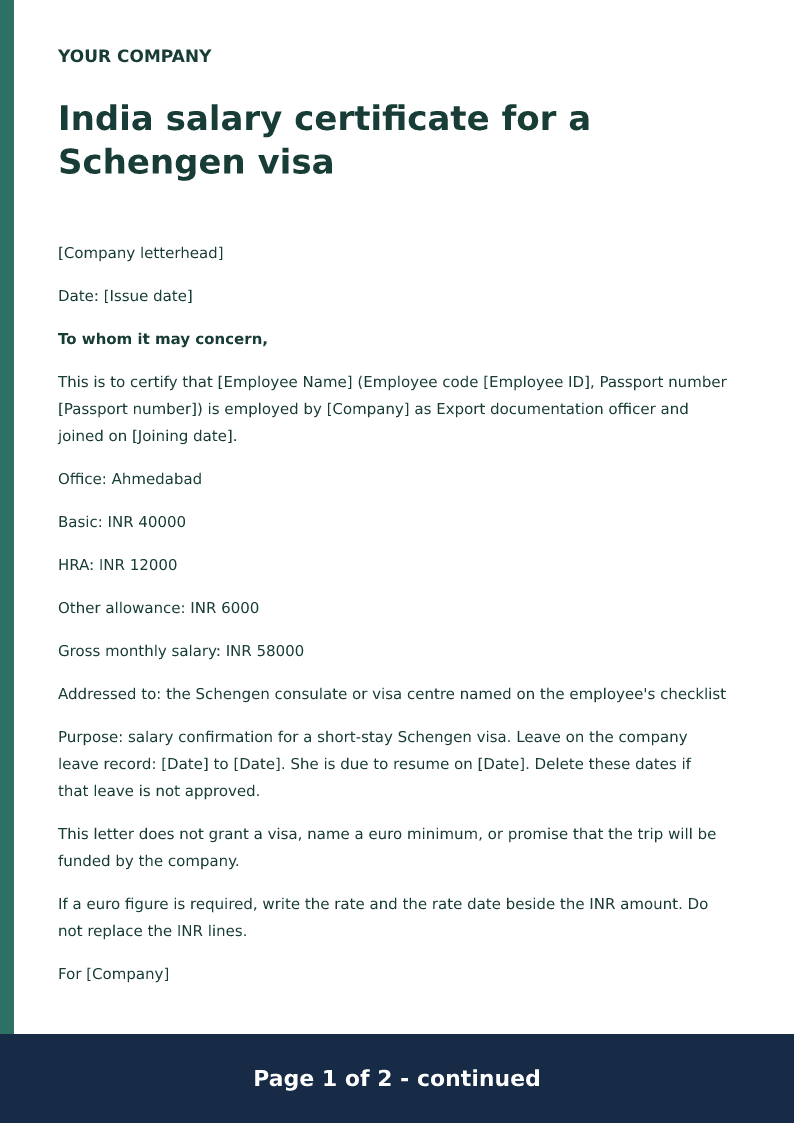
India salary certificate for a Schengen visa
Free India Schengen visa salary certificate for 2026. Download Word or PDF with no signup and edit INR allowances, passport and leave dates before the file.
 Preview & customize ↗
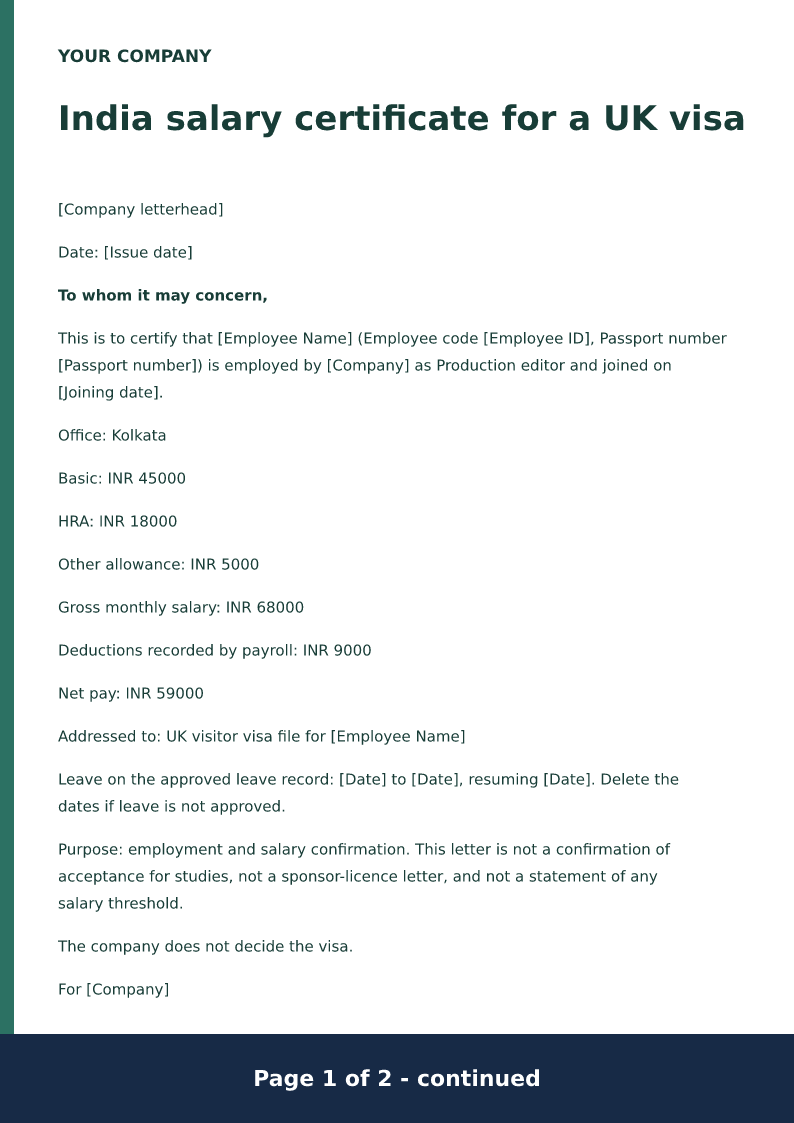
India salary certificate for a UK visa
Free India UK visitor-visa salary certificate for 2026. Download Word or PDF with no signup and edit INR allowances, passport and leave dates on your device.
 Preview & customize ↗
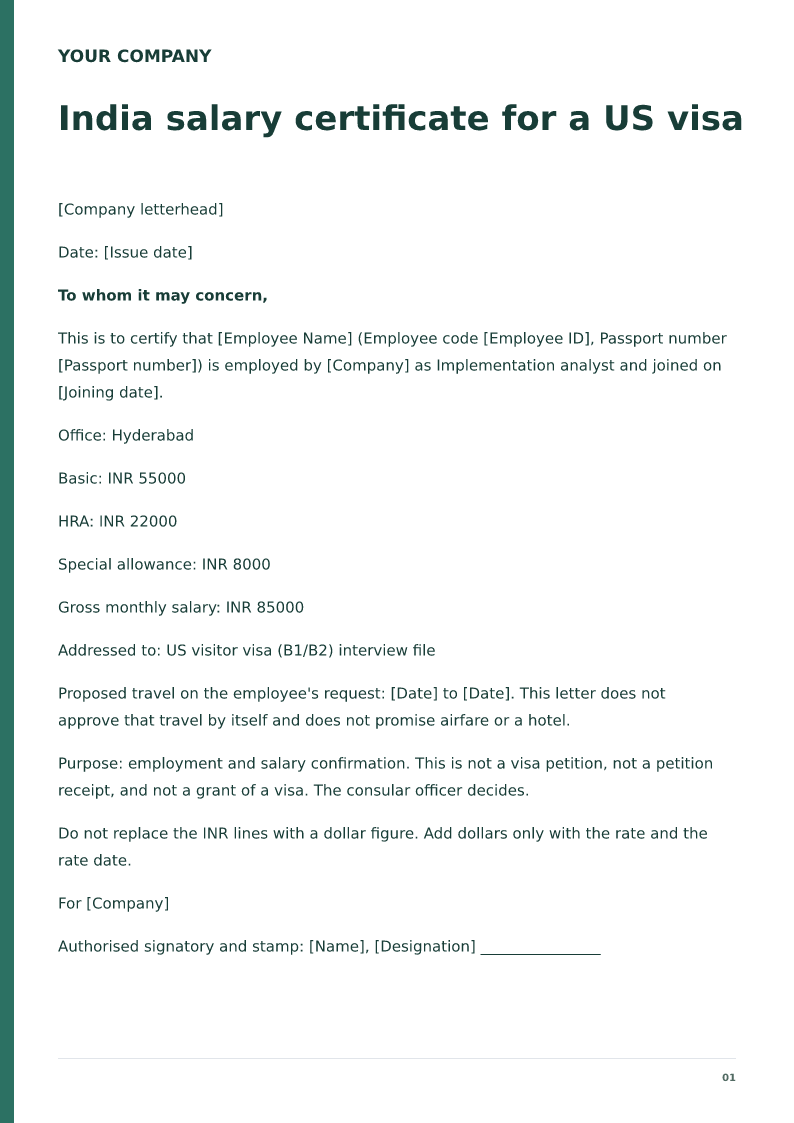
India salary certificate for a US visa
Free India US visitor-visa salary certificate for 2026. Download Word or PDF with no signup and edit INR allowances and the passport. It is not a petition.
 Preview & customize ↗
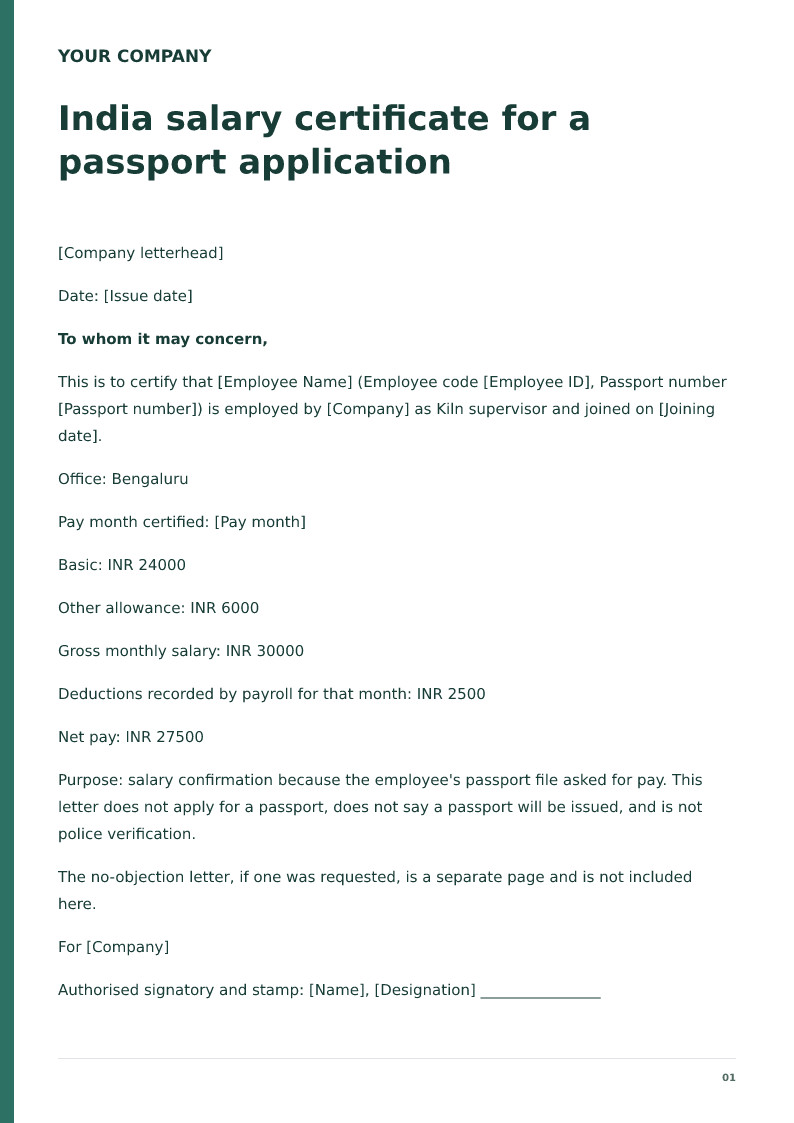
India salary certificate for a passport application
Free India passport salary certificate for 2026. Download Word or PDF with no signup and edit INR allowances and the employee code on your device before issue.
 Preview & customize ↗
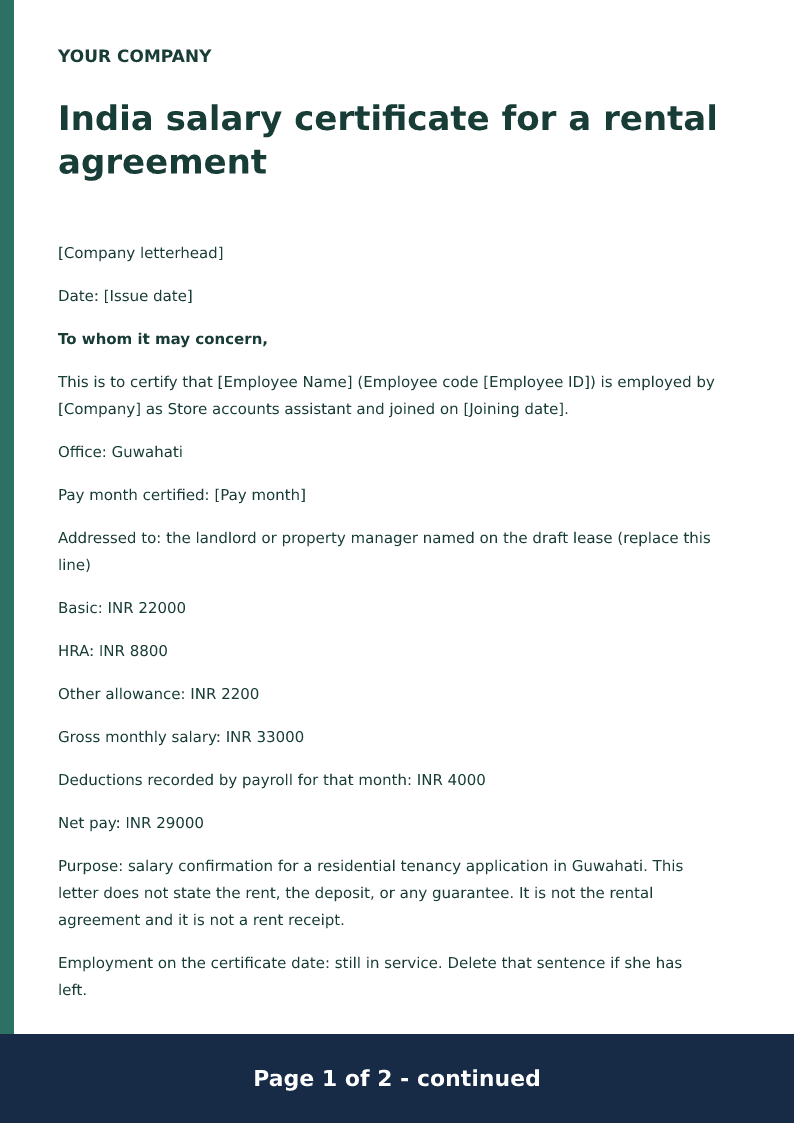
India salary certificate for a rental agreement
Free India rental salary certificate for 2026. Download Word or PDF with no signup and edit INR allowances for a named landlord on your device. It does not guarantee the rent.
 Preview & customize ↗
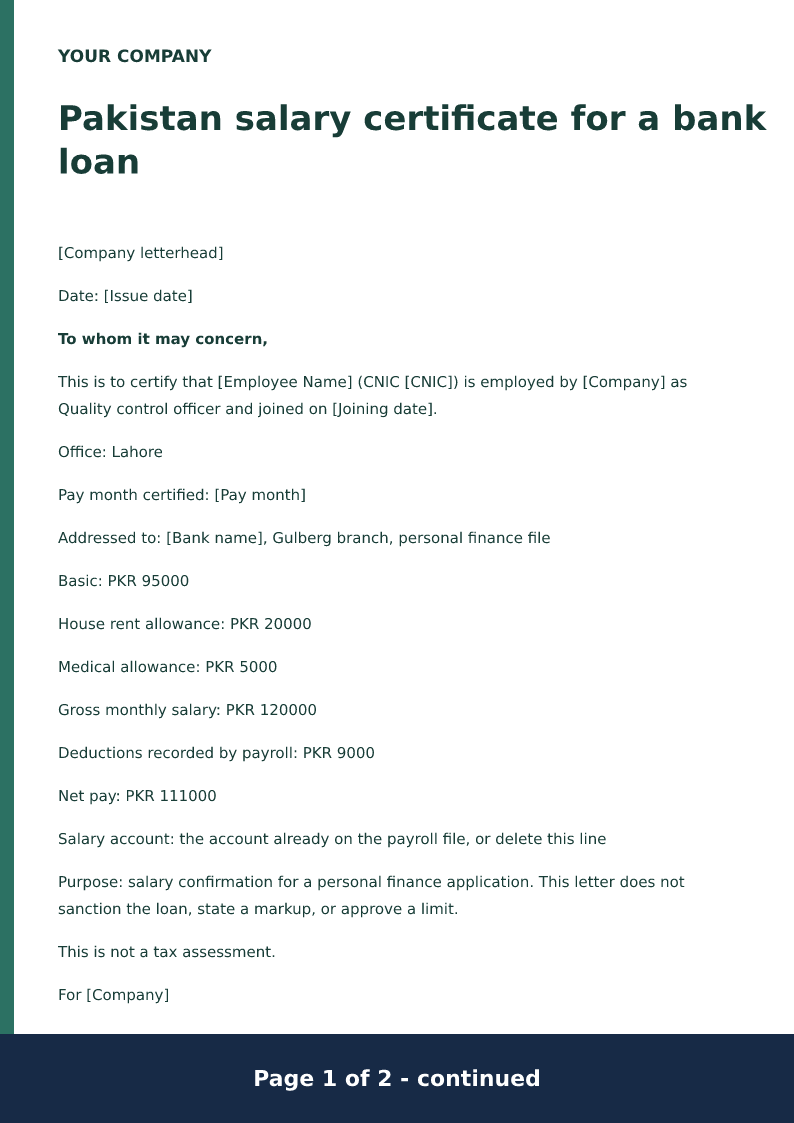
Pakistan salary certificate for a bank loan
Free Pakistan bank-loan salary certificate for 2026. Download Word or PDF with no signup and edit the CNIC, PKR allowances and net before the bank reads it.
 Preview & customize ↗
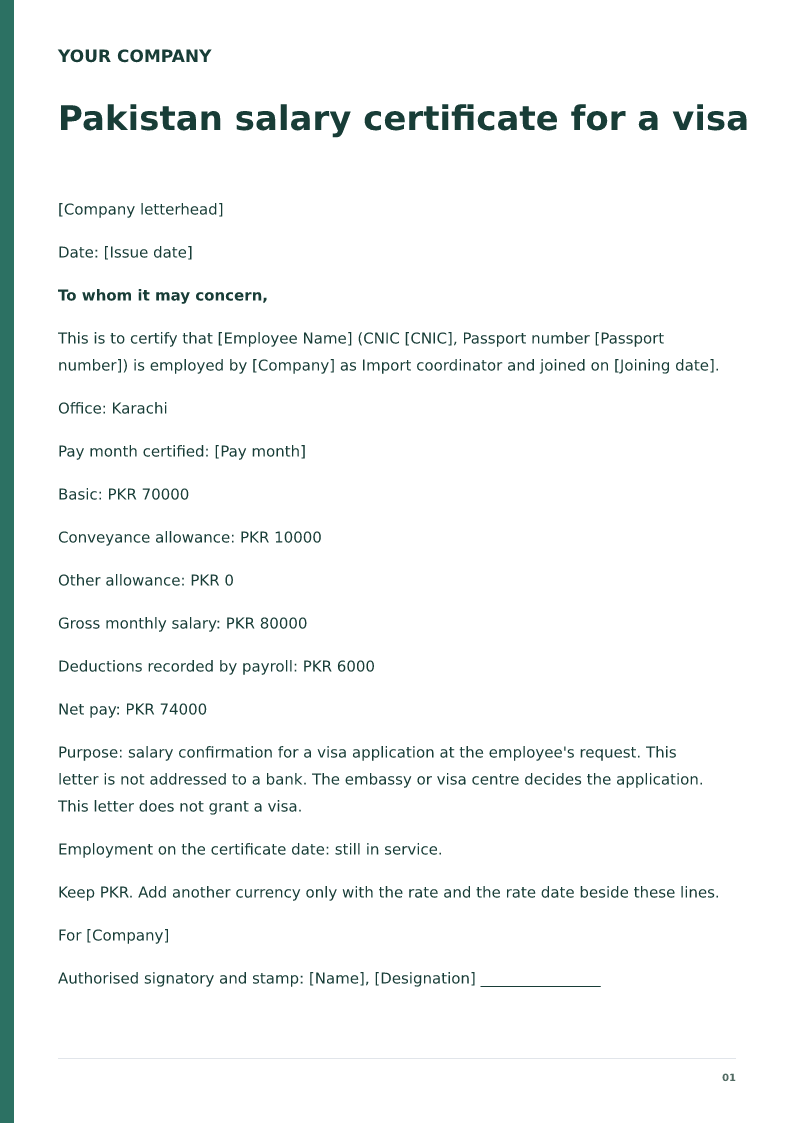
Pakistan salary certificate for a visa
Free Pakistan embassy salary certificate for 2026. Download Word or PDF with no signup and edit the CNIC, passport and PKR allowances before the visa file.
 Preview & customize ↗
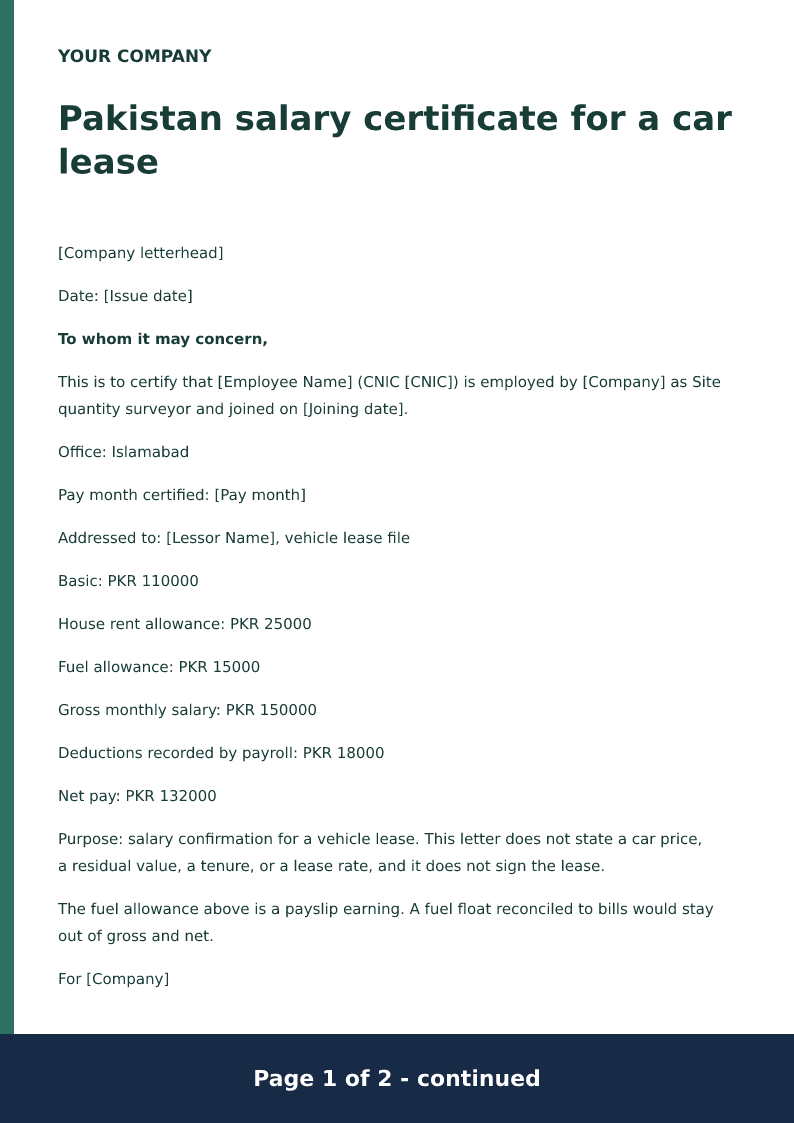
Pakistan salary certificate for a car lease
Free Pakistan car-lease salary certificate for 2026. Download Word or PDF with no signup and edit the CNIC and PKR allowances before the lessor reads the letter.
 Preview & customize ↗
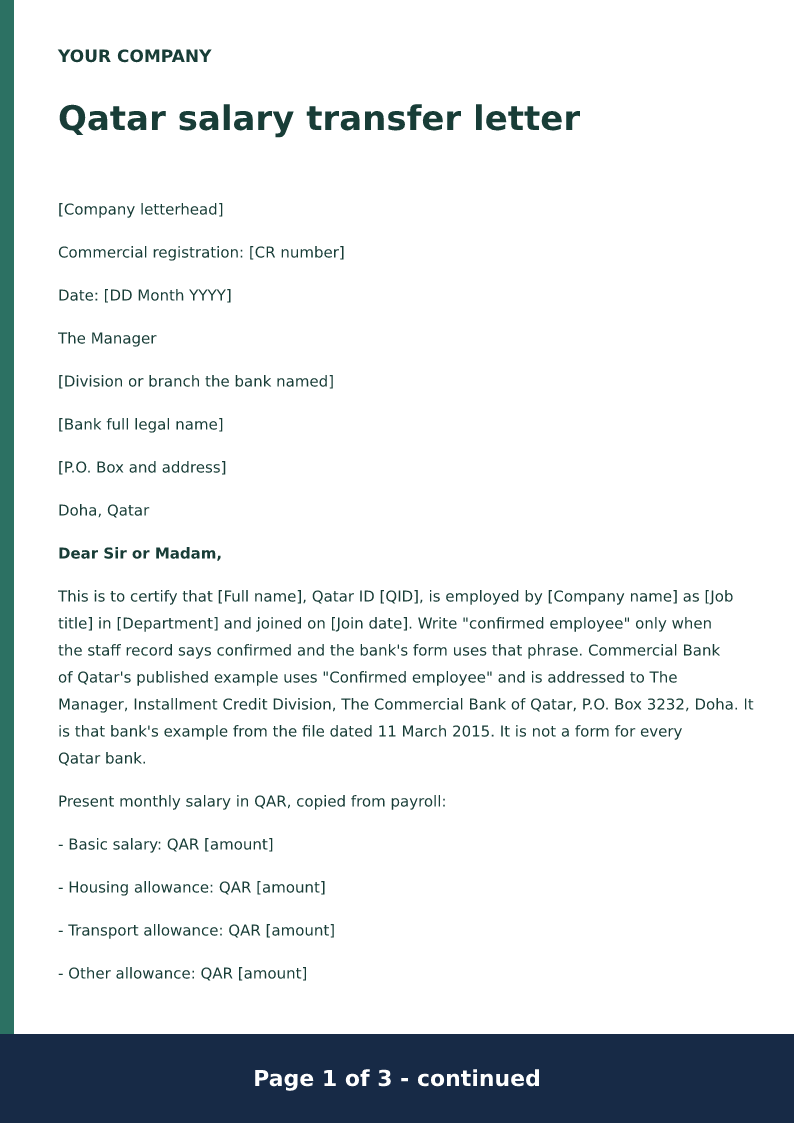
Qatar salary transfer letter
A Qatar salary transfer letter names the bank, the Qatar ID, and monthly basic pay plus allowances in QAR. Sentences about continued salary, notice if employment ends, and end-of-service benefits are optional proposed wording. An authorised approver has to accept them before anyone signs.
 Preview & customize ↗
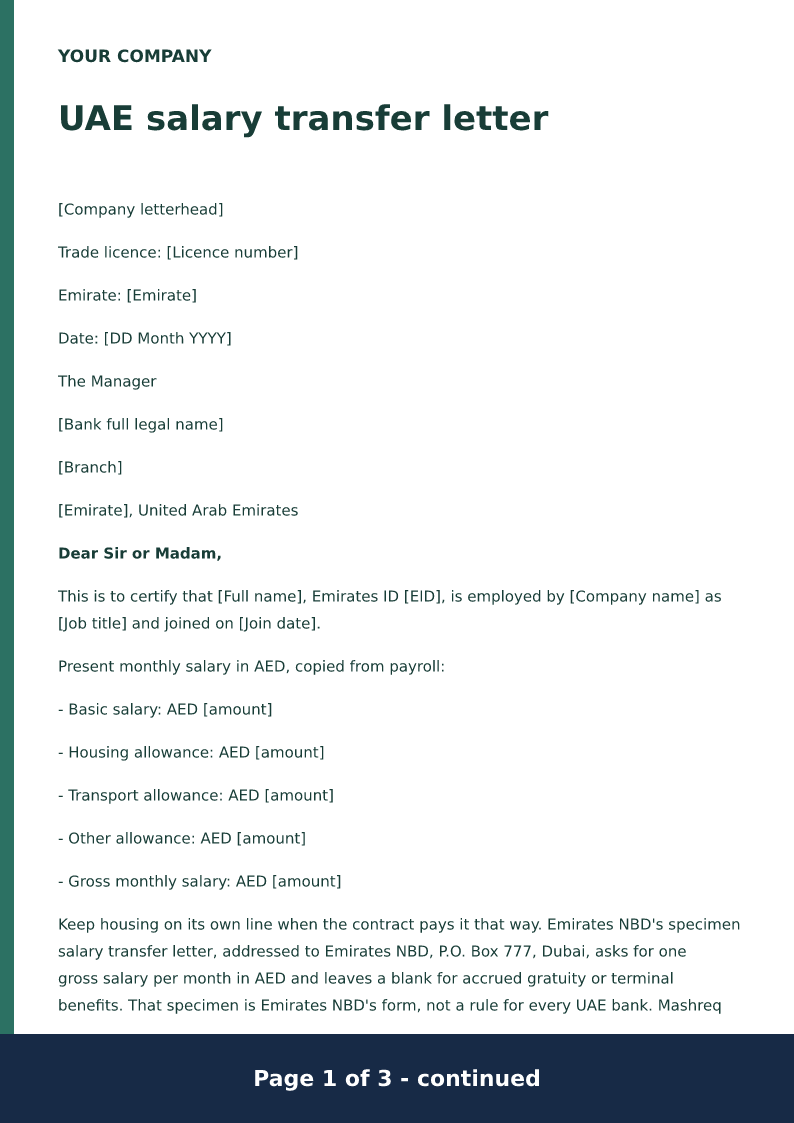
UAE salary transfer letter
A UAE salary transfer letter names the bank, the Emirates ID, and monthly basic pay plus allowances in AED. Emirates NBD publishes one specimen. Account-credit, clearance, and terminal-benefit sentences are optional proposed wording an authorised approver must accept.
 Preview & customize ↗
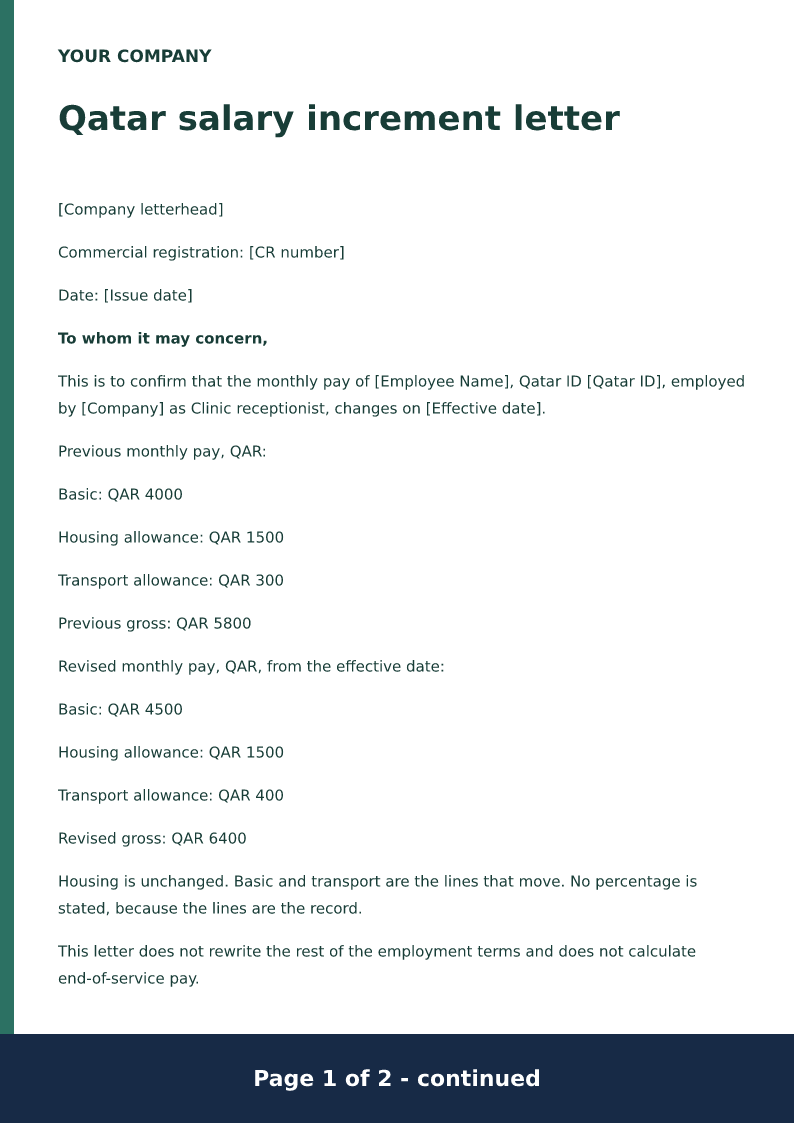
Qatar salary increment letter
Free Qatar salary increment letter for 2026. Download Word or PDF with no signup and edit the old and new QAR allowances and the date the new pay applies.
 Preview & customize ↗
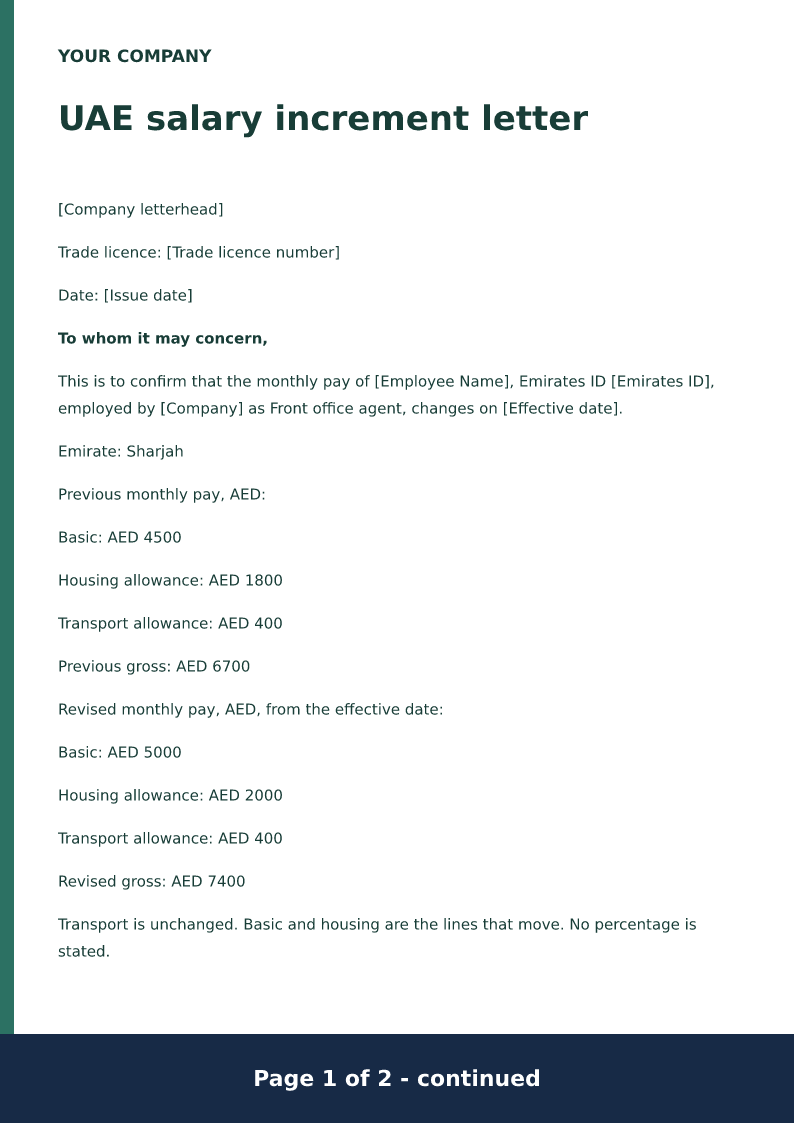
UAE salary increment letter
Free UAE salary increment letter for 2026. Download Word or PDF with no signup and edit the old and new AED allowances and the date the new pay starts.
 Preview & customize ↗
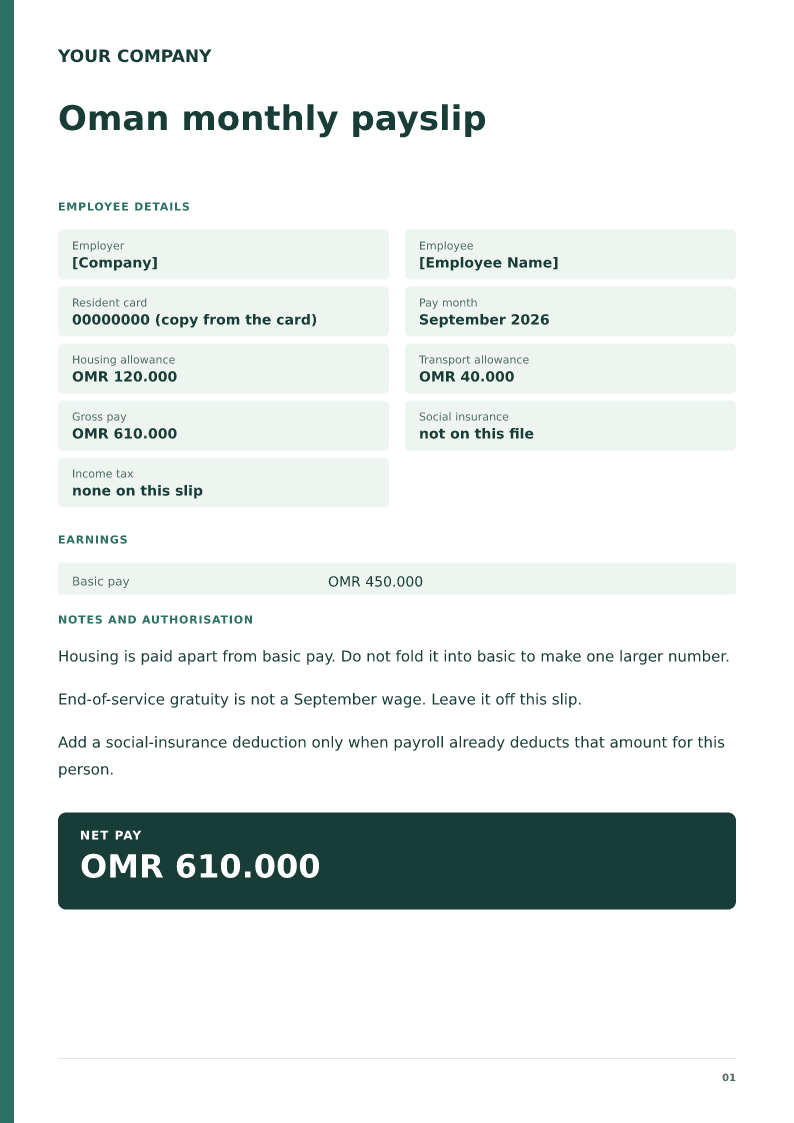
Oman monthly payslip
Free Oman monthly payslip for 2026. Download Word or PDF with no signup and edit OMR basic, housing and transport on your device before payday.
 Preview & customize ↗
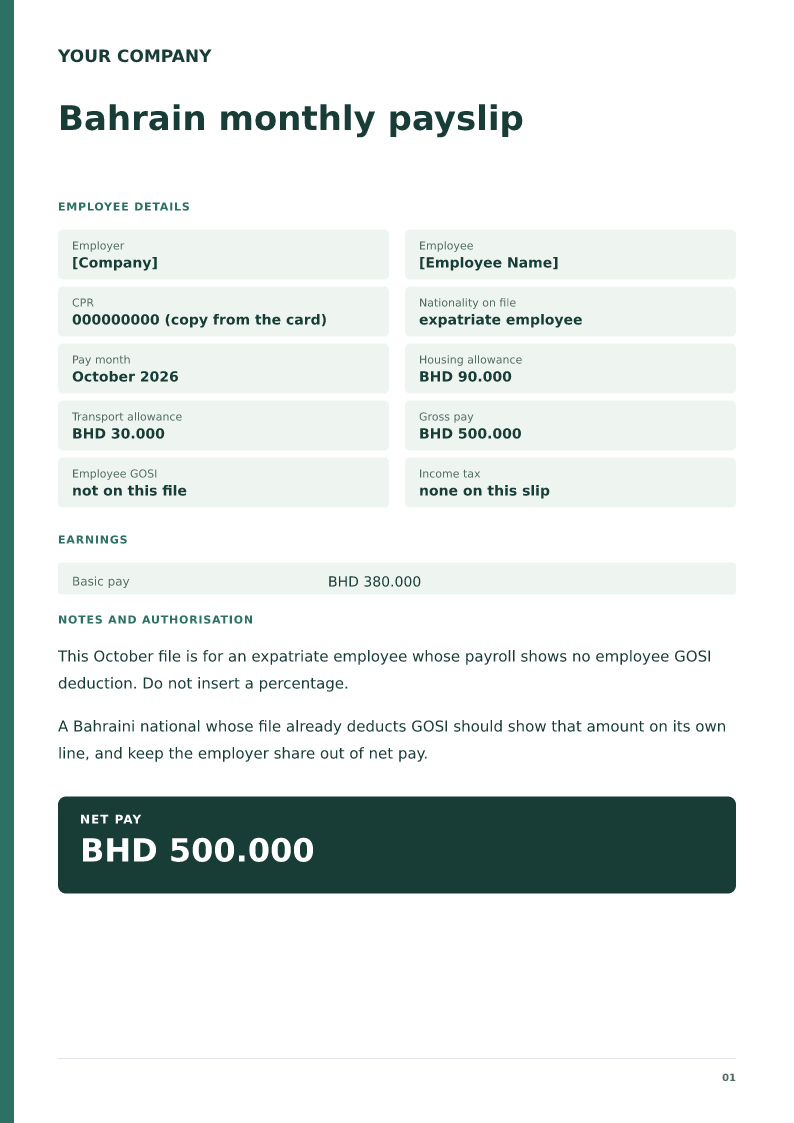
Bahrain monthly payslip
Free Bahrain monthly payslip for 2026. Download Word or PDF with no signup and edit BHD basic, housing and any GOSI amount payroll already deducted.
 Preview & customize ↗
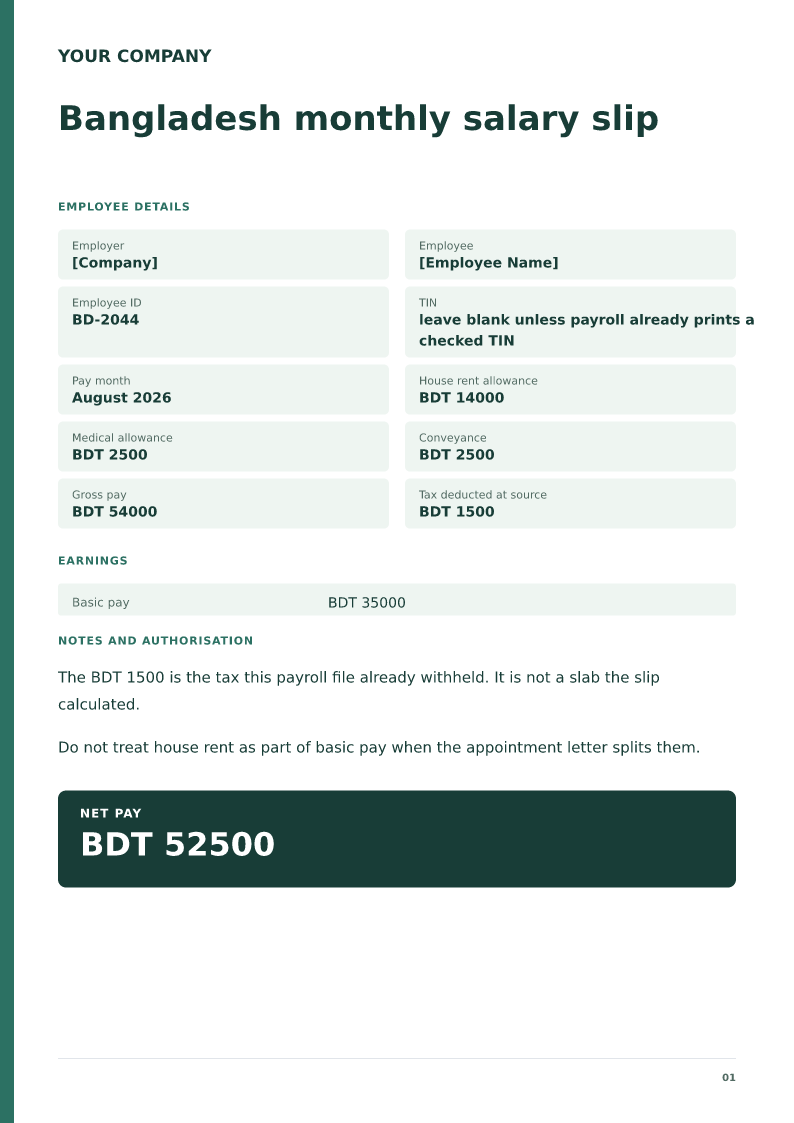
Bangladesh monthly salary slip
Free Bangladesh salary slip for 2026. Download Word or PDF with no signup and edit BDT basic, house rent and tax already withheld on your device.
 Preview & customize ↗
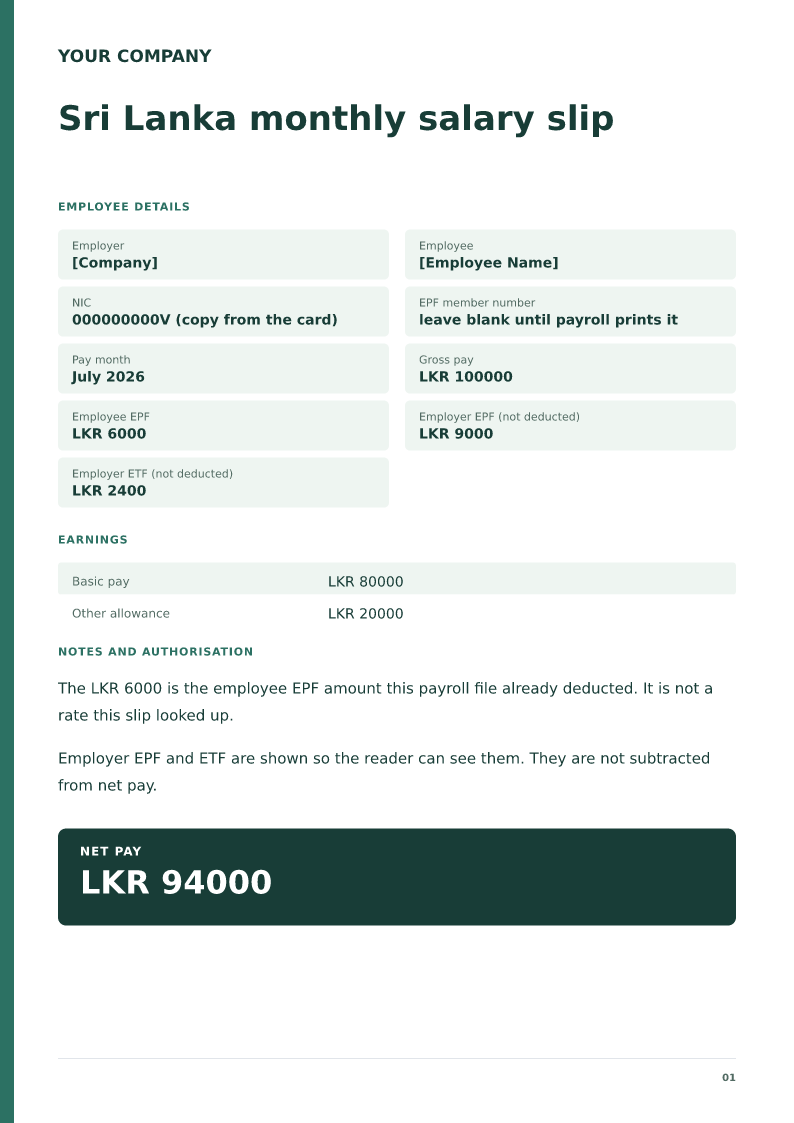
Sri Lanka monthly salary slip
Free Sri Lanka salary slip for 2026. Download Word or PDF with no signup and edit LKR basic, the NIC and the EPF amount payroll already deducted.
 Preview & customize ↗
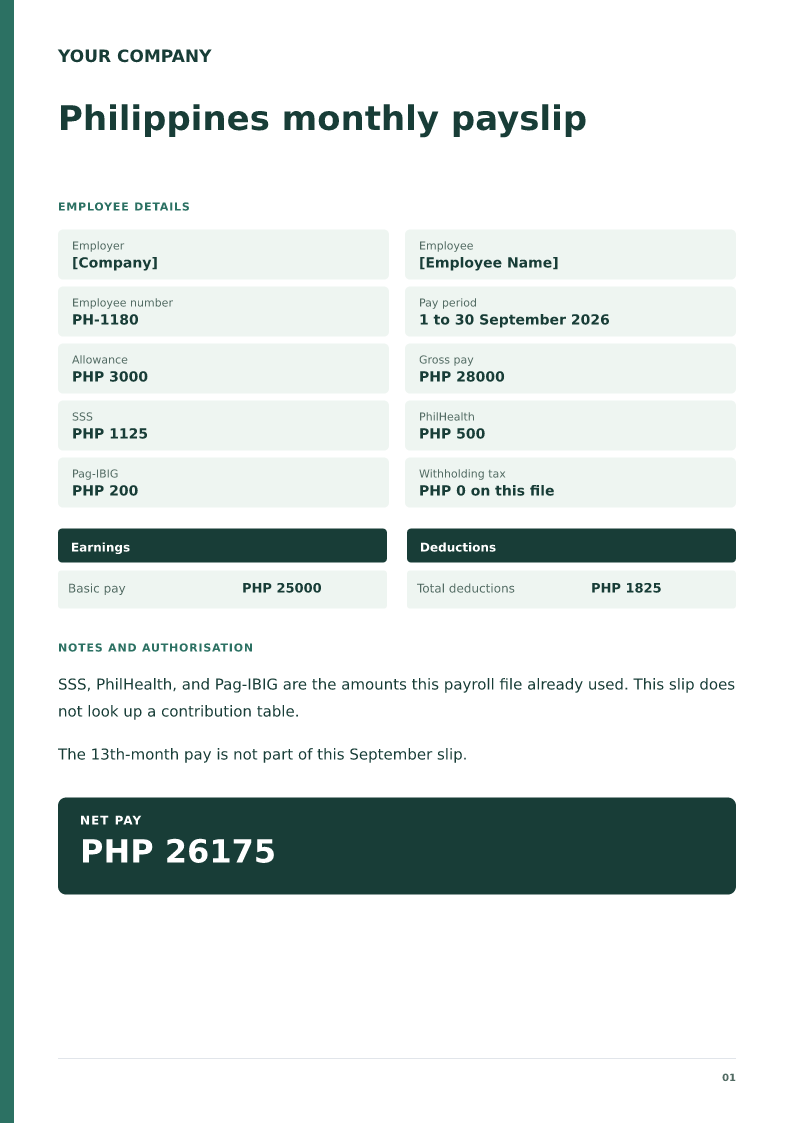
Philippines monthly payslip
Free Philippines payslip for 2026. Download Word or PDF with no signup and edit PHP basic, SSS, PhilHealth and Pag-IBIG amounts already on payroll.
 Preview & customize ↗
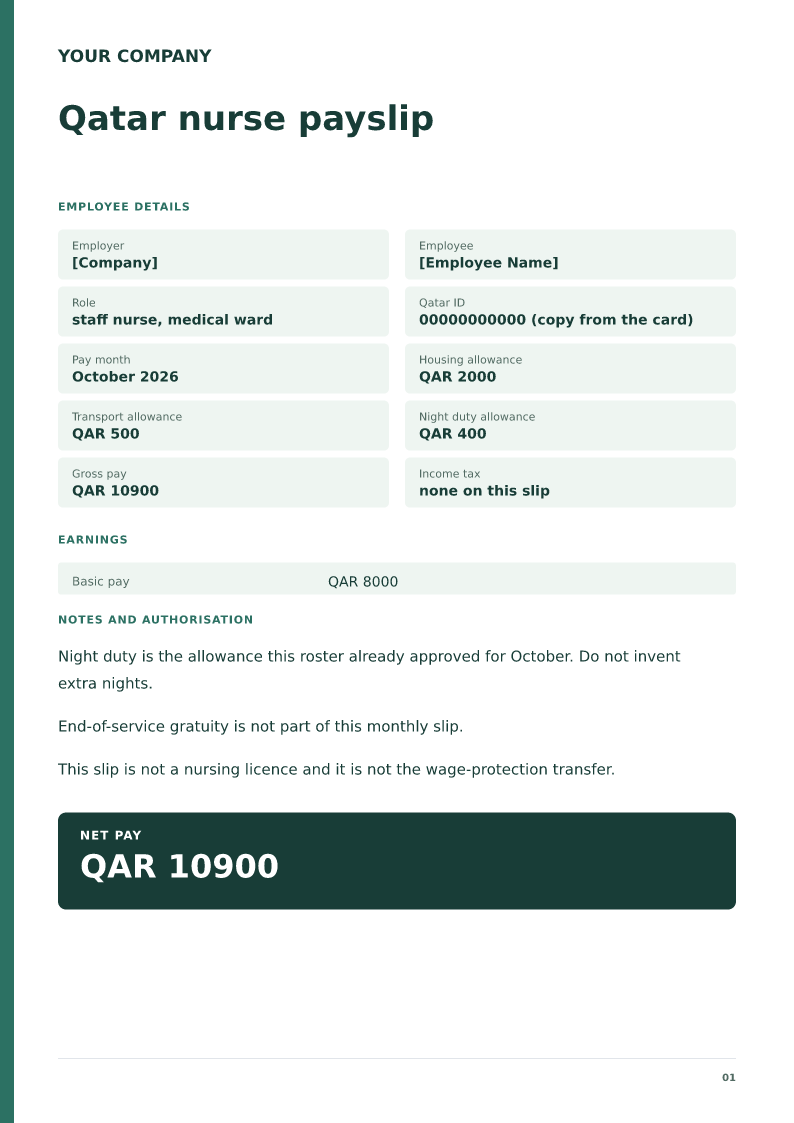
Qatar nurse payslip
Free Qatar nurse payslip for 2026. Download Word or PDF with no signup and edit the QAR ward wage, housing and night duty already on the hospital payroll.
 Preview & customize ↗
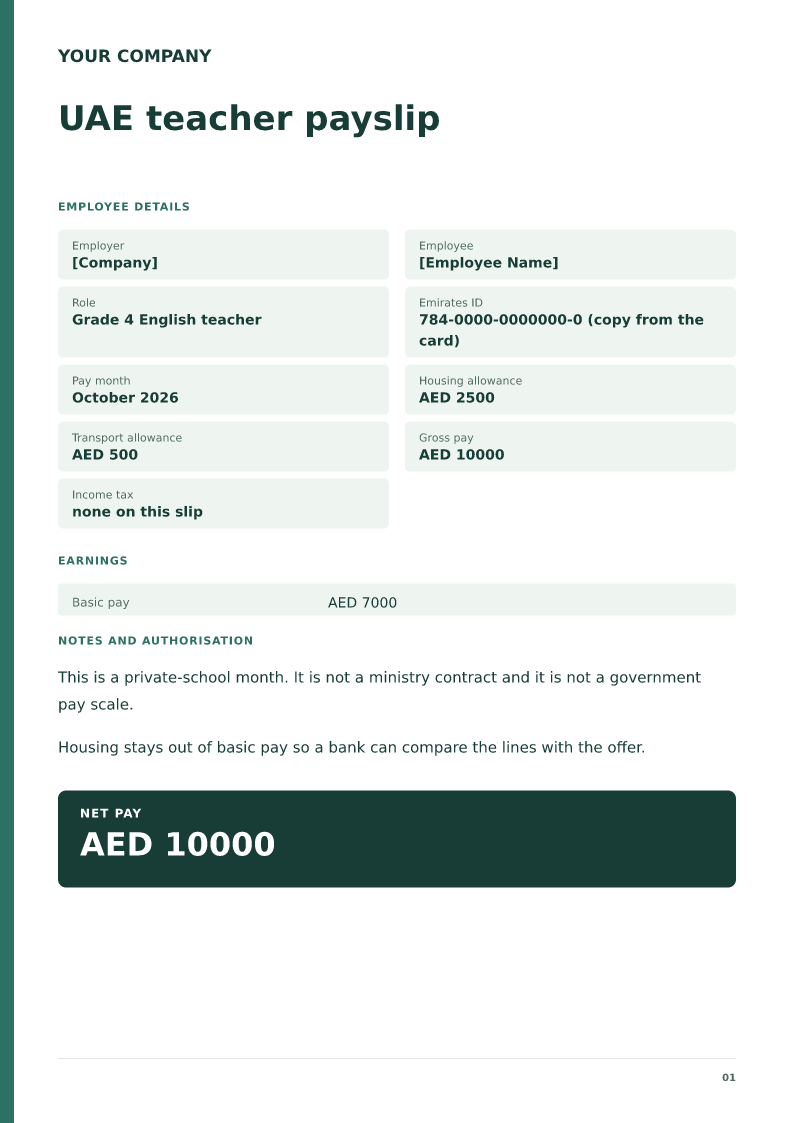
UAE teacher payslip
Free UAE teacher payslip for 2026. Download Word or PDF with no signup and edit the school, AED housing and the pay month on your device before payday.
 Preview & customize ↗
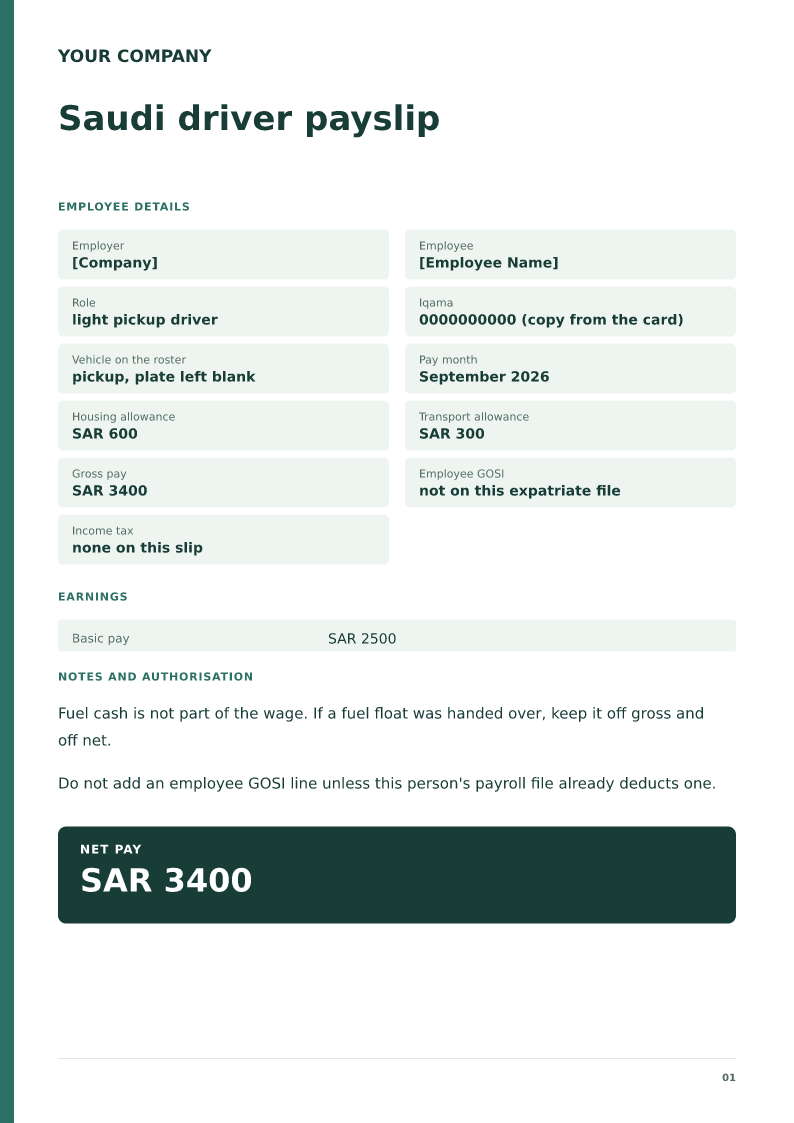
Saudi driver payslip
Free Saudi driver payslip for 2026. Download Word or PDF with no signup and edit the Iqama, SAR housing and the vehicle already on the payroll file.
 Preview & customize ↗
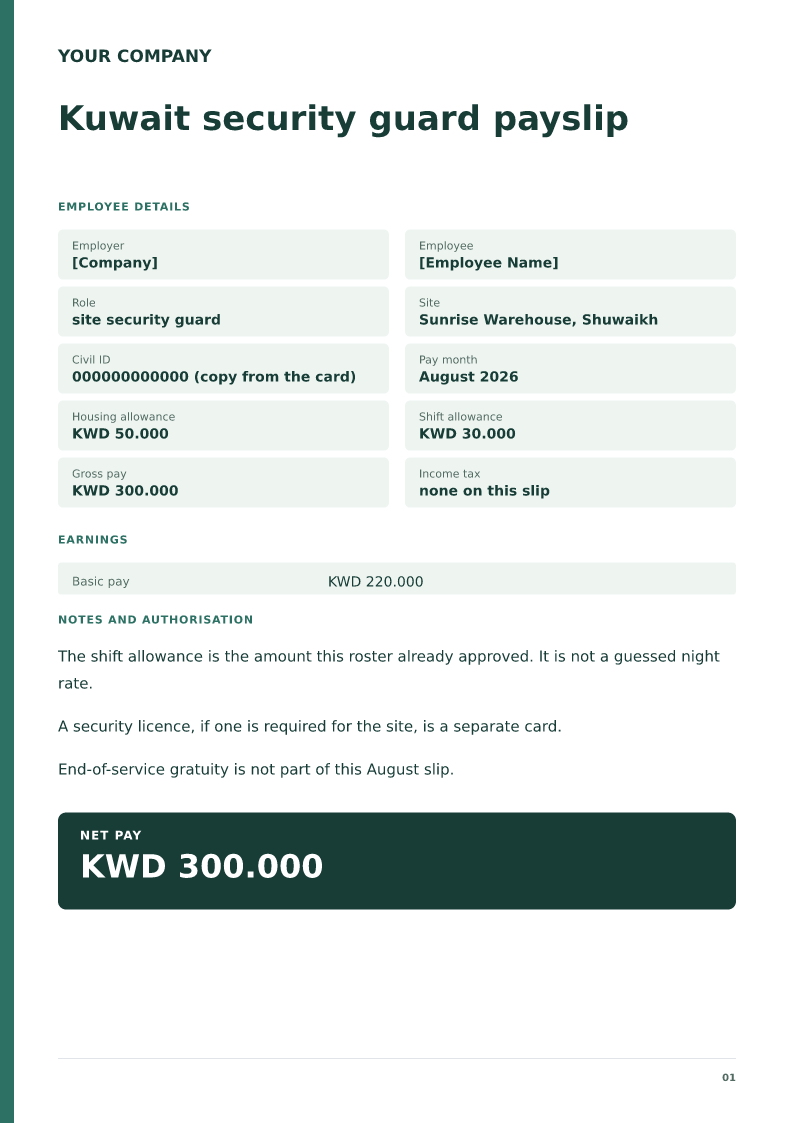
Kuwait security guard payslip
Free Kuwait security guard payslip for 2026. Download Word or PDF with no signup and edit the civil ID, KWD basic and the site shift allowance before payday.
 Preview & customize ↗
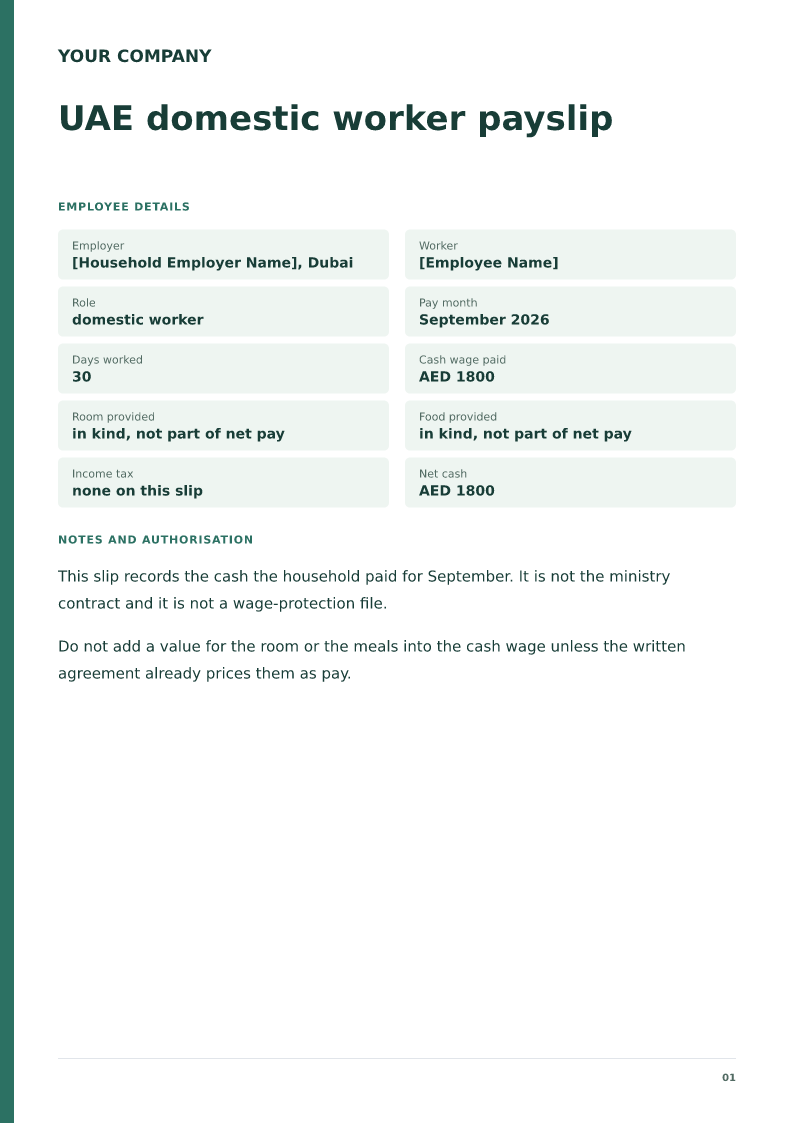
UAE domestic worker payslip
Free UAE domestic worker payslip for 2026. Download Word or PDF with no signup and edit the AED cash wage and days worked. Room and food stay off net pay.
 Preview & customize ↗
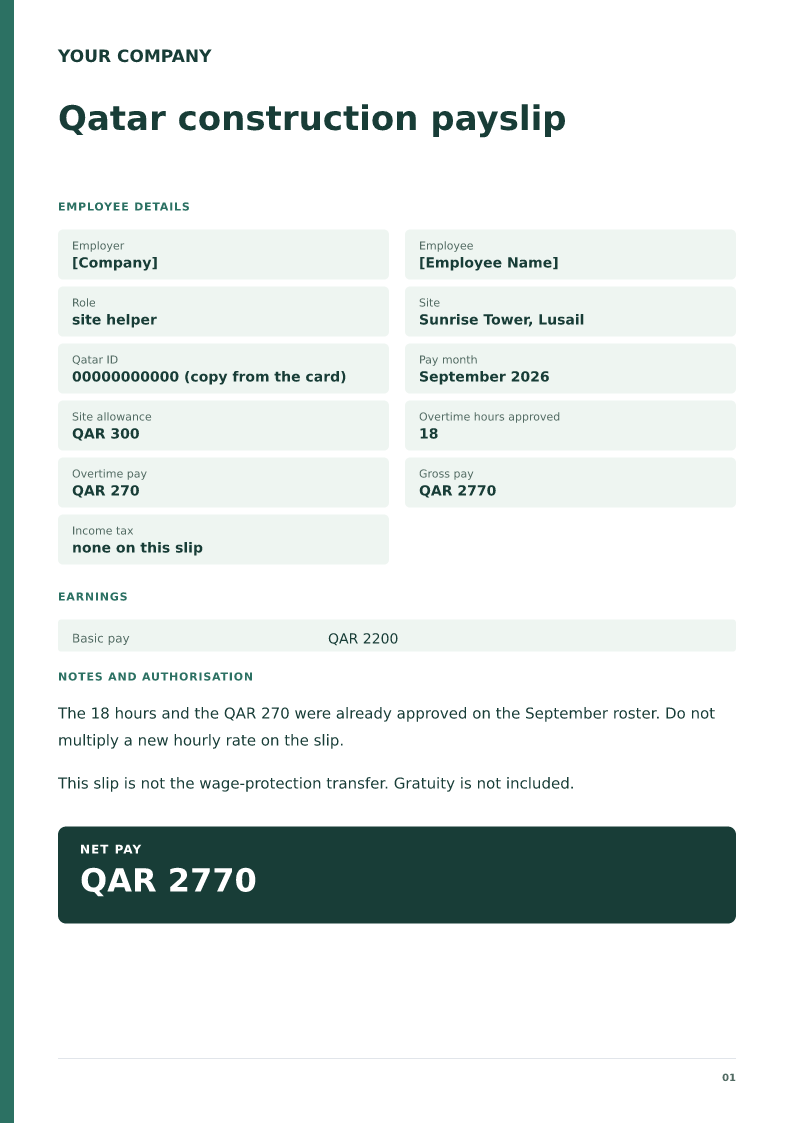
Qatar construction payslip
Free Qatar construction payslip for 2026. Download Word or PDF with no signup and edit the site, QAR basic and overtime hours already approved on the roster.
 Preview & customize ↗
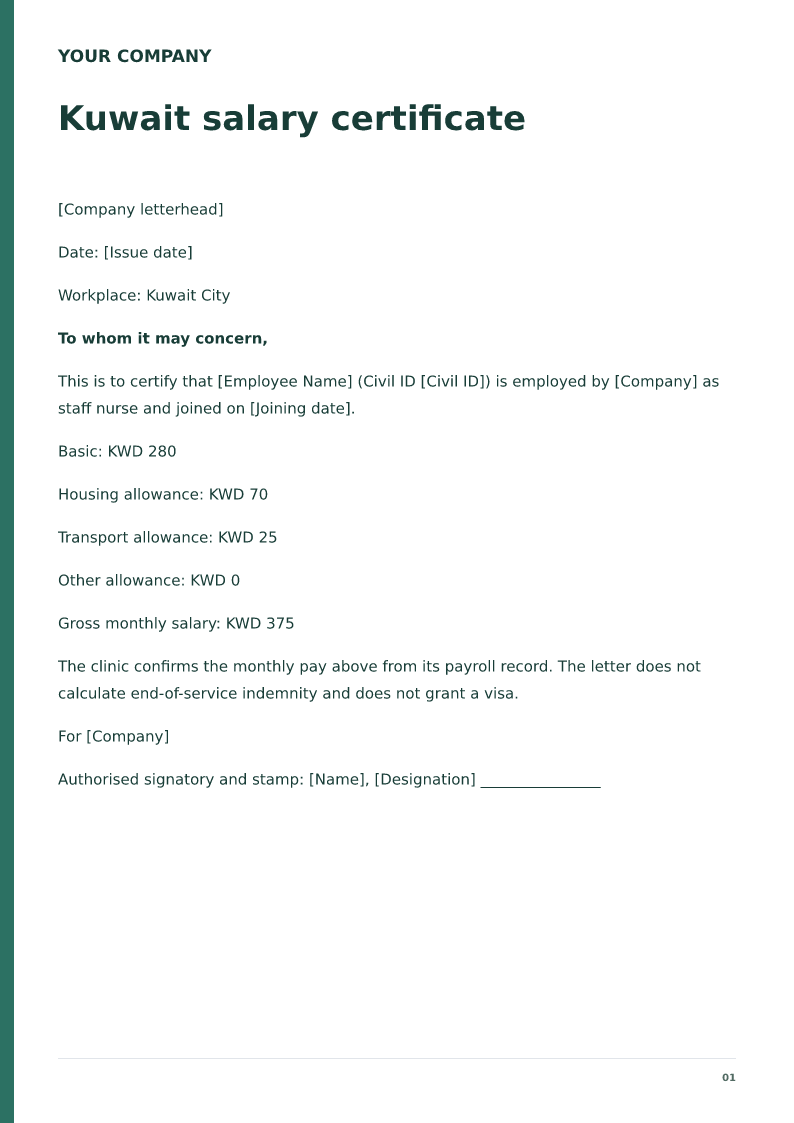
Kuwait salary certificate
Free Kuwait salary certificate for 2026. Download Word or PDF with no signup and edit the Civil ID, KWD basic pay and allowances on your device.
 Preview & customize ↗
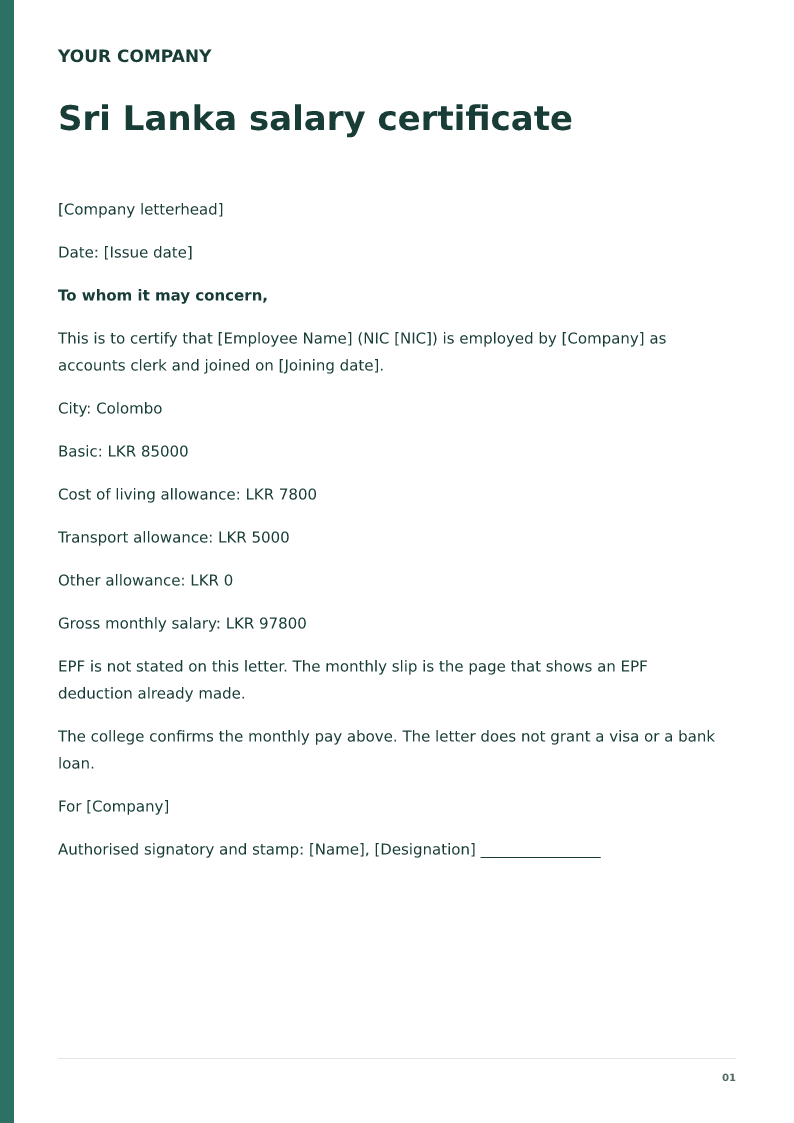
Sri Lanka salary certificate
Free Sri Lanka salary certificate for 2026. Download Word or PDF with no signup and edit the NIC, LKR basic pay and allowances on your device.
 Preview & customize ↗
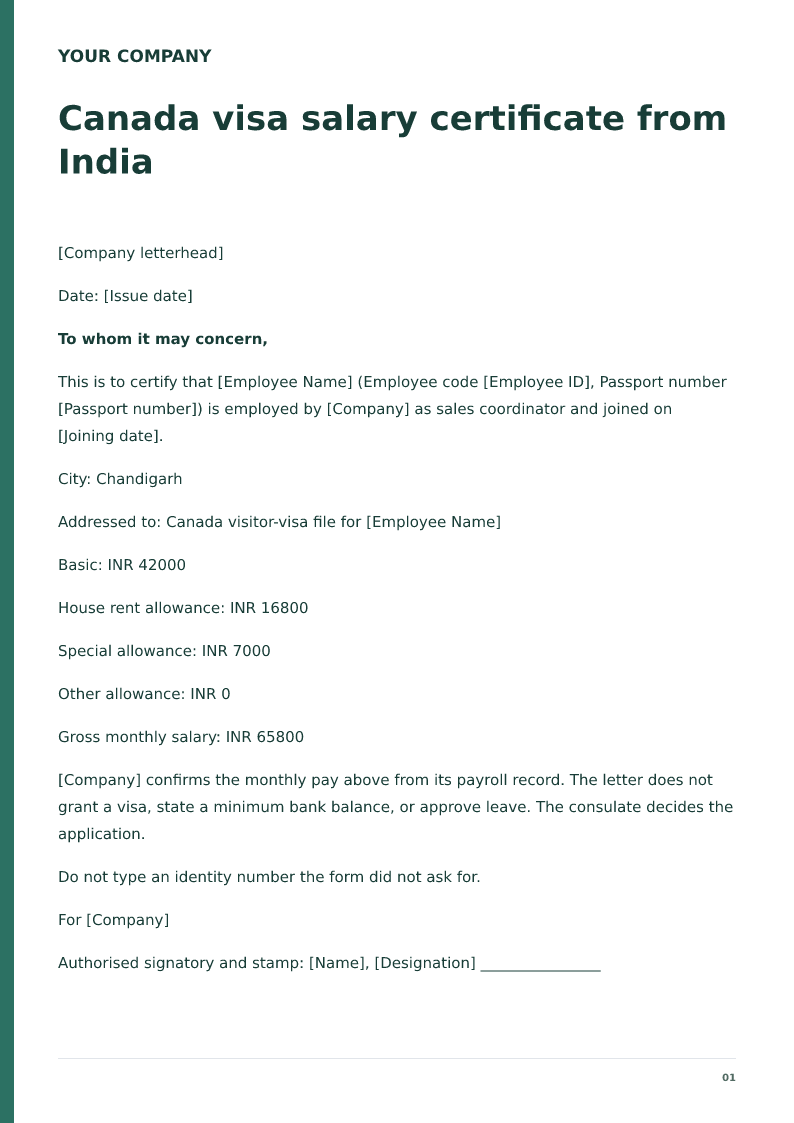
Canada visa salary certificate from India
Free Canada visa salary certificate for 2026. Download Word or PDF with no signup and edit the INR allowances and passport number on your device.
 Preview & customize ↗
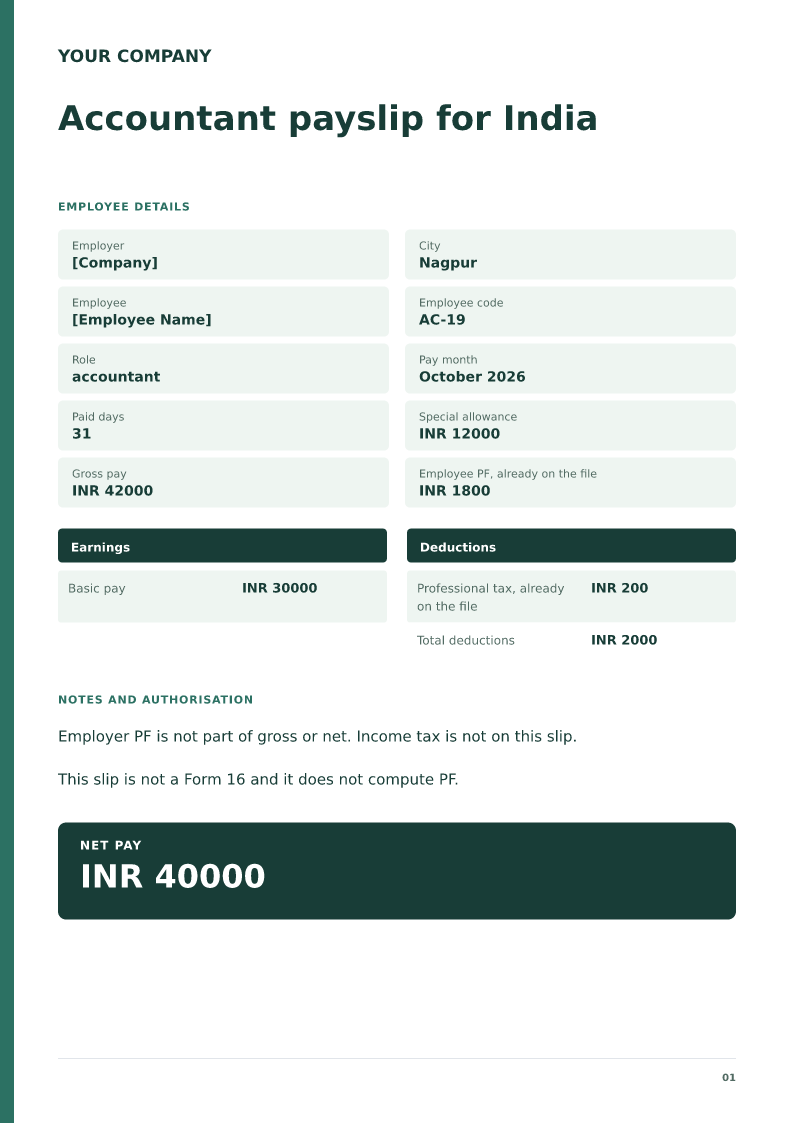
Accountant payslip for India
Free accountant payslip for India, 2026. Download Word or PDF with no signup and edit the INR basic, allowance and PF already on the payroll file.
 Preview & customize ↗
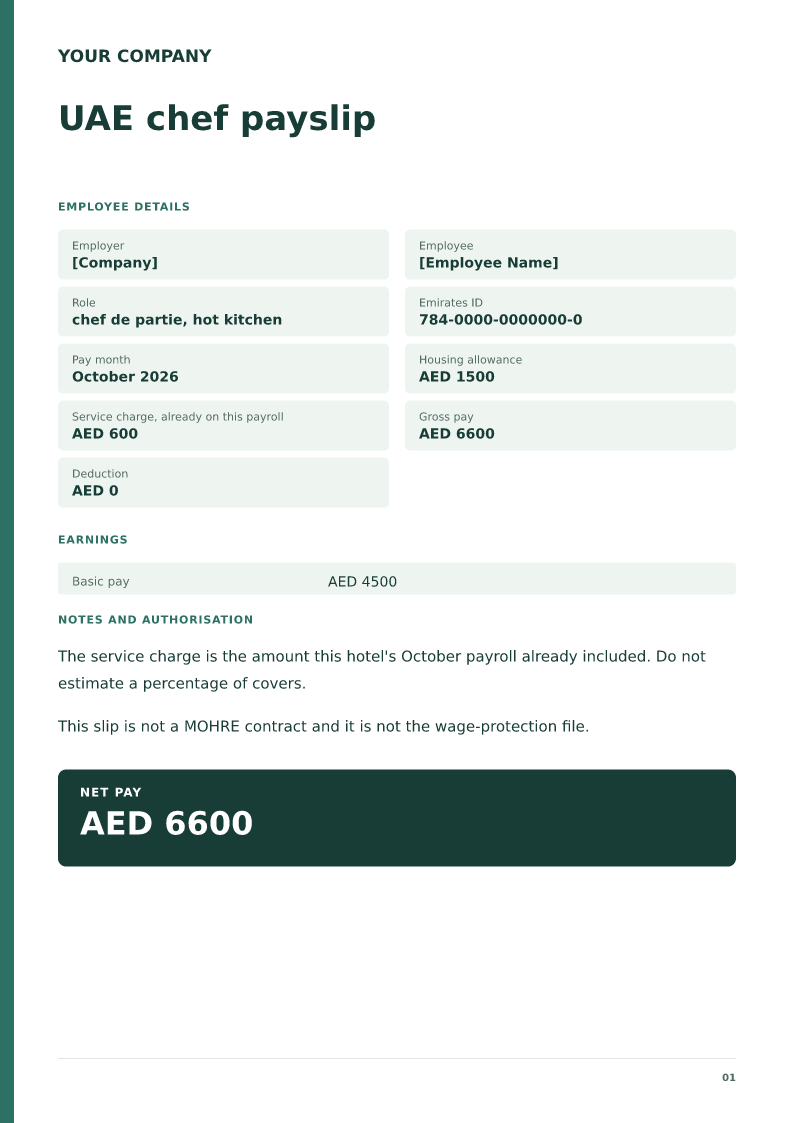
UAE chef payslip
Free UAE chef payslip for 2026. Download Word or PDF with no signup and edit the AED wage, Emirates ID and service charge already on payroll.
 Preview & customize ↗
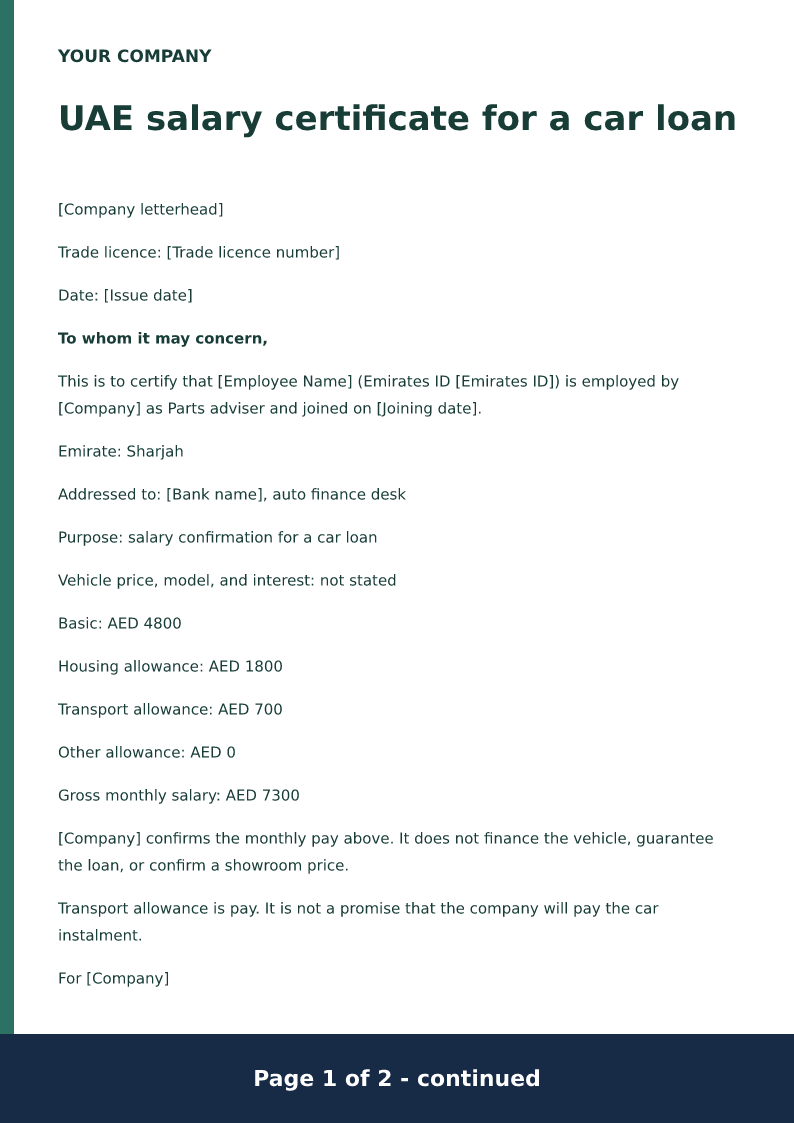
UAE salary certificate for a car loan
Free UAE car-loan salary certificate for 2026. Download Word or PDF with no signup and edit the Emirates ID, AED allowances and auto-finance purpose on your device.
 Preview & customize ↗
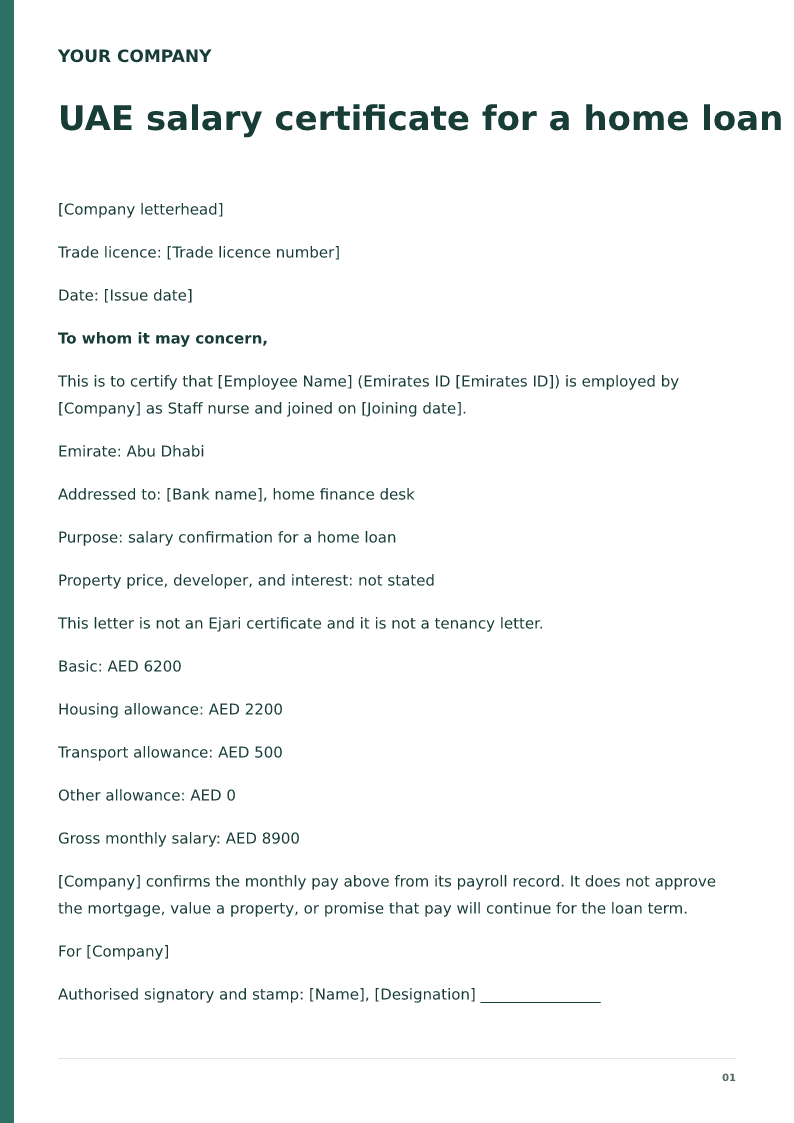
UAE salary certificate for a home loan
Free UAE home-loan salary certificate for 2026. Download Word or PDF with no signup and edit the Emirates ID, AED allowances and mortgage purpose locally.
 Preview & customize ↗
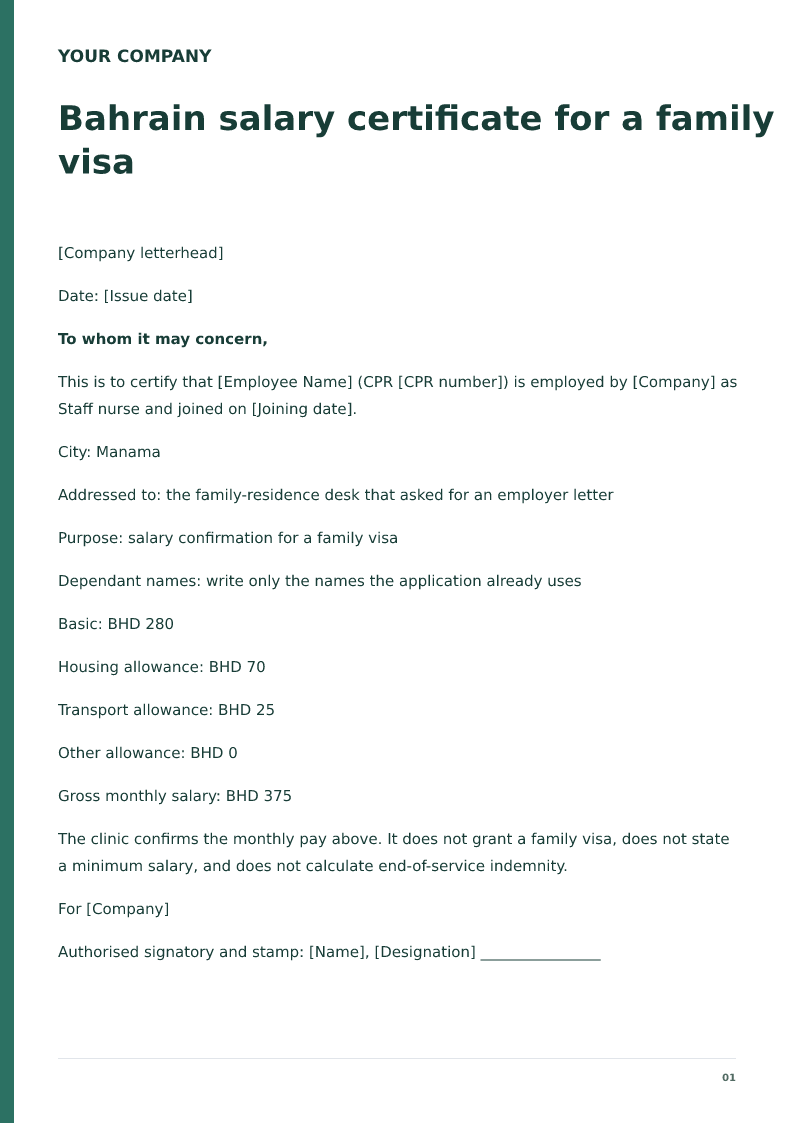
Bahrain salary certificate for a family visa
Free Bahrain family-visa salary certificate for 2026. Download Word or PDF with no signup and edit the CPR, BHD allowances and dependant purpose on your device.