
GST invoice for an SEZ supply
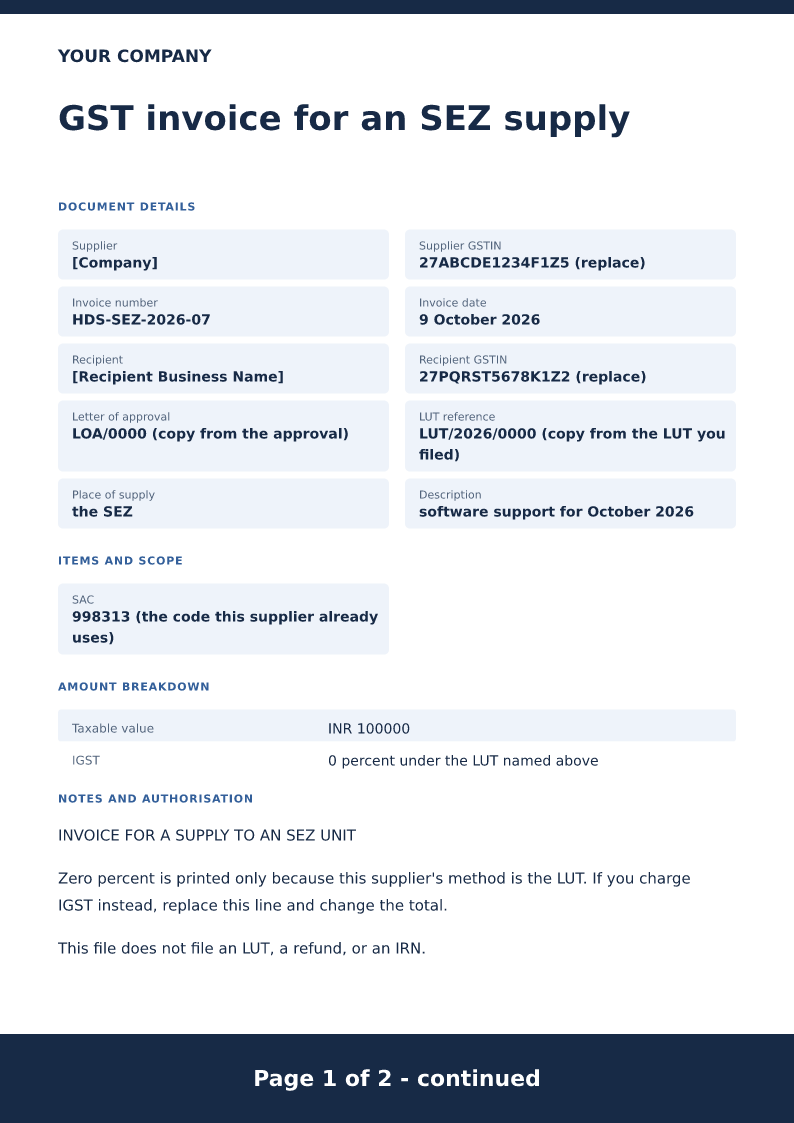
GST invoice for an SEZ supply needs the supplier’s legal name and GSTIN, an invoice number, the issue date, the customer, the place of supply, and an HSN or SAC code plus the tax rate on every line. It does not create an IRN or QR code, and it does not verify that a GSTIN is registered. Name the SEZ unit and show zero percent only when the supplier is using an LUT. If the method is IGST, replace that line. This file does not file the LUT.
Published · Updated
Free SEZ GST invoice for 2026. Download Word or PDF with no signup and edit the SEZ unit, LUT reference and zero percent only if that is your method.
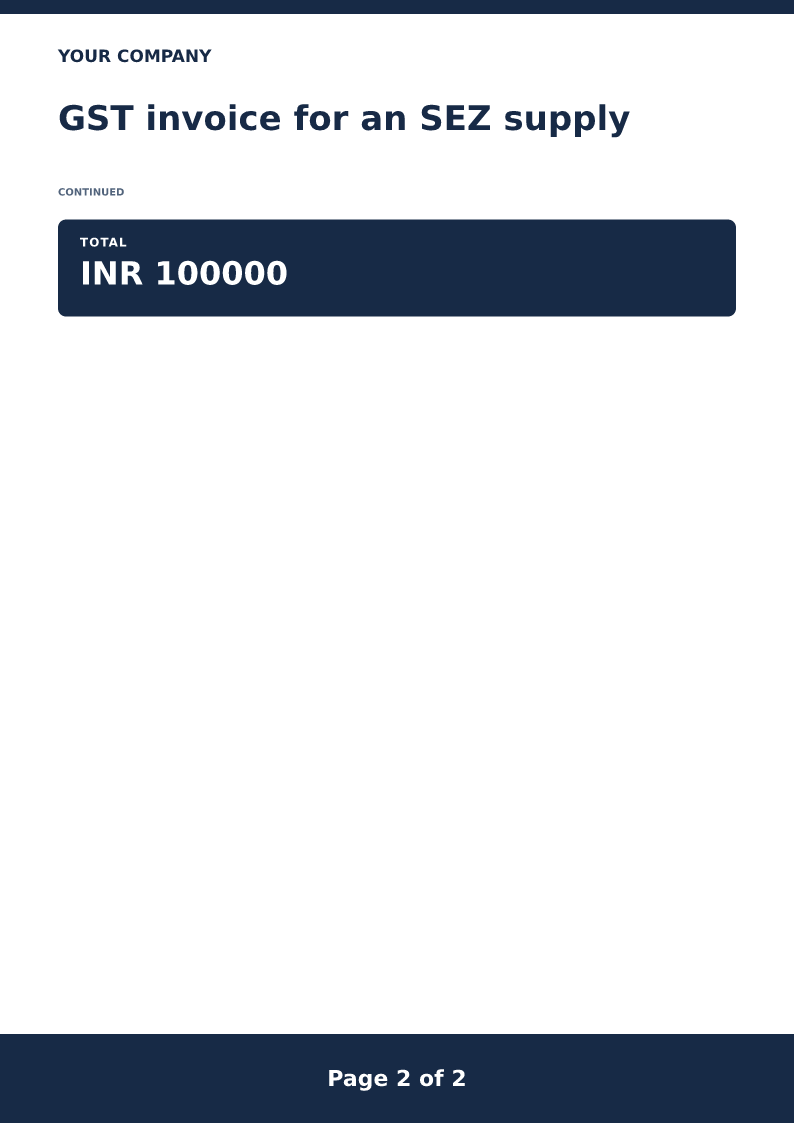
Page 1 of 2 - continued.
Download or edit this sample
Edit document details
Choose your style
What each part means
SEZ unit
Name the SEZ unit and copy the letter of approval. A domestic client who is not in an SEZ does not belong on this invoice.
LUT or IGST
Show zero percent only when you are using an LUT you have already filed. If the method is IGST, replace the line. Do not print both.
Not the export-of-services page
The export invoice on this site is for a foreign recipient. This page names an SEZ unit and a letter of approval.
An SEZ unit is not a foreign client
the employer bills the employer 100000 for October support. The export invoice on this site is aimed at a recipient outside India and an LUT for export of services. This page adds the letter of approval and says the place of supply is the SEZ. Do not reuse the export wording for a domestic SEZ file, or the other way around.
LUT and IGST are alternative lines
The sample prints IGST at zero percent because the example supplier is using LUT/2026/0000. If your method is to charge IGST, delete the zero line, type the IGST you have confirmed, and change the total. Printing zero and also adding IGST double-counts the treatment.
The page does not file anything
Downloading the invoice does not file an LUT, a refund, or a return. Copy the LUT reference from the acknowledgement you already have. If you have no LUT and you are not charging IGST, do not issue this zero line at all.
SAC and GSTINs are copied
998313 is the code this example supplier already uses. Confirm yours. Copy both GSTINs. The invoice does not create an IRN. Edit Word and use the India GST invoice generator for the same structure.
Review this scenario
- Name the SEZ unit and copy the letter of approval.
- Copy the LUT reference only if you have filed one.
- Show zero percent only for the LUT method.
- Replace the line if you charge IGST instead.
- Do not use the export-of-services invoice for this SEZ file.
- The download does not file the LUT.
Questions
Is an SEZ invoice the same as the export invoice?
No. The export page is for a foreign recipient. This one names an SEZ unit and a letter of approval.
Can I print zero percent without an LUT?
Not on this sample. Zero percent is tied to the LUT reference. If you charge IGST, replace that line and change the total.
Does the download file the LUT or a refund?
No. It is a draft invoice. Filing the LUT, the return, or a refund stays outside this page.
Can I download Word and PDF?
Yes. Edit the Word file and check the SEZ name and the LUT reference before you issue it. There is no signup.
What must this GST invoice include?
The supplier’s legal name and GSTIN, the invoice number, the issue date, the customer, the place of supply, and an HSN or SAC code with the tax rate on every line.
Can I edit it in Word?
Yes. DOCX contains editable text. Customized PDF exports preserve the layout as page images; direct English sample PDFs contain searchable text. Neither is a digitally signed document.
Is my entered information uploaded?
Document generation happens in this browser. Optional consented analytics measures actions, never document contents.
Check before you use it
A supply to a named SEZ unit. Zero percent appears only with an LUT reference. Charging IGST means replacing that line. The file does not file the LUT.
- Replace every sample or bracketed field with accurate information.
- Check dates, amounts, identifiers and the intended recipient’s requirements.
- Open the exported file and obtain any required employer, landlord or legal approval.
Prepared by Feroz Sheikh ·
Related templates
 Preview & customize ↗
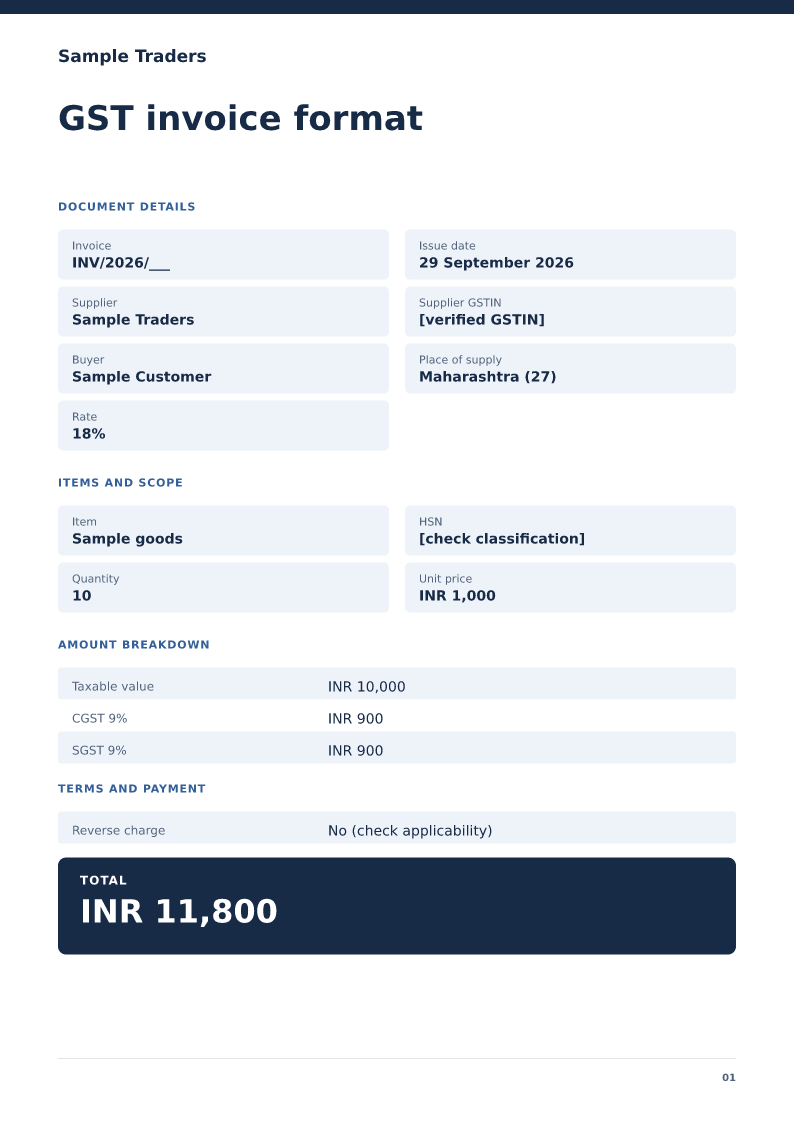
GST invoice format
A domestic tax-invoice sample with supplier details, HSN/SAC and tax split. Free PDF, Word and Excel downloads. Edit a blank or filled sample on your device.
 Preview & customize ↗
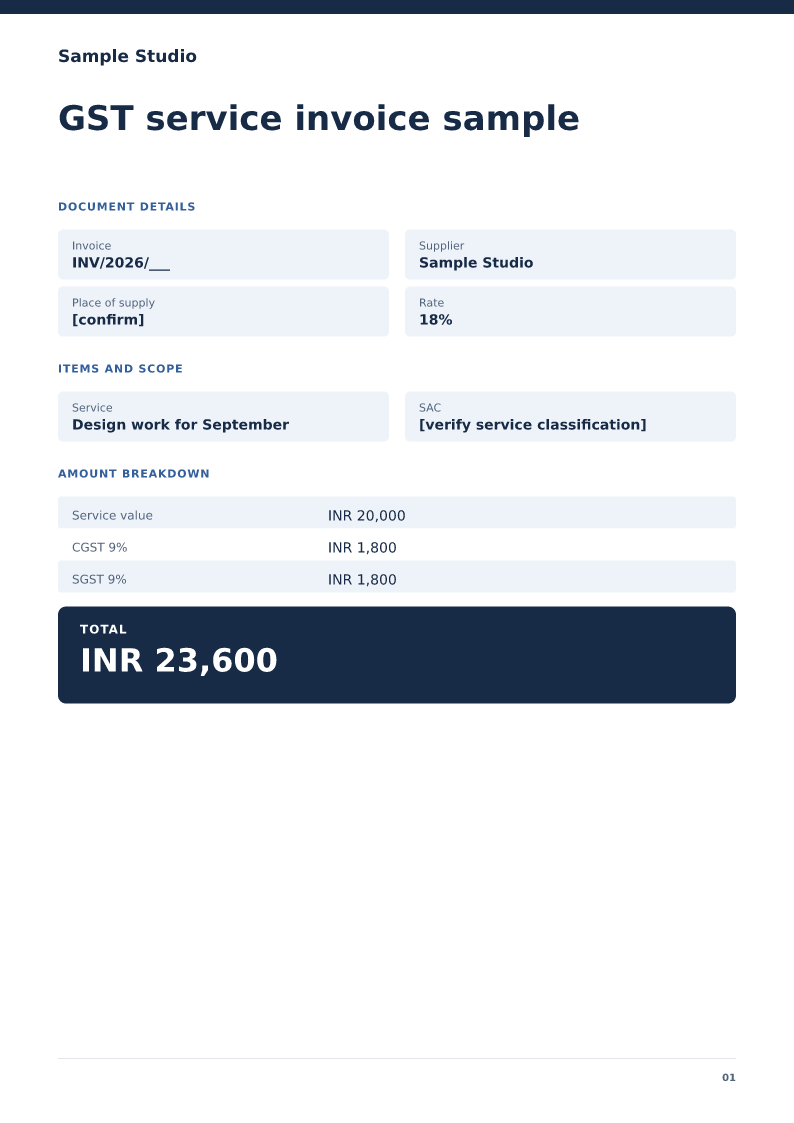
GST service invoice sample
A service-billing sample with SAC, service period and an explicit tax treatment. Free PDF, Word and Excel downloads. Edit a blank or filled sample on your device.
 Preview & customize ↗
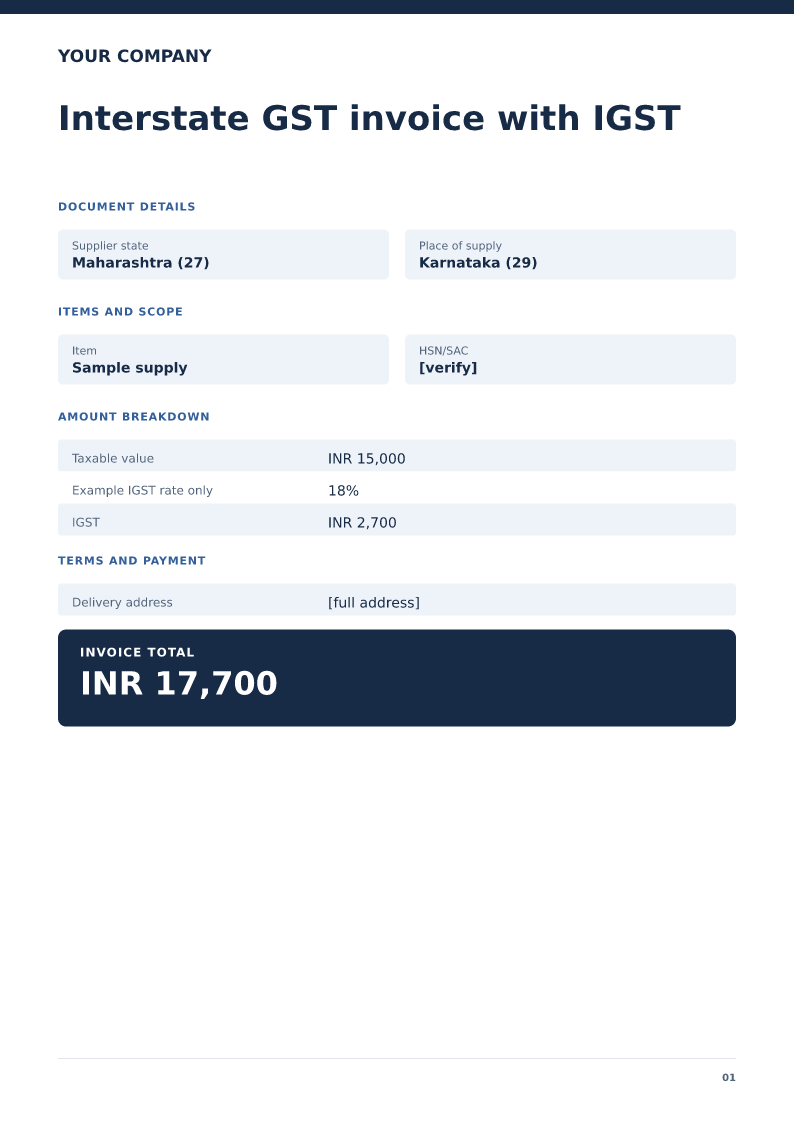
Interstate GST invoice with IGST
An example showing a single IGST line instead of CGST and SGST. Free PDF, Word and Excel downloads. Edit a blank or filled sample on your device.
 Preview & customize ↗
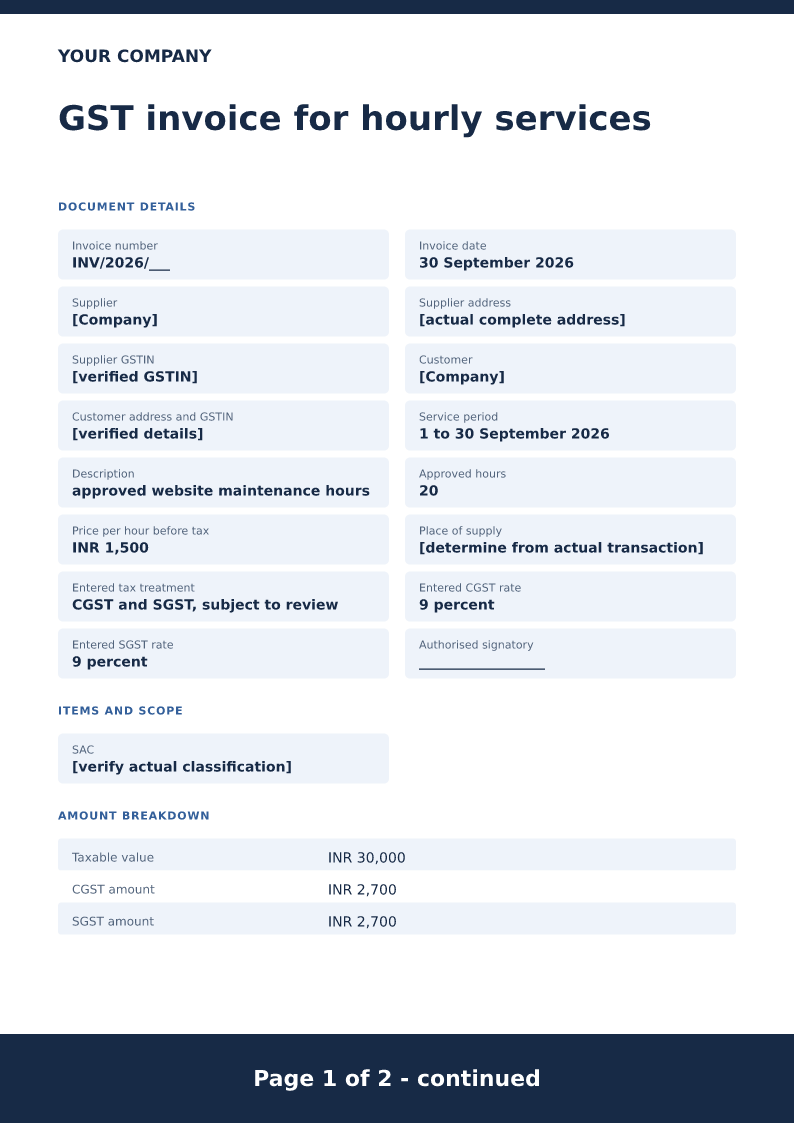
GST invoice for hourly services
Free PDF, Word and Excel template for approved service hours billed for one identified work period. Filled sample, checks and local editing.
 Preview & customize ↗
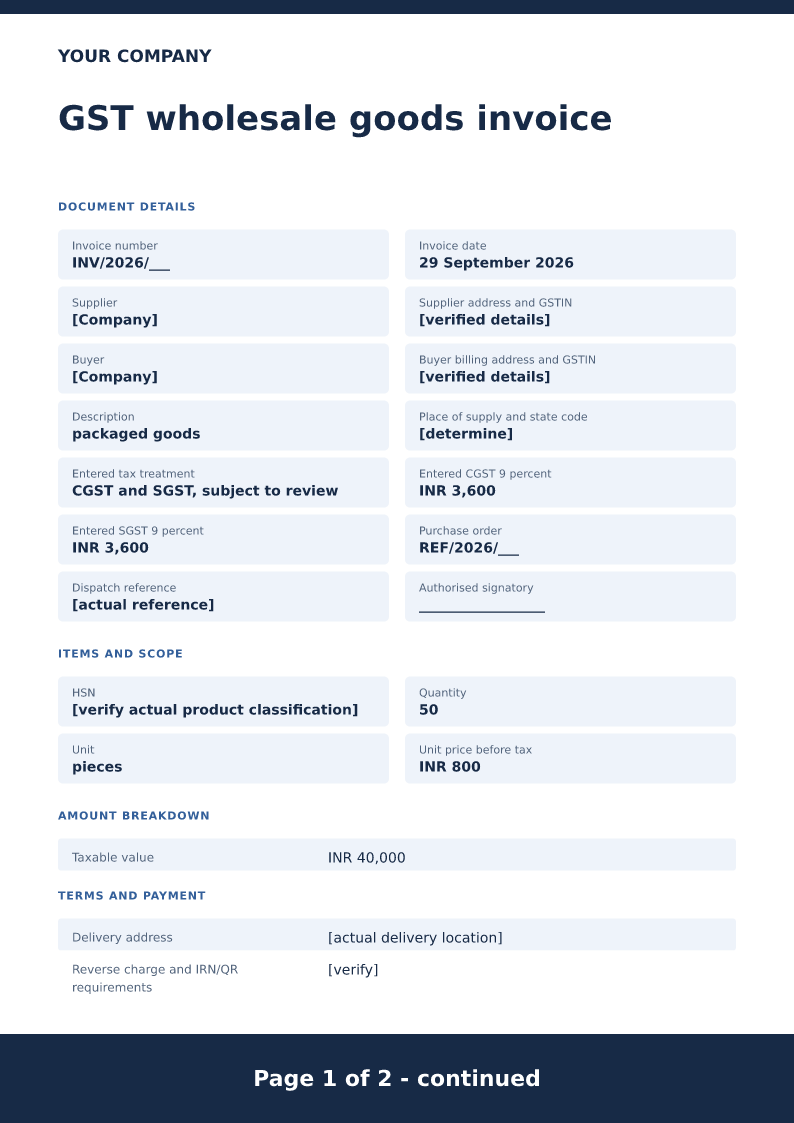
GST wholesale goods invoice
Free PDF, Word and Excel template for quantity based goods supply with a delivery reference. Filled sample, checks and local editing.
 Preview & customize ↗
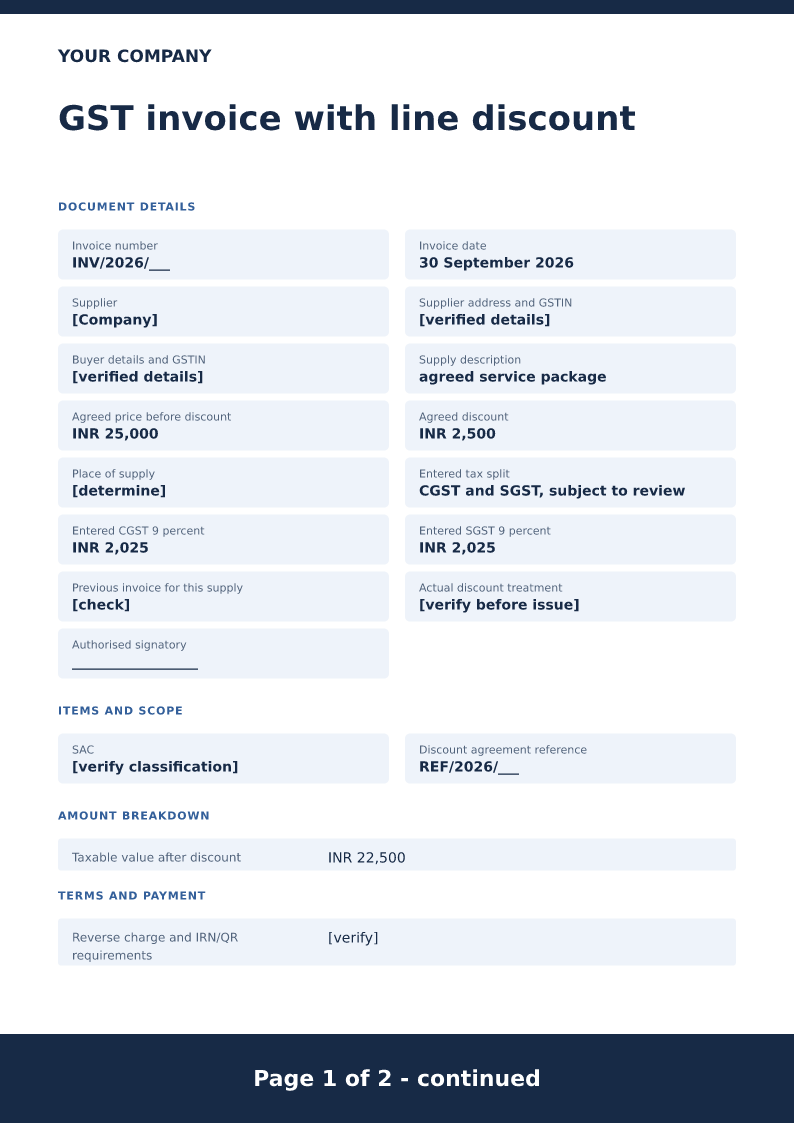
GST invoice with line discount
Free PDF, Word and Excel template for invoice showing an agreed discount before entered tax. Filled sample, checks and local editing.
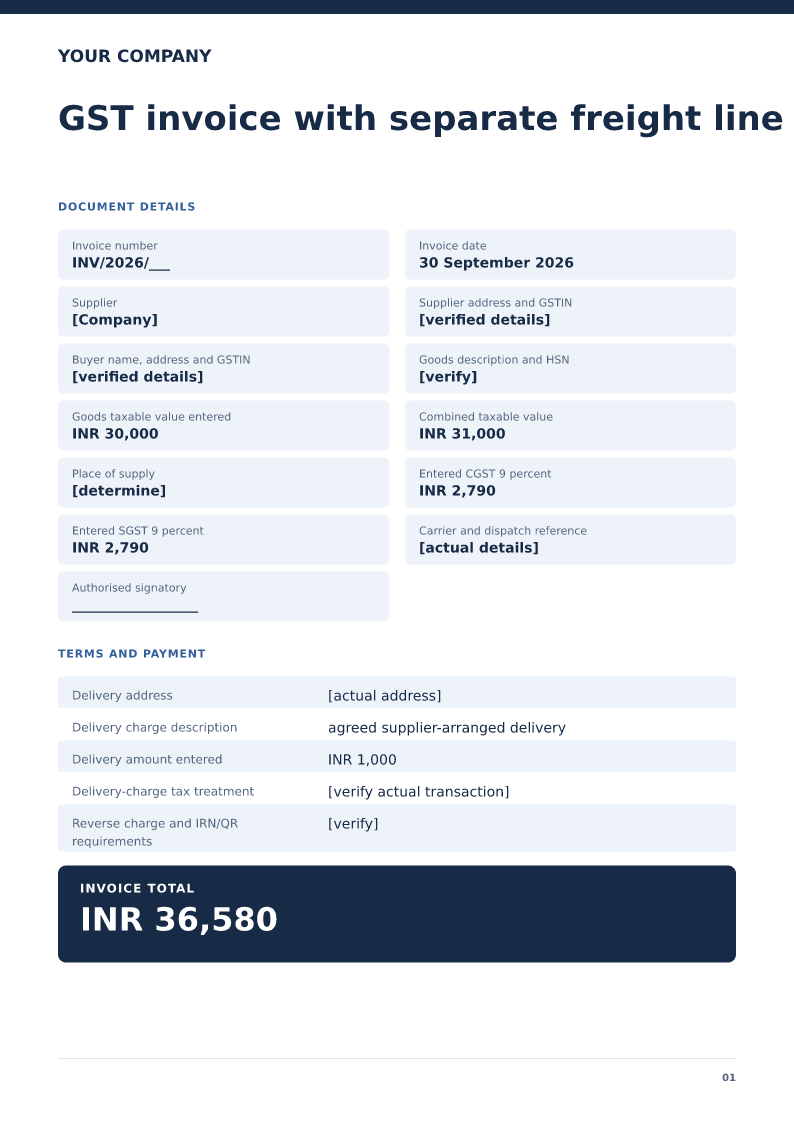 Preview & customize ↗
GST invoice with separate freight line
Free PDF, Word and Excel template for goods invoice displaying a separately described delivery charge. Filled sample, checks and local editing.
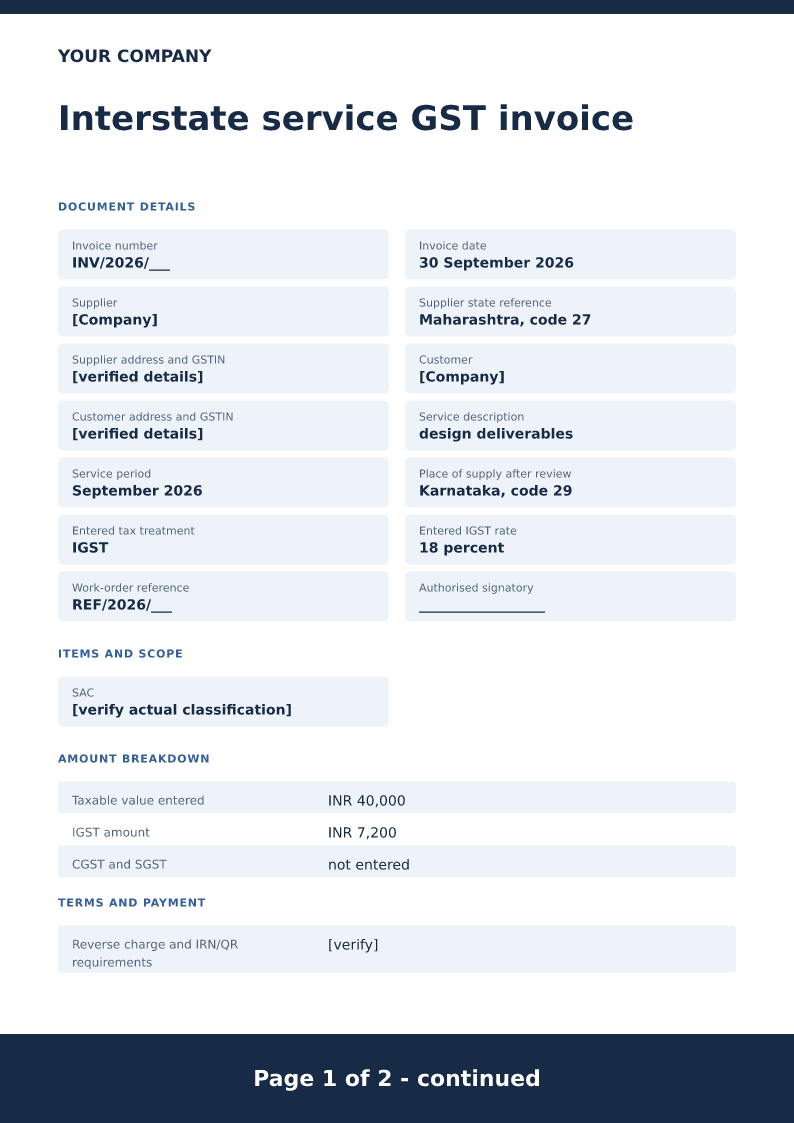 Preview & customize ↗
Interstate service GST invoice
Free PDF, Word and Excel template for service billing with a manually reviewed igst example. Filled sample, checks and local editing.
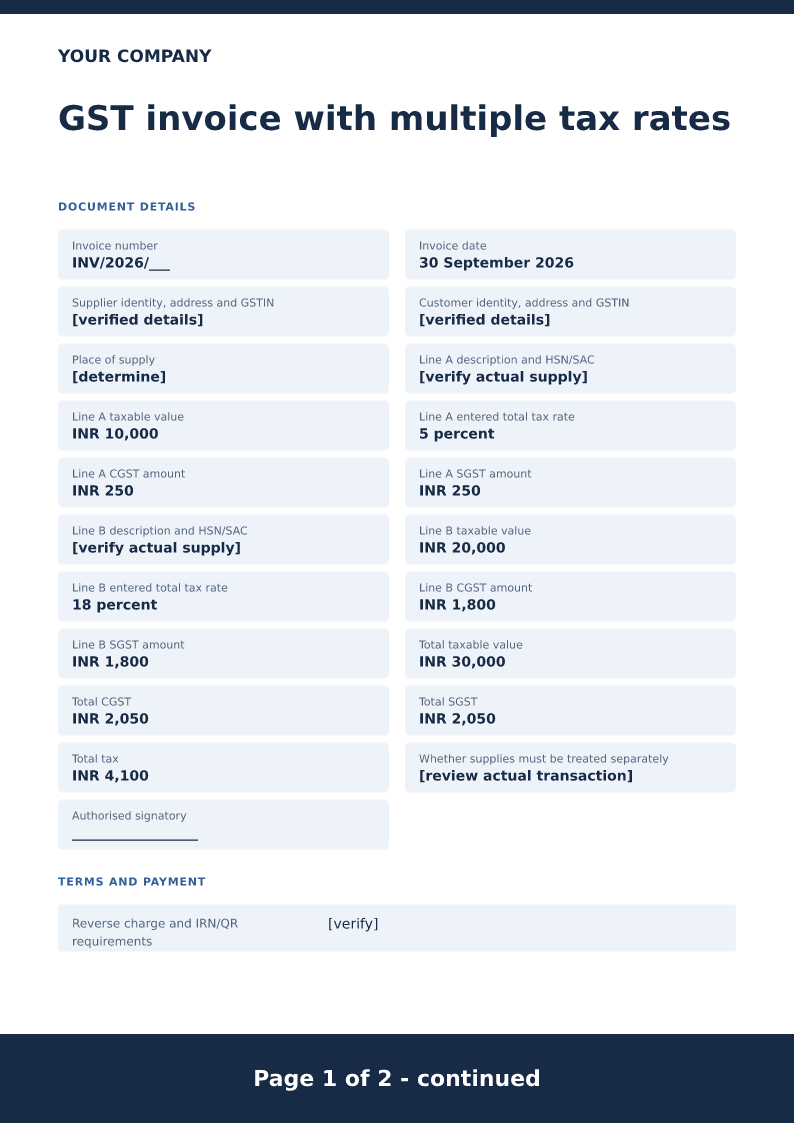 Preview & customize ↗
GST invoice with multiple tax rates
Free PDF, Word and Excel template for separate supply lines carrying reviewed different entered rates. Filled sample, checks and local editing.
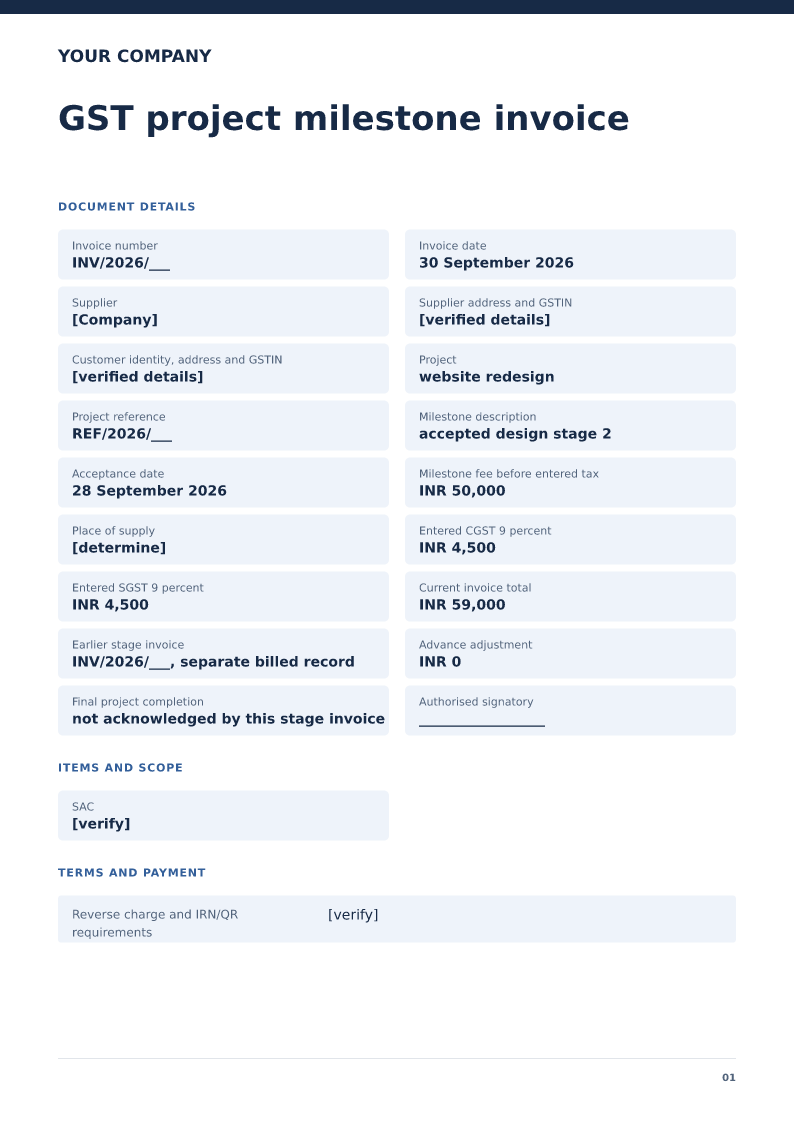 Preview & customize ↗
GST project milestone invoice
Free PDF, Word and Excel template for approved project stage billed with earlier invoices identified. Filled sample, checks and local editing.
 Preview & customize ↗
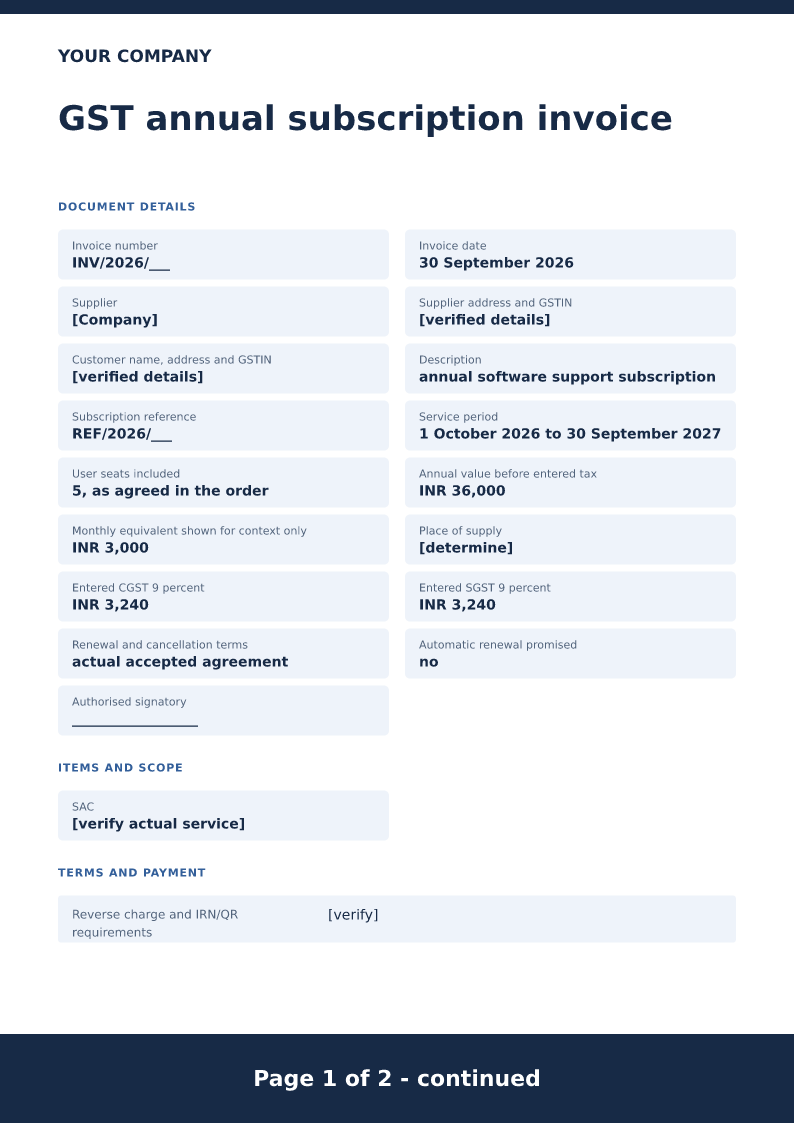
GST annual subscription invoice
Free PDF, Word and Excel template for a defined service subscription period billed in one charge. Filled sample, checks and local editing.
 Preview & customize ↗
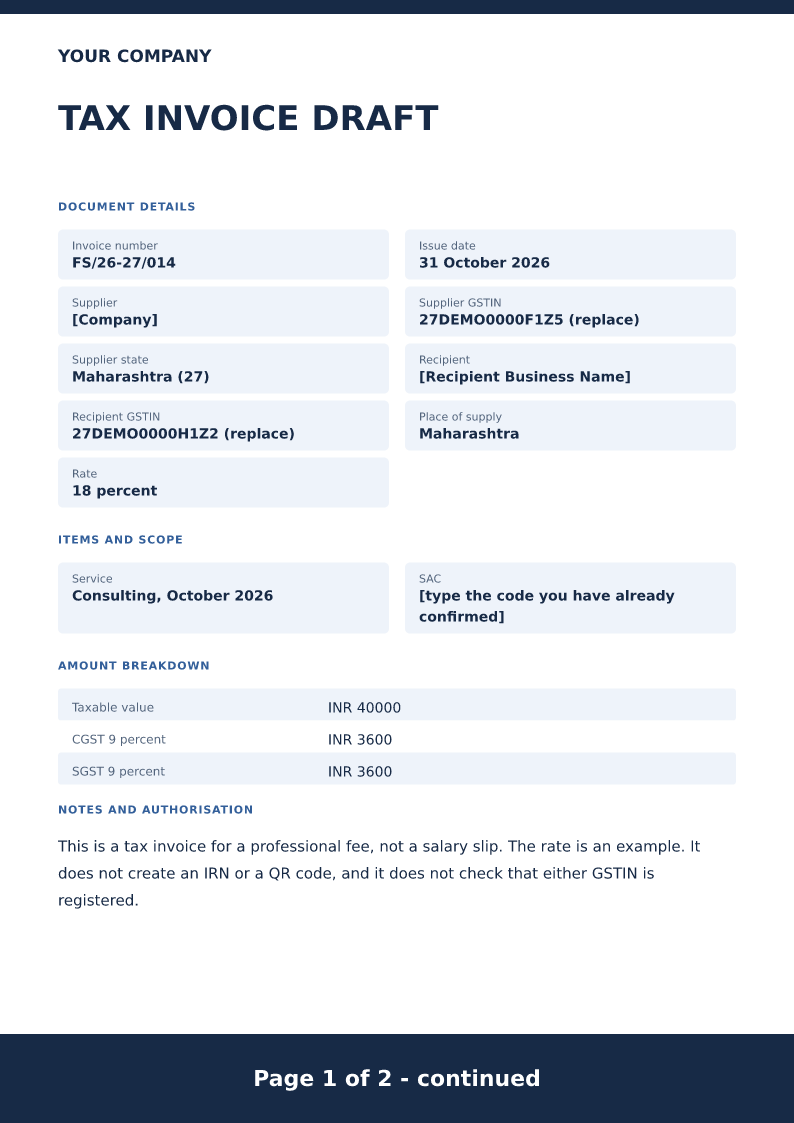
Freelancer GST tax invoice
Tax invoice for a freelance professional fee, with both GSTINs, a SAC placeholder, and an example CGST and SGST split. Free PDF, Word and Excel downloads.
 Preview & customize ↗
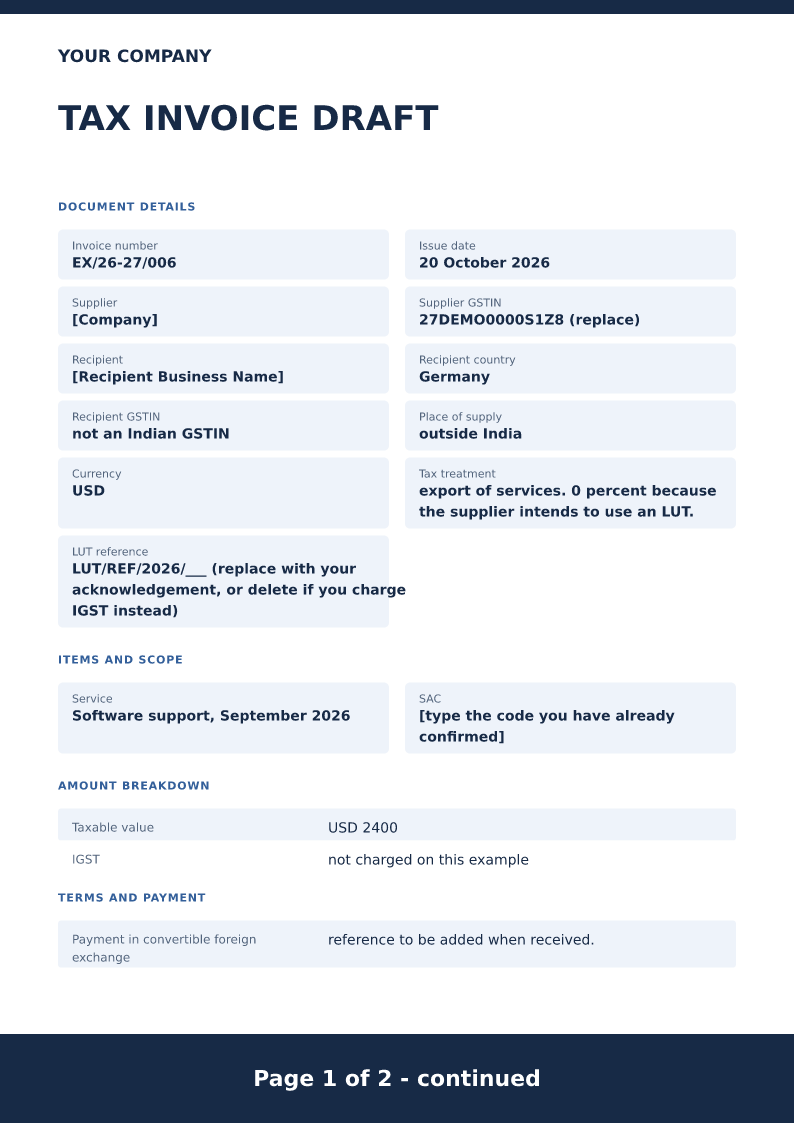
GST export invoice format
Export-of-services invoice in USD, with 0% shown only as an LUT example. Free PDF, Word and Excel downloads. Not a shipping bill or a refund claim.
 Preview & customize ↗
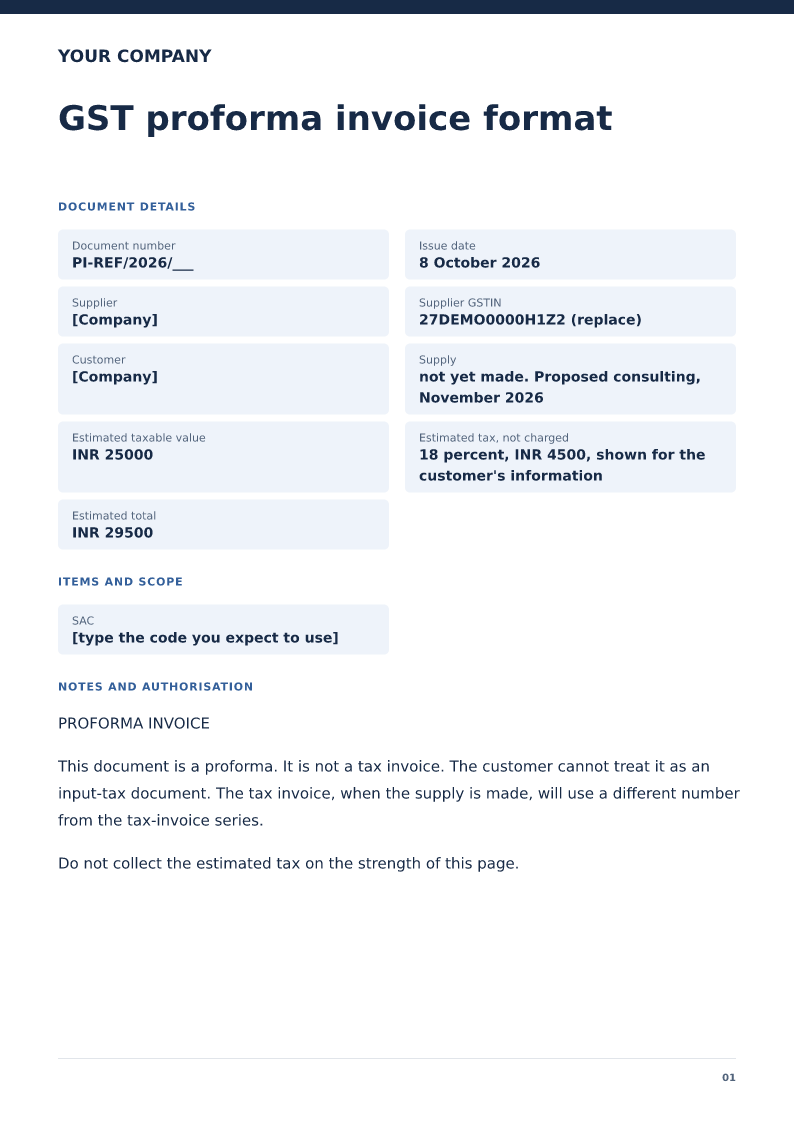
GST proforma invoice format
Proforma invoice that estimates a supply before it happens. Free PDF, Word and Excel downloads. Not a tax invoice and not an input-tax document.
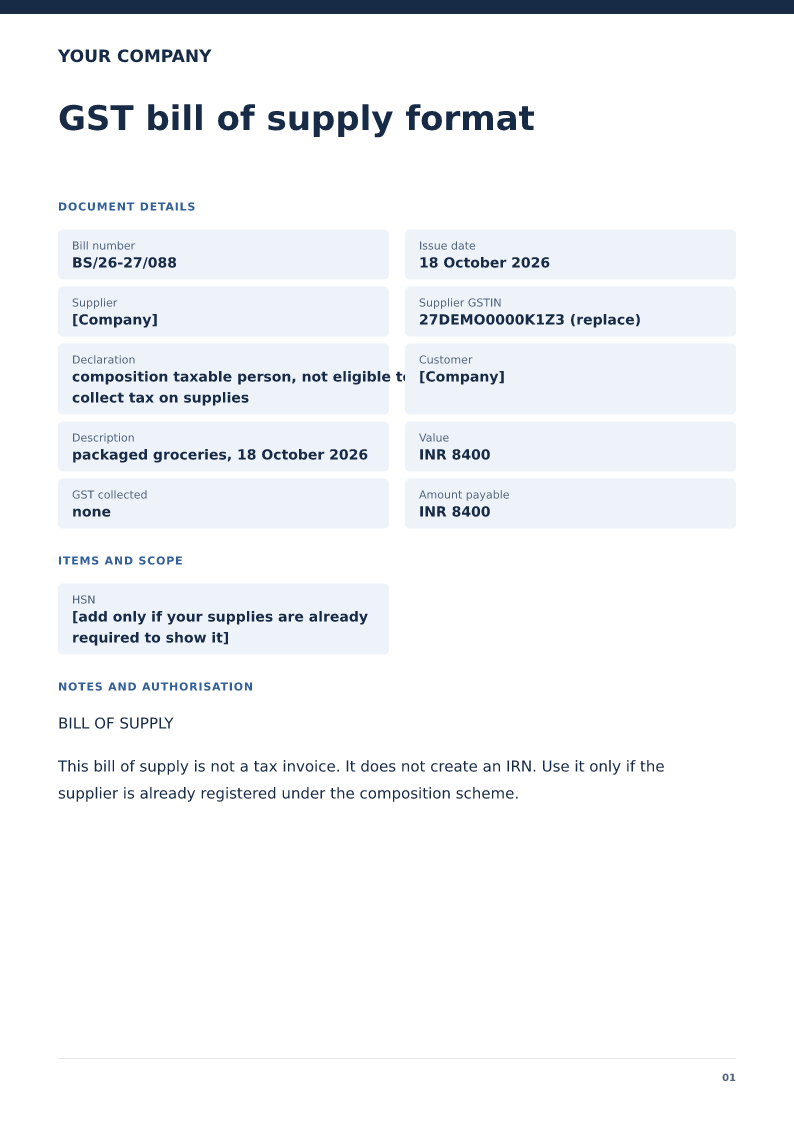 Preview & customize ↗
GST bill of supply format
Bill of supply for a supplier already on the composition scheme, stating that tax is not collected. Free PDF, Word and Excel downloads.
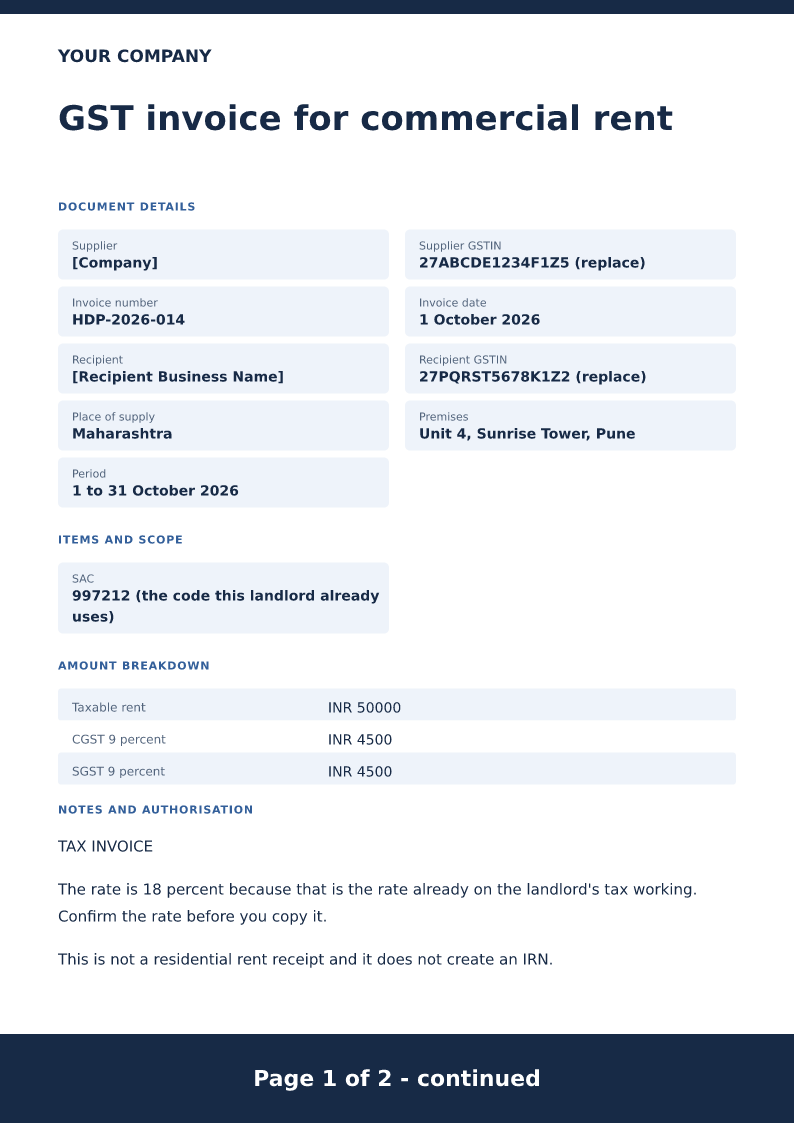 Preview & customize ↗
GST invoice for commercial rent
Free GST invoice for commercial rent in 2026. Download Word or PDF with no signup and edit the premises, SAC and the GST already confirmed for that supply.
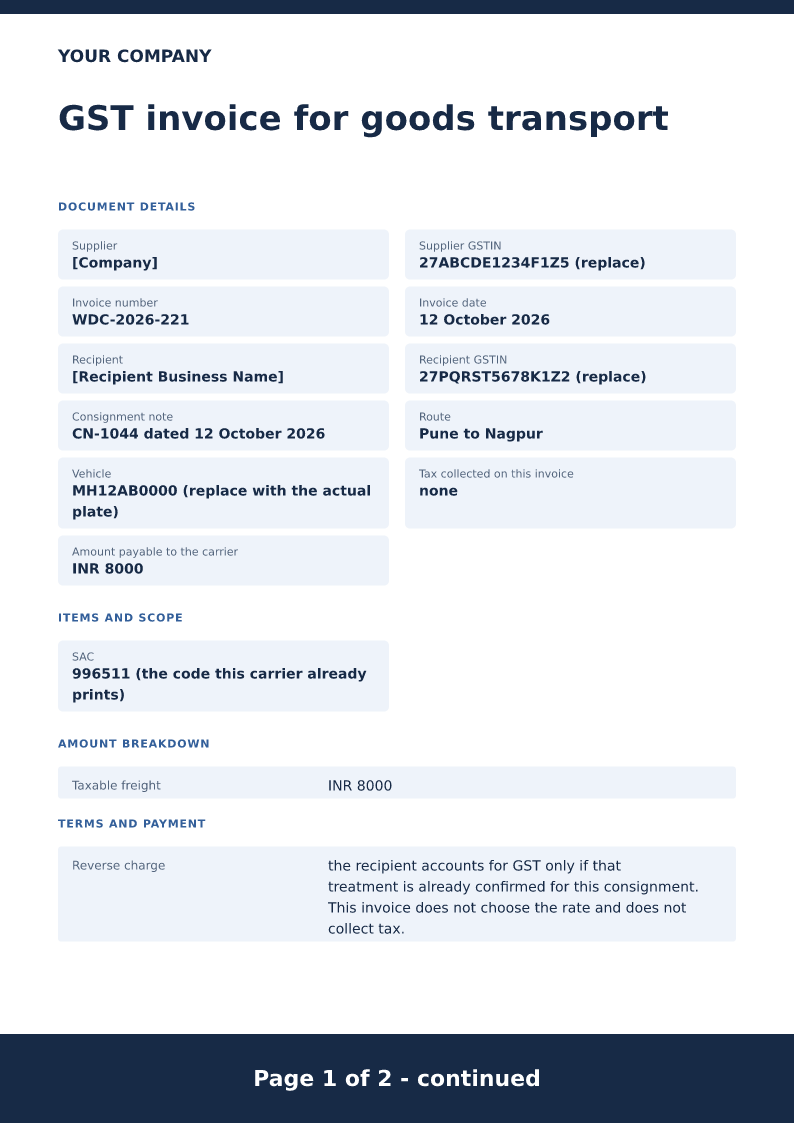 Preview & customize ↗
GST invoice for goods transport
Free GTA GST invoice for 2026. Download Word or PDF with no signup and edit the consignment note, route and freight. This sample collects no tax.
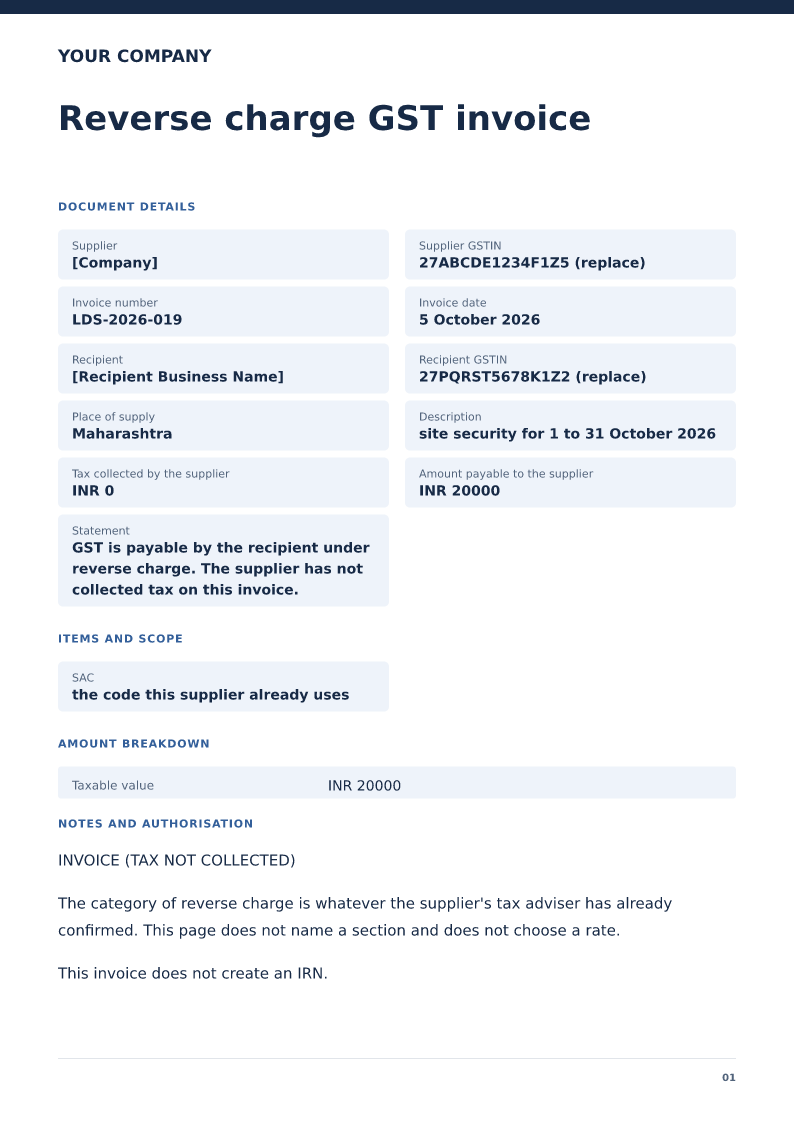 Preview & customize ↗
Reverse charge GST invoice
Free reverse charge GST invoice for 2026. Download Word or PDF with no signup. The sample collects no tax and names the recipient who accounts for it.
 Preview & customize ↗
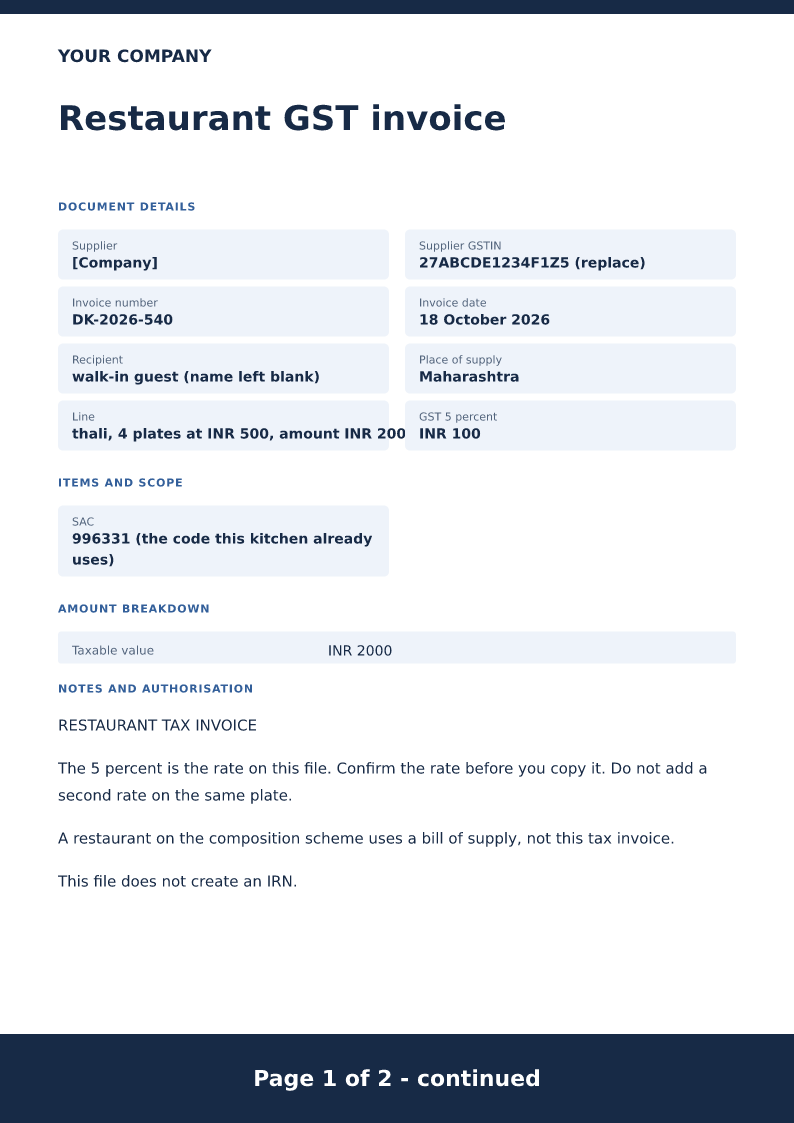
Restaurant GST invoice
Free restaurant GST invoice for 2026. Download Word or PDF with no signup and edit the food lines and the GST rate this restaurant's working already uses.