
GST invoice for hourly services
Free PDF, Word and Excel template for approved service hours billed for one identified work period. Filled sample, checks and local editing.
Download or edit this sample
Edit document details
Choose your style
Excel download is an editable text worksheet, not an automatic payroll or tax calculator.What each part means
Service units
State the accepted hour quantity and agreed rate before tax. If the contract uses days, fixed fees or a different minimum billing unit, change the units and description together rather than retaining an hourly label.
Classification and place
Confirm the actual SAC, place of supply and appropriate tax treatment through the applicable official guidance and transaction review. The demonstration entered tax split is not a determination for every hourly service.
Billing evidence
Reference the accepted timesheet, work order or service period. Check earlier bills and advances before describing this invoice as an unpaid charge for all 20 hours, and keep the customer’s billing details accurate.
Approved service hours billed for one identified work period
An hourly service invoice should identify the work period and approved quantity of hours so the customer can match the charge with the agreement. This format suits maintenance or support work billed against an accepted timesheet. It keeps service units separate from the entered tax calculation. The demonstration tax split is a manually selected example; neither the service description nor the hourly price establishes the applicable GST treatment.
How the filled example works
The fictional studio bills 20 approved hours at INR 1,500 before tax, giving INR 30,000 taxable value. The entered example applies INR 2,700 CGST and INR 2,700 SGST, producing INR 35,400 total. Those amounts show arithmetic with a chosen rate; they do not classify website maintenance. The supplier and customer GSTINs, place of supply and SAC remain verification fields rather than invented identifiers.
Prepare the supporting record
Prepare the service agreement, accepted timesheet and customer billing details before editing. Confirm whether the quoted hourly amount includes tax or is explicitly before tax. Check how fractions of hours and any minimum billing block were agreed. Keep individual support tickets as separate supporting records if needed; the invoice can use a clear service-period description and reference without exposing unnecessary customer or system information.
Resolve this scenario before issuing
Resolve the service classification and place of supply from the actual transaction, then enter the approved tax treatment. A customer’s billing city or a remote-work location alone should not be used as a shortcut to choose the split. If an advance or earlier invoice already covers some of the hours, explain the actual adjustment so the same work is not billed twice. Check any applicable invoice, IRN or QR requirements before issuance.
How to edit and share the document
Use Word to add a concise work-order or timesheet reference, or use Excel as an editable record of the entered quantity, price and tax lines. The worksheet does not recalculate totals or determine tax rates. Multiply the hours and agreed pre-tax price independently, confirm the selected tax amounts and compare the revised total with the customer’s approval. Review the PDF and replace every verification field before issuing an actual invoice.
Invoice identity and tax review
A GST invoice requires more than a correct total. Review supplier and customer identity, the invoice date and financial-year number, the supply description, HSN or SAC, quantity where relevant, taxable value, tax rate and tax amount. State identifiers and shipping addresses help explain the transaction, but they do not independently determine its tax treatment. All GSTINs remain placeholders in these examples. Use the applicable official rules and your actual transaction records when preparing an issued invoice.
Review this scenario
- Confirm the accepted service hours and billing unit.
- Check whether the price is before tax.
- Verify supplier and customer details and GSTINs.
- Determine SAC, place of supply and tax treatment.
- Check prior bills or advances for the same hours.
- Review invoice particulars and any applicable IRN or QR requirements.
Questions about this format
Does this set the GST rate for maintenance work?
No. The 9 percent plus 9 percent lines are manually entered arithmetic examples. Determine the classification, rate and tax split for the actual service and transaction before replacing the placeholders or issuing the invoice.
Can I use it for a fixed-fee service?
Yes, if you replace hours and hourly price with the actual fixed-fee description and agreed amount. Keep the service period and work-order reference, then review tax treatment and every total after changing the billing method.
Check before you use it
All tax rates and amounts here are illustrative arithmetic, not classification advice. Verify the applicable rate, place of supply, invoice particulars and any IRN/QR requirements before issuing.
- Replace every sample or bracketed field with accurate information.
- Check dates, amounts, identifiers and the intended recipient’s requirements.
- Open the exported file and obtain any required employer, landlord or legal approval.
Questions about this download
Can I edit it in Word?
Yes. DOCX contains editable text. Customized PDF exports preserve the layout as page images; direct English sample PDFs contain searchable text. Neither is a digitally signed document.
Is my entered information uploaded?
Document generation happens in this browser. Optional consented analytics measures actions, never document contents.
Official references
CBIC GST invoice rules — tax invoice particulars and related documents
Guidance checked: 30 September 2026
Prepared by Feroz Sheikh · 30 September 2026
Related templates
 Preview & customize ↗
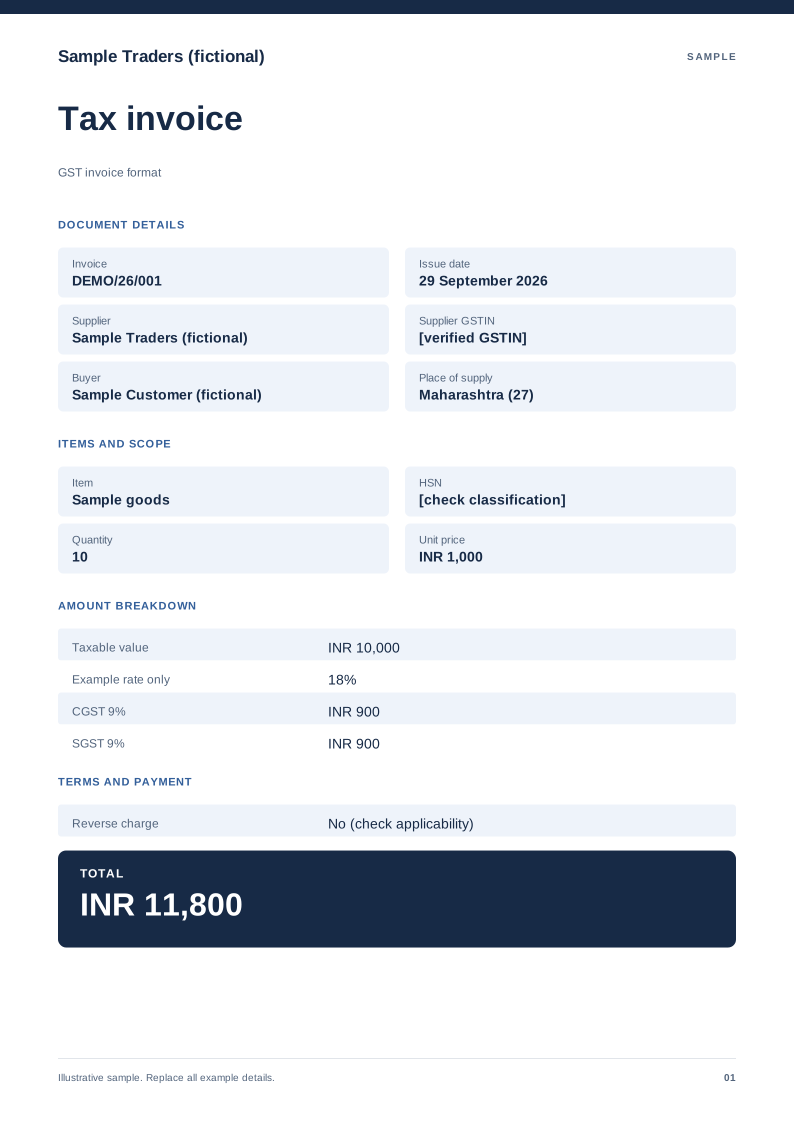
GST invoice format
A domestic tax-invoice sample with supplier details, HSN/SAC and tax split. Free PDF, Word and Excel downloads. Edit a blank or filled sample on your device.
 Preview & customize ↗
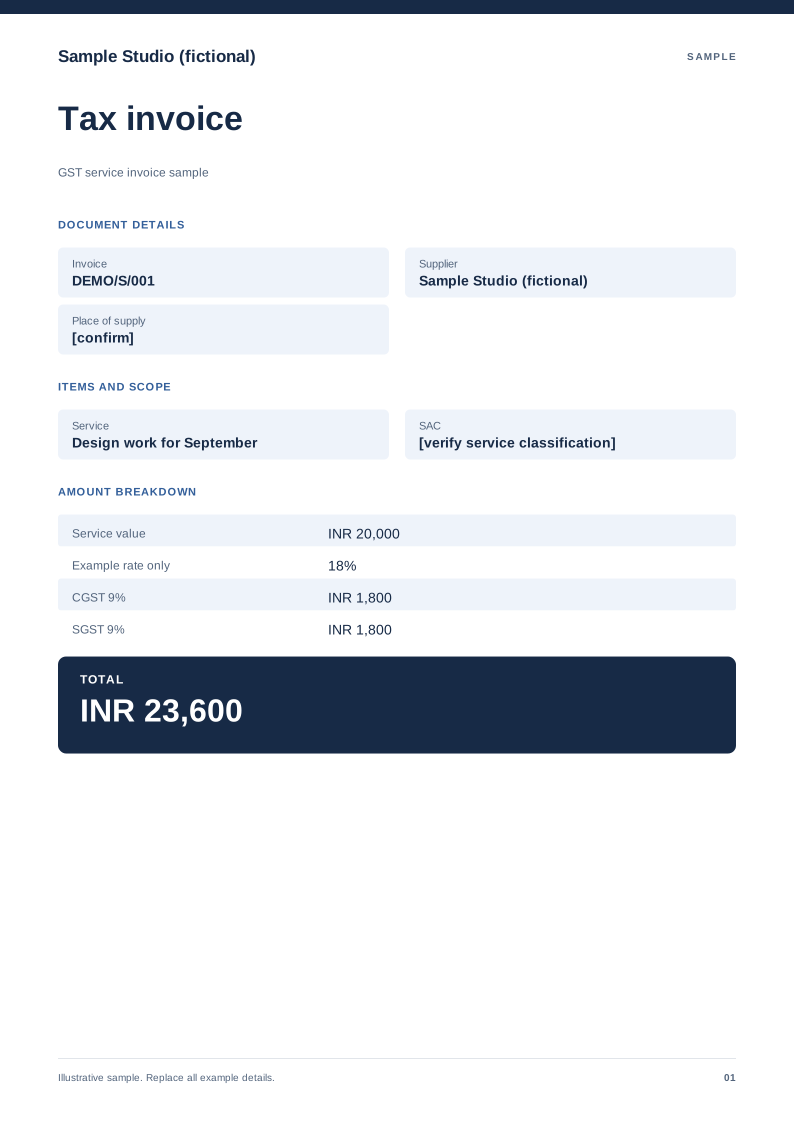
GST service invoice sample
A service-billing sample with SAC, service period and an explicit tax treatment. Free PDF, Word and Excel downloads. Edit a blank or filled sample on your device.
 Preview & customize ↗
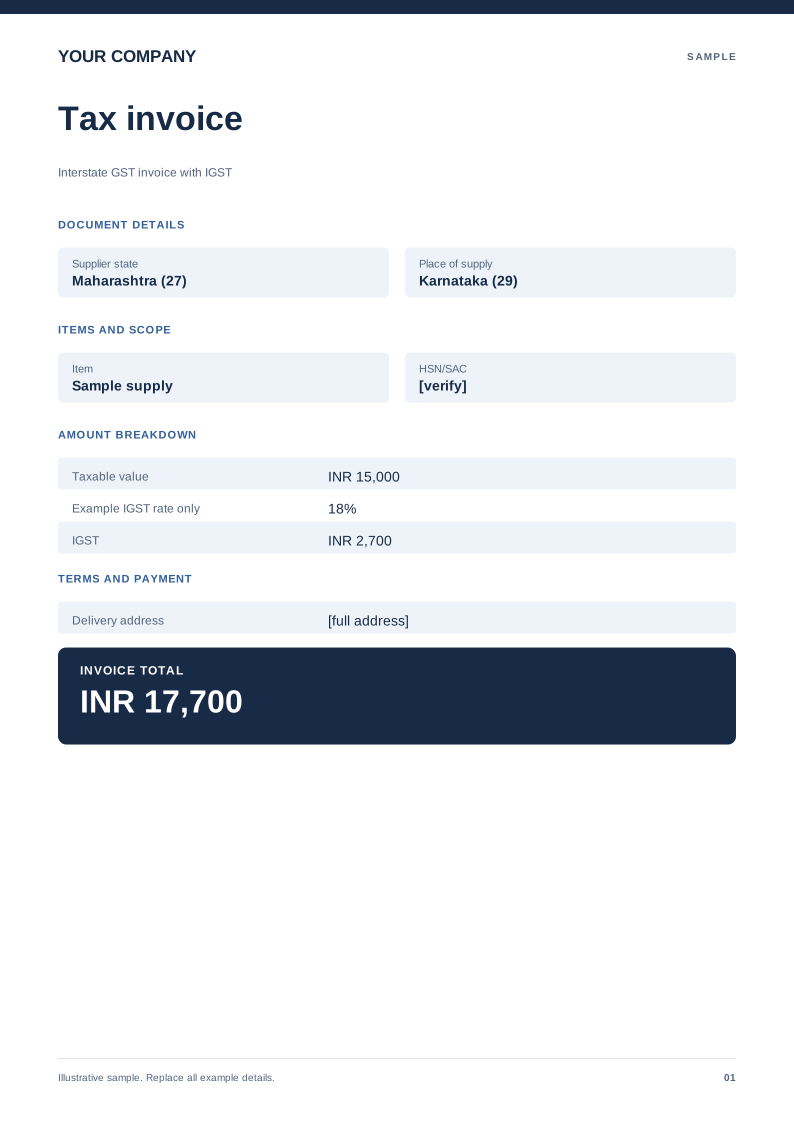
Interstate GST invoice with IGST
An example showing a single IGST line instead of CGST and SGST. Free PDF, Word and Excel downloads. Edit a blank or filled sample on your device.
 Preview & customize ↗
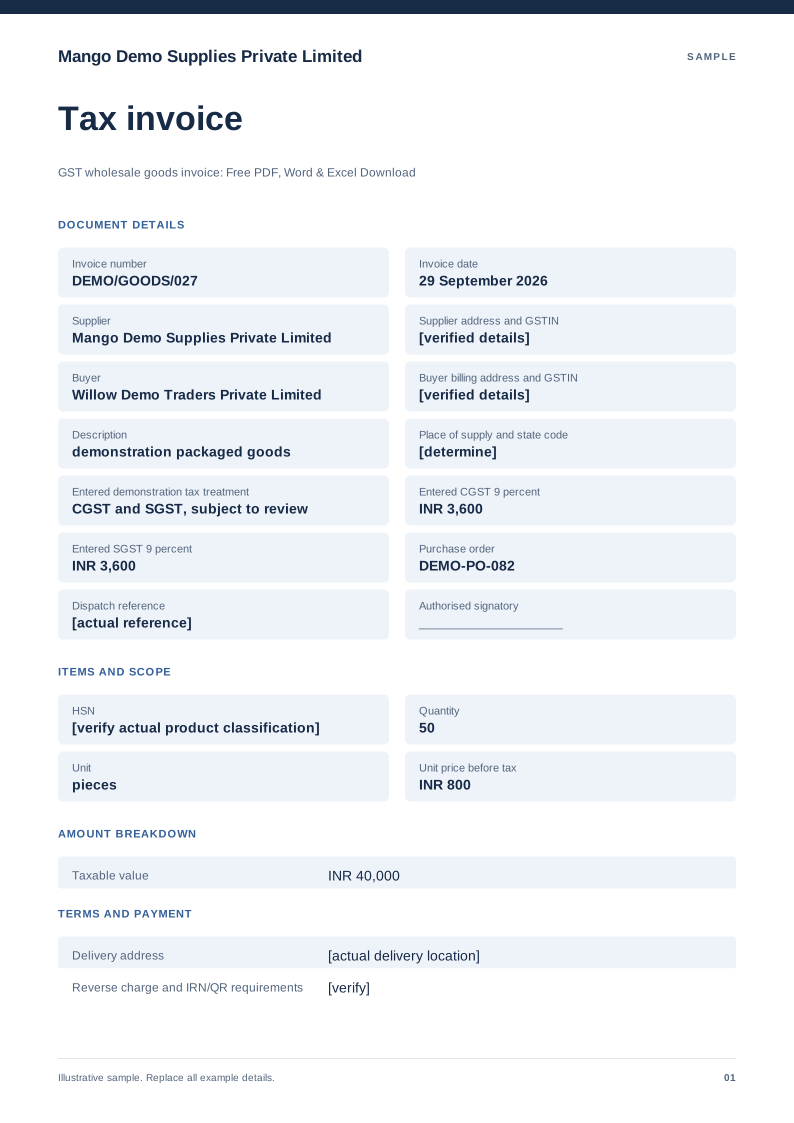
GST wholesale goods invoice
Free PDF, Word and Excel template for quantity based goods supply with a delivery reference. Filled sample, checks and local editing.
 Preview & customize ↗
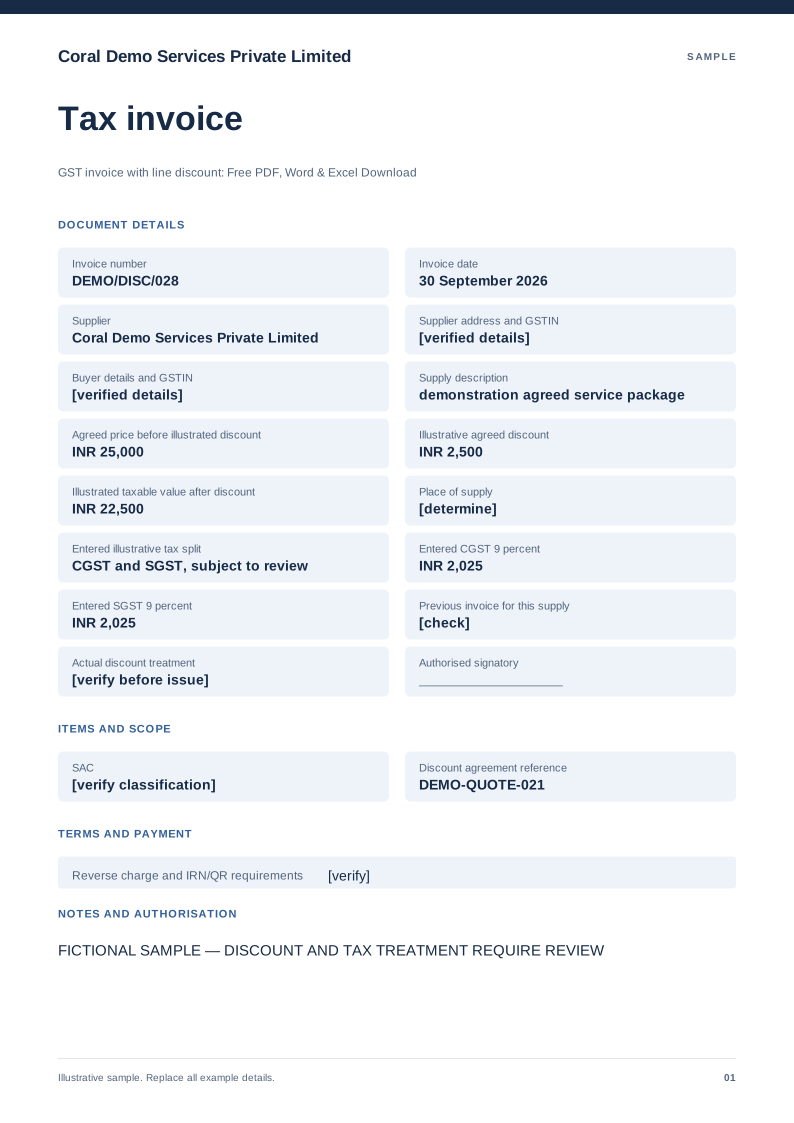
GST invoice with line discount
Free PDF, Word and Excel template for invoice showing an agreed discount before entered tax. Filled sample, checks and local editing.
 Preview & customize ↗
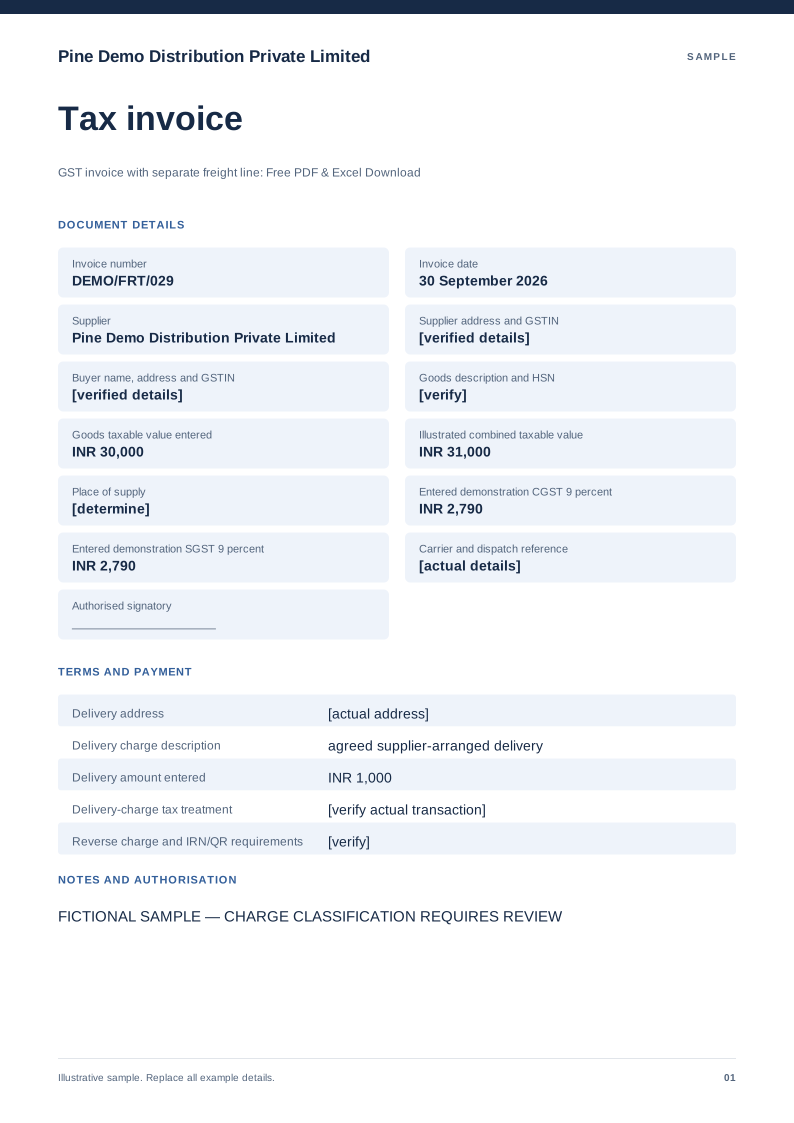
GST invoice with separate freight line
Free PDF, Word and Excel template for goods invoice displaying a separately described delivery charge. Filled sample, checks and local editing.
 Preview & customize ↗
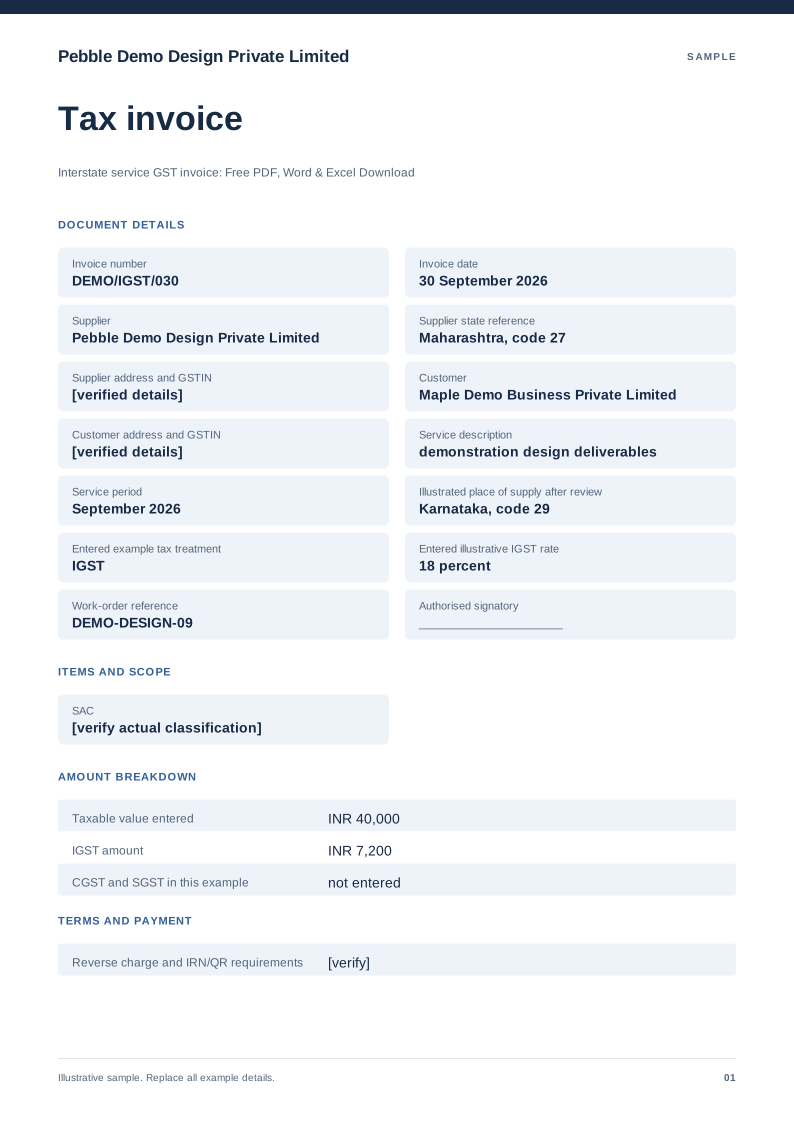
Interstate service GST invoice
Free PDF, Word and Excel template for service billing with a manually reviewed igst example. Filled sample, checks and local editing.
 Preview & customize ↗
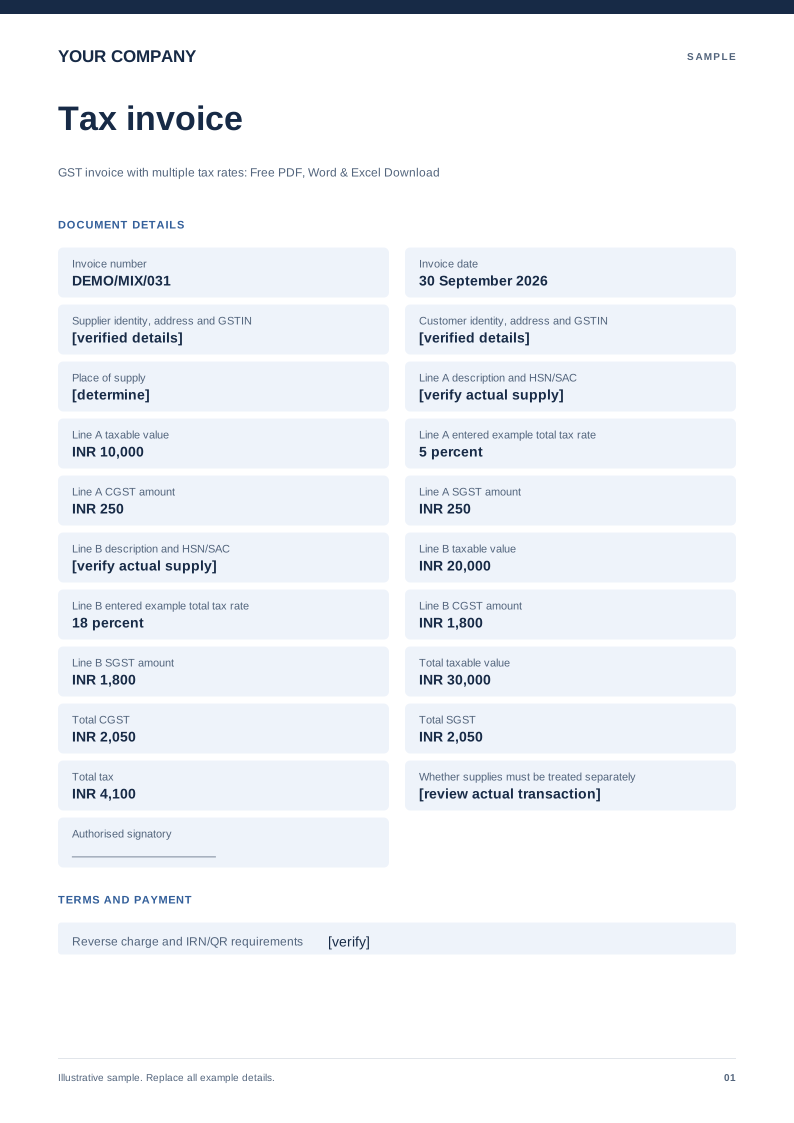
GST invoice with multiple tax rates
Free PDF, Word and Excel template for separate supply lines carrying reviewed different entered rates. Filled sample, checks and local editing.
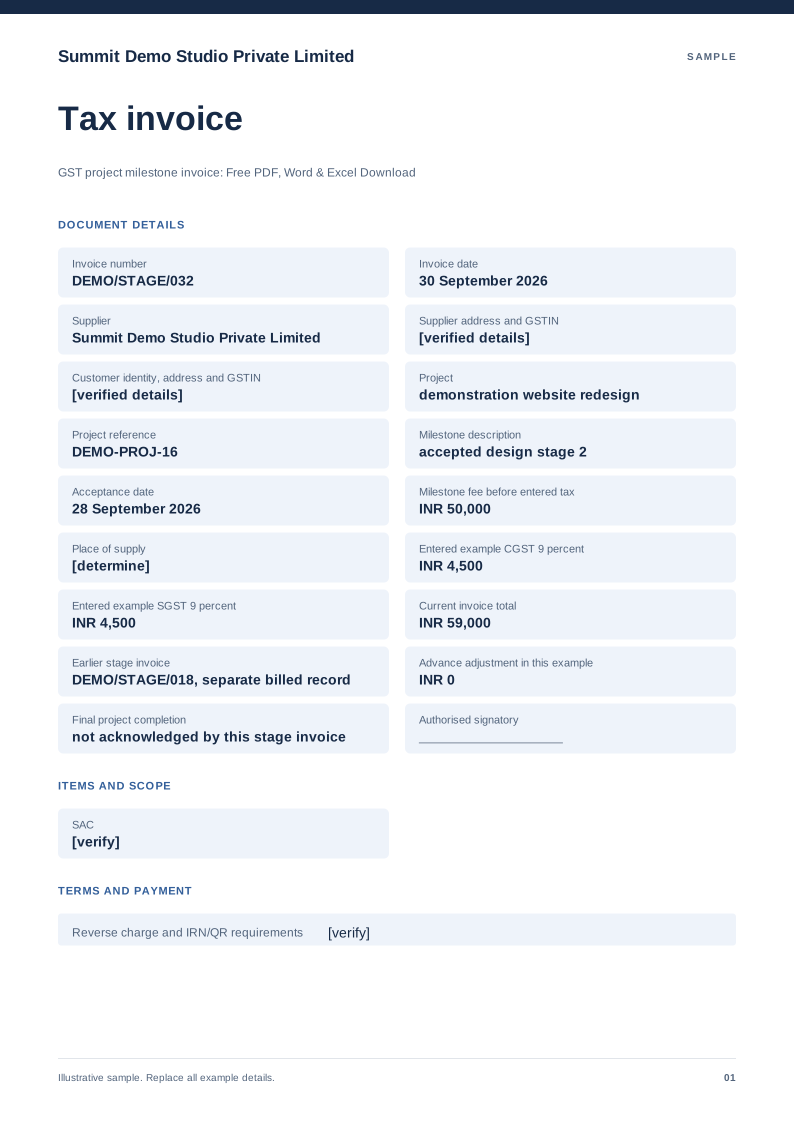 Preview & customize ↗
GST project milestone invoice
Free PDF, Word and Excel template for approved project stage billed with earlier invoices identified. Filled sample, checks and local editing.
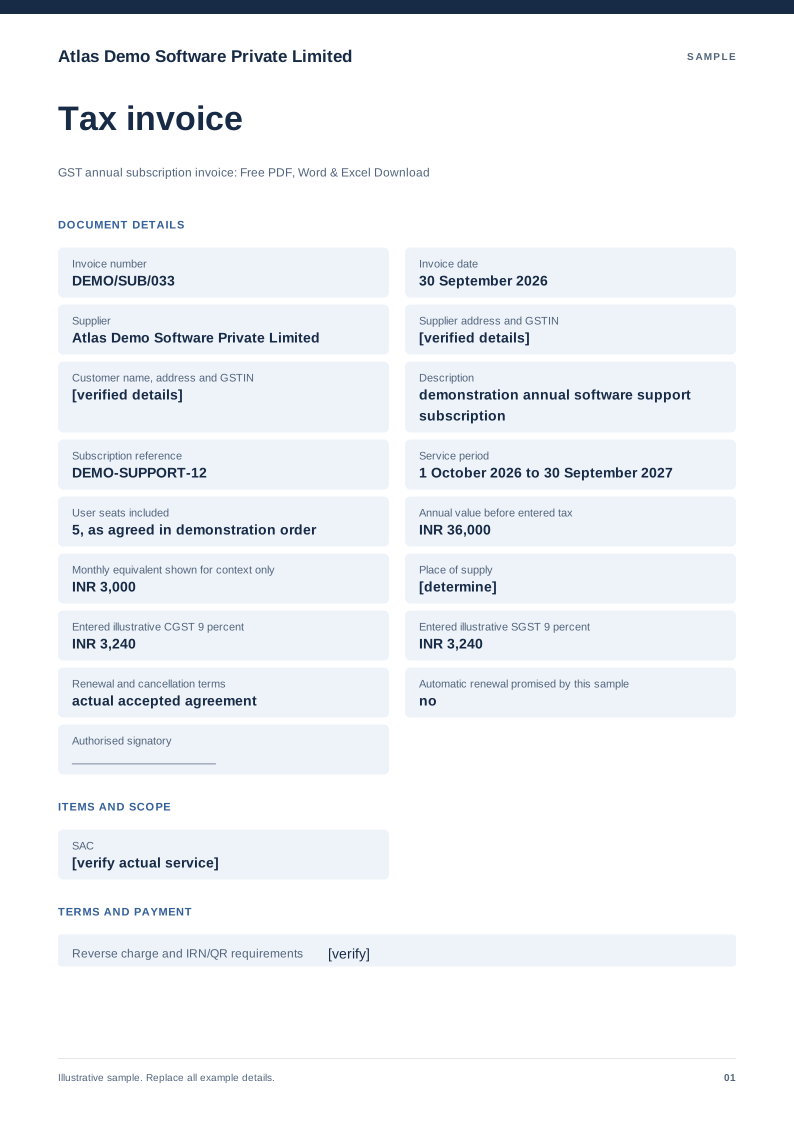 Preview & customize ↗
GST annual subscription invoice
Free PDF, Word and Excel template for a defined service subscription period billed in one charge. Filled sample, checks and local editing.