
GST invoice with line discount
Free PDF, Word and Excel template for invoice showing an agreed discount before entered tax. Filled sample, checks and local editing.
Download or edit this sample
Edit document details
Choose your style
Excel download is an editable text worksheet, not an automatic payroll or tax calculator.What each part means
Discount basis
Identify the approved discount and its supporting quotation or agreement. The demonstration uses a fixed INR 2,500 reduction; a percentage or item-specific discount requires its own accurately described basis and calculation.
Taxable value review
Do not assume the displayed subtraction settles the tax treatment. Review whether and how the actual discount affects taxable value, then enter the approved value and applicable tax amounts.
Earlier documents
Check whether an invoice or payment already exists for the same supply. Preserve issued records and use the actual reviewed adjustment process where necessary rather than reusing an old number for a different amount.
Invoice showing an agreed discount before entered tax
An agreed discount should be visible so the customer understands how the billed value relates to the quotation. This layout shows an original price, a separately described discount and an illustrated before-tax value. It suits drafting an invoice after the actual discount treatment has been checked. A discount is not automatically treated the same way in every situation, so the sample leaves its eligibility and transaction details for review.
How the filled example works
The fictional service package begins at INR 25,000 and the demonstration reduces it by INR 2,500. The illustrated value used for the entered tax calculation is INR 22,500. At the manually entered rates, CGST and SGST are INR 2,025 each, producing INR 26,550 total. These figures explain the arithmetic of this layout; they do not establish that any particular discount may legally reduce taxable value.
Prepare the supporting record
Prepare the accepted quote, discount agreement and actual timing of the discount. Check whether the agreed price was before or inclusive of tax and whether the customer already received an invoice for the supply. Keep the reason and reference concise. A salesperson’s informal offer and an approved contractual discount can be different records, so obtain the appropriate commercial and tax review before presenting the reduction as final.
Resolve this scenario before issuing
Resolve whether this is an original invoice adjustment or a later change to a previously issued bill. A new invoice should not silently overwrite an earlier issued invoice number or erase its payment history. If the actual circumstances need a separate adjustment document, use the appropriate reviewed process rather than converting the old bill into this demonstration. Also check how rounding and multiple line discounts affect the actual final value.
How to edit and share the document
Word allows a clear short discount explanation and quotation reference. Excel gives editable fields for the entered original value, reduction and tax amounts; it is not a discount eligibility engine. Subtract the actual approved discount independently, then confirm the reviewed taxable value and tax lines. Open the revised PDF, verify the invoice identity and ensure the discount description agrees with the customer’s accepted commercial record.
Invoice identity and tax review
A GST invoice requires more than a correct total. Review supplier and customer identity, the invoice date and financial-year number, the supply description, HSN or SAC, quantity where relevant, taxable value, tax rate and tax amount. State identifiers and shipping addresses help explain the transaction, but they do not independently determine its tax treatment. All GSTINs remain placeholders in these examples. Use the applicable official rules and your actual transaction records when preparing an issued invoice.
Review this scenario
- Match the reduction with an approved agreement.
- Confirm whether the price is before or inclusive of tax.
- Review the actual discount tax treatment.
- Check for an earlier issued invoice or payment.
- Reconcile original value, reduction and entered taxable value.
- Verify tax amounts, numbering and the final total before issue.
Questions about this format
Does every discount reduce GST taxable value?
This sample does not decide that question. It shows an illustrated subtraction and requires review of the actual discount, timing and transaction. Use the appropriate official guidance and professional review before entering an issued invoice’s taxable value.
Can I use this after the original bill was issued?
First review the appropriate adjustment process for the actual situation. Do not silently replace an issued invoice with the same number and a different total. Keep the original record and any approved later adjustment traceable.
Check before you use it
All tax rates and amounts here are illustrative arithmetic, not classification advice. Verify the applicable rate, place of supply, invoice particulars and any IRN/QR requirements before issuing.
- Replace every sample or bracketed field with accurate information.
- Check dates, amounts, identifiers and the intended recipient’s requirements.
- Open the exported file and obtain any required employer, landlord or legal approval.
Questions about this download
Can I edit it in Word?
Yes. DOCX contains editable text. Customized PDF exports preserve the layout as page images; direct English sample PDFs contain searchable text. Neither is a digitally signed document.
Is my entered information uploaded?
Document generation happens in this browser. Optional consented analytics measures actions, never document contents.
Official references
CBIC GST invoice rules — tax invoice particulars and related documents
Guidance checked: 30 September 2026
Prepared by Feroz Sheikh · 30 September 2026
Related templates
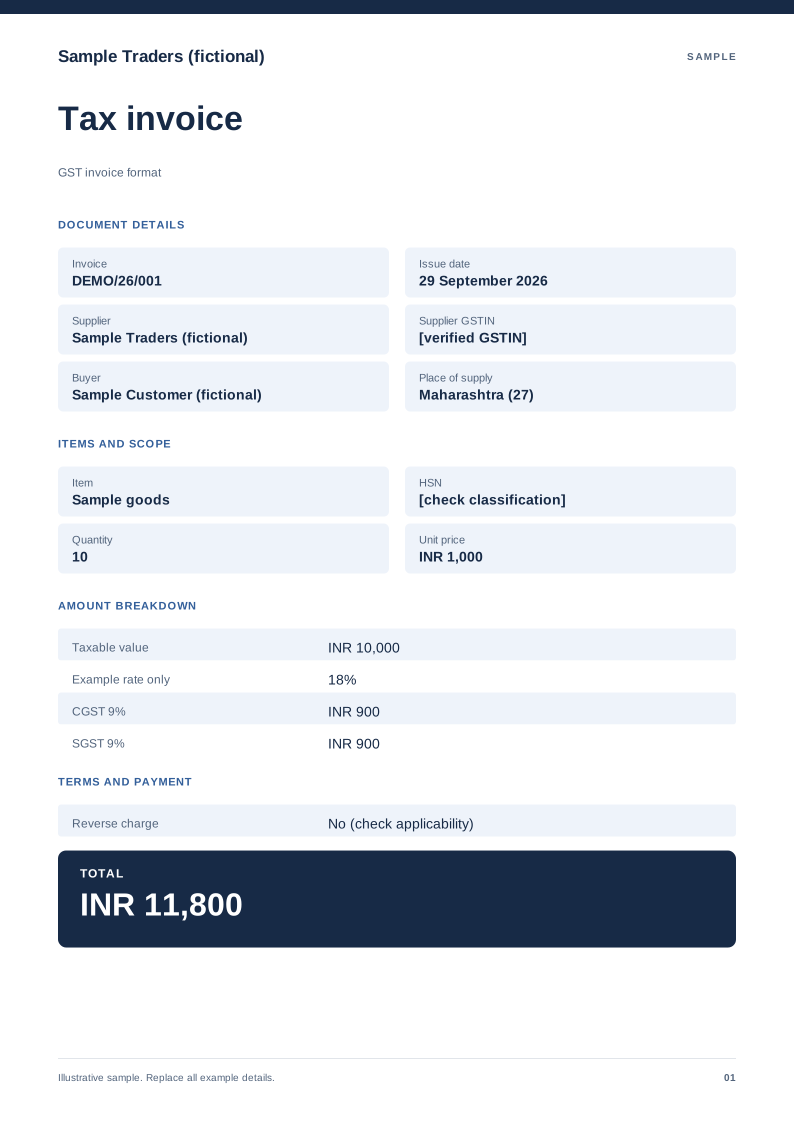 Preview & customize ↗
GST invoice format
A domestic tax-invoice sample with supplier details, HSN/SAC and tax split. Free PDF, Word and Excel downloads. Edit a blank or filled sample on your device.
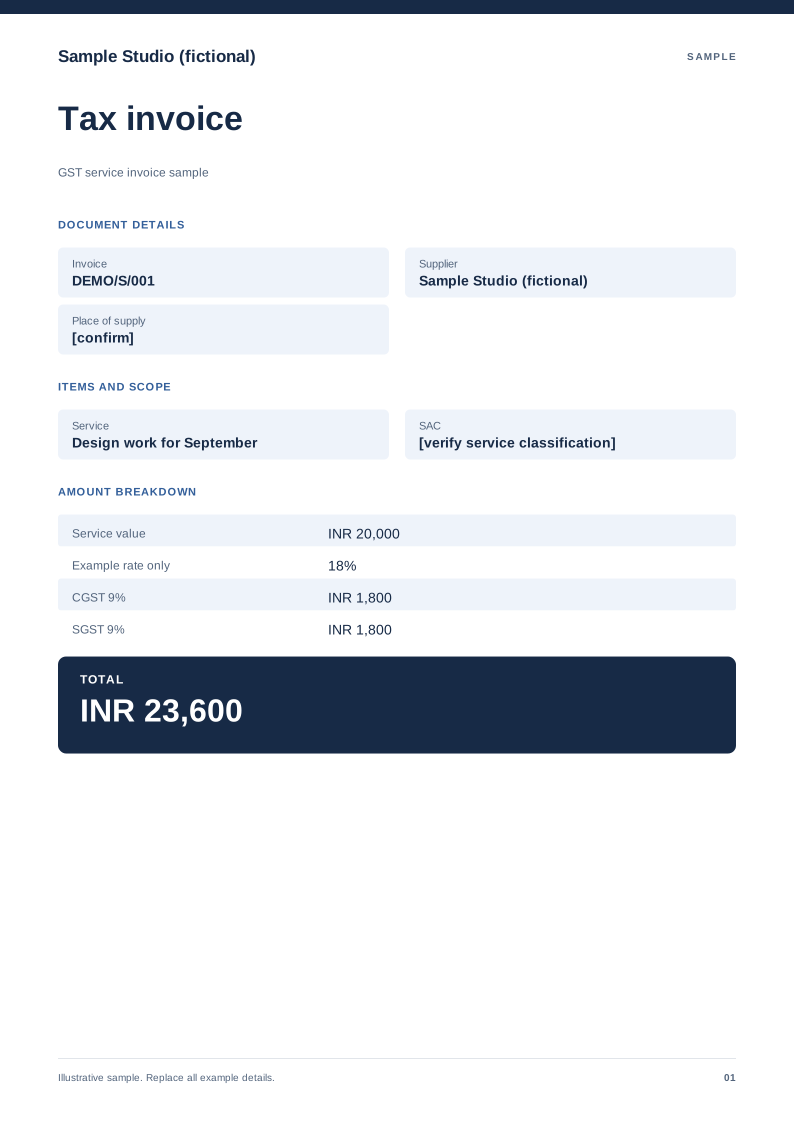 Preview & customize ↗
GST service invoice sample
A service-billing sample with SAC, service period and an explicit tax treatment. Free PDF, Word and Excel downloads. Edit a blank or filled sample on your device.
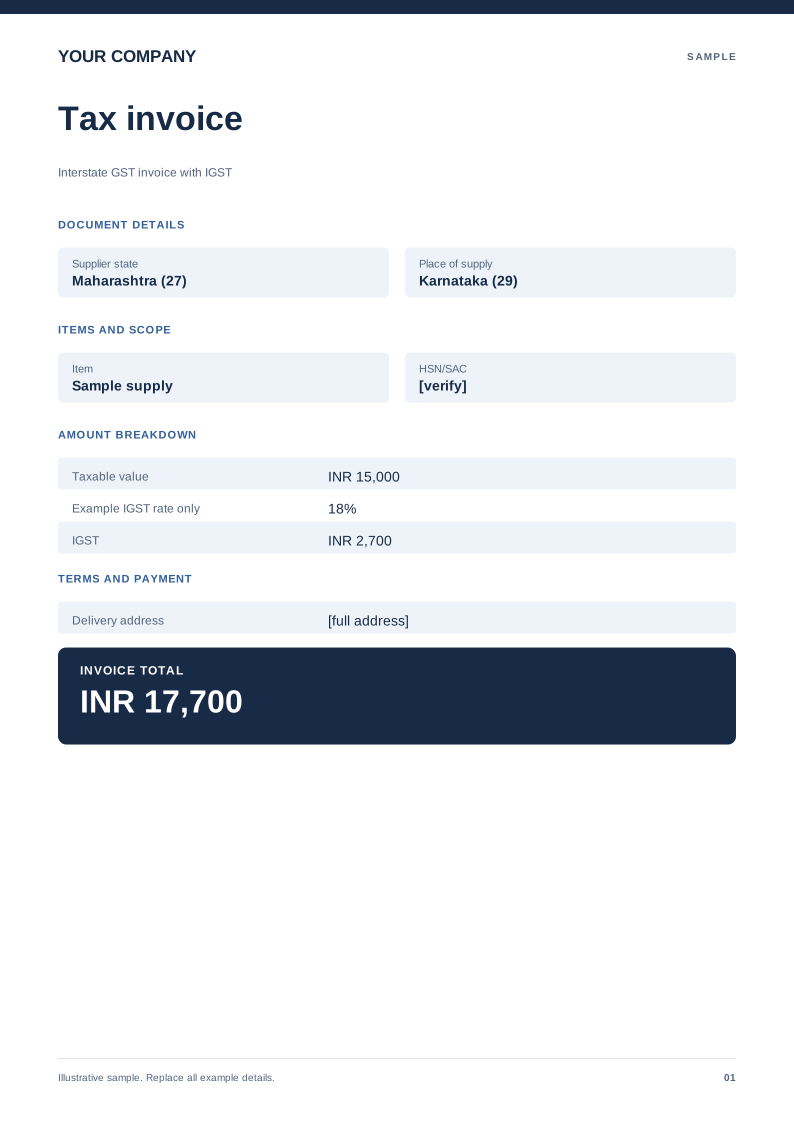 Preview & customize ↗
Interstate GST invoice with IGST
An example showing a single IGST line instead of CGST and SGST. Free PDF, Word and Excel downloads. Edit a blank or filled sample on your device.
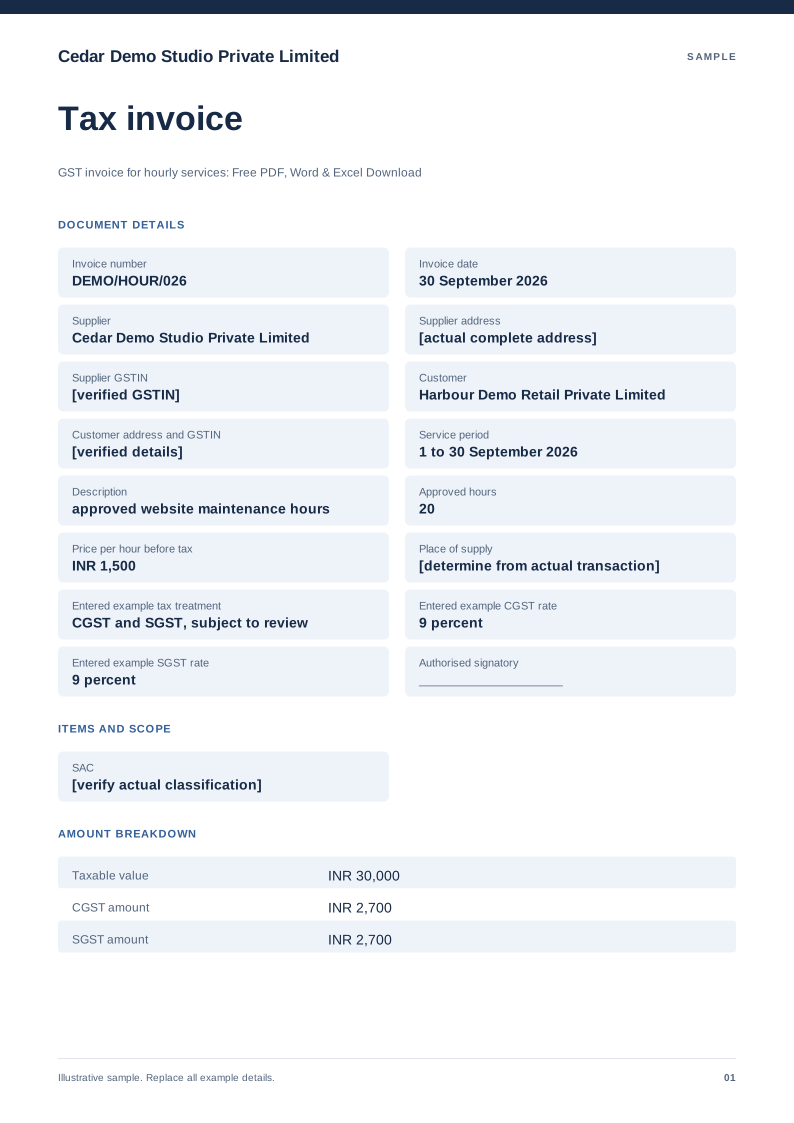 Preview & customize ↗
GST invoice for hourly services
Free PDF, Word and Excel template for approved service hours billed for one identified work period. Filled sample, checks and local editing.
 Preview & customize ↗
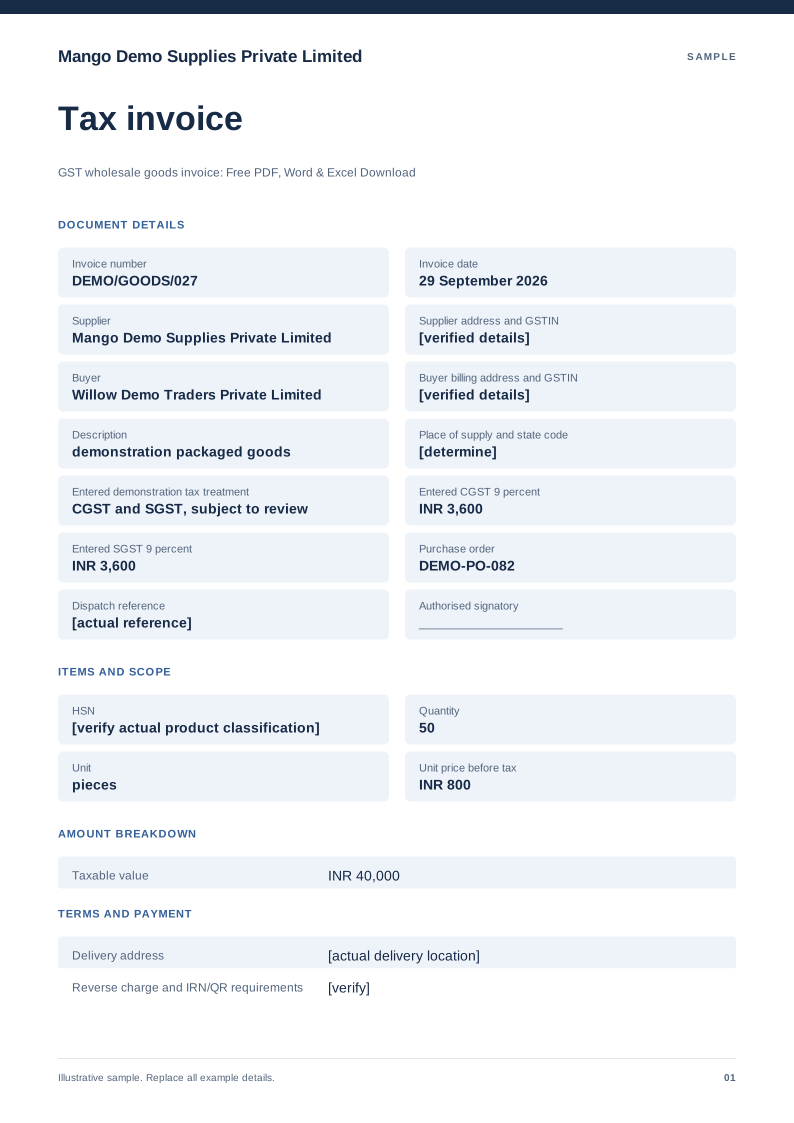
GST wholesale goods invoice
Free PDF, Word and Excel template for quantity based goods supply with a delivery reference. Filled sample, checks and local editing.
 Preview & customize ↗
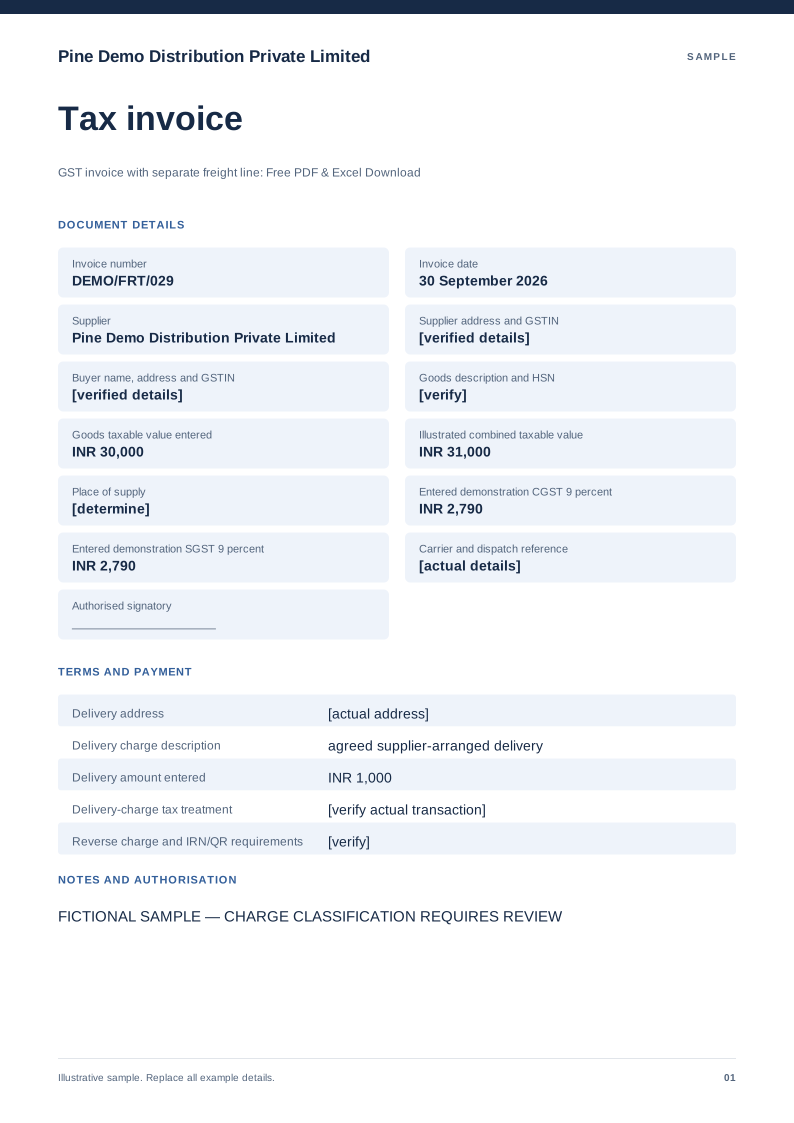
GST invoice with separate freight line
Free PDF, Word and Excel template for goods invoice displaying a separately described delivery charge. Filled sample, checks and local editing.
 Preview & customize ↗
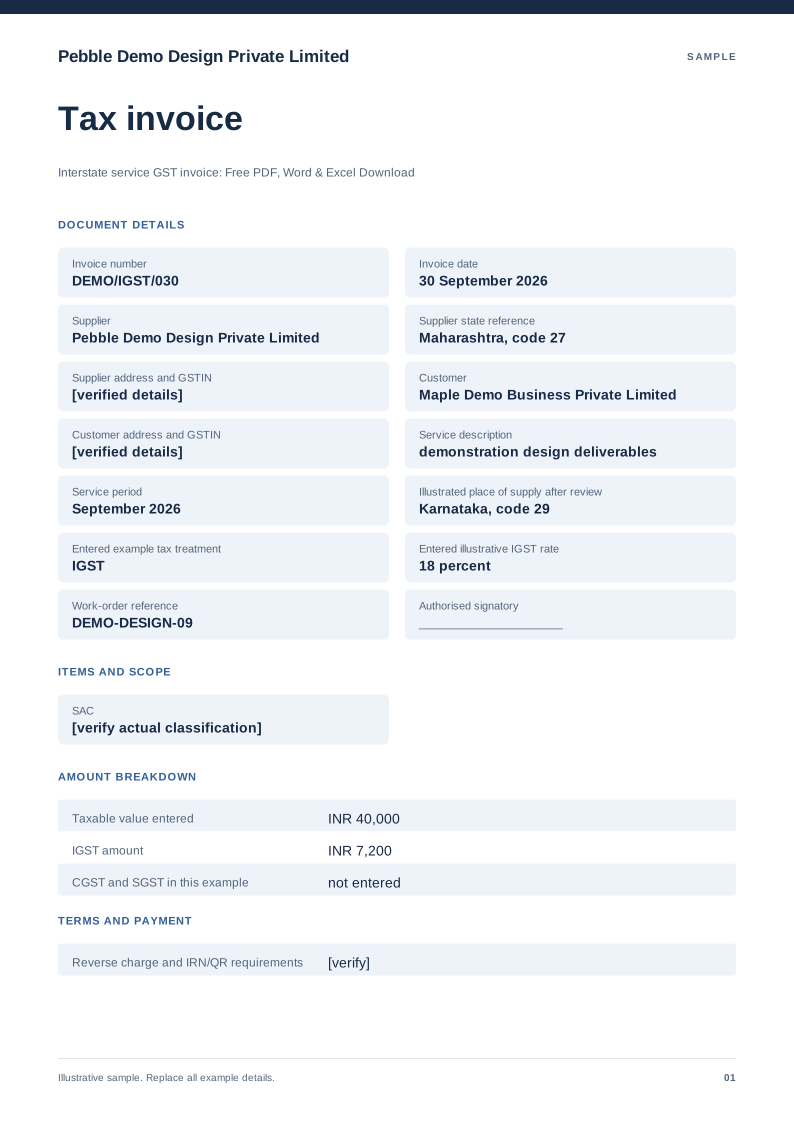
Interstate service GST invoice
Free PDF, Word and Excel template for service billing with a manually reviewed igst example. Filled sample, checks and local editing.
 Preview & customize ↗
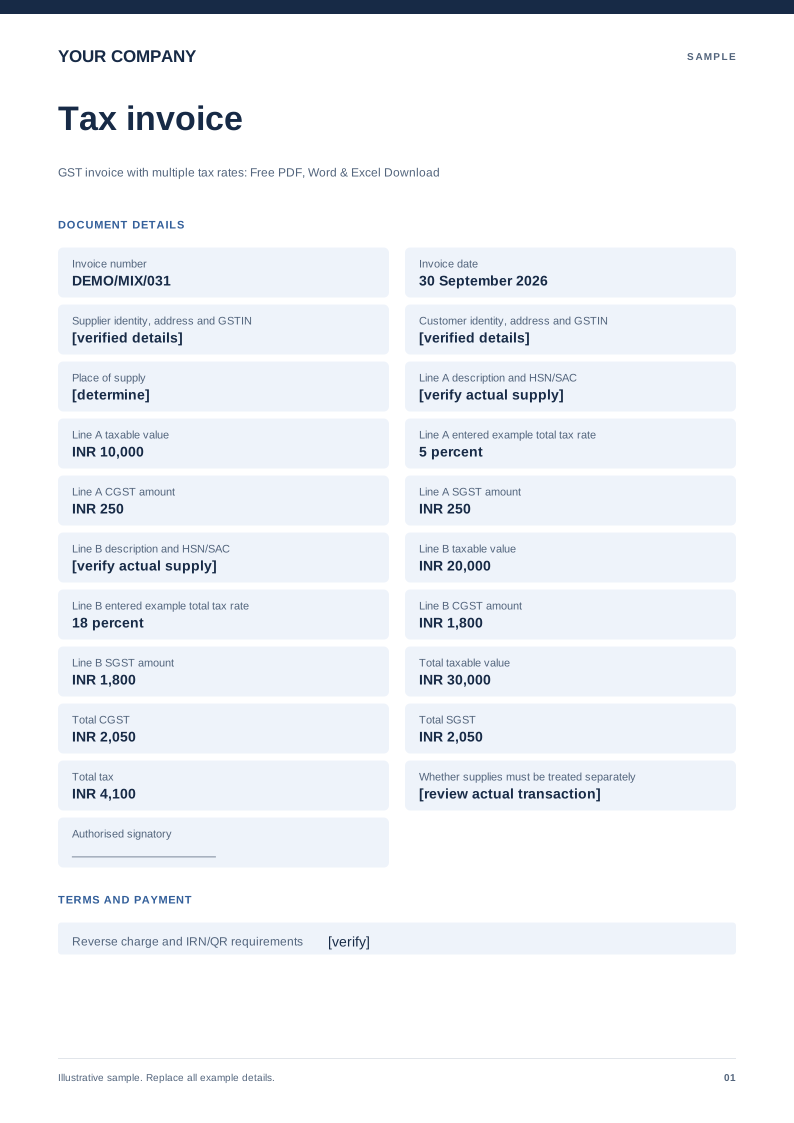
GST invoice with multiple tax rates
Free PDF, Word and Excel template for separate supply lines carrying reviewed different entered rates. Filled sample, checks and local editing.
 Preview & customize ↗
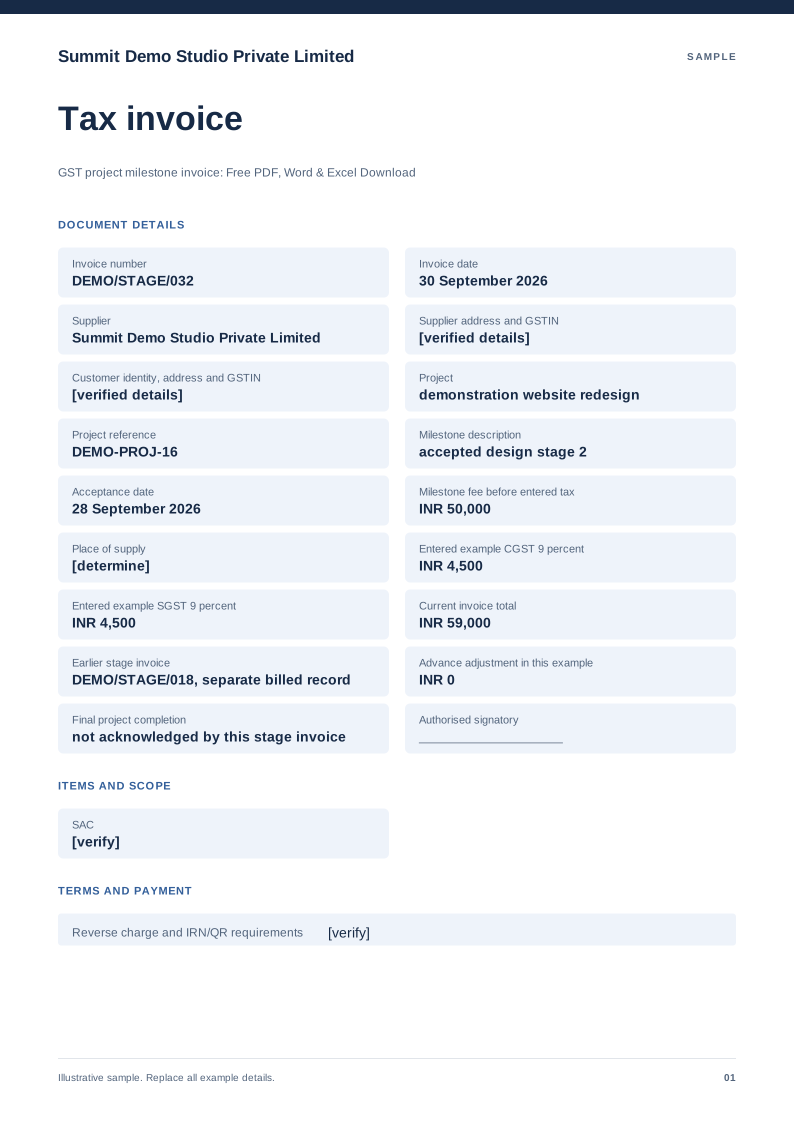
GST project milestone invoice
Free PDF, Word and Excel template for approved project stage billed with earlier invoices identified. Filled sample, checks and local editing.
 Preview & customize ↗
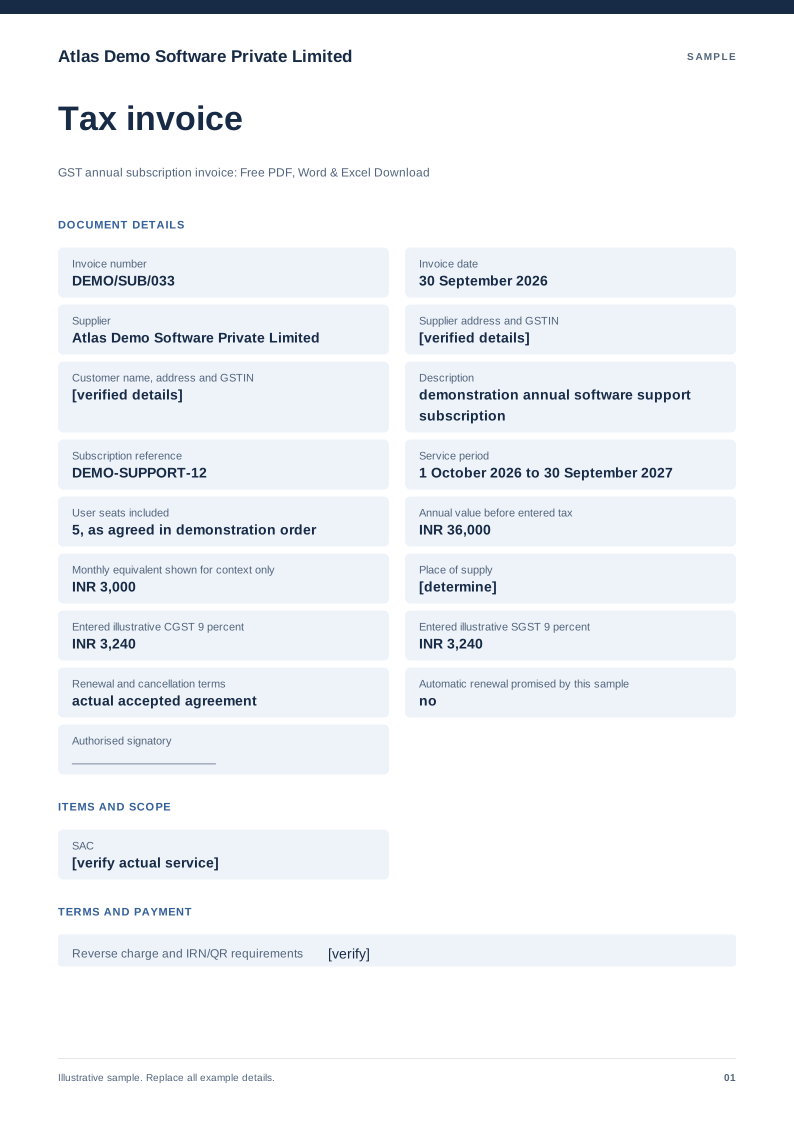
GST annual subscription invoice
Free PDF, Word and Excel template for a defined service subscription period billed in one charge. Filled sample, checks and local editing.