
GST invoice with multiple tax rates
Free PDF, Word and Excel template for separate supply lines carrying reviewed different entered rates. Filled sample, checks and local editing.
Download or edit this sample
Edit document details
Choose your style
Excel download is an editable text worksheet, not an automatic payroll or tax calculator.What each part means
Line identity
Use a real description and verified HSN or SAC for every supply. The two demonstration labels intentionally make no claim that a named product belongs to either illustrative rate category.
Separate rate review
Confirm whether separate tax treatment is appropriate for the actual transaction. A bundle or combined offer may require review beyond merely placing items on different invoice rows.
Tax summary
Add actual line tax amounts rather than applying an unweighted average rate. Keep each subtotal and the invoice total consistent with the chosen CGST/SGST or IGST presentation and the actual rounding method.
Separate supply lines carrying reviewed different entered rates
Several supplies on one bill can require separate line descriptions and individually reviewed tax rates. This format illustrates two entered rate categories and keeps their values and tax amounts visible. It suits an invoice where the actual transaction has been reviewed to determine whether supplies should be listed and taxed separately. The demonstration is not a classification guide and does not decide whether a bundled transaction qualifies for separate treatment.
How the filled example works
Line A uses INR 10,000 taxable value and an illustrative combined 5 percent rate, entered as INR 250 CGST and INR 250 SGST. Line B uses INR 20,000 and an illustrative 18 percent rate, entered as INR 1,800 of each tax. Taxable values total INR 30,000; CGST and SGST each total INR 2,050. Overall tax is INR 4,100, producing INR 34,100 invoice total.
Prepare the supporting record
Prepare actual product or service descriptions, classifications, quantities and agreed prices for each line. Review whether the transaction involves separate supplies or a combination requiring another treatment. Do not assign the example’s 5 percent rate to a real product simply because it occupies line A. Keep the classification and rate review tied to the actual supply description and the applicable official guidance.
Resolve this scenario before issuing
Avoid averaging the two rates and applying the average to all lines. The different taxable values matter, so a simple average of 5 and 18 percent would not reproduce the illustrated tax. Check rounding at the level used by the actual invoicing process, and ensure the total equals the sum of entered line tax amounts. If you change the tax treatment to IGST, replace each line and the overall tax summary consistently.
How to edit and share the document
Word can provide a clearer multi-line description, while Excel gives editable line amounts for checking the invoice. The downloaded worksheet does not look up rates, decide bundled-supply treatment or recalculate totals. Verify each actual line independently, then add taxable and tax subtotals and compare the final amount. Review the PDF for retained demonstration descriptions and confirm all required particulars before the authorised issuer releases it.
Invoice identity and tax review
A GST invoice requires more than a correct total. Review supplier and customer identity, the invoice date and financial-year number, the supply description, HSN or SAC, quantity where relevant, taxable value, tax rate and tax amount. State identifiers and shipping addresses help explain the transaction, but they do not independently determine its tax treatment. All GSTINs remain placeholders in these examples. Use the applicable official rules and your actual transaction records when preparing an issued invoice.
Review this scenario
- Verify the nature and classification of each supply.
- Review whether separate treatment is appropriate.
- Apply approved actual rates to the correct line values.
- Check each entered tax amount independently.
- Add line amounts rather than averaging rate percentages.
- Review totals and required invoice details before issuing.
Questions about this format
Can I use an average tax rate for both lines?
The sample uses individually entered tax calculations and adds their amounts. A simple average would ignore that the taxable values differ. Follow the reviewed invoicing treatment and compute the actual supply lines correctly.
Does putting a bundle on two rows make the rates separate?
No. The presentation does not decide the legal treatment of the transaction. Review whether the actual supplies should receive separate treatment under the applicable rules before entering classifications, rates and amounts.
Check before you use it
All tax rates and amounts here are illustrative arithmetic, not classification advice. Verify the applicable rate, place of supply, invoice particulars and any IRN/QR requirements before issuing.
- Replace every sample or bracketed field with accurate information.
- Check dates, amounts, identifiers and the intended recipient’s requirements.
- Open the exported file and obtain any required employer, landlord or legal approval.
Questions about this download
Can I edit it in Word?
Yes. DOCX contains editable text. Customized PDF exports preserve the layout as page images; direct English sample PDFs contain searchable text. Neither is a digitally signed document.
Is my entered information uploaded?
Document generation happens in this browser. Optional consented analytics measures actions, never document contents.
Official references
CBIC GST invoice rules — tax invoice particulars and related documents
Guidance checked: 30 September 2026
Prepared by Feroz Sheikh · 30 September 2026
Related templates
 Preview & customize ↗
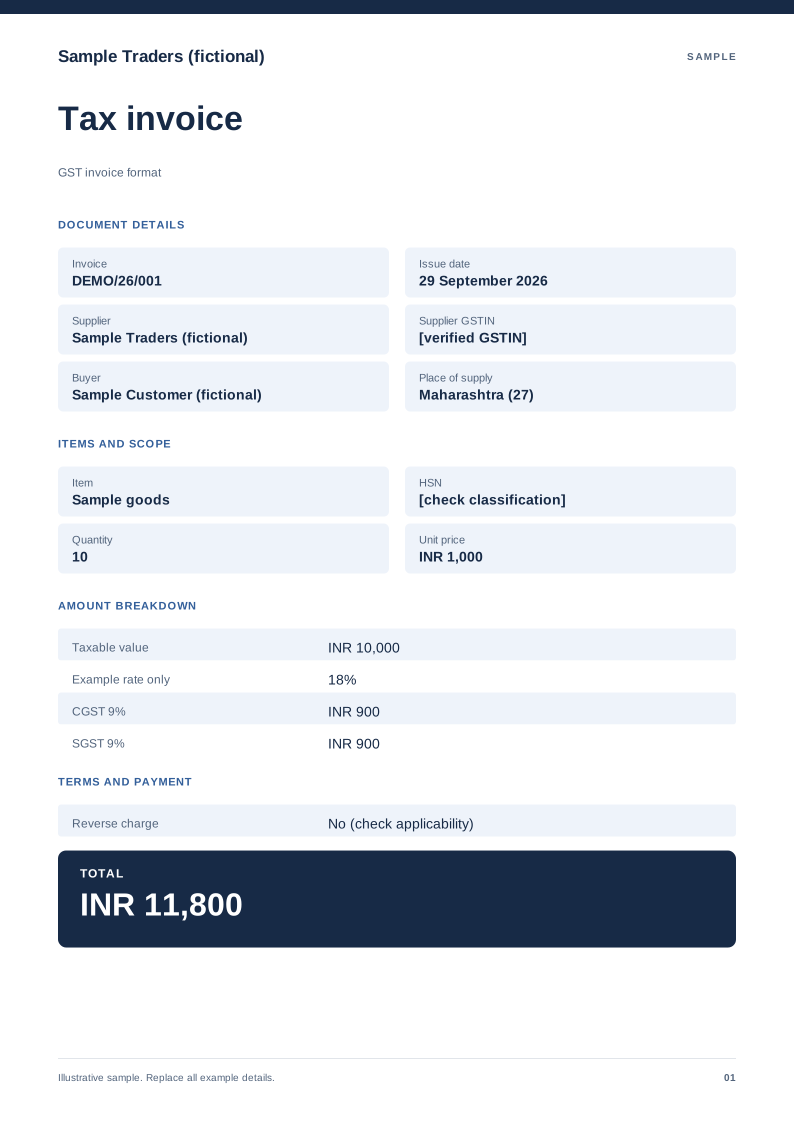
GST invoice format
A domestic tax-invoice sample with supplier details, HSN/SAC and tax split. Free PDF, Word and Excel downloads. Edit a blank or filled sample on your device.
 Preview & customize ↗
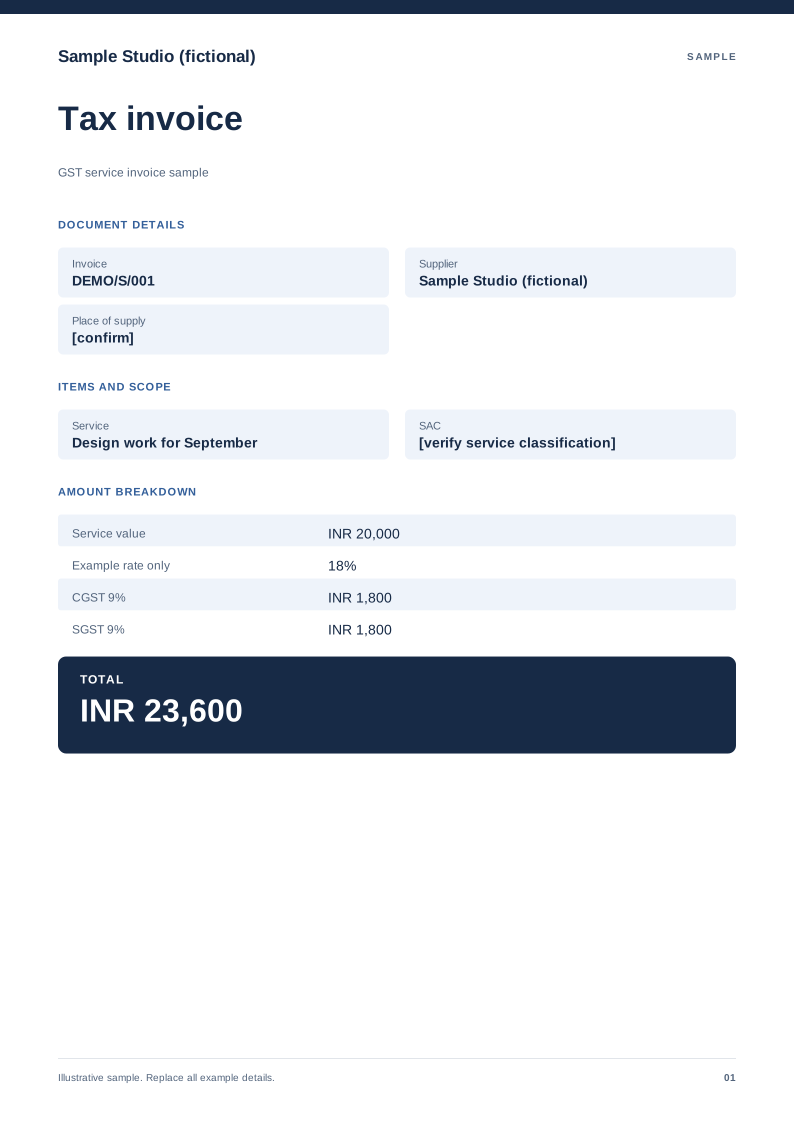
GST service invoice sample
A service-billing sample with SAC, service period and an explicit tax treatment. Free PDF, Word and Excel downloads. Edit a blank or filled sample on your device.
 Preview & customize ↗
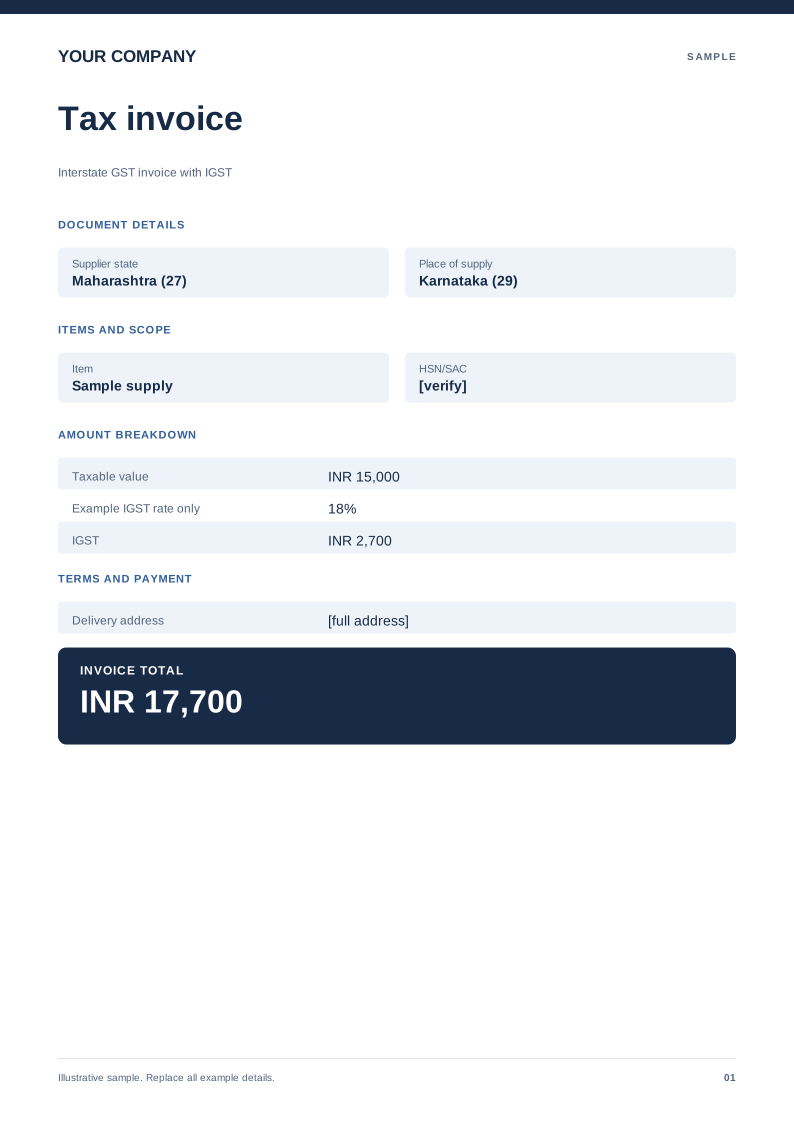
Interstate GST invoice with IGST
An example showing a single IGST line instead of CGST and SGST. Free PDF, Word and Excel downloads. Edit a blank or filled sample on your device.
 Preview & customize ↗
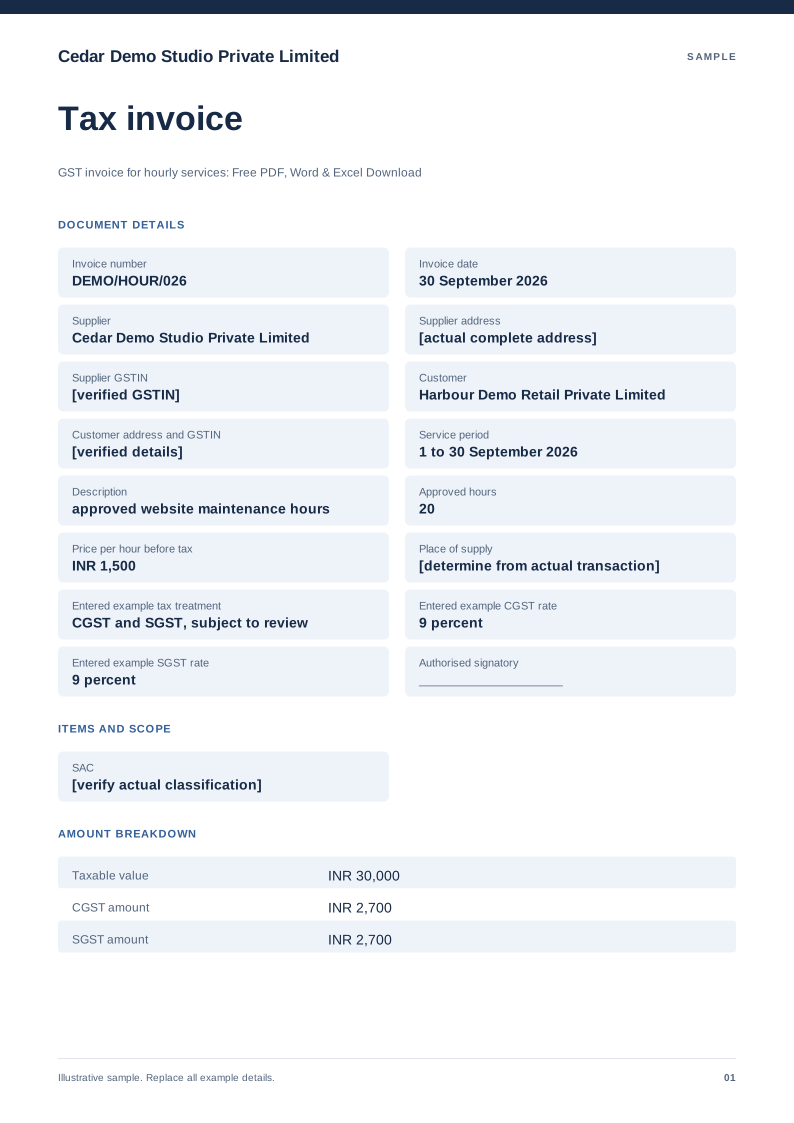
GST invoice for hourly services
Free PDF, Word and Excel template for approved service hours billed for one identified work period. Filled sample, checks and local editing.
 Preview & customize ↗
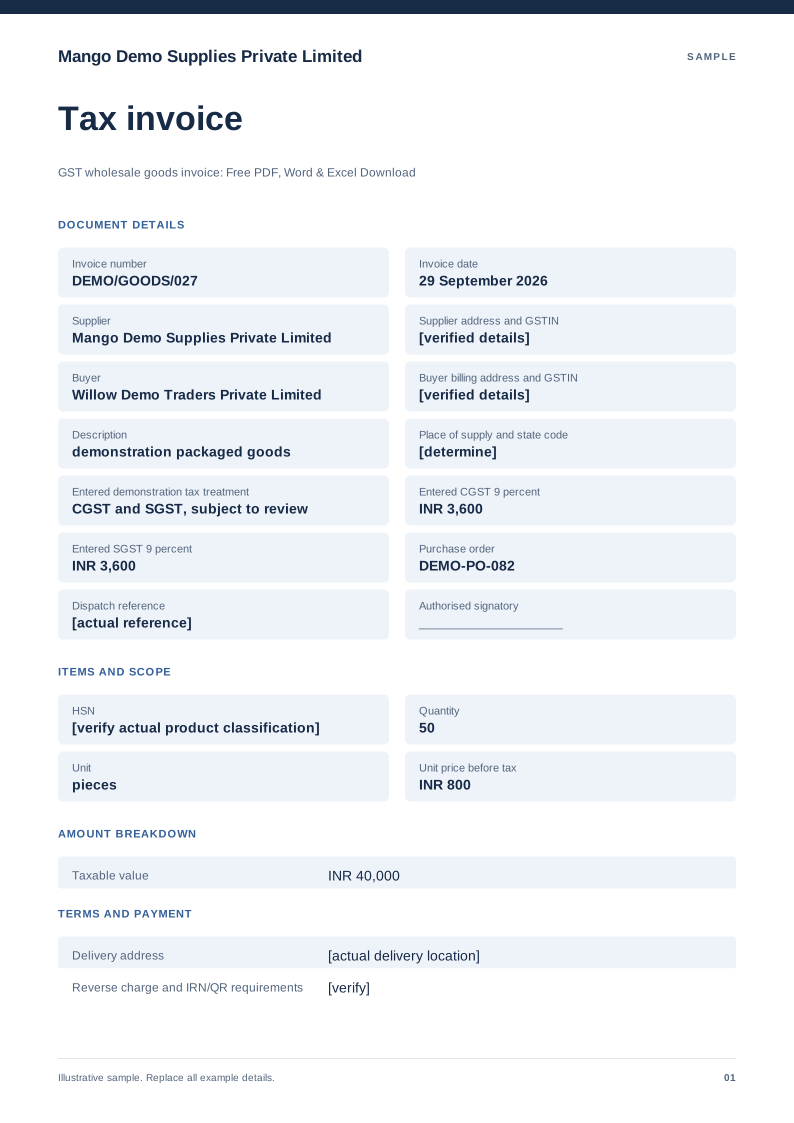
GST wholesale goods invoice
Free PDF, Word and Excel template for quantity based goods supply with a delivery reference. Filled sample, checks and local editing.
 Preview & customize ↗
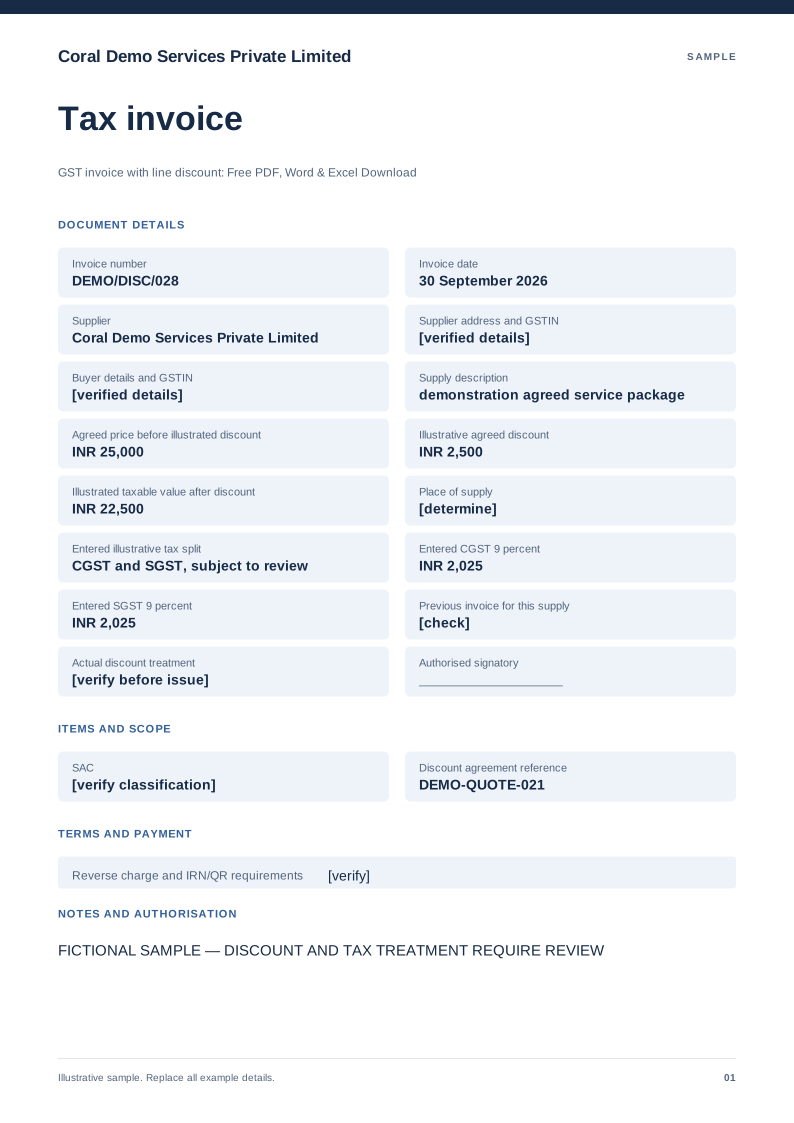
GST invoice with line discount
Free PDF, Word and Excel template for invoice showing an agreed discount before entered tax. Filled sample, checks and local editing.
 Preview & customize ↗
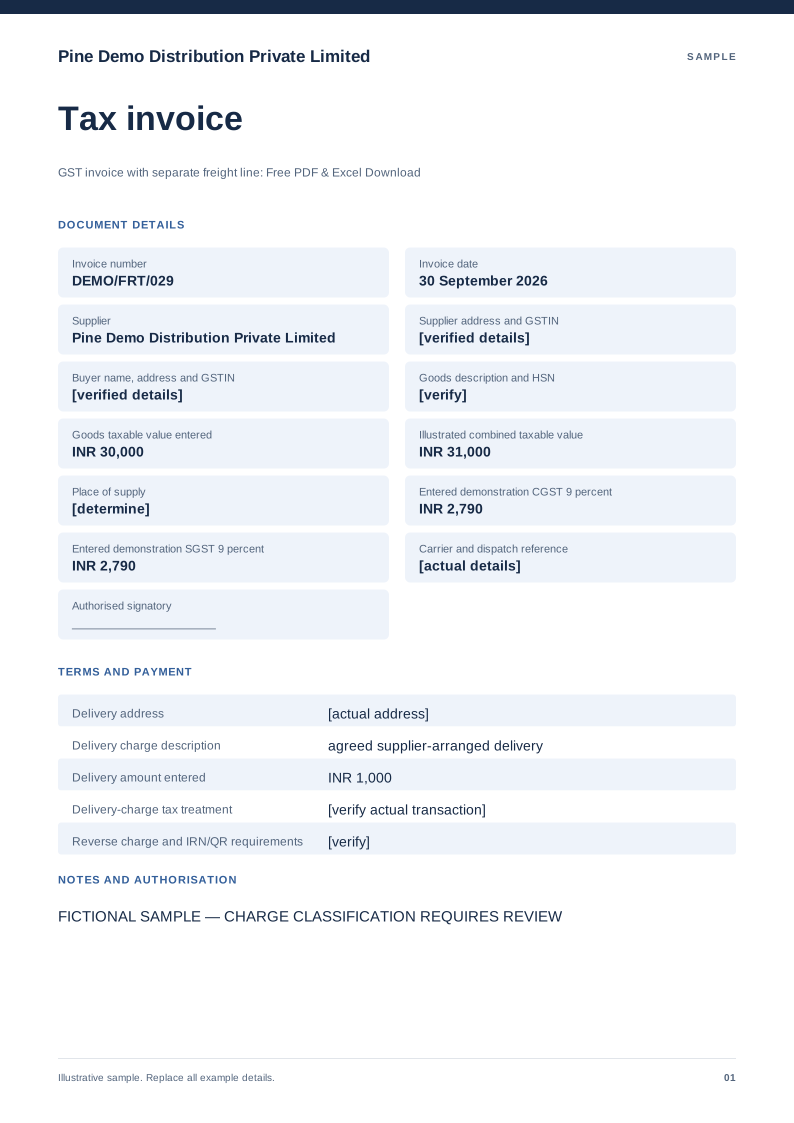
GST invoice with separate freight line
Free PDF, Word and Excel template for goods invoice displaying a separately described delivery charge. Filled sample, checks and local editing.
 Preview & customize ↗
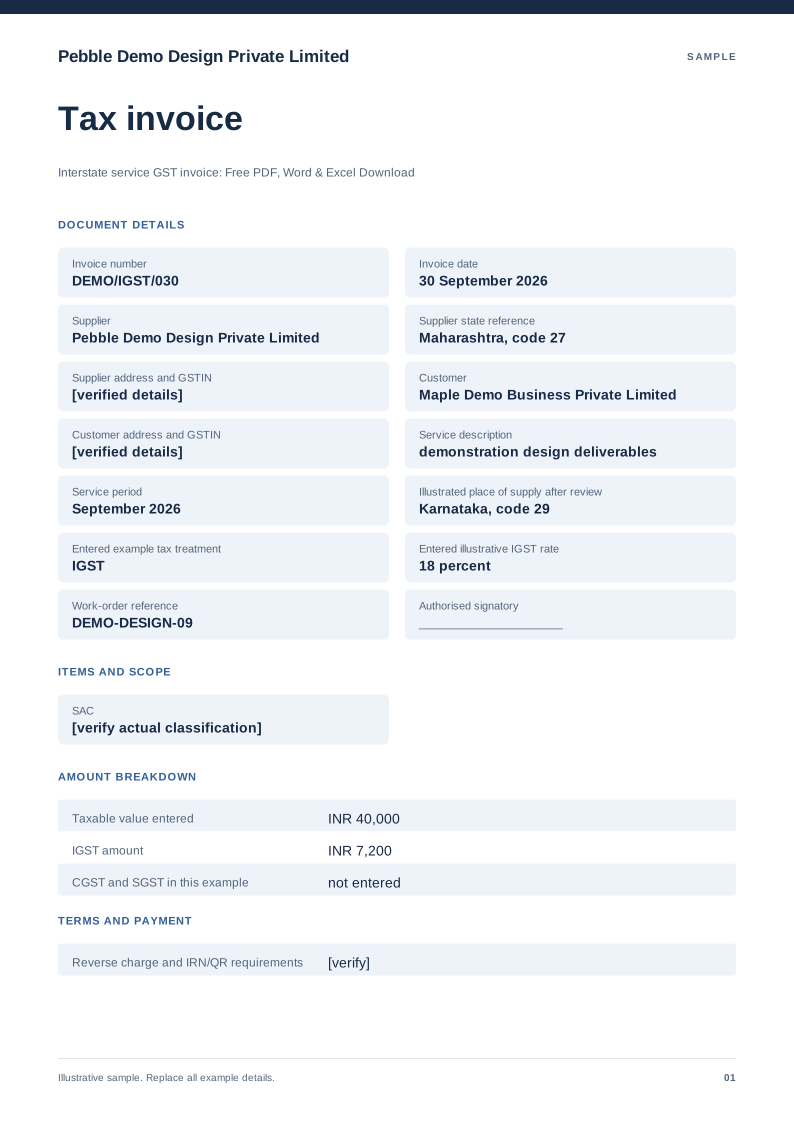
Interstate service GST invoice
Free PDF, Word and Excel template for service billing with a manually reviewed igst example. Filled sample, checks and local editing.
 Preview & customize ↗
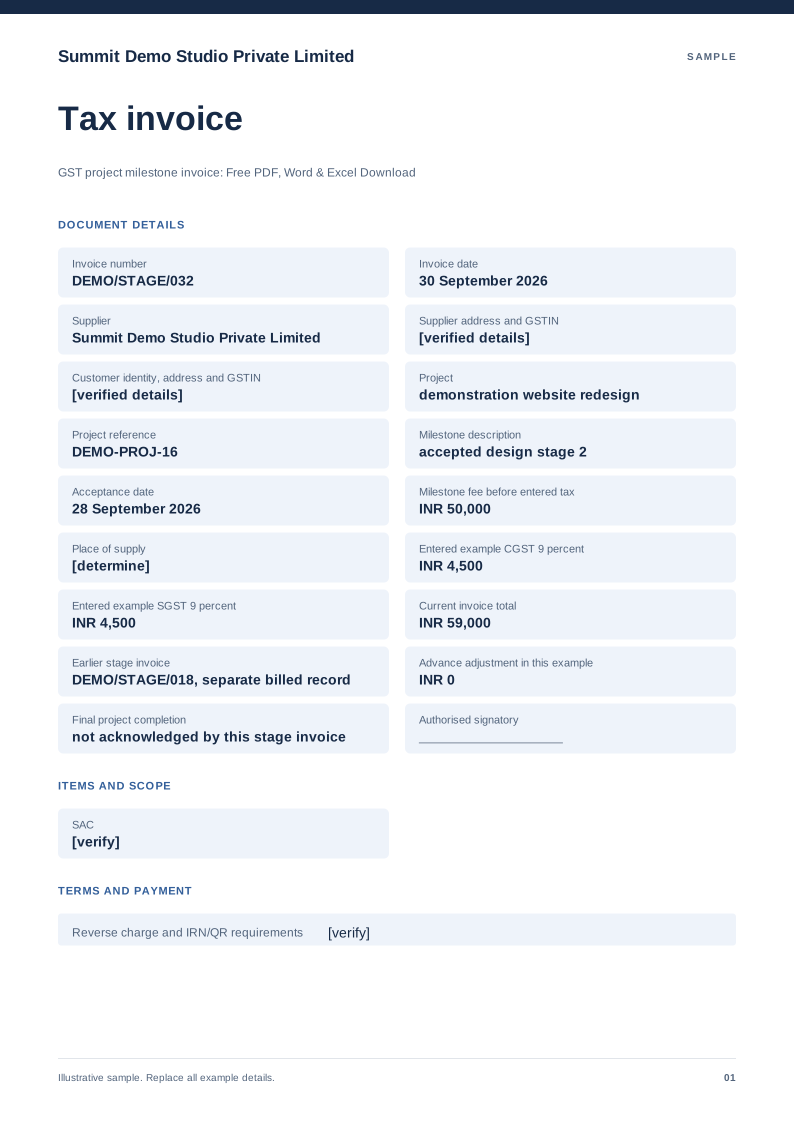
GST project milestone invoice
Free PDF, Word and Excel template for approved project stage billed with earlier invoices identified. Filled sample, checks and local editing.
 Preview & customize ↗
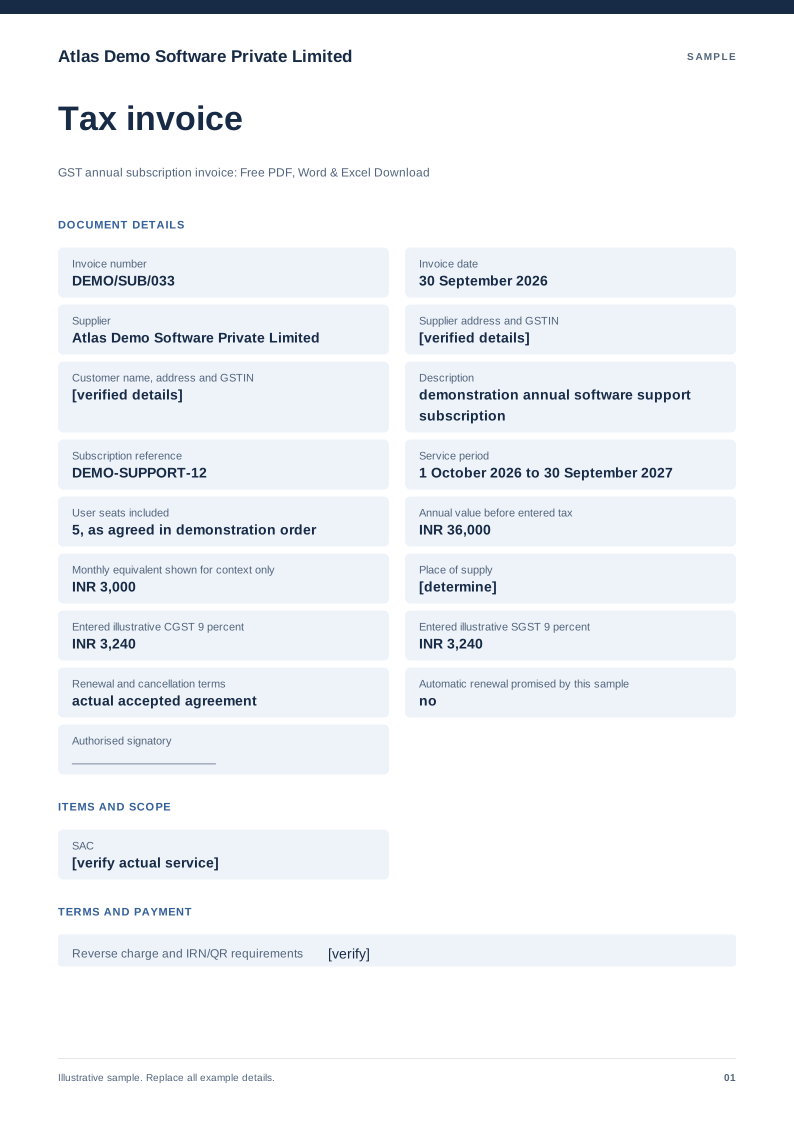
GST annual subscription invoice
Free PDF, Word and Excel template for a defined service subscription period billed in one charge. Filled sample, checks and local editing.