
Software engineer offer letter
Software engineer offer letter states the employer, the candidate, the role, the joining date, the pay, and the workplace. It is a draft for review, not a signed employment contract. State the office city and the monthly pay for an on-site engineer. Remote work is a different offer on this site.
Published · Updated
An on-site software engineer offer with an office city, a reporting manager, and equipment that stays at the office. Free PDF and Word downloads.
Download or edit this sample
Edit document details
Choose your style
What each part means
On site
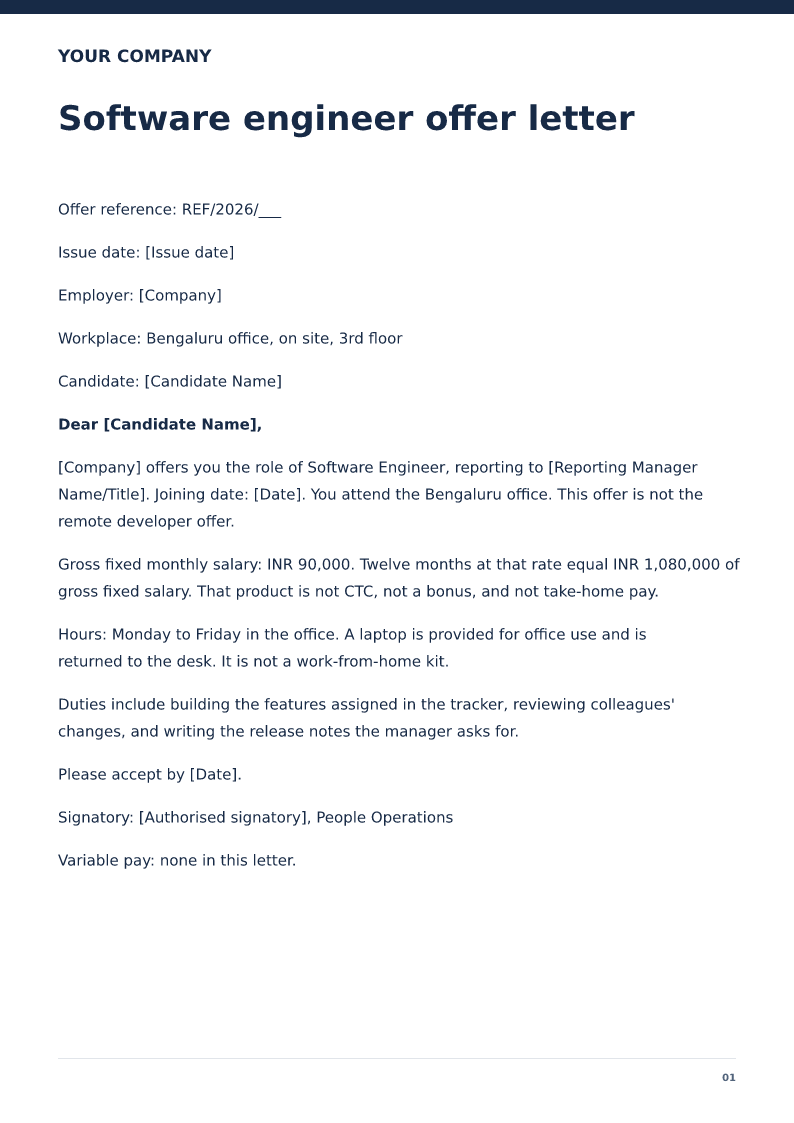
The workplace is the Bengaluru office. If the person will work from home, use the remote software developer offer instead of deleting one sentence from this letter.
One salary figure
INR 90,000 a month is the only pay in the sample. There is no variable bonus. The twelve-month product is arithmetic, not CTC.
Equipment
The laptop stays at the office in this example. Do not promise a home setup you will not issue.
Say the office, because the remote letter already exists
[Candidate Name] is offered an on-site engineer role at the employer office, reporting to [Reporting Manager Name/Title]. The remote software developer offer on this site is a Pune residence with a collaboration window and a laptop shipped home. Those are different jobs. Do not send this letter and call it remote in an email. Joining is 16 November 2026 at the office.
INR 90,000 is the monthly gross, and the yearly line is only multiplication
Twelve times 90,000 is 1,080,000. The letter says that product is not CTC, not a bonus and not take-home. There is no variable pay. If you need a bonus, add a scheme you actually run, or point the draft at a different letter. Do not leave the word variable in a footer and hope it means nothing. This sample puts none in the last line on purpose.
Duties are the tracker, the review, and the notes
The role is building assigned features, reviewing changes, and writing the release notes the manager requests. It does not promise a title of architect or an on-call rota. If you need on-call, describe the hours and the pay for them. The laptop remains office equipment. A home monitor is not included.
How to edit the software engineer offer
Edit Word with the real office address, the manager, and the monthly figure you will put on the payslip. The PDF is the sample. Acceptance on 25 October is before joining in November. Use the remote offer if the workplace is a residence.
Review this scenario
- Name the office city and say the role is on site.
- Do not reuse this letter for a remote hire.
- Quote one monthly gross and show the twelve-month product as arithmetic.
- State that variable pay is none, or attach a real scheme.
- Say where the laptop lives.
- Match the payslip to the monthly figure.
Questions
Can this software engineer offer be used for a remote role?
No. The sample is the Bengaluru office. Use the remote software developer offer when the workplace is a residence.
Is INR 1,080,000 the CTC?
No. It is twelve times the monthly gross of INR 90,000. The letter says it is not CTC, not a bonus, and not take-home pay.
What should Software engineer offer letter state?
The employer, the candidate, the role, the joining date, the pay, and the workplace.
Is this a signed employment contract?
No. It is a draft for review. Have the terms checked for the jurisdiction before you send them.
Which dates should I check?
The offer date, the joining date, and the date by which the candidate is asked to accept.
Can I edit it in Word?
Yes. DOCX contains editable text. Customized PDF exports preserve the layout as page images; direct English sample PDFs contain searchable text. Neither is a digitally signed document.
Is my entered information uploaded?
Document generation happens in this browser. Optional consented analytics measures actions, never document contents.
Check before you use it
This software engineer offer is an on-site role. It is not the remote developer offer and it includes no variable pay.
- Replace every sample or bracketed field with accurate information.
- Check dates, amounts, identifiers and the intended recipient’s requirements.
- Open the exported file and obtain any required employer, landlord or legal approval.
Prepared by Feroz Sheikh ·
Related templates
 Preview & customize ↗
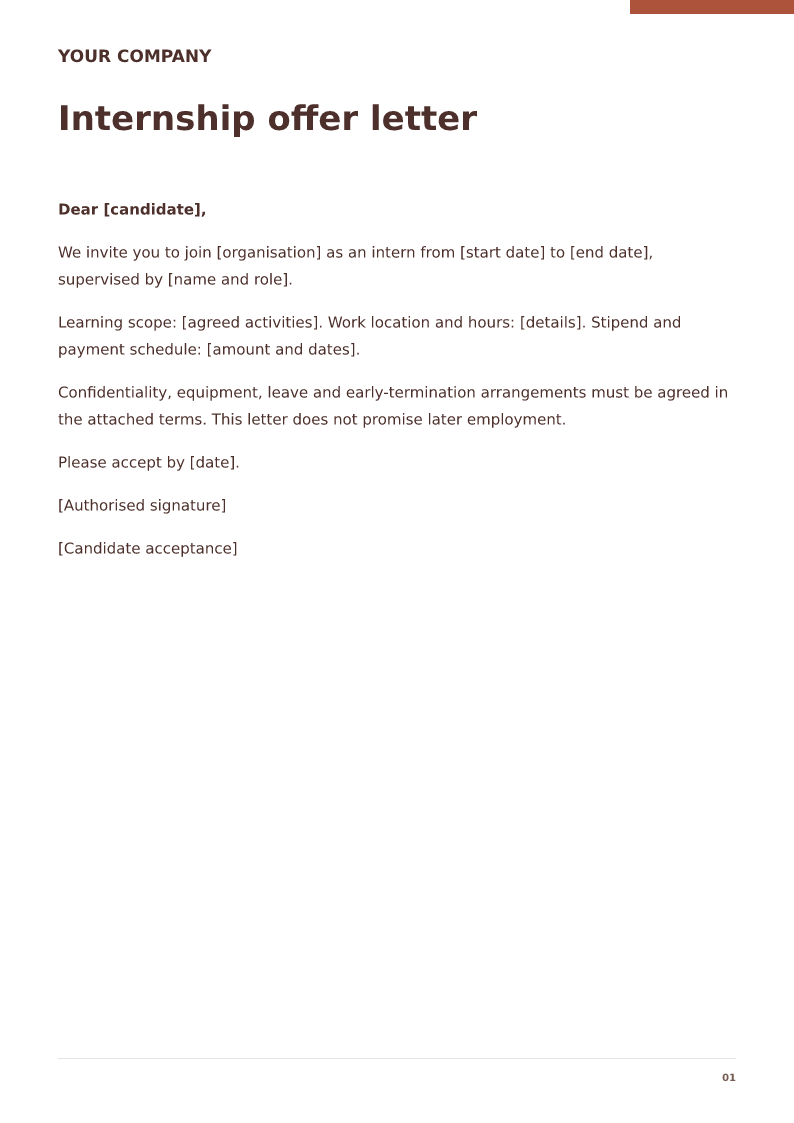
Internship offer letter
Clarify internship dates, supervisor, stipend and learning scope. Free PDF and Word downloads. Edit a blank or filled sample on your device.
 Preview & customize ↗
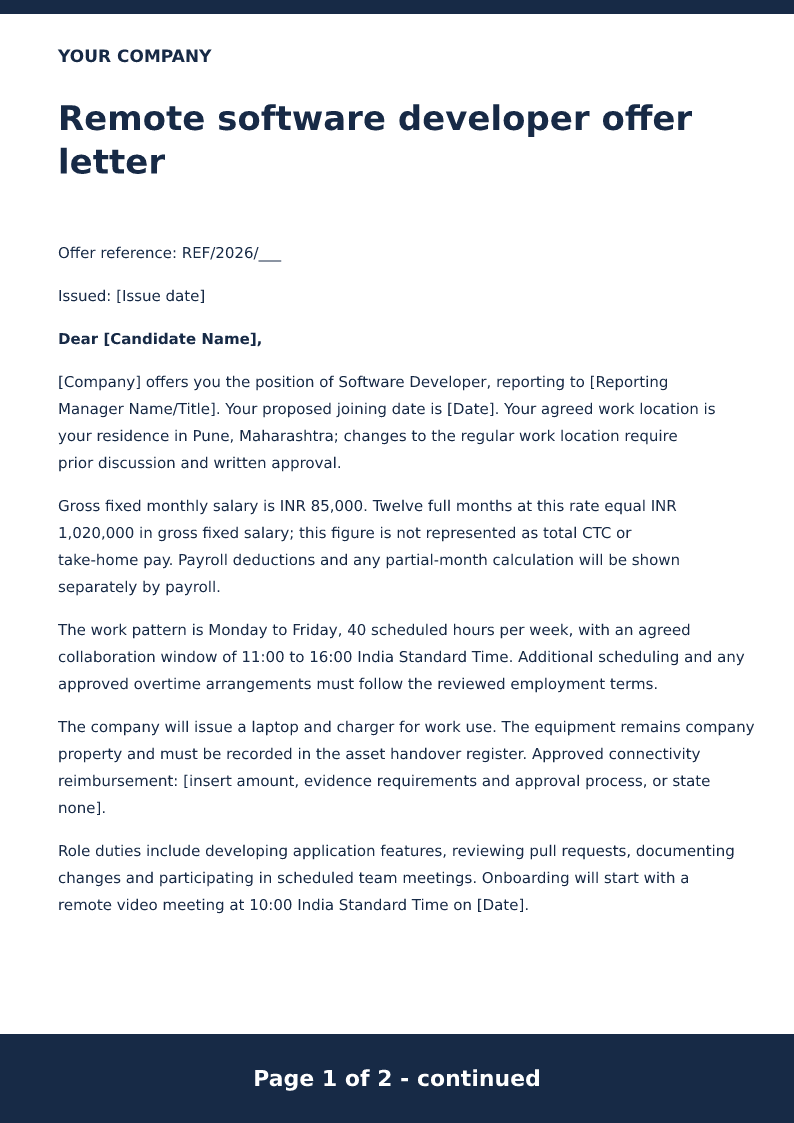
Remote software developer offer letter
Free PDF and Word offer letter for a remote developer. Review work location, equipment, pay, availability and the filled example before editing.
 Preview & customize ↗
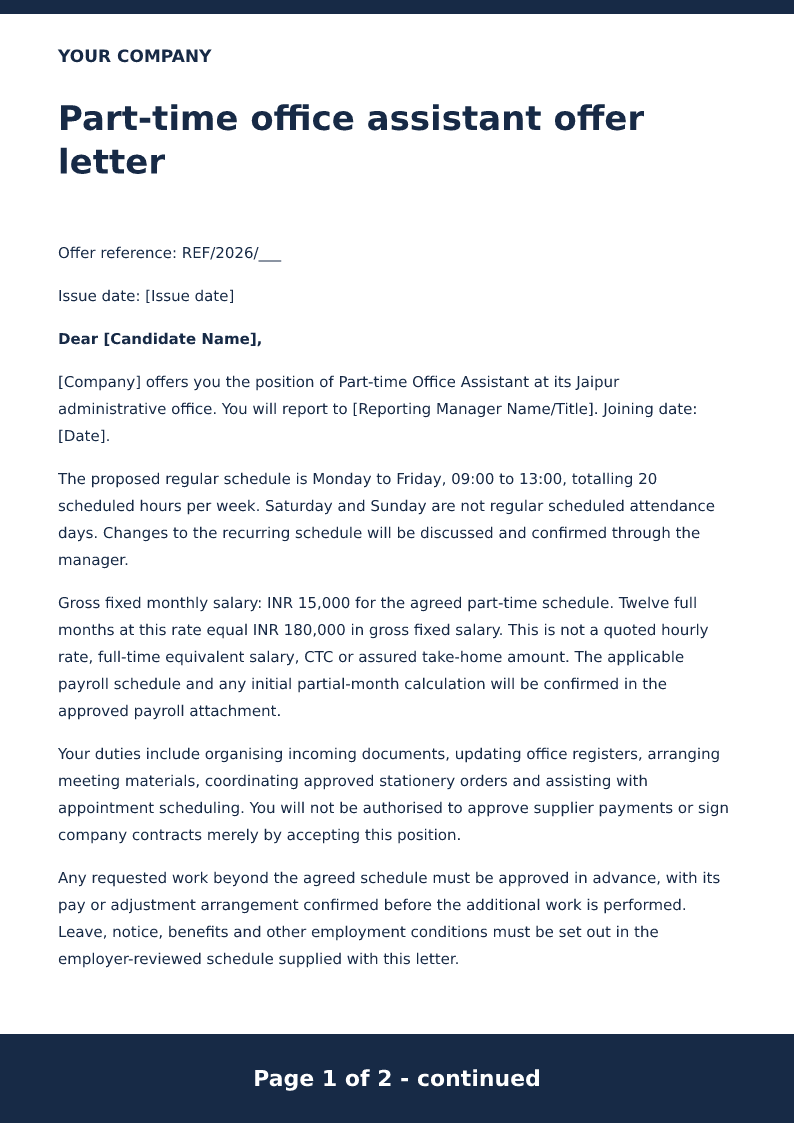
Part-time office assistant offer letter
Free PDF and Word offer letter for a part-time office assistant. Set weekly hours, pay, reporting and joining details using an editable example.
 Preview & customize ↗
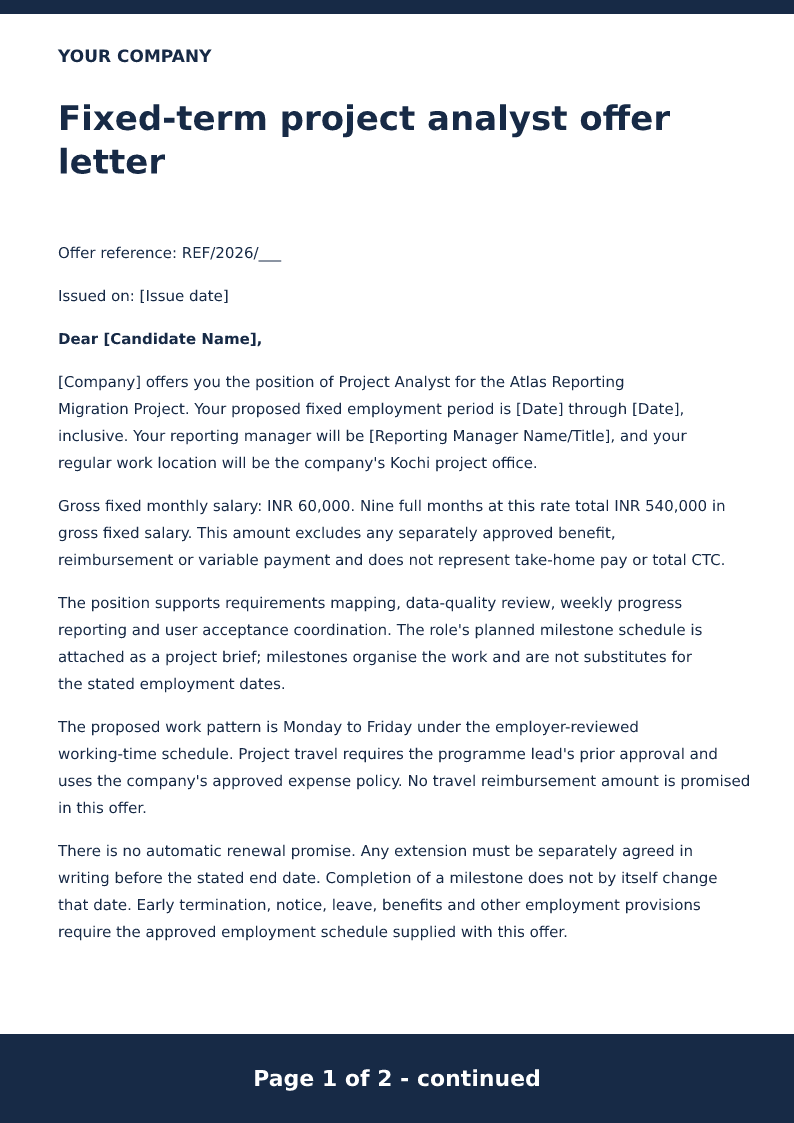
Fixed-term project analyst offer letter
Free PDF and Word fixed-term analyst offer. Record start and end dates, project duties, pay and review conditions with an editable placeholder letter.
 Preview & customize ↗
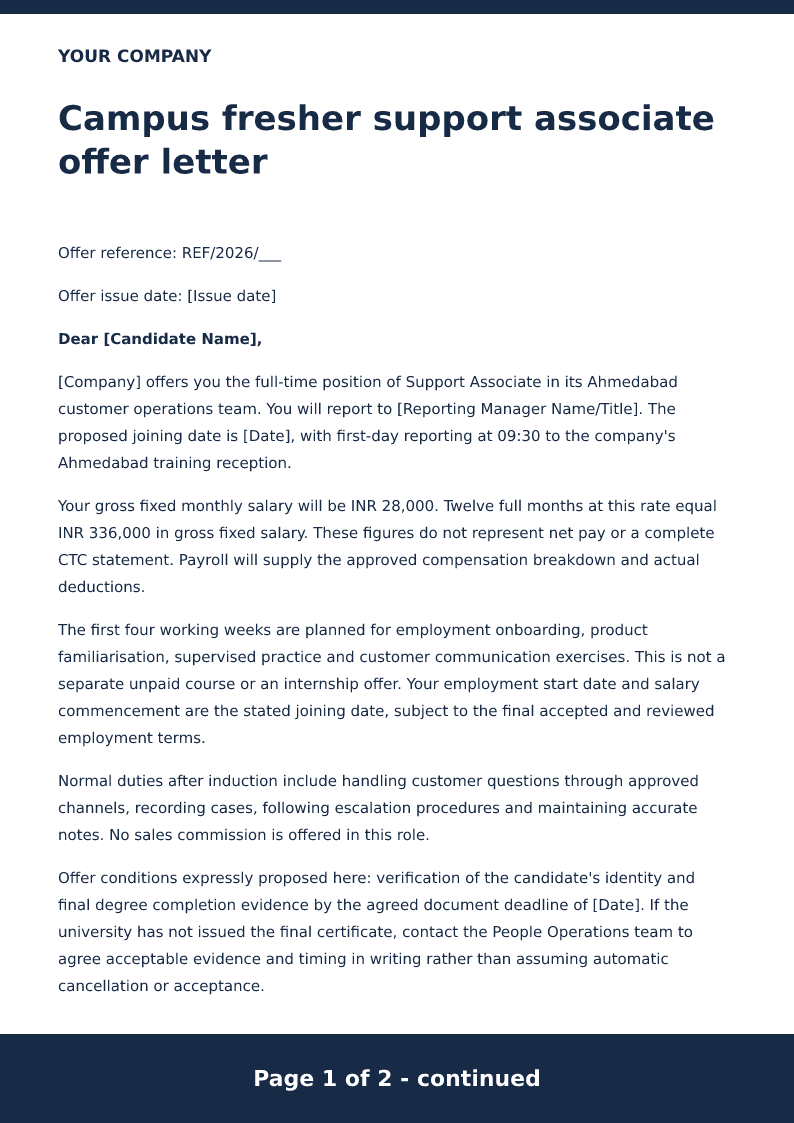
Campus fresher support associate offer letter
Free PDF and Word fresher support offer. Check role, joining date, training, pay and supervisor details in the filled sample before editing locally.
 Preview & customize ↗
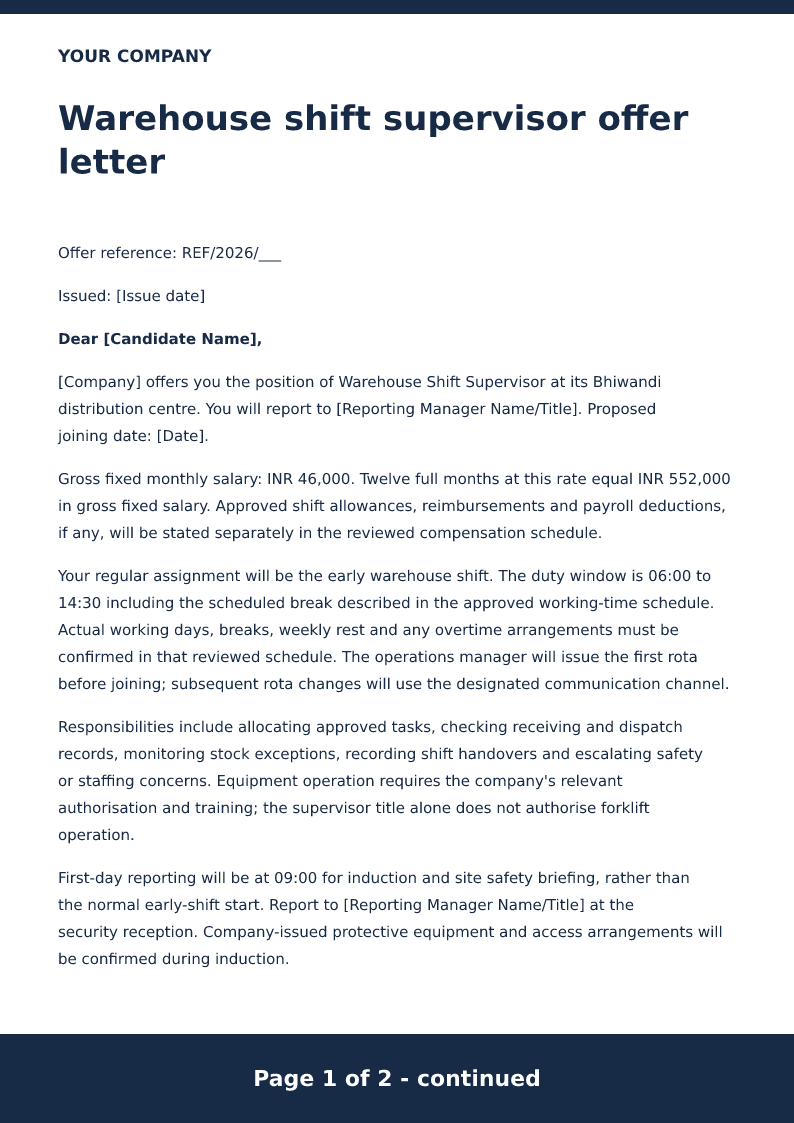
Warehouse shift supervisor offer letter
Free PDF and Word warehouse supervisor offer. Review shift arrangements, duties, pay and joining details with the editable example. Edit the brackets.
 Preview & customize ↗
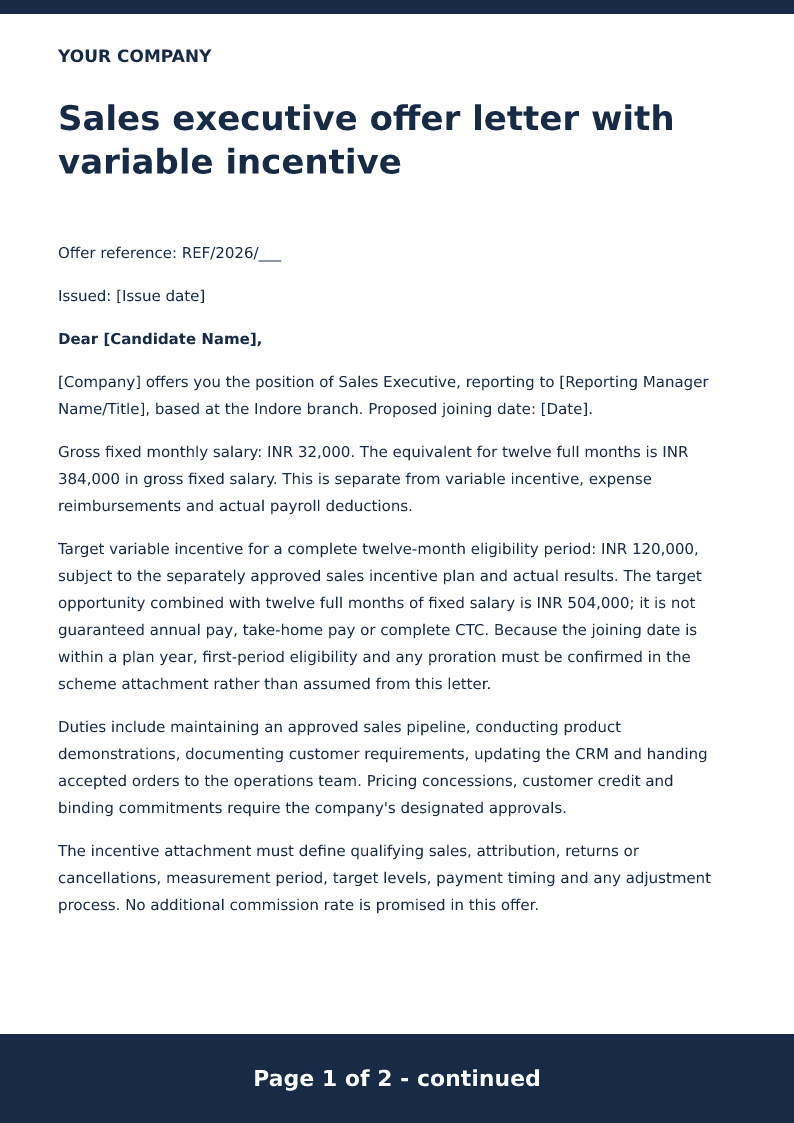
Sales executive offer letter with variable incentive
Free PDF and Word sales offer with fixed pay and a separate incentive schedule. Review targets, payment terms and the editable placeholder letter.
 Preview & customize ↗
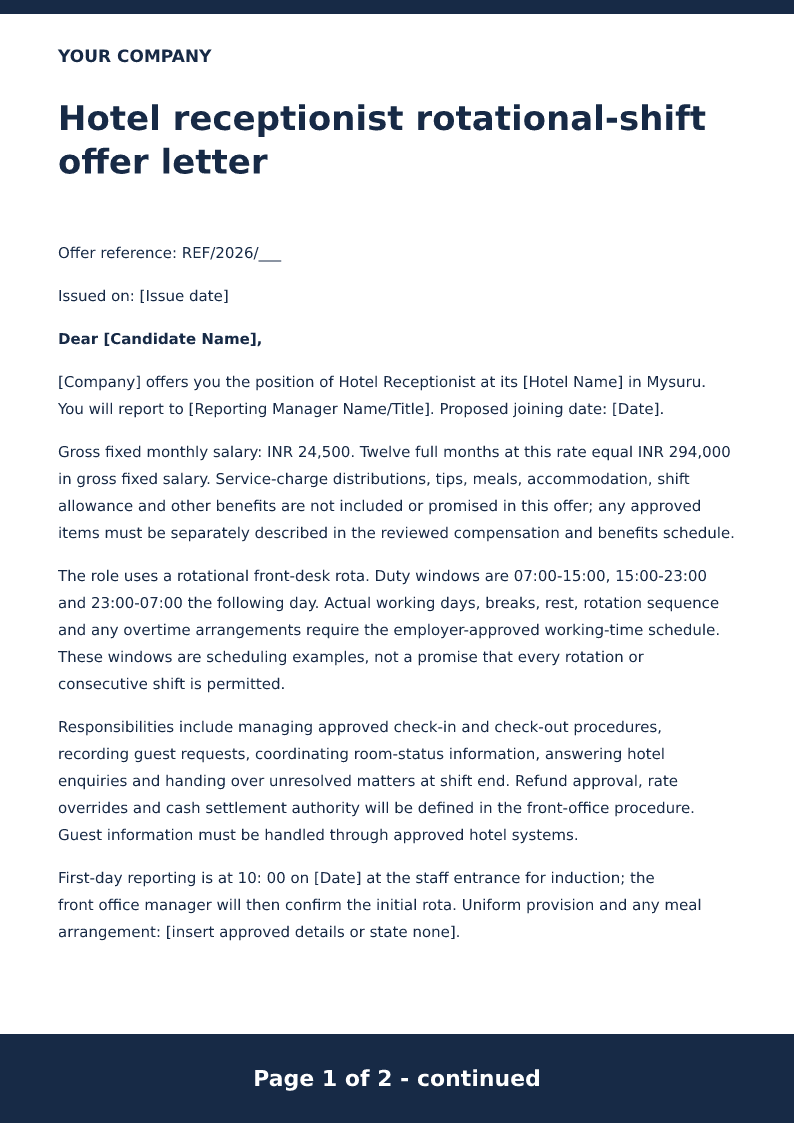
Hotel receptionist rotational-shift offer letter
Free PDF and Word hotel receptionist offer. Set rotational shifts, reporting, pay and joining details in an editable placeholder letter, then edit locally.
 Preview & customize ↗
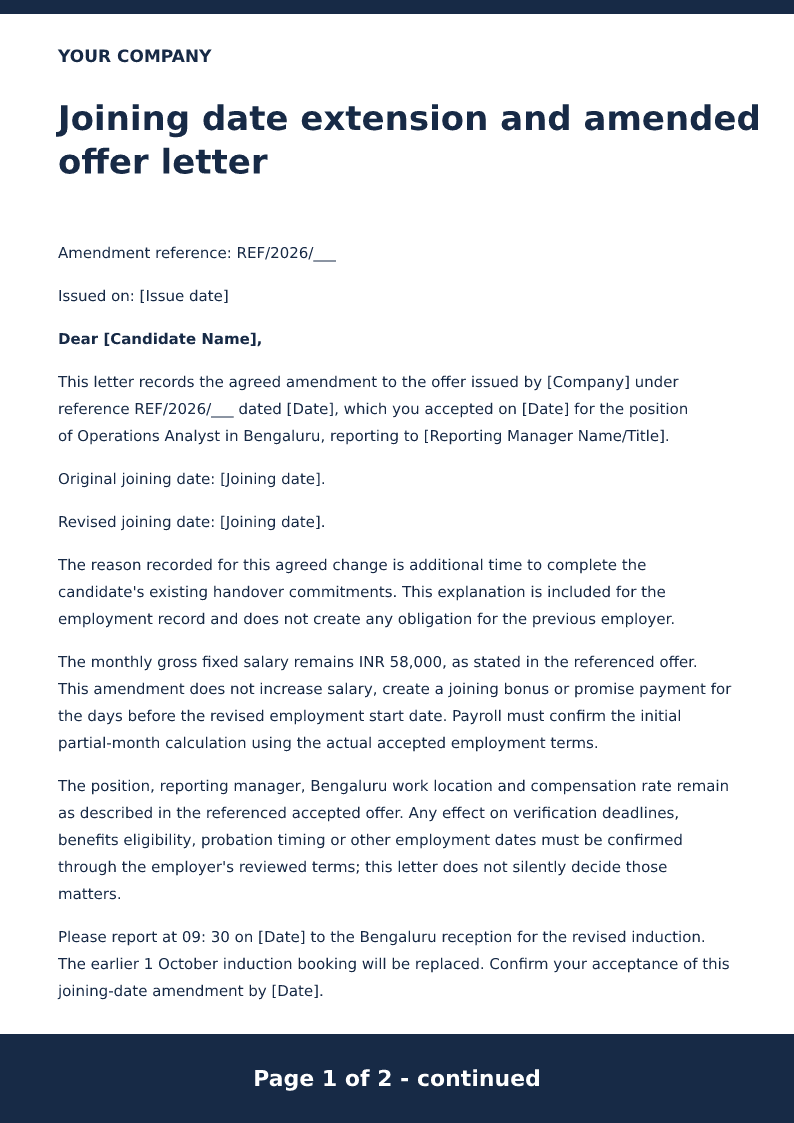
Joining date extension and amended offer letter
A joining date extension letter identifies the accepted offer, the candidate, the role, the original joining date, and the revised joining date. The employer issues it as an amendment to the offer. Download the free Word or PDF sample, or copy the short request a candidate can send to ask for a later joining date.
 Preview & customize ↗
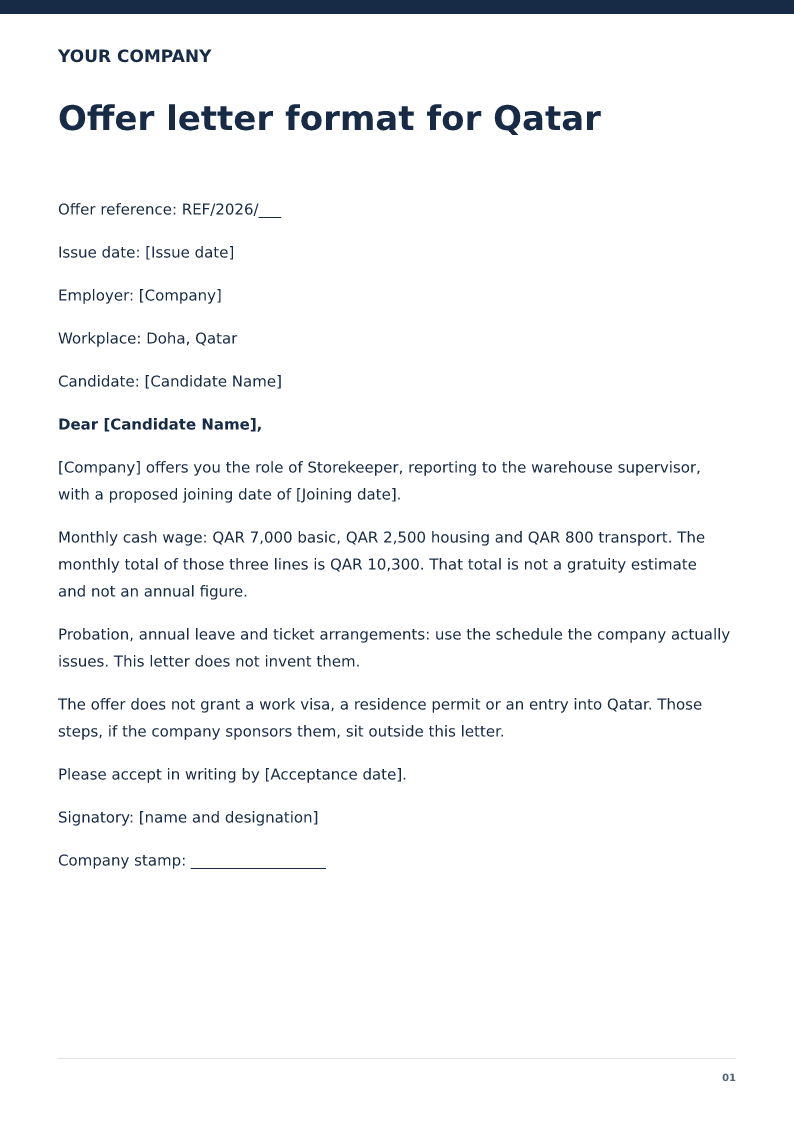
Offer letter format for Qatar
An English job offer for a Doha role, with QAR pay, a probation note, and no visa granted by the letter. Free PDF and Word downloads.
 Preview & customize ↗
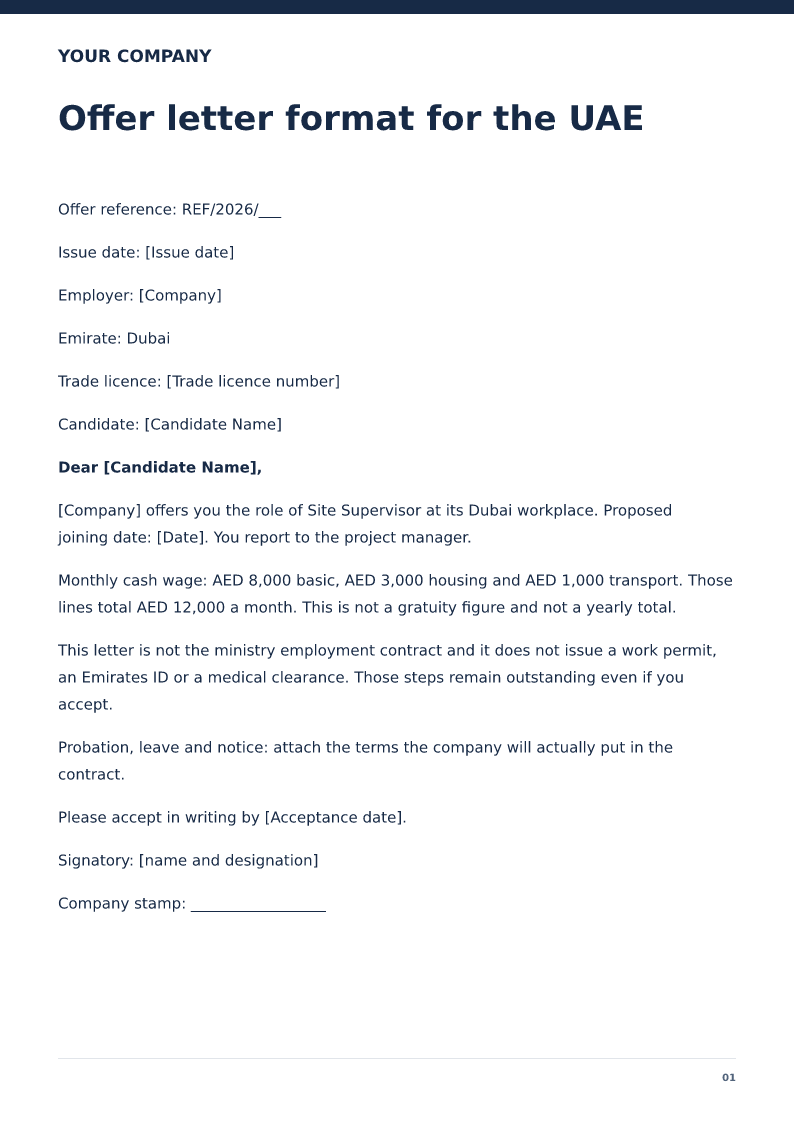
Offer letter format for the UAE
An English job offer for a Dubai role in AED, stating that a work permit and a ministry contract are still separate. Free PDF and Word downloads.
 Preview & customize ↗
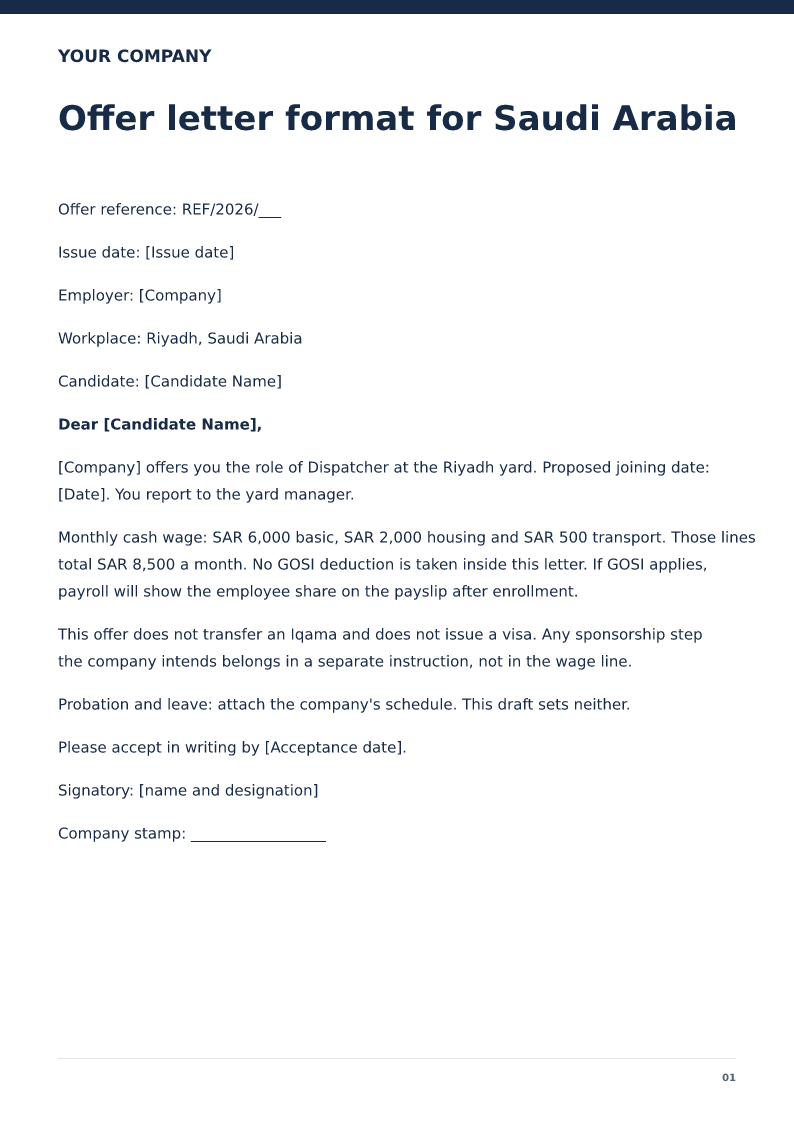
Offer letter format for Saudi Arabia
An English job offer for a Riyadh role in SAR, with housing separate and GOSI left until payroll enrolls the employee. Free PDF and Word downloads.
 Preview & customize ↗
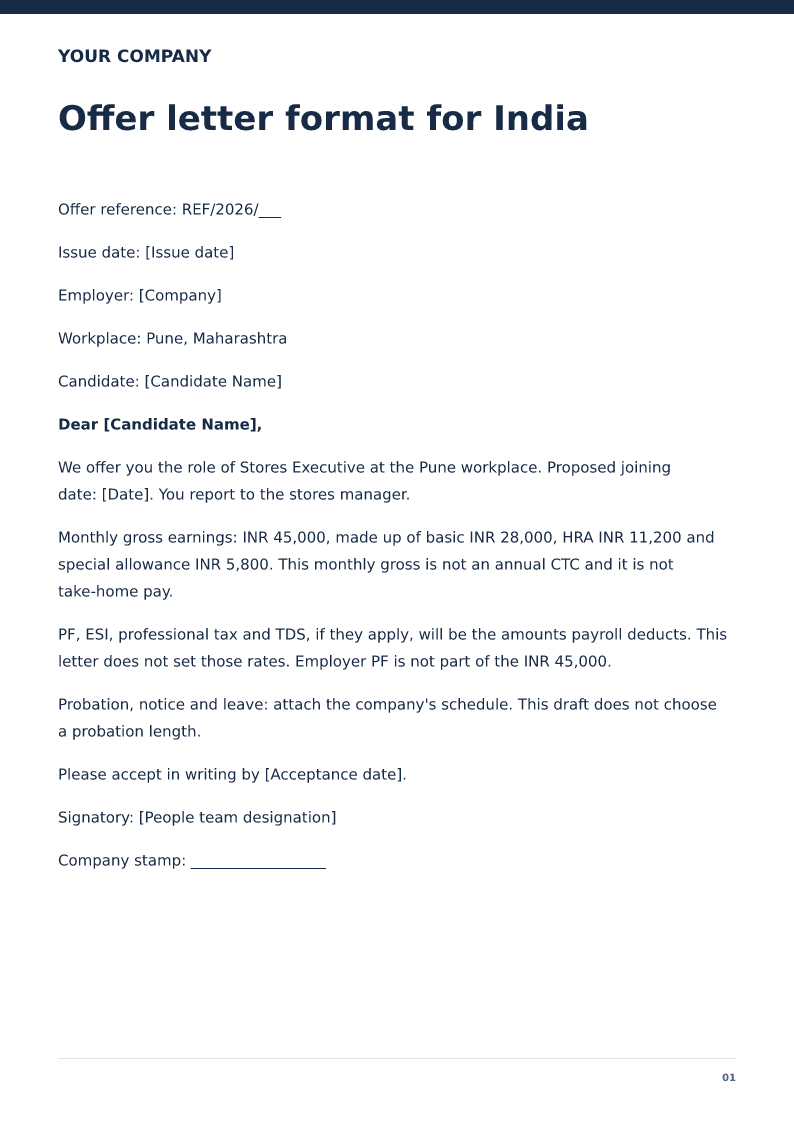
Offer letter format for India
An India job offer that separates monthly gross from annual CTC and leaves PF, ESI and tax to payroll. Free PDF and Word downloads.
 Preview & customize ↗
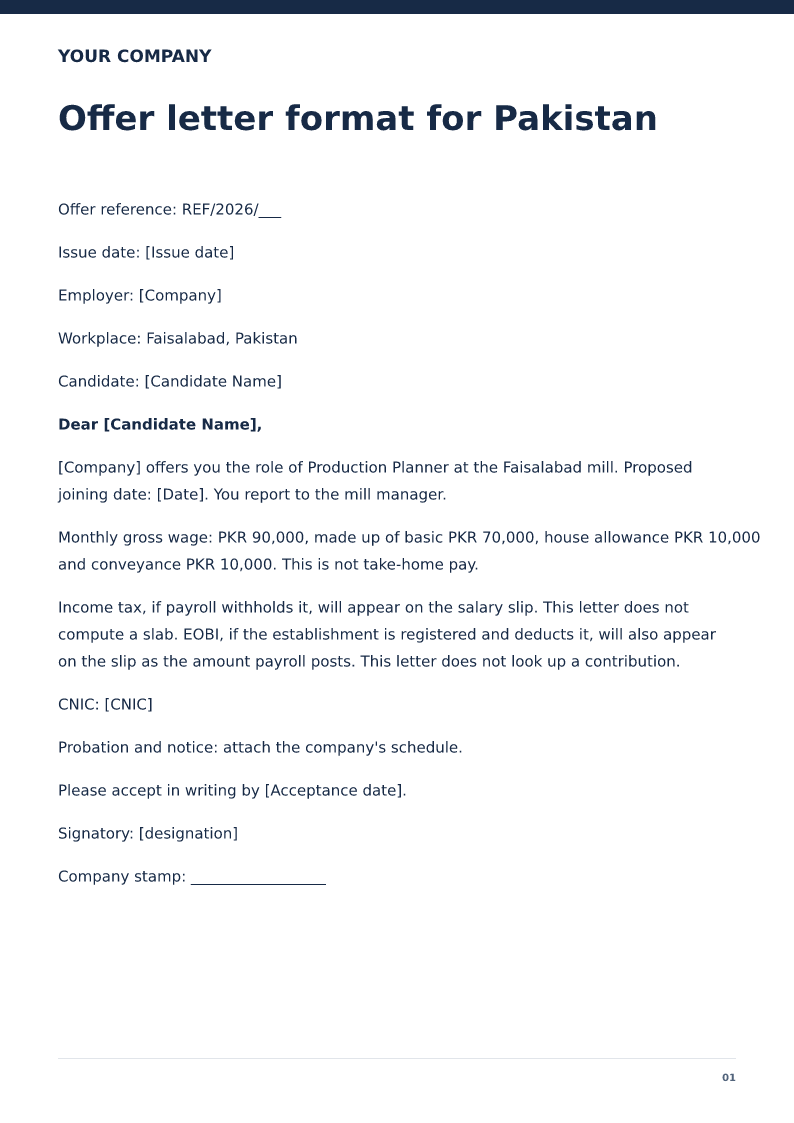
Offer letter format for Pakistan
A Pakistan job offer in PKR with the workplace, a gross monthly wage, and EOBI left as an establishment question. Free PDF and Word downloads.
 Preview & customize ↗
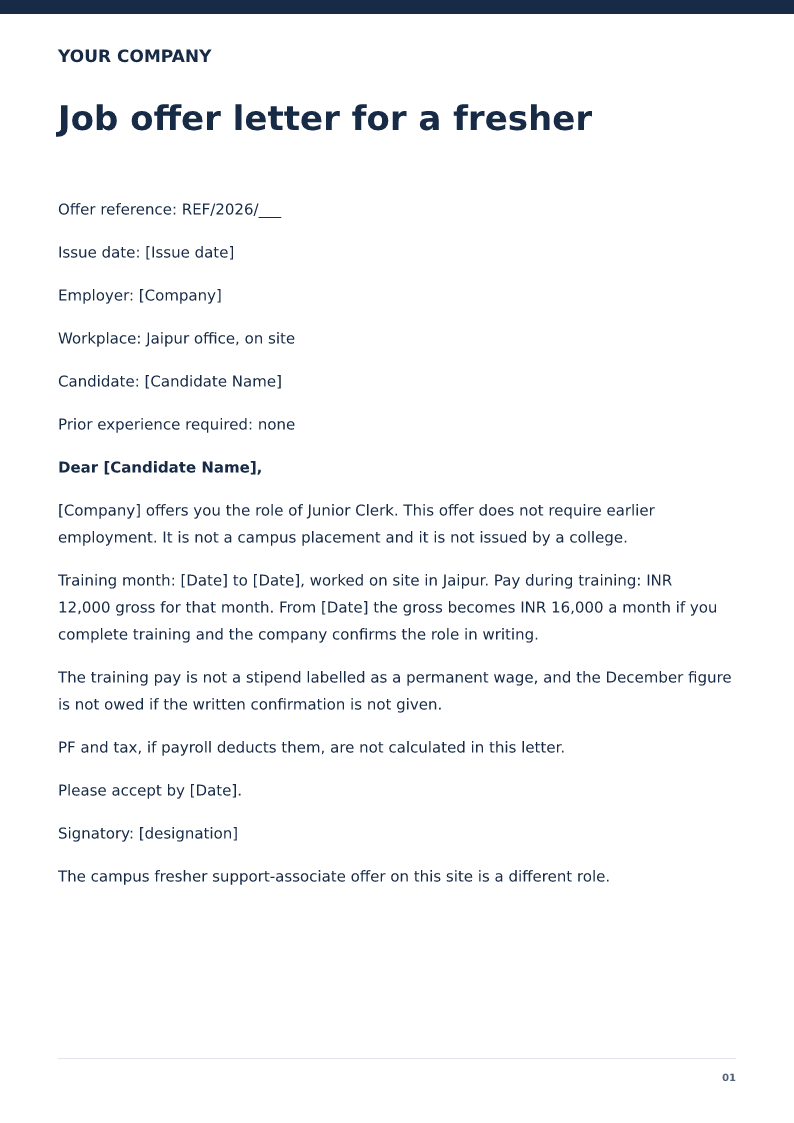
Job offer letter for a fresher
A first-job offer with a training month, a junior salary, and no claim that a campus placement cell approved it. Free PDF and Word downloads.
 Preview & customize ↗
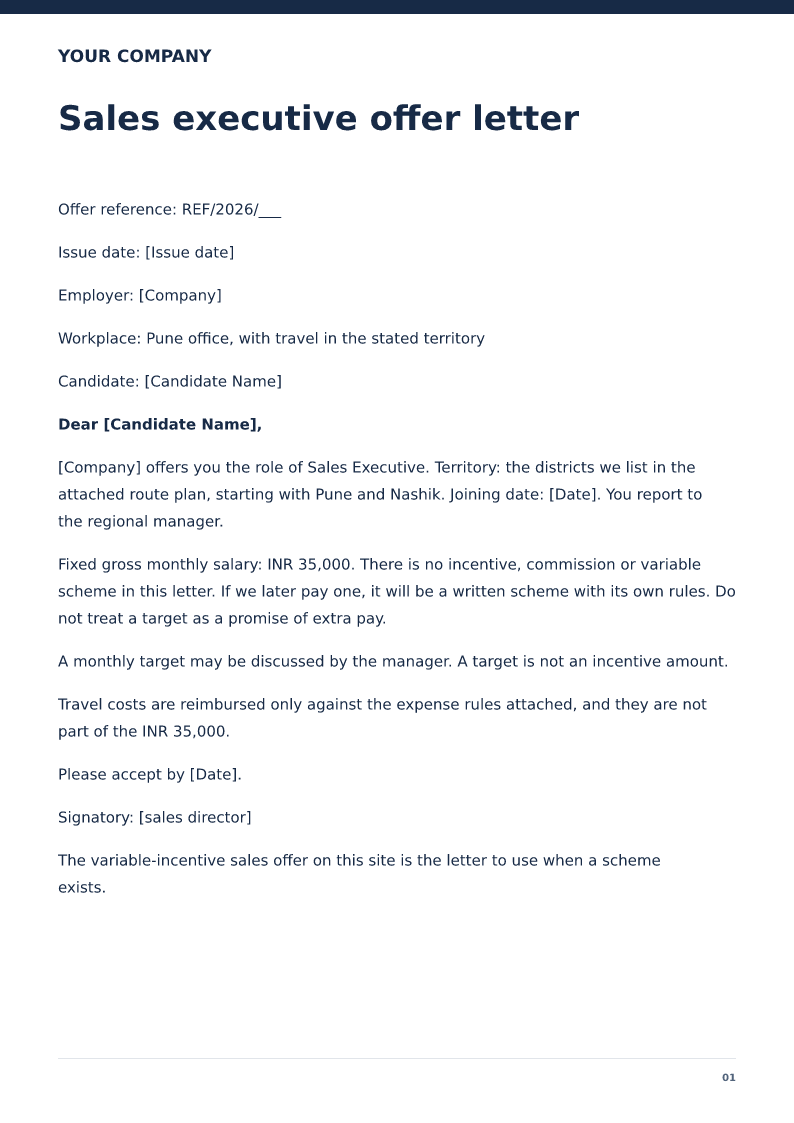
Sales executive offer letter
A sales offer with a fixed monthly wage and a named territory, and no incentive amount. Free PDF and Word downloads.
 Preview & customize ↗
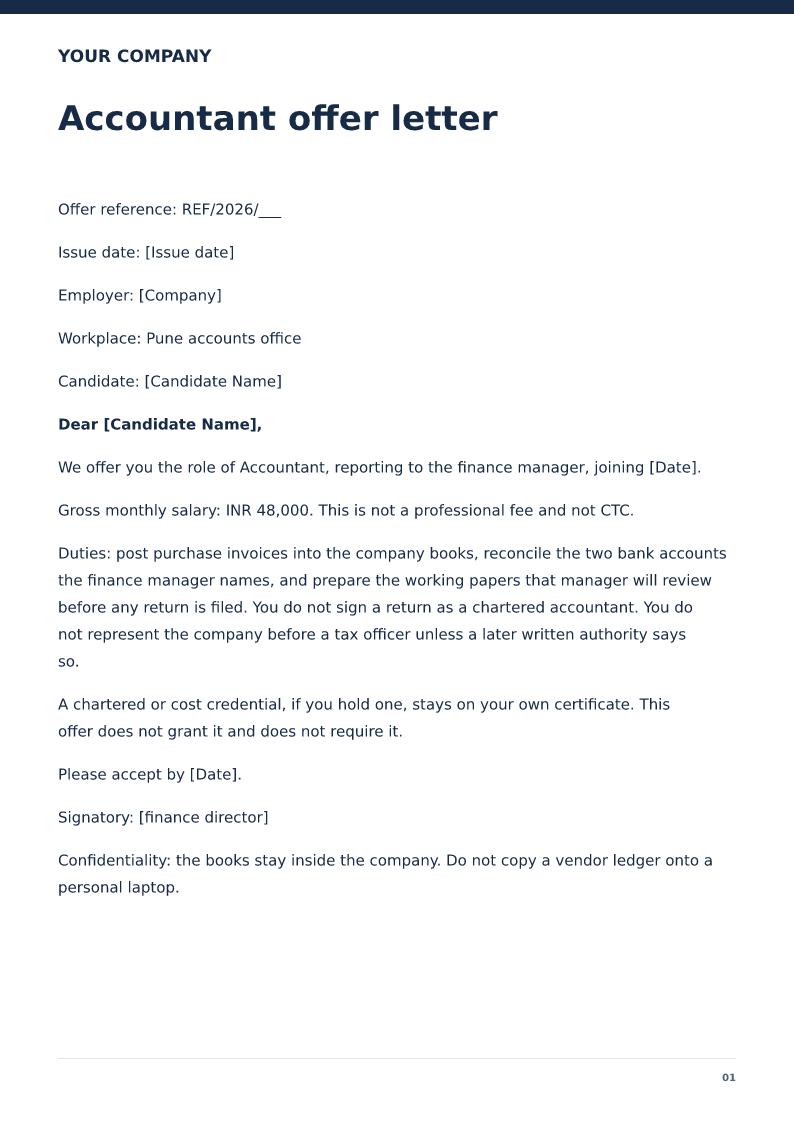
Accountant offer letter
An accountant offer that limits the work to books the company assigns and does not confer a chartered credential. Free PDF and Word downloads.
 Preview & customize ↗
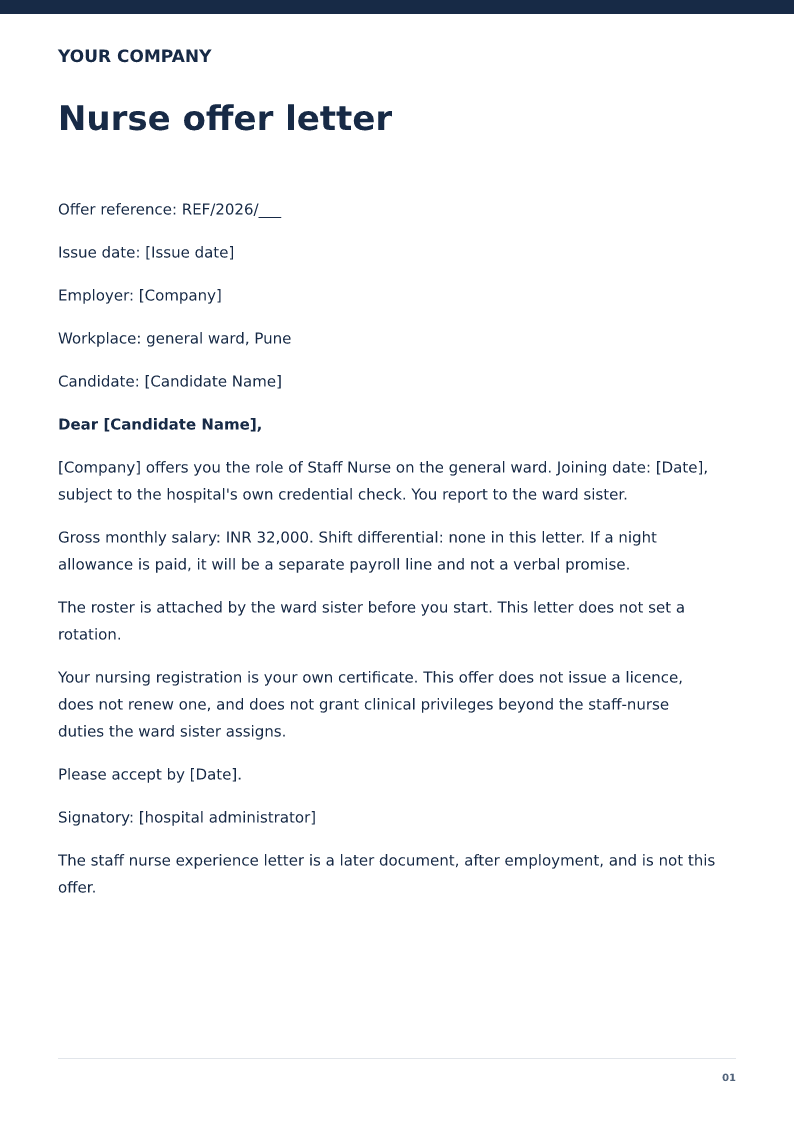
Nurse offer letter
A hospital offer for a staff nurse that names the ward, the shift pattern to be attached, and not a licence. Free PDF and Word downloads.
 Preview & customize ↗
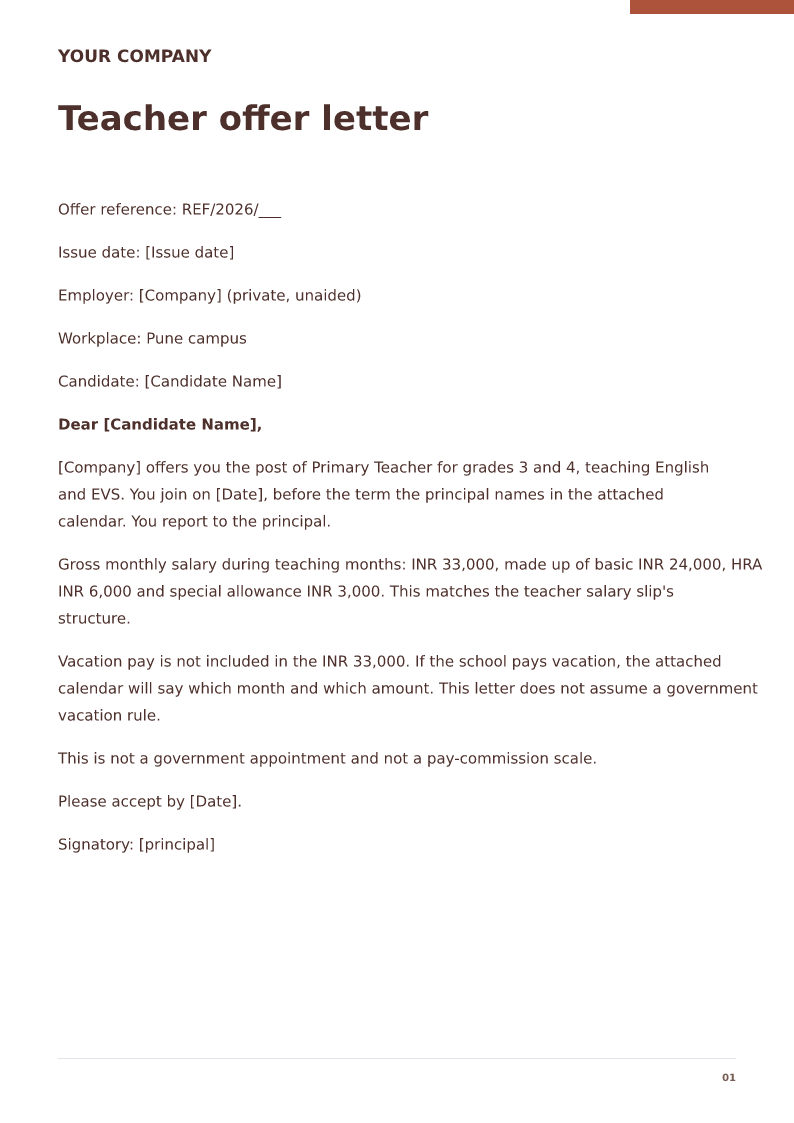
Teacher offer letter
A private-school teacher offer that names grades and subjects and does not appoint the teacher to government service. Free PDF and Word downloads.
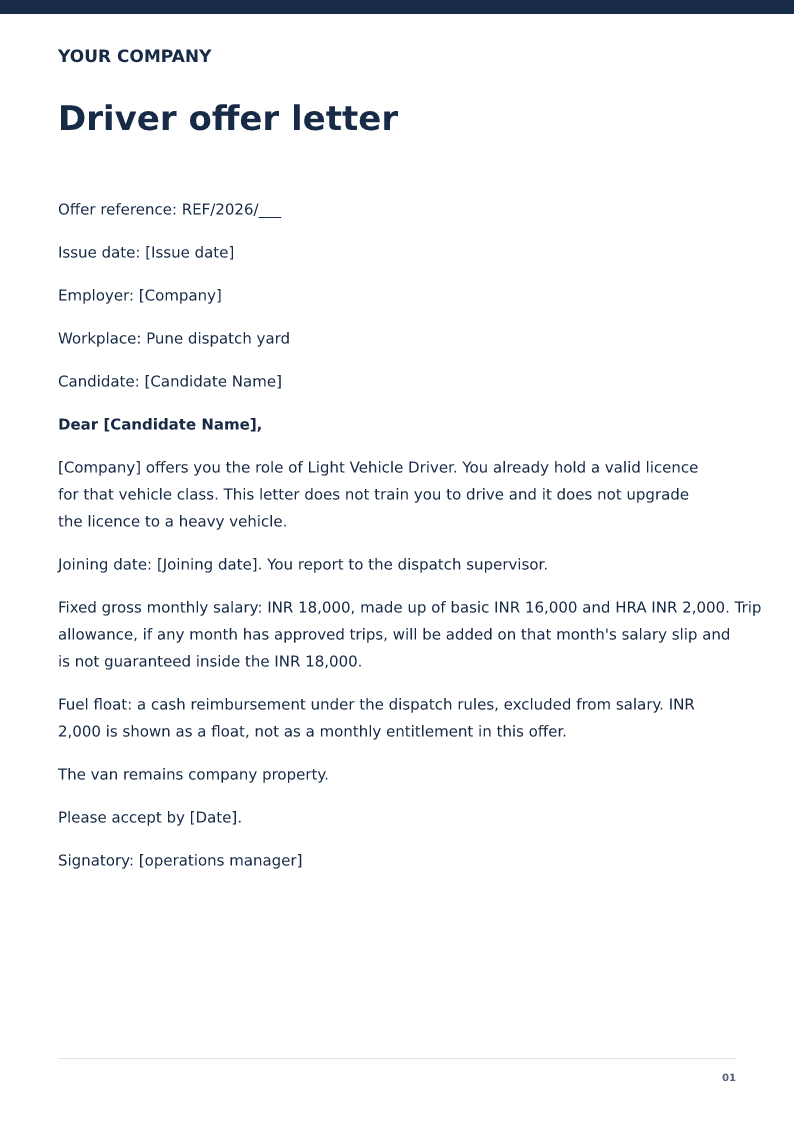 Preview & customize ↗
Driver offer letter
An offer for a light-vehicle driver that requires a licence the candidate already holds and keeps fuel cash out of the wage. Free PDF and Word downloads.
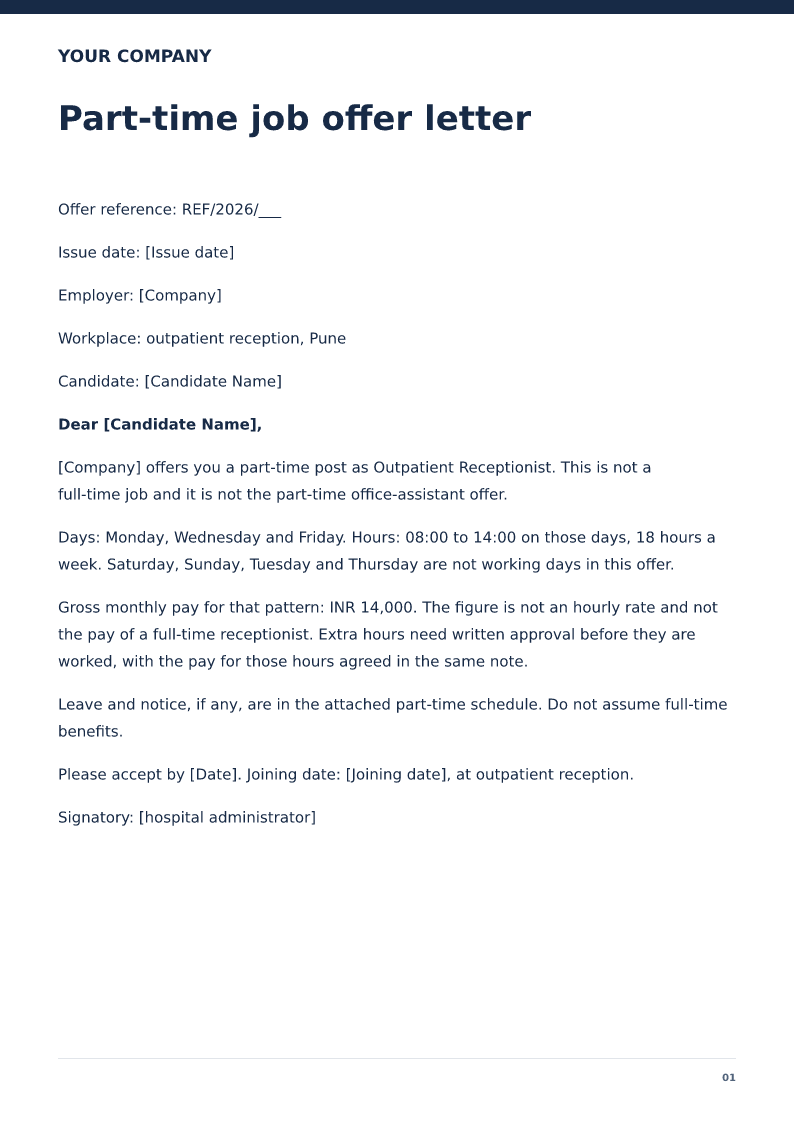 Preview & customize ↗
Part-time job offer letter
A part-time offer that states the weekly hours, the days, and a monthly gross for those hours only. Free PDF and Word downloads.
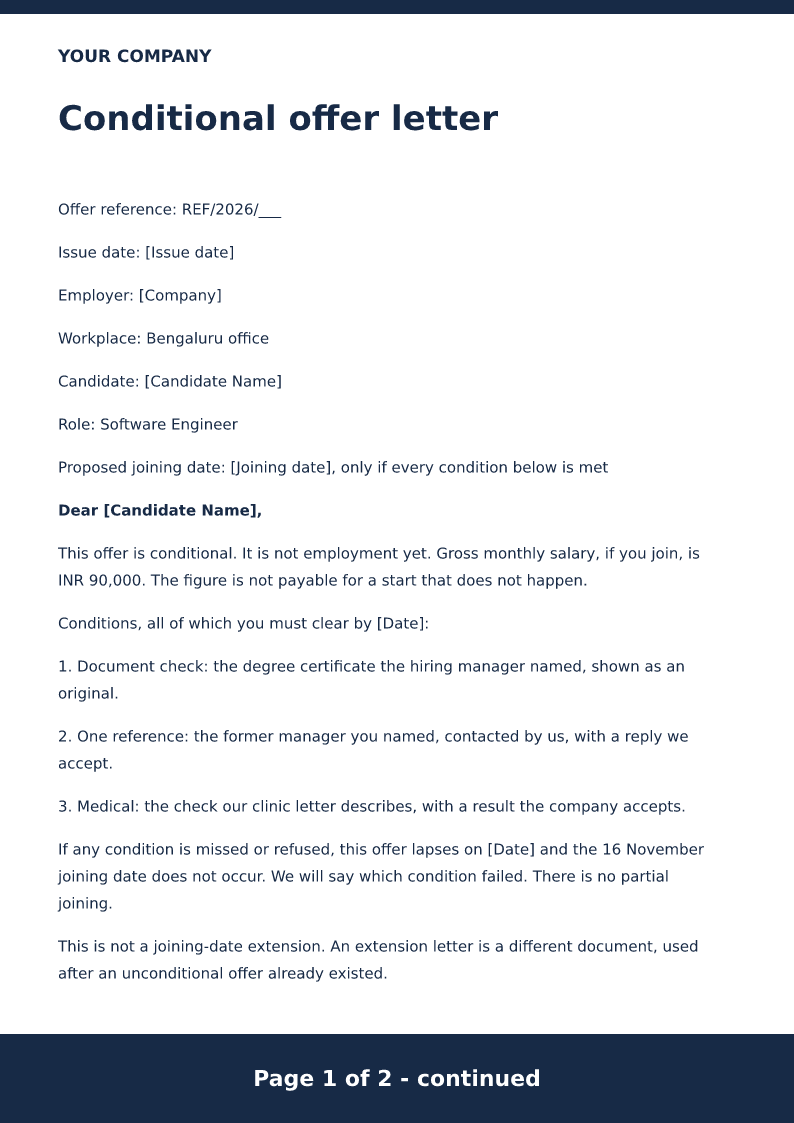 Preview & customize ↗
Conditional offer letter
An offer that lists the conditions still open, the date they must be met, and what happens if they are not. Free PDF and Word downloads.
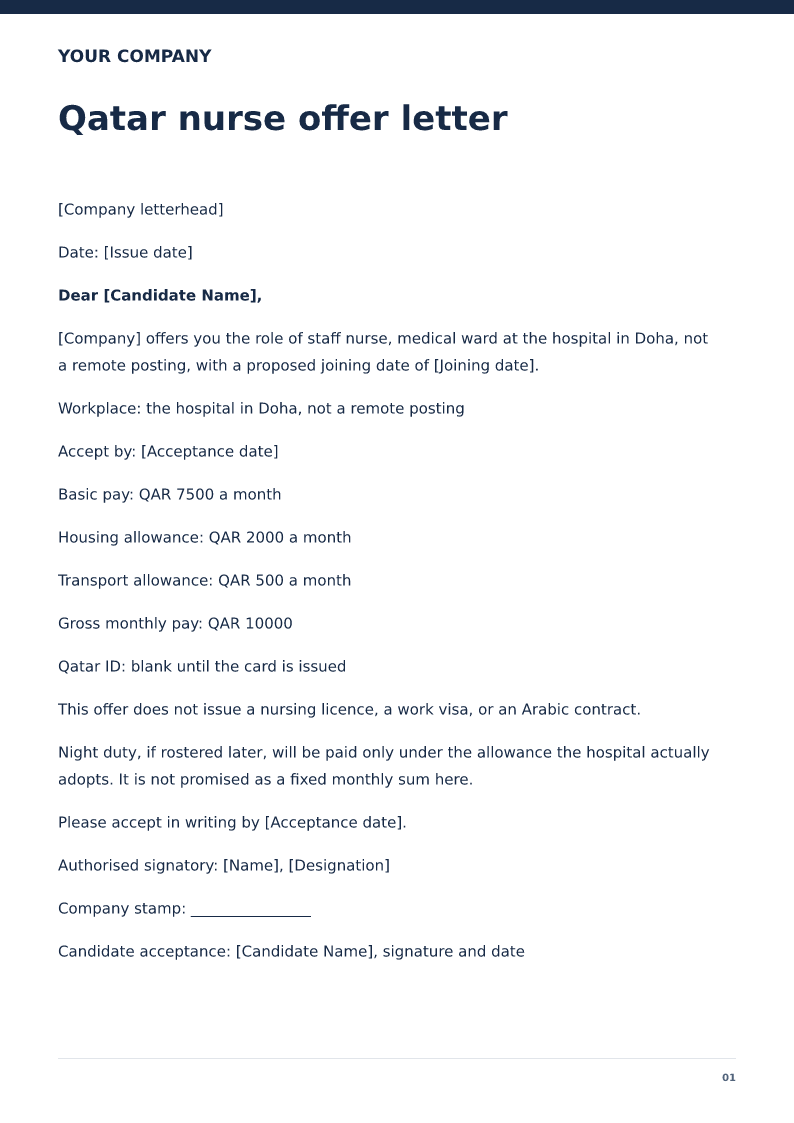 Preview & customize ↗
Qatar nurse offer letter
Free Qatar nurse offer letter for 2026. Download Word or PDF with no signup and edit the Doha hospital, ward and QAR housing split before you send it.
 Preview & customize ↗
UAE teacher offer letter
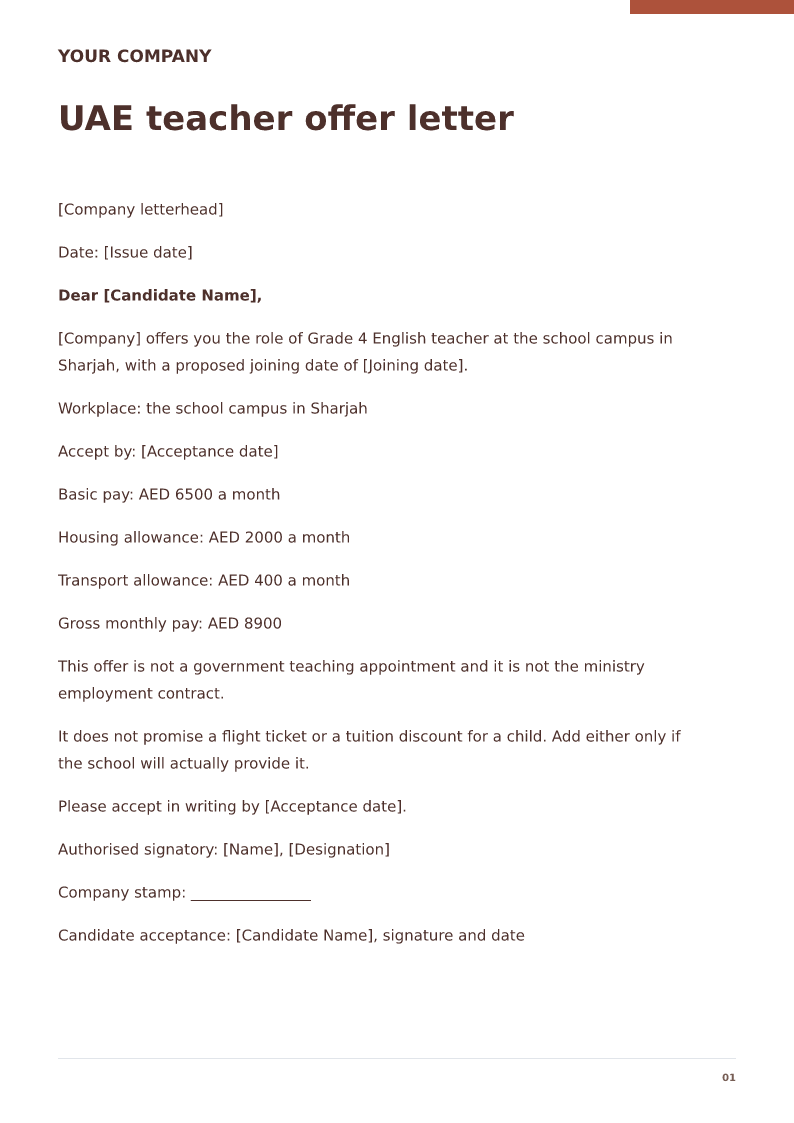
Free UAE teacher offer letter for 2026. Download Word or PDF with no signup and edit the school, emirate, grades and AED housing split before you send it.
 Preview & customize ↗
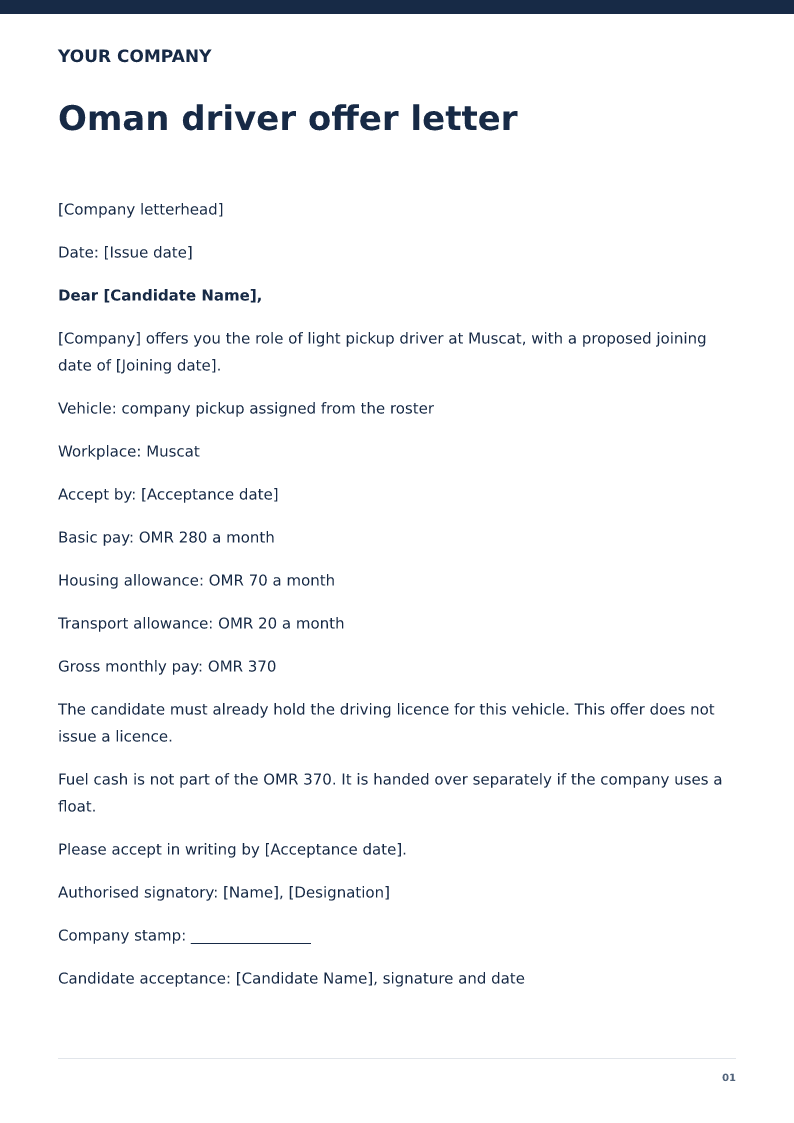
Oman driver offer letter
Free Oman driver offer letter for 2026. Download Word or PDF with no signup and edit the vehicle, OMR wage and joining date. Fuel cash is not salary.
 Preview & customize ↗
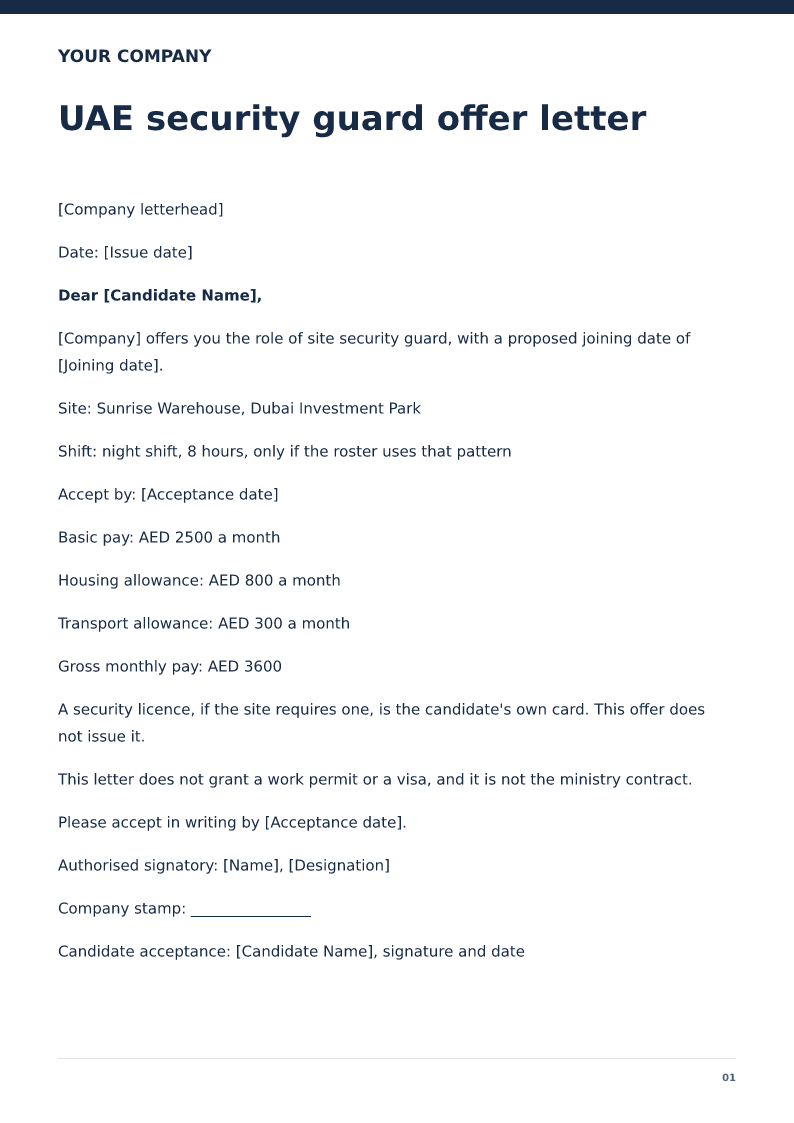
UAE security guard offer letter
Free UAE security guard offer letter for 2026. Download Word or PDF with no signup and edit the Dubai site, shift and AED housing split before you send it.
 Preview & customize ↗
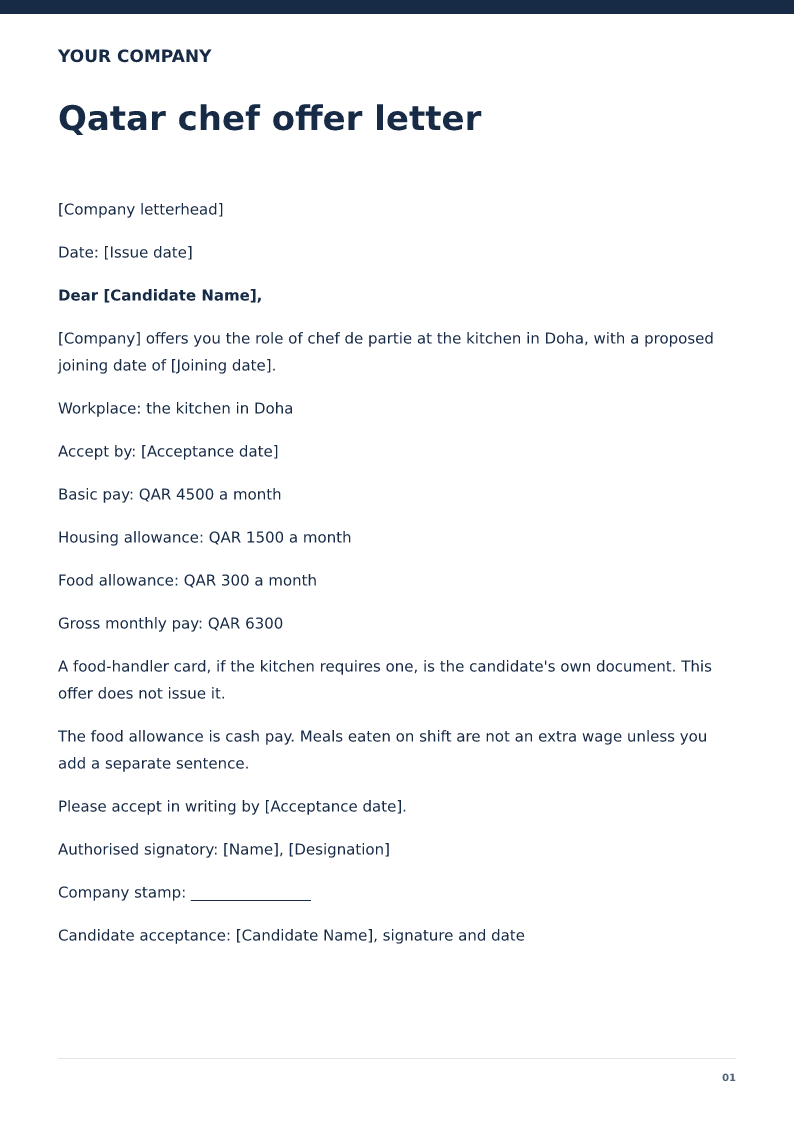
Qatar chef offer letter
Free Qatar chef offer letter for 2026. Download Word or PDF with no signup and edit the kitchen, QAR wage and joining date. A food-handler card stays separate.