
Joining date extension and amended offer letter
Free PDF and Word joining-date amendment. Reference the accepted offer, confirm the revised date and record approvals using a fictional filled sample.
Download or edit this sample
Edit document details
Choose your style
What each part means
Original accepted version
Identify the original offer reference, issue date and acceptance date. An amendment should connect to a known accepted document, not an unsigned draft whose salary or conditions may still be changing.
Old and new joining dates
Display both dates with years and make the revised reporting instructions unambiguous. A new acknowledgement deadline is different from the revised employment start date and should be labelled separately.
Scope and affected timing
List which terms remain as referenced and obtain review of any affected payroll, verification, probation or benefit dates. Do not use a narrow date amendment to hide a pay reduction or a new condition.
Reference the accepted document before describing the change
A joining-date extension should allow both parties to identify the offer being amended. This example includes an offer reference, original issue date and candidate acceptance date, then restates the offered role and reporting manager. That creates a clear connection to the existing record. If several drafts were circulated, check which version was accepted before issuing the amendment. A later email containing a different salary figure should be resolved rather than treated as part of the original offer automatically. Keep the reference consistent on the amendment and its accompanying message.
Display the two dates and replace obsolete instructions
The fictional start moves from 1 October 2026 to 19 October 2026. Both dates are written in full, so the candidate can distinguish the previous arrangement from the revised one. The induction time and location are restated, and the earlier booking is expressly replaced. Check practical dependencies such as access badges, equipment delivery and manager availability when confirming the new start. The 5 October acknowledgement deadline serves a different purpose from the employment start date. Do not label it joining confirmation without making clear whether a signature or actual attendance is expected.
Review salary commencement and partial-month payroll separately
The example retains INR 58,000 gross fixed monthly salary from the referenced offer. It does not promise salary for the period before the revised employment start date and does not calculate the October payment. Payroll must review that initial partial-month amount using the accepted terms and actual arrangement. Avoid dividing the salary by an arbitrary calendar-day or workday figure merely to fill the amendment. If the employer has agreed paid pre-joining work or another payment, describe that separately with approval; it should not be implied by leaving the original salary paragraph unchanged.
Check whether other dates need an explicit amendment
Moving a joining date can affect document-verification deadlines, induction reservations, probation dates and the timing of approved benefits. This example flags those questions for employer review instead of declaring a blanket outcome. Some deadlines may remain fixed, while others may need an agreed change. Record each approved adjustment specifically. If the role, location or compensation also changes, issue a broader reviewed amendment rather than using a narrow extension letter to conceal those changes. The candidate should understand the scope of what they are confirming before signing.
Keep the original offer and amendment as one usable record
Use Word to replace the fictional offer references, names, date change and reporting details. Compare every term described as unchanged with the actual accepted offer. Have the employer review affected dates and remove unresolved statements before sending the final PDF. Retain the original signed offer and signed amendment together, including any approved attachments that resolve timing changes. If a second extension is requested, identify the current start date and the new proposed date so the record does not accidentally revive an earlier arrangement or leave two conflicting induction instructions in circulation.
Review this scenario
- Locate the accepted offer and confirm its reference, issue and acceptance dates.
- Show the original and revised joining dates with complete years.
- Replace the old induction booking and confirm new reporting instructions.
- Have payroll review commencement and any partial-month calculation.
- Review verification, probation and benefit dates and document approved changes.
- Obtain signed confirmation and retain the amendment with the original accepted offer.
Questions about this format
Can I send this amendment without locating the original offer?
Locate and review the accepted version first. The amendment depends on its reference and terms, so an unidentified or conflicting draft leaves the document unclear. If no employment offer has been accepted, use an accurate revised offer process rather than claiming that an existing accepted agreement is being amended.
Does extending the joining date automatically change probation and benefits dates?
This sample does not decide that automatically. It asks the employer to review affected timing using the actual accepted terms and document any necessary adjustment. State each approved change expressly instead of assuming all dates move by the same number of days or that all original deadlines remain appropriate.
Check before you use it
This fictional amendment needs employer review alongside the actual accepted offer. It changes only the expressly stated items. Obtain an approved broader amendment if other terms change, and do not assume this draft determines employment rights or payroll treatment.
- Replace every sample or bracketed field with accurate information.
- Check dates, amounts, identifiers and the intended recipient’s requirements.
- Open the exported file and obtain any required employer, landlord or legal approval.
Questions about this download
Can I edit it in Word?
Yes. DOCX contains editable text. Customized PDF exports preserve the layout as page images; direct English sample PDFs contain searchable text. Neither is a digitally signed document.
Is my entered information uploaded?
Document generation happens in this browser. Optional consented analytics measures actions, never document contents.
Prepared by Feroz Sheikh · 30 September 2026
Related templates
 Preview & customize ↗
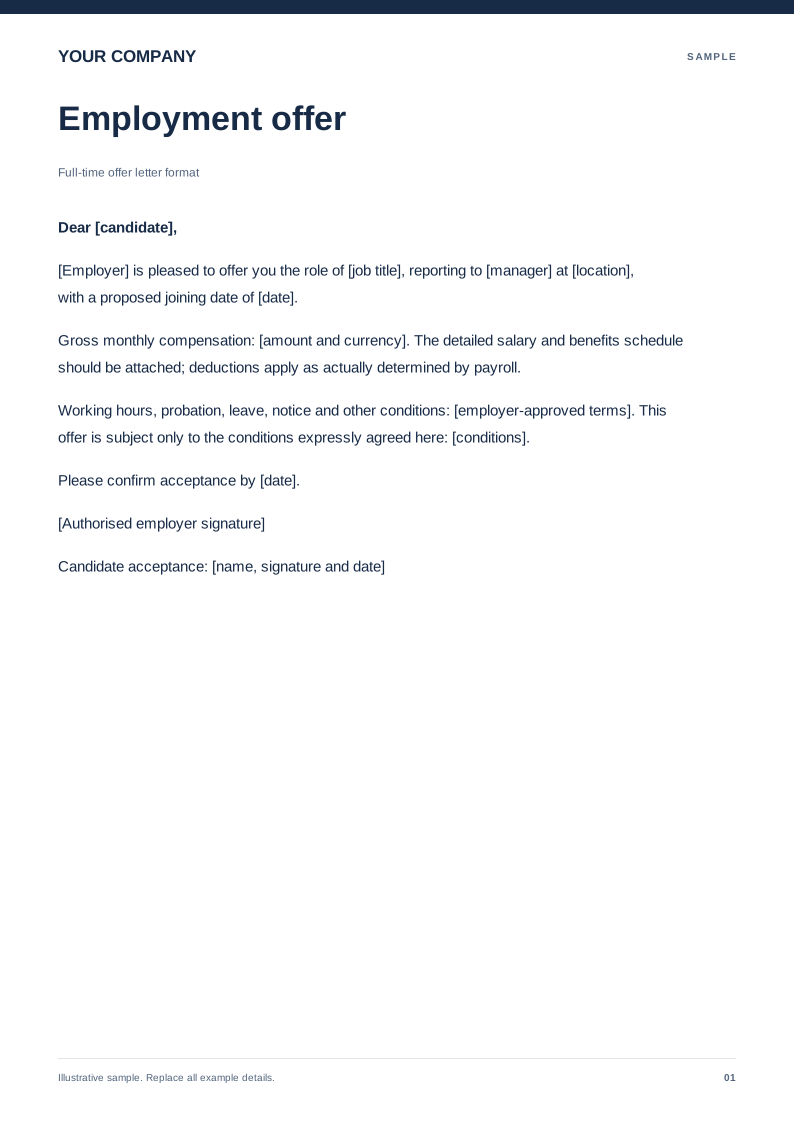
Full-time offer letter format
A review-ready offer with role, compensation, joining date and acceptance. Free PDF and Word downloads. Edit a blank or filled sample on your device.
 Preview & customize ↗
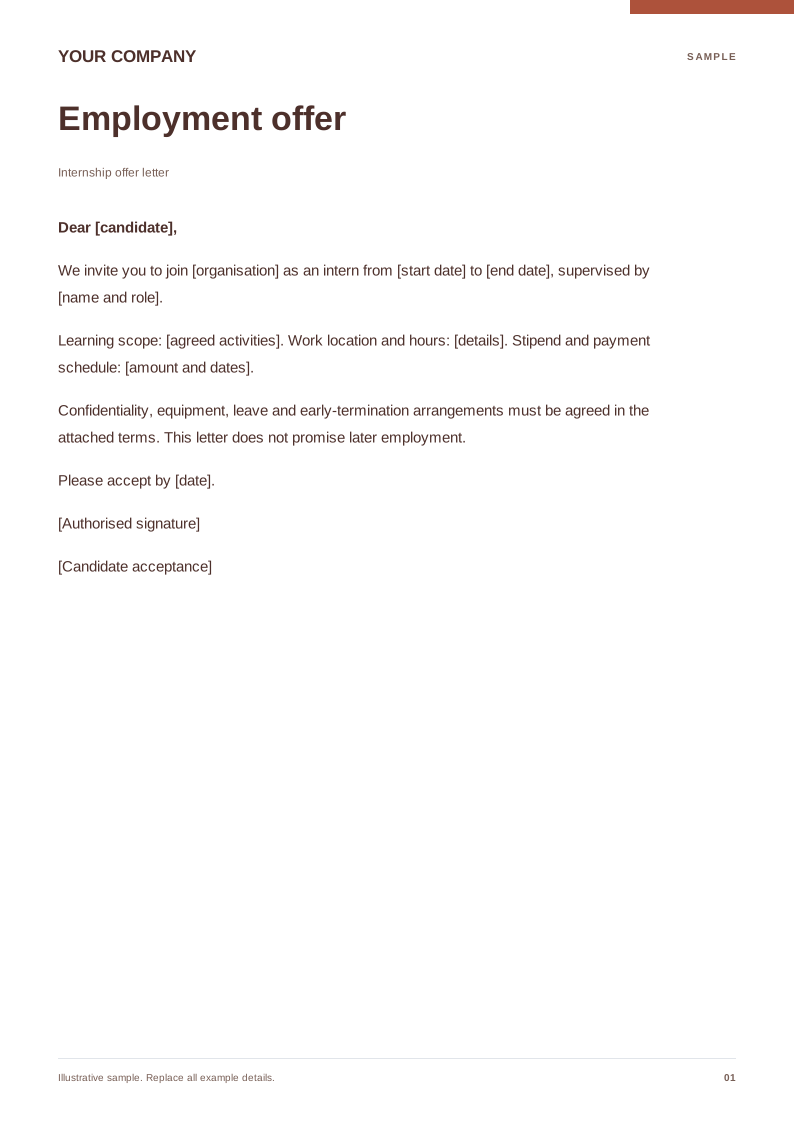
Internship offer letter
Clarify internship dates, supervisor, stipend and learning scope. Free PDF and Word downloads. Edit a blank or filled sample on your device.
 Preview & customize ↗
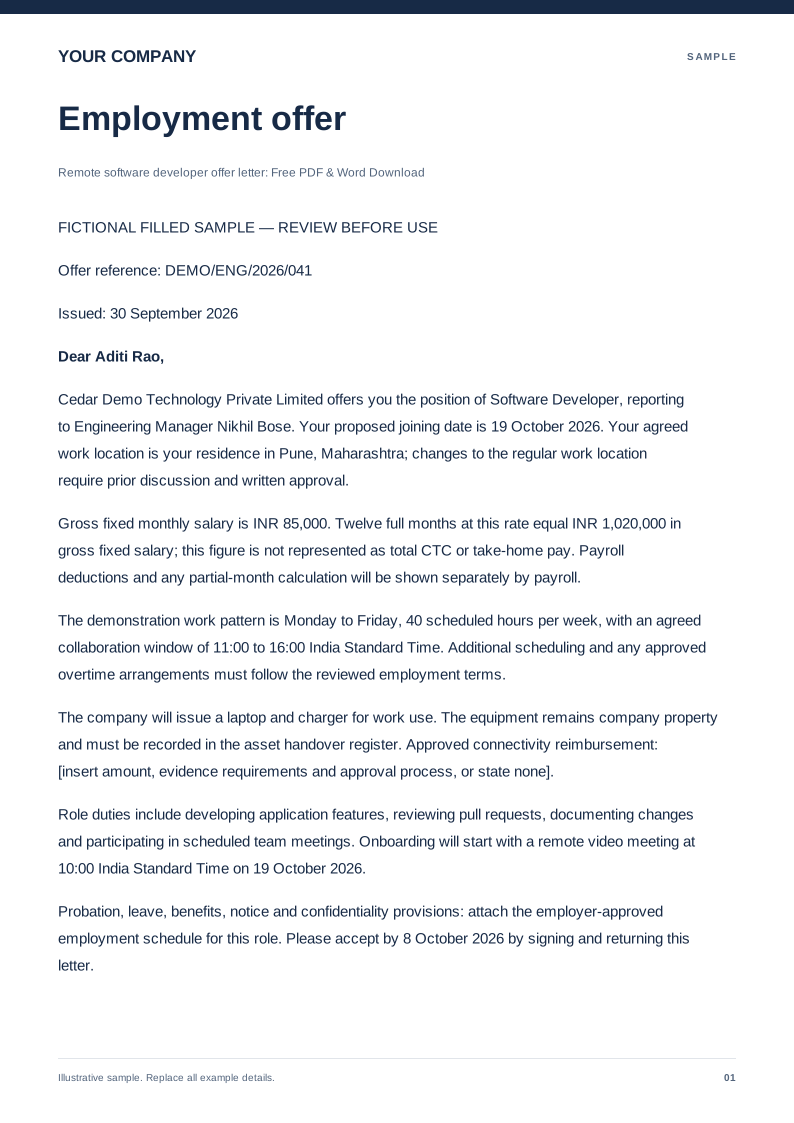
Remote software developer offer letter
Free PDF and Word offer letter for a remote developer. Review work location, equipment, pay, availability and the filled fictional sample before editing.
 Preview & customize ↗
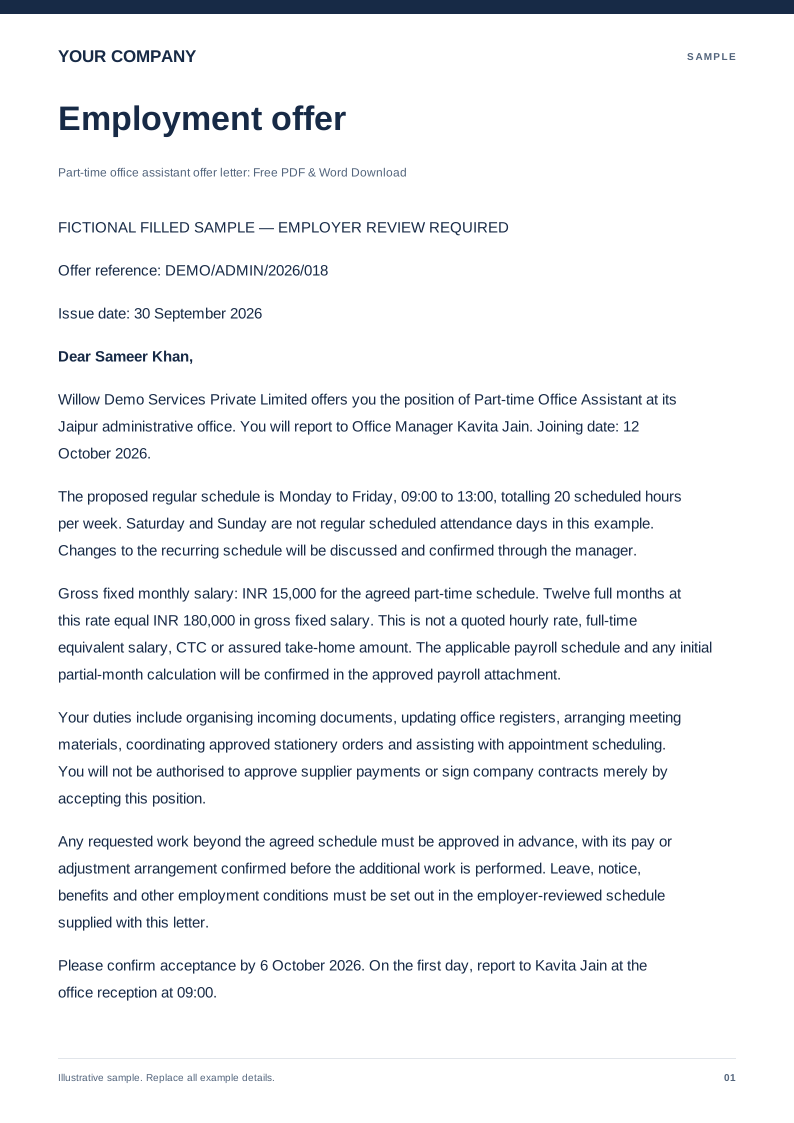
Part-time office assistant offer letter
Free PDF and Word offer letter for a part-time office assistant. Set weekly hours, pay, reporting and joining details using an editable fictional sample.
 Preview & customize ↗
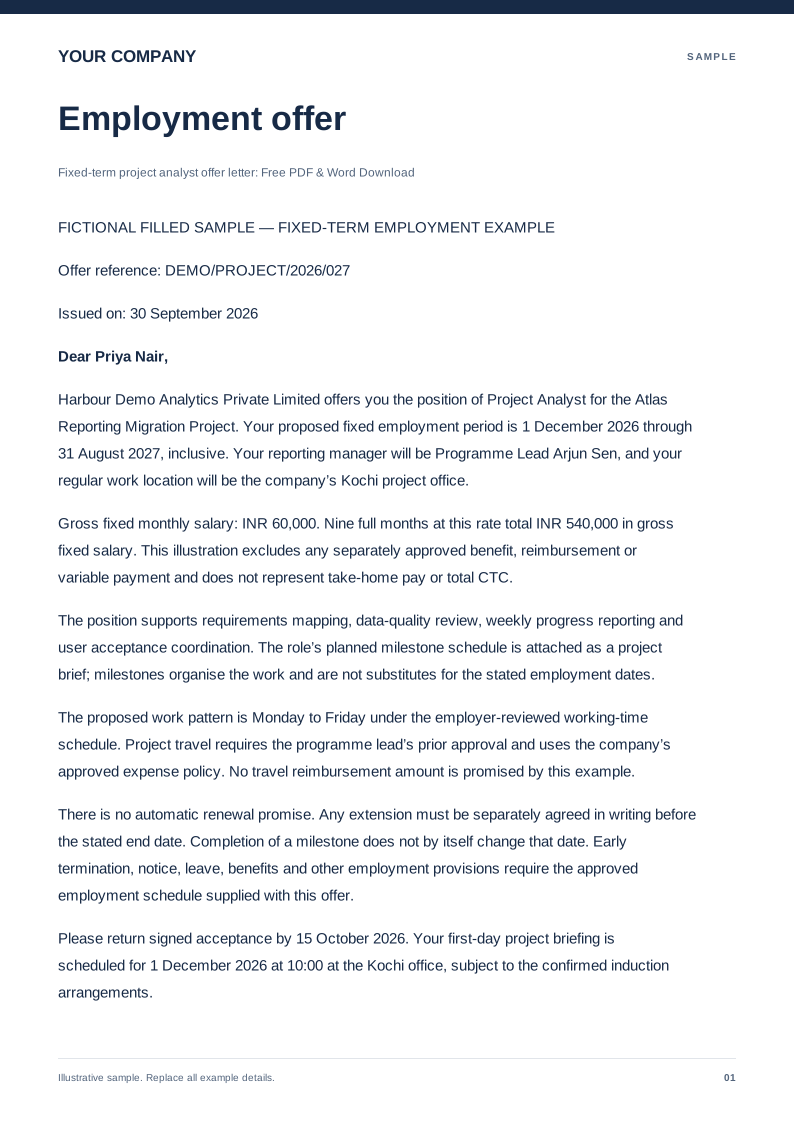
Fixed-term project analyst offer letter
Free PDF and Word fixed-term analyst offer. Record start and end dates, project duties, pay and review conditions with a fictional filled sample.
 Preview & customize ↗
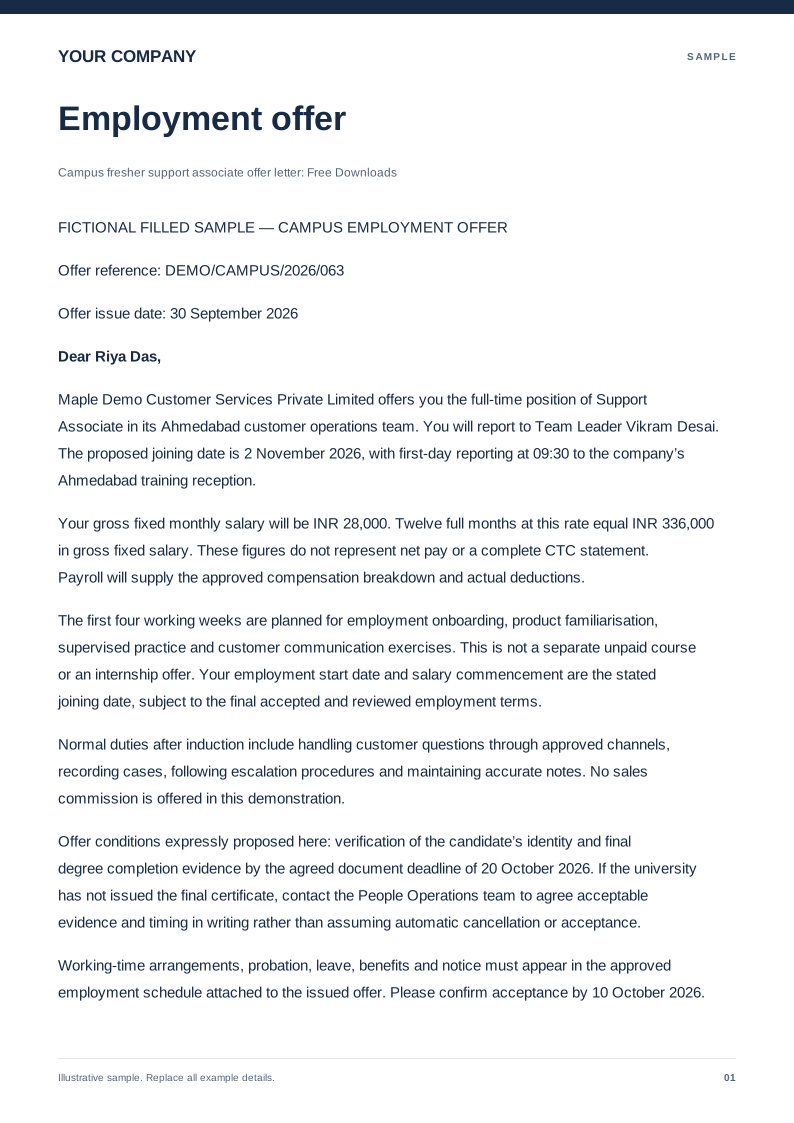
Campus fresher support associate offer letter
Free PDF and Word fresher support offer. Check role, joining date, training, pay and supervisor details in the filled sample before editing locally.
 Preview & customize ↗
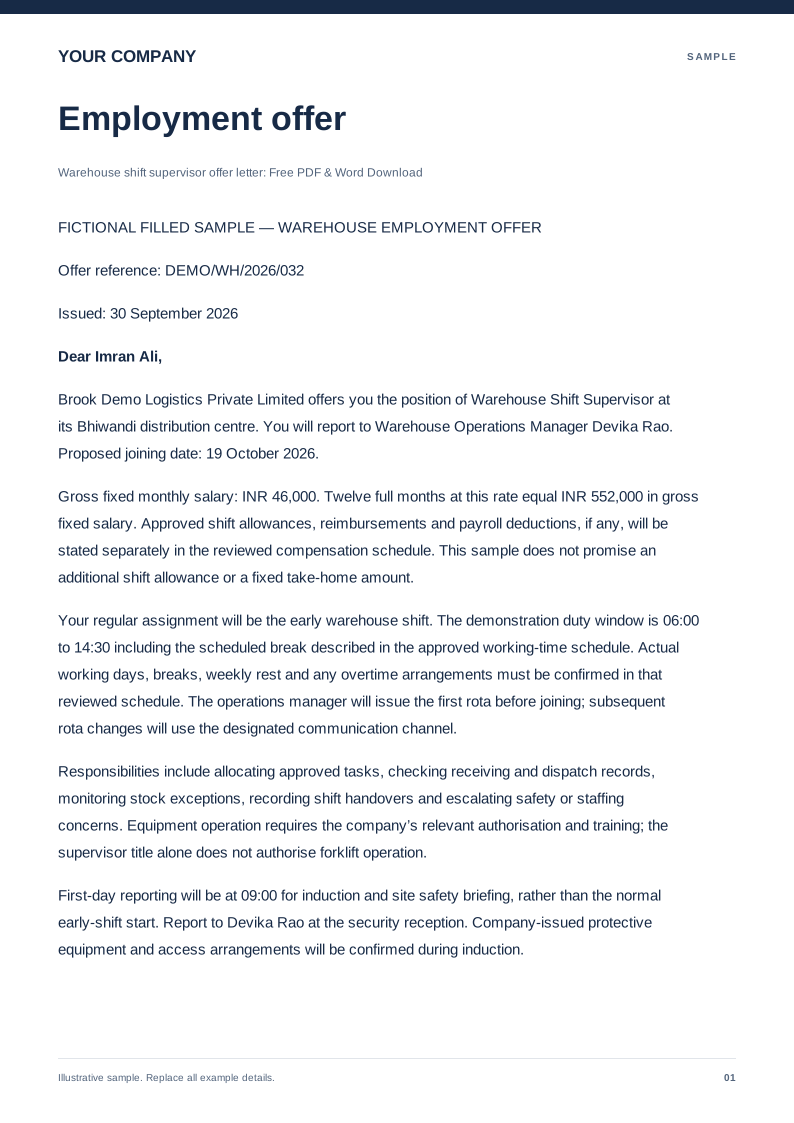
Warehouse shift supervisor offer letter
Free PDF and Word warehouse supervisor offer. Review shift arrangements, duties, pay and joining details with the editable fictional sample.
 Preview & customize ↗
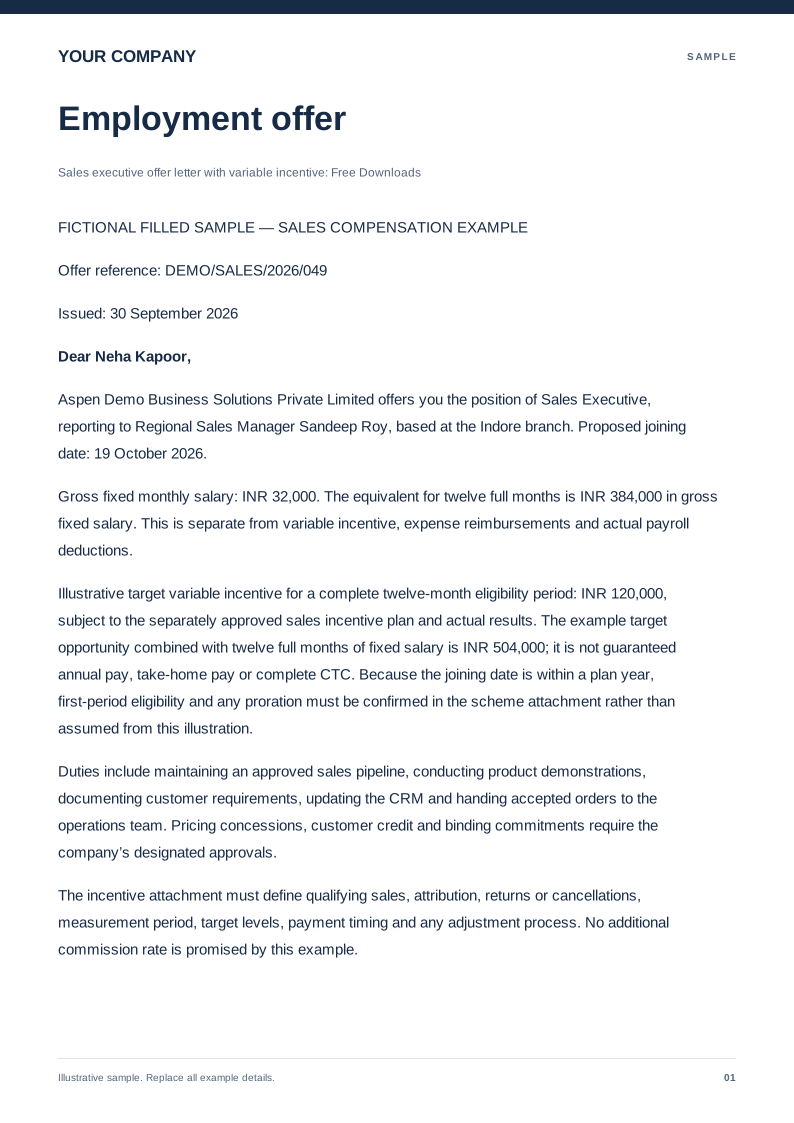
Sales executive offer letter with variable incentive
Free PDF and Word sales offer with fixed pay and a separate incentive schedule. Review targets, payment terms and the fictional filled sample.
 Preview & customize ↗
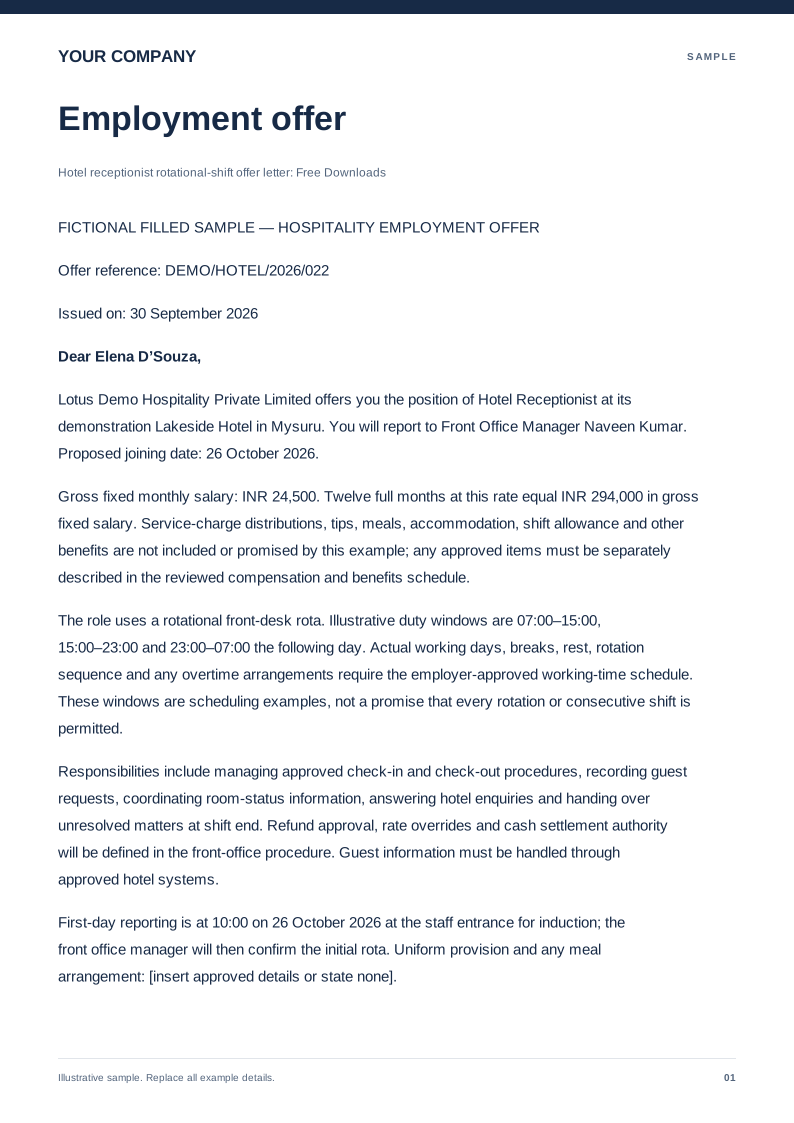
Hotel receptionist rotational-shift offer letter
Free PDF and Word hotel receptionist offer. Set rotational shifts, reporting, pay and joining details in a fictional filled sample, then edit locally.