
Saudi relieving letter format
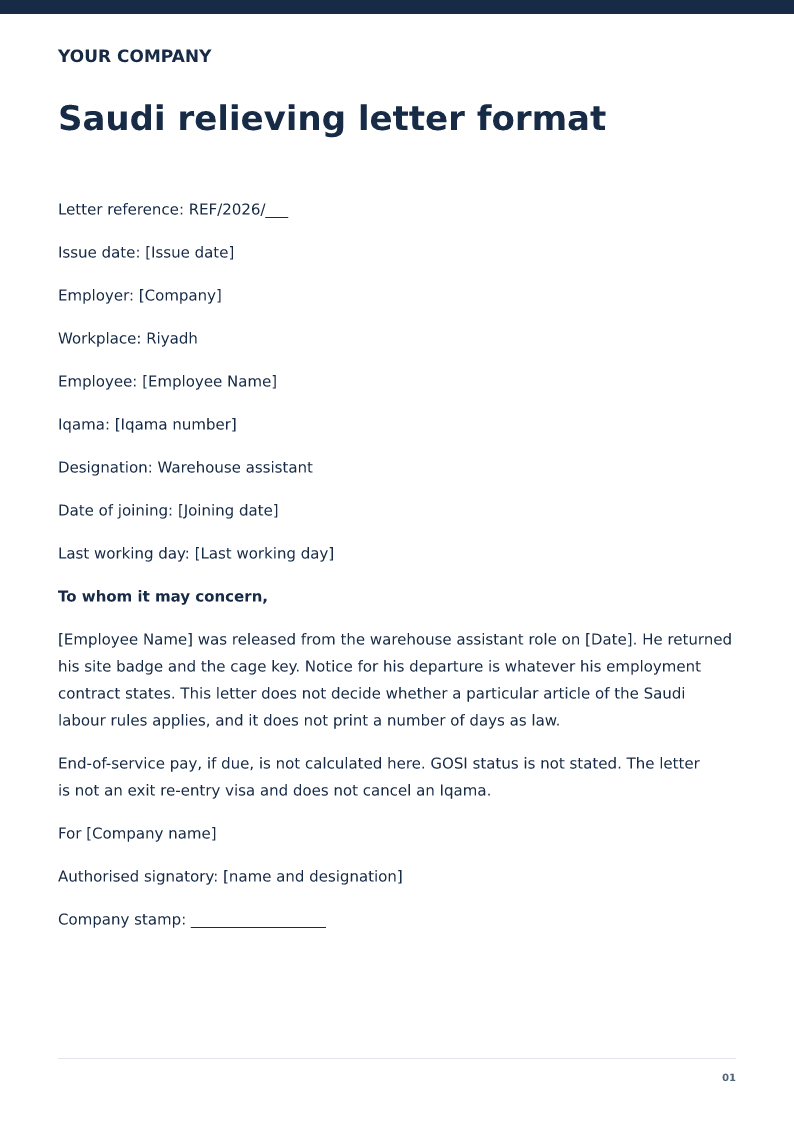
Saudi relieving letter format is the employer's letter that the named employee was released from service on a stated last working day. It does not calculate gratuity, cancel a visa, or replace a full-and-final settlement. Copy the Iqama if you have checked it. Use the notice in the contract. The letter does not calculate end-of-service pay or issue an exit visa.
Published · Updated
English relieving letter for a Saudi employer, with Iqama and last working day. Free PDF and Word downloads. Not an exit visa or an end-of-service calculation.
Download or edit this sample
Edit document details
Choose your style
What each part means
Iqama
Copy the Iqama number from the card. The sample's 2000000000 is only a placeholder length.
Notice
Monthly-paid contracts in Saudi Arabia often set a written notice of about sixty days, but the number you may rely on is the one in his contract. Do not upgrade this letter into a statute.
Exit
Do not write that an exit visa was granted or that the Iqama was cancelled. Those are separate steps.
The Iqama and the last day are what a new employer checks first
the employer releases [Employee Name], warehouse assistant in Riyadh, on 12 October 2026. He joined on 3 May 2018. The Iqama line is a placeholder so you copy the card. He returned the site badge and the cage key. There is no salary figure, because a relieving letter that also invents a wage will not match the salary certificate if you issue one later.
Put the contract's notice on the resignation, not a borrowed article
For monthly-paid staff, Saudi contracts often speak of a written notice around sixty days. Some contracts say something else. The sample tells the signatory to use the contract and refuses to decide whether a given article applies. If you need the sixty-day example, it is on the Saudi resignation page on this site, and even there it is tied to an example contract that says sixty days, not to a claim about every employee.
End-of-service, GOSI, and the exit visa stay off the page
The letter says end-of-service pay is not calculated, GOSI is not stated, and there is no exit re-entry visa and no Iqama cancellation. Those are the three overclaims that make a stamped letter awkward. If a settlement exists, attach it. If the exit process is unfinished, the letter should not pretend it is finished.
How to edit the Saudi letter
Edit Word, replace the Iqama from the card, match 12 October to the attendance record, and stamp the company named in the header. Keep Arabic, if you issue it, in your own bilingual process. This download is English.
Review this scenario
- Copy the Iqama from the card.
- Use the contract's notice, not a number chosen here.
- Do not calculate end-of-service pay.
- Do not state GOSI.
- Do not say an exit visa or Iqama cancellation is done.
- Stamp the employing company.
Questions
Does this letter set a 60-day Saudi notice?
No. It says notice is whatever the contract states. It does not apply a labour-law article.
Is the employee cleared to leave the Kingdom?
No. The sample says it is not an exit visa and does not cancel an Iqama.
What should Saudi relieving letter format include?
The employer, the employee, the job title, the joining date, and the last working day the employer will sign.
Does it settle gratuity or cancel a visa?
No. Gratuity, full and final pay, and any visa or work-permit step stay on their own papers.
Who can issue it?
An authorised person at the employer. An employee filling the sample in does not make it an employer letter.
Can I edit it in Word?
Yes. DOCX contains editable text. Customized PDF exports preserve the layout as page images; direct English sample PDFs contain searchable text. Neither is a digitally signed document.
Is my entered information uploaded?
Document generation happens in this browser. Optional consented analytics measures actions, never document contents.
Check before you use it
This Saudi draft confirms a Riyadh last working day. It does not calculate end-of-service pay, state GOSI, or issue an exit visa.
- Replace every sample or bracketed field with accurate information.
- Check dates, amounts, identifiers and the intended recipient’s requirements.
- Open the exported file and obtain any required employer, landlord or legal approval.
Prepared by Feroz Sheikh ·
Related templates
 Preview & customize ↗
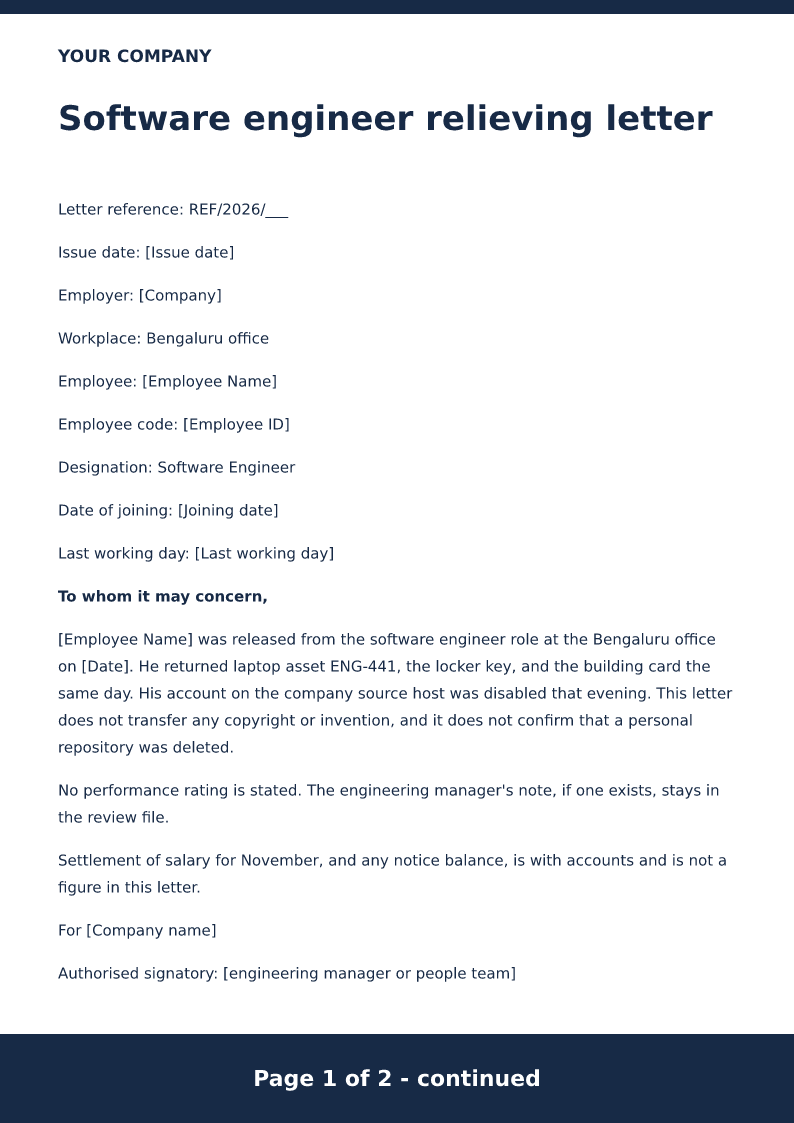
Software engineer relieving letter
Relieving letter for a software engineer, naming the office, the laptop returned, and the last working day. Free PDF and Word downloads.
 Preview & customize ↗
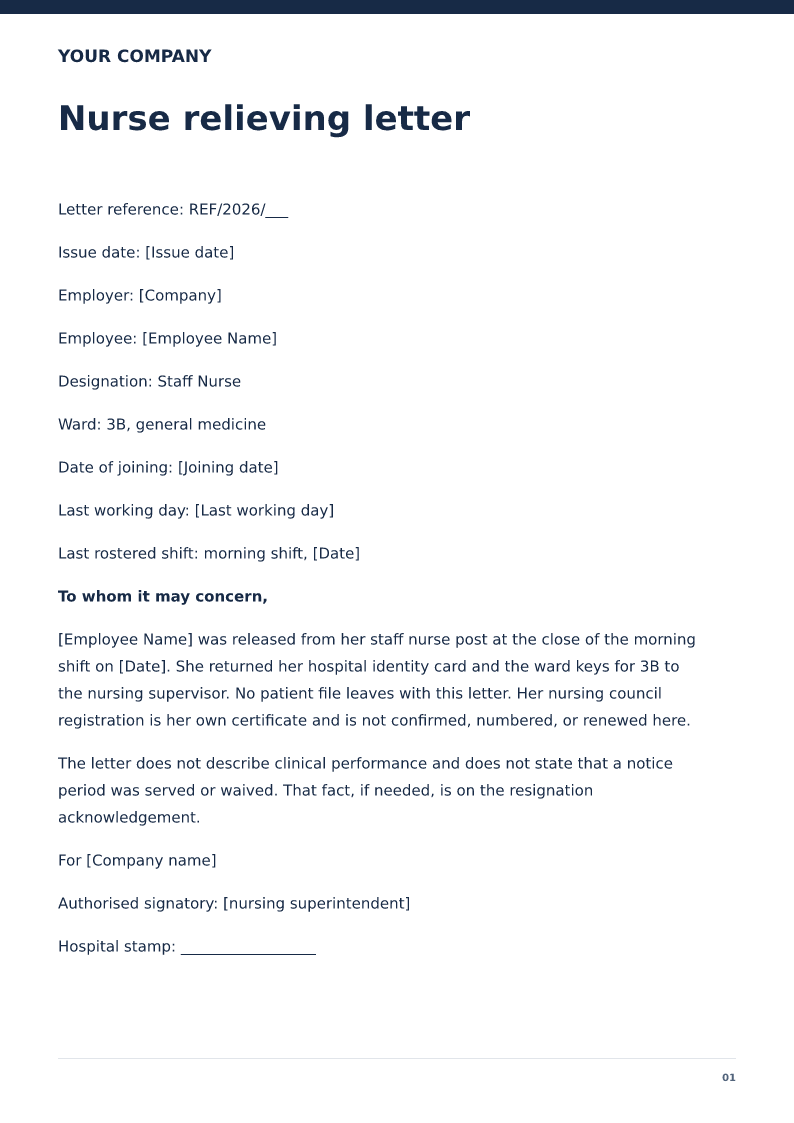
Nurse relieving letter
Hospital relieving letter for a staff nurse, with the ward and the last duty day. Free PDF and Word downloads. The nursing licence stays separate.
 Preview & customize ↗
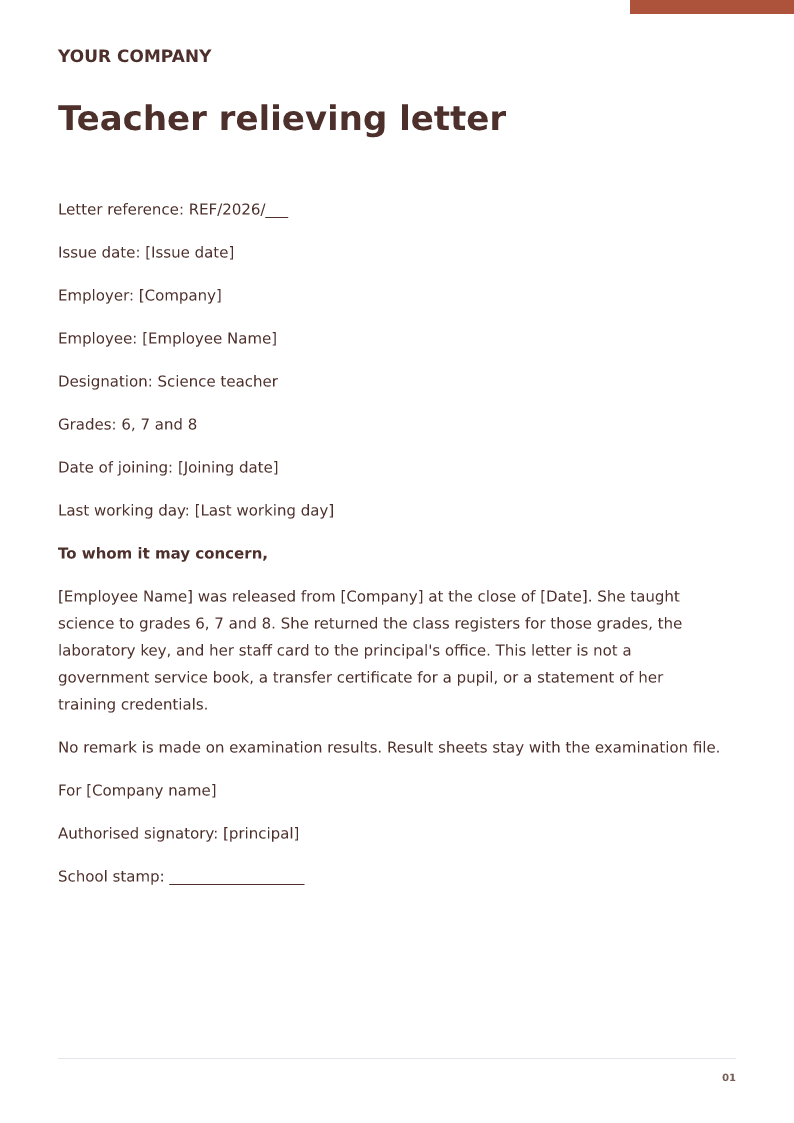
Teacher relieving letter
Private-school relieving letter naming the grades, the subject, and the last working day. Free PDF and Word downloads.
 Preview & customize ↗
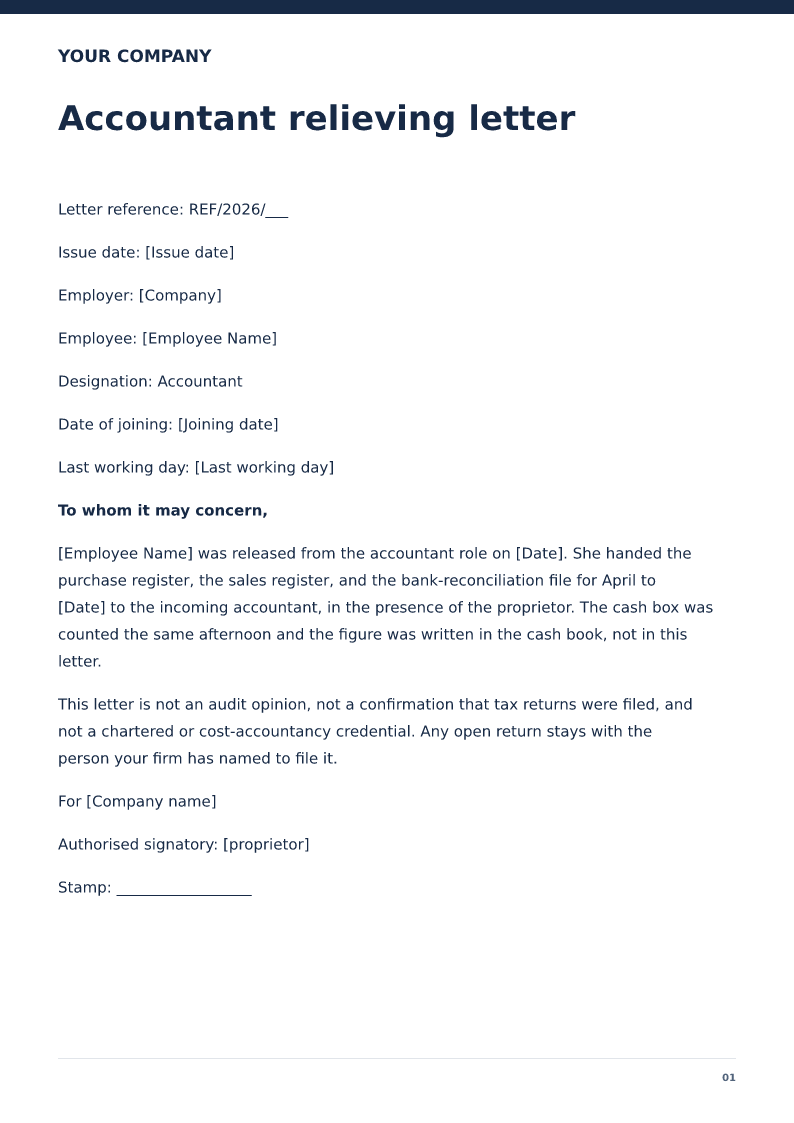
Accountant relieving letter
Relieving letter for an accountant who handed over the books. Free PDF and Word downloads. Not an audit opinion or a chartered credential.
 Preview & customize ↗
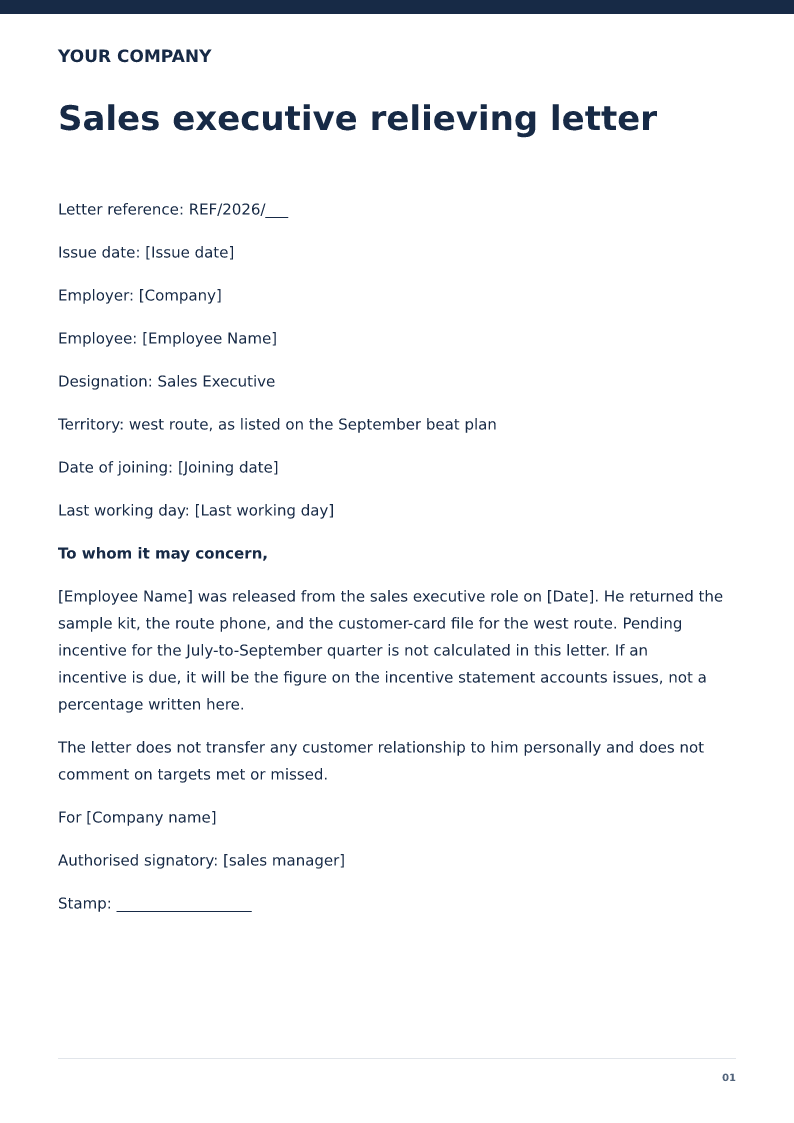
Sales executive relieving letter
Relieving letter for a sales executive, with the territory and the last working day. Commission is left on the incentive statement. Free PDF and Word downloads.
 Preview & customize ↗
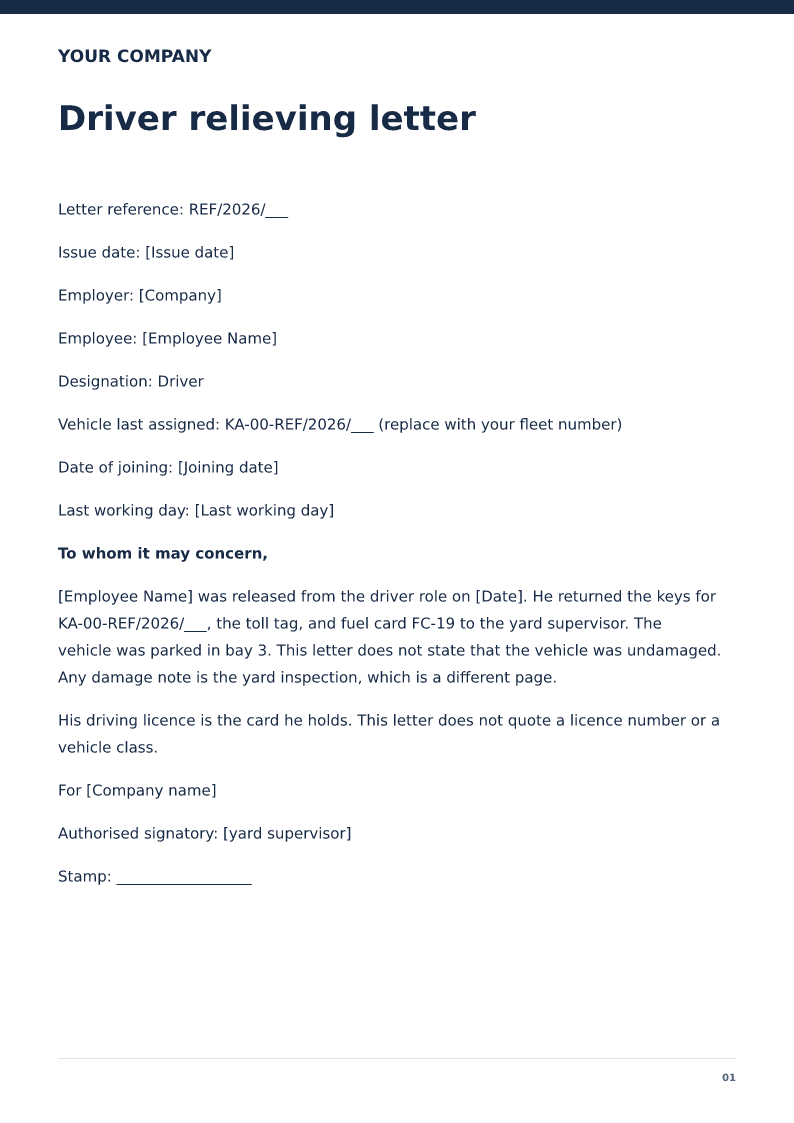
Driver relieving letter
Relieving letter for a driver, recording the vehicle and fuel card returned. Free PDF and Word downloads. The driving licence is not this letter.
 Preview & customize ↗
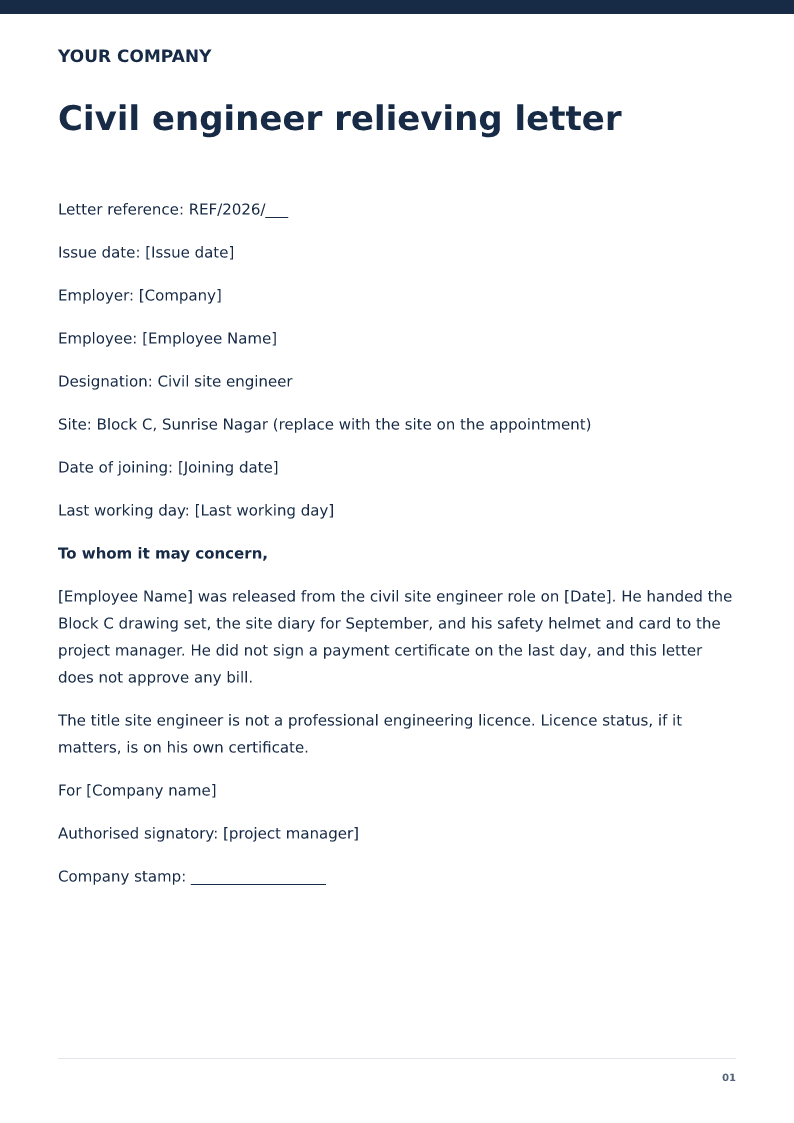
Civil engineer relieving letter
Relieving letter for a civil site engineer, naming the site handed over and the drawings returned. Free PDF and Word downloads.
 Preview & customize ↗
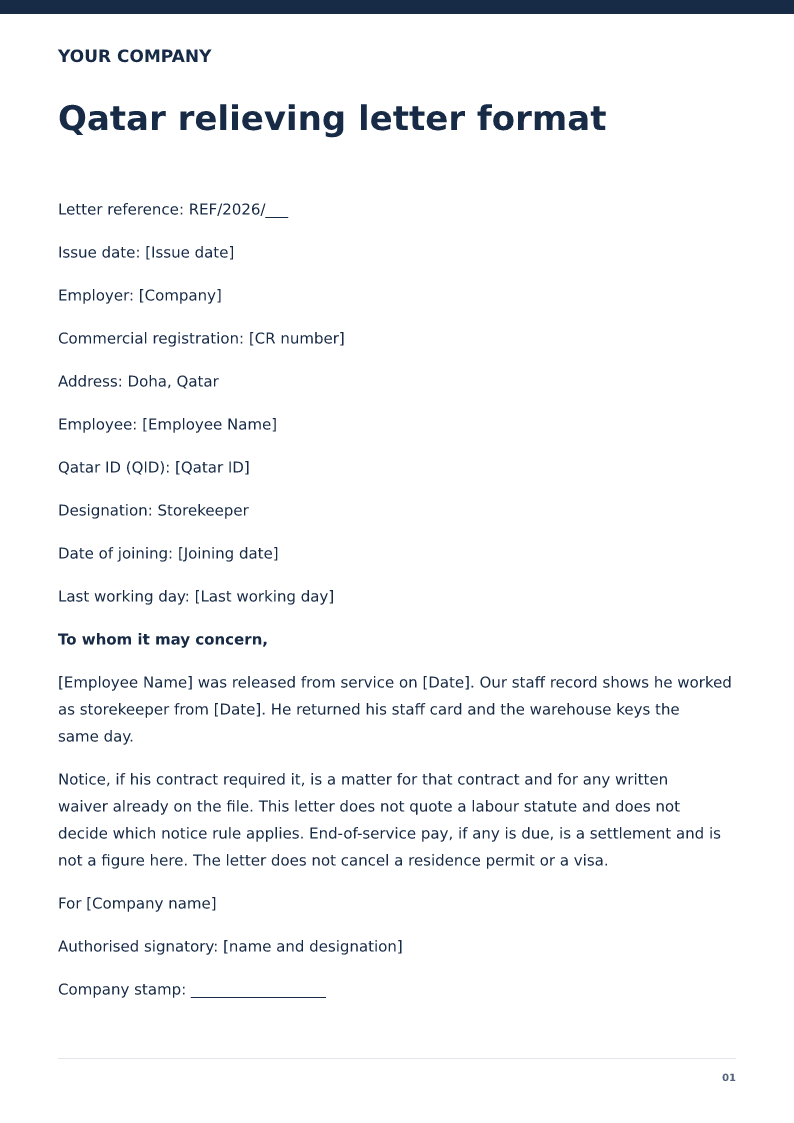
Qatar relieving letter format
English relieving letter for a Qatar employer, with QID, commercial registration, and last working day. Free PDF and Word downloads.
 Preview & customize ↗
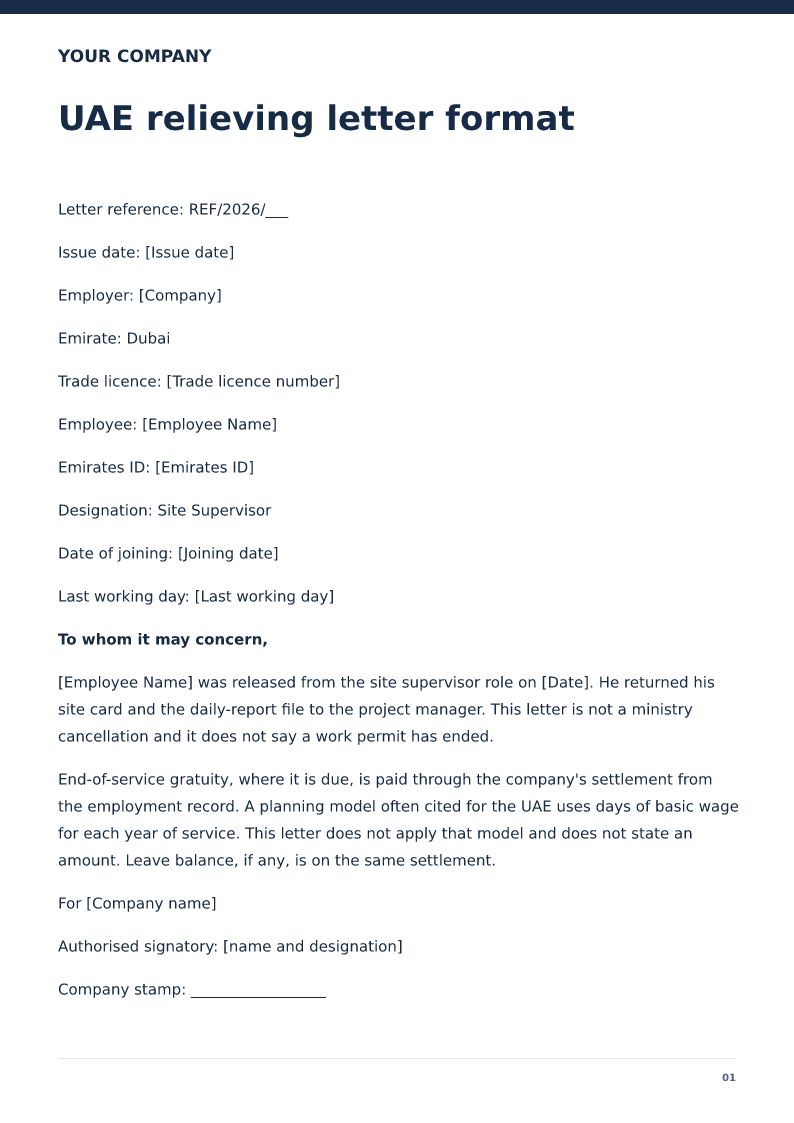
UAE relieving letter format
English relieving letter for a UAE employer, with Emirates ID and last working day. Gratuity is mentioned only to keep it off this page. Free PDF and Word downloads.
 Preview & customize ↗
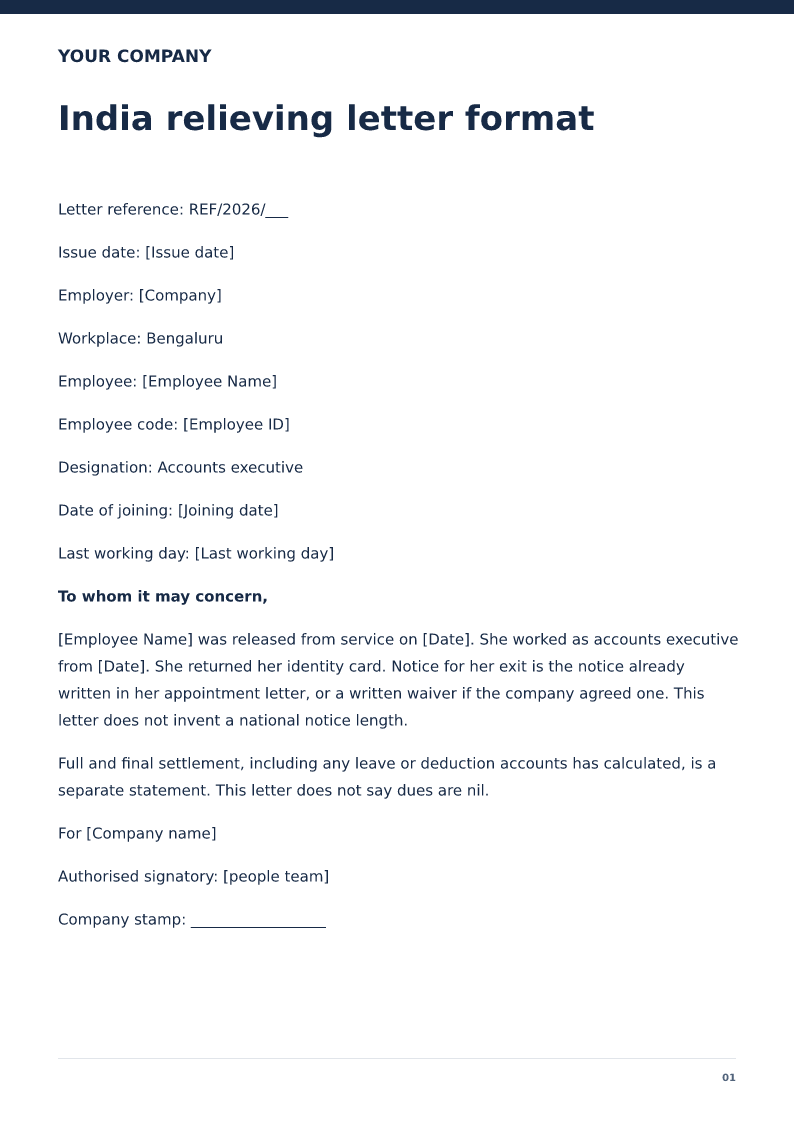
India relieving letter format
India relieving letter with employee code, designation, and last working day. Free PDF and Word downloads. Full and final settlement stays separate.
 Preview & customize ↗
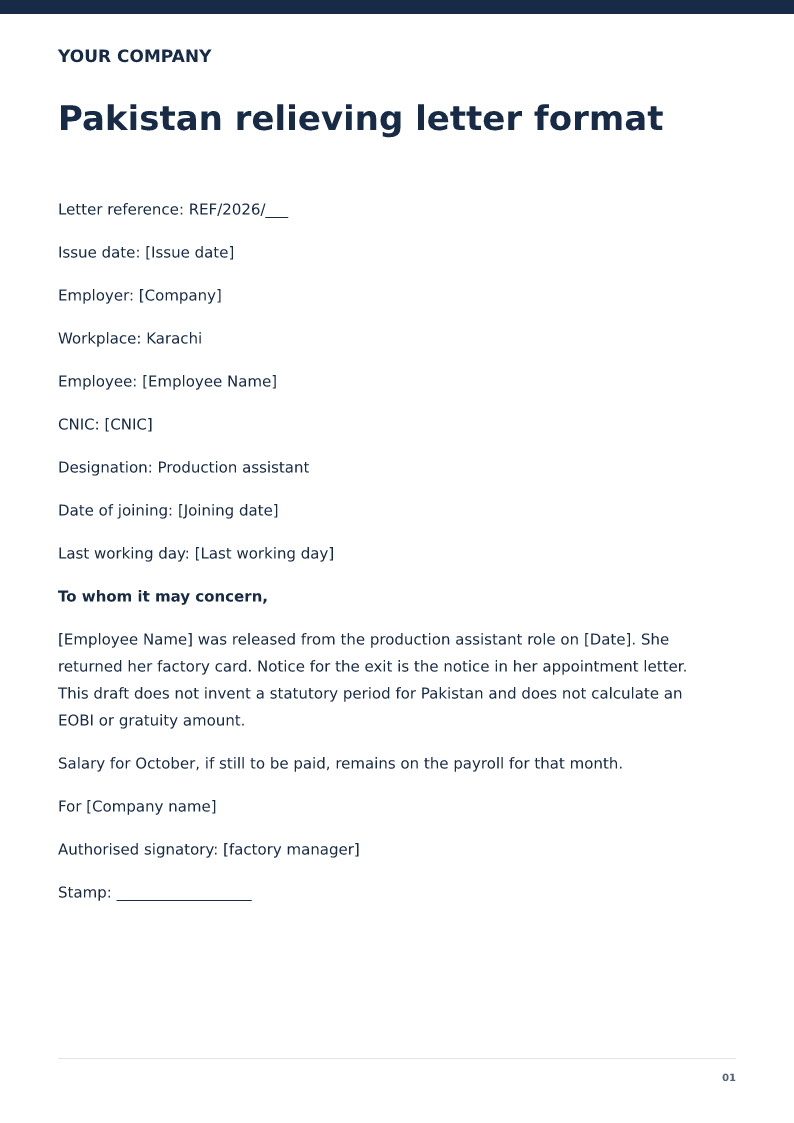
Pakistan relieving letter format
Pakistan relieving letter with CNIC, designation, and last working day. Free PDF and Word downloads. EOBI settlement is not included.
 Preview & customize ↗
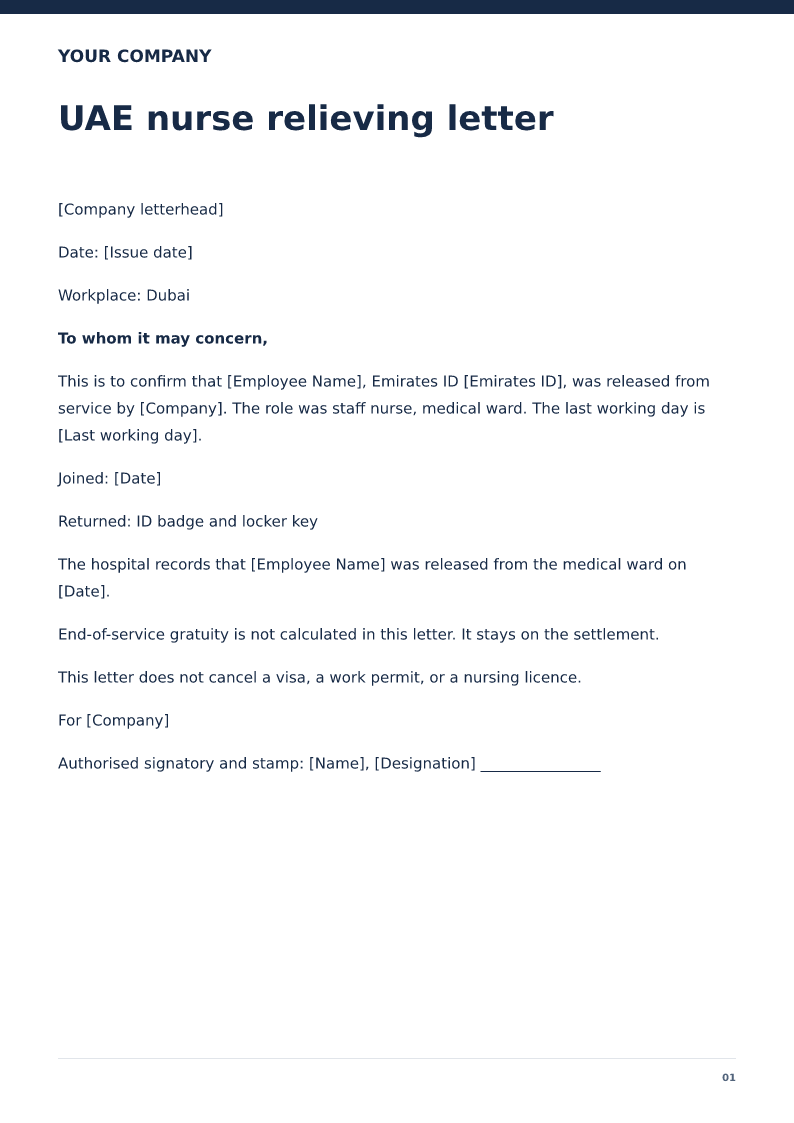
UAE nurse relieving letter
Free UAE nurse relieving letter for 2026. Download Word or PDF with no signup and edit the hospital, ward, Emirates ID and last working day before you sign.
 Preview & customize ↗
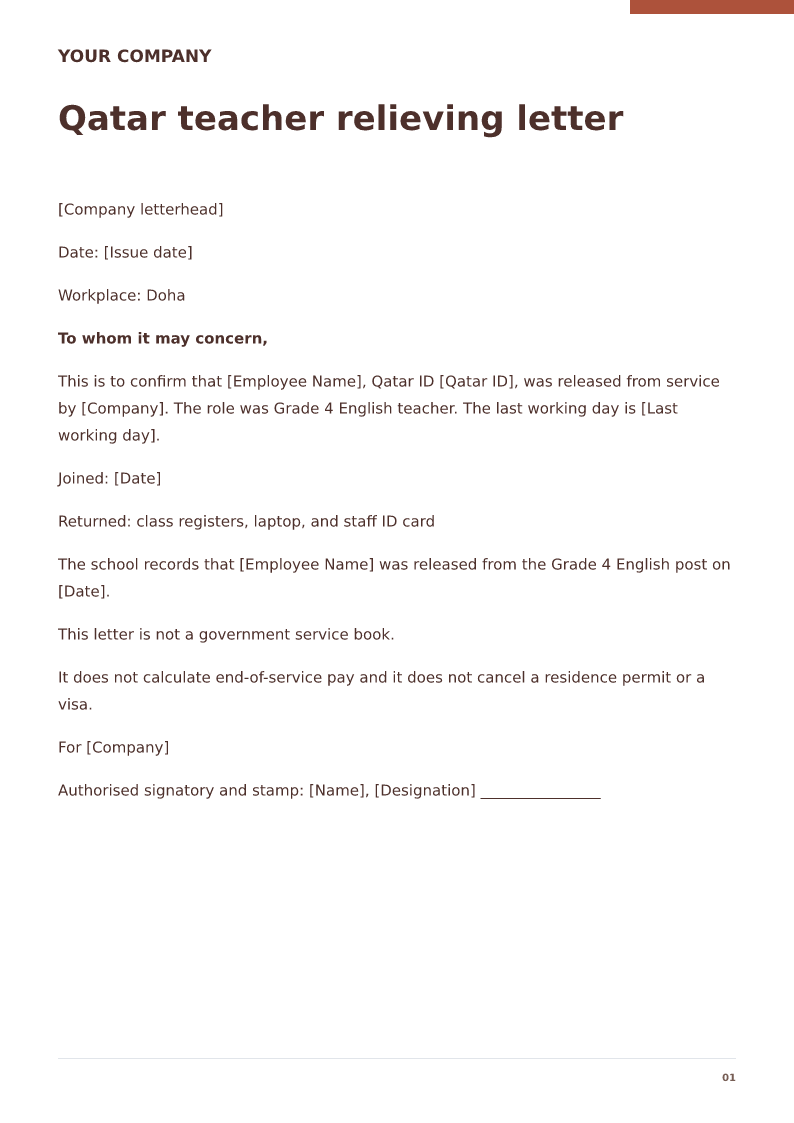
Qatar teacher relieving letter
Free Qatar teacher relieving letter for 2026. Download Word or PDF with no signup and edit the school, grades, Qatar ID and last working day before you sign.
 Preview & customize ↗
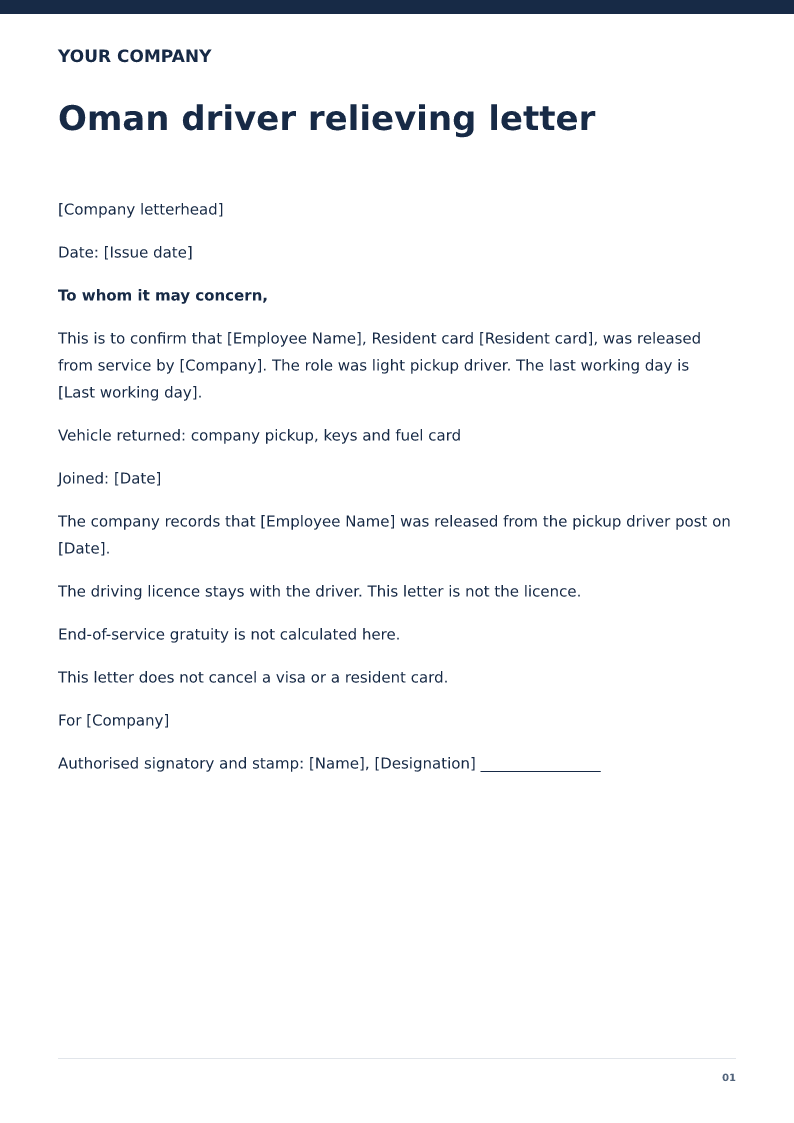
Oman driver relieving letter
Free Oman driver relieving letter for 2026. Download Word or PDF with no signup and edit the vehicle return, resident card and last working day before you sign.
 Preview & customize ↗
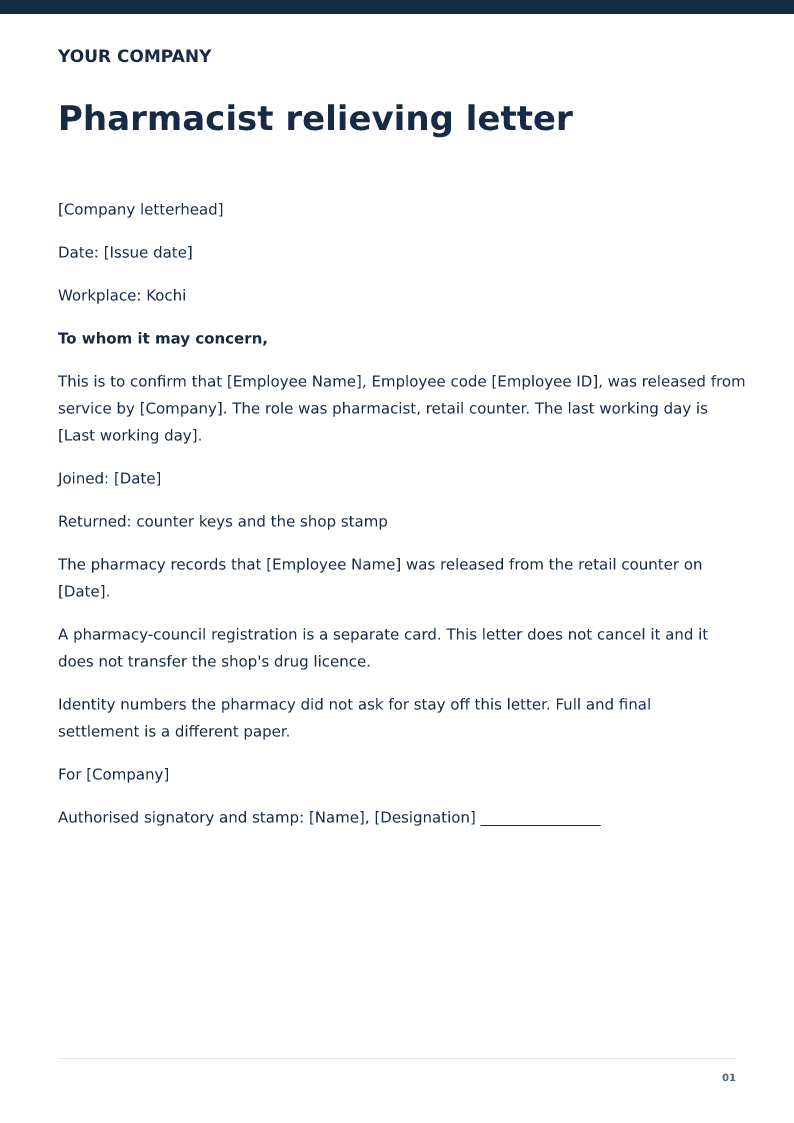
Pharmacist relieving letter
Free pharmacist relieving letter for 2026. Download Word or PDF with no signup and edit the pharmacy, employee code and last day on your device.