
India appointment letter format
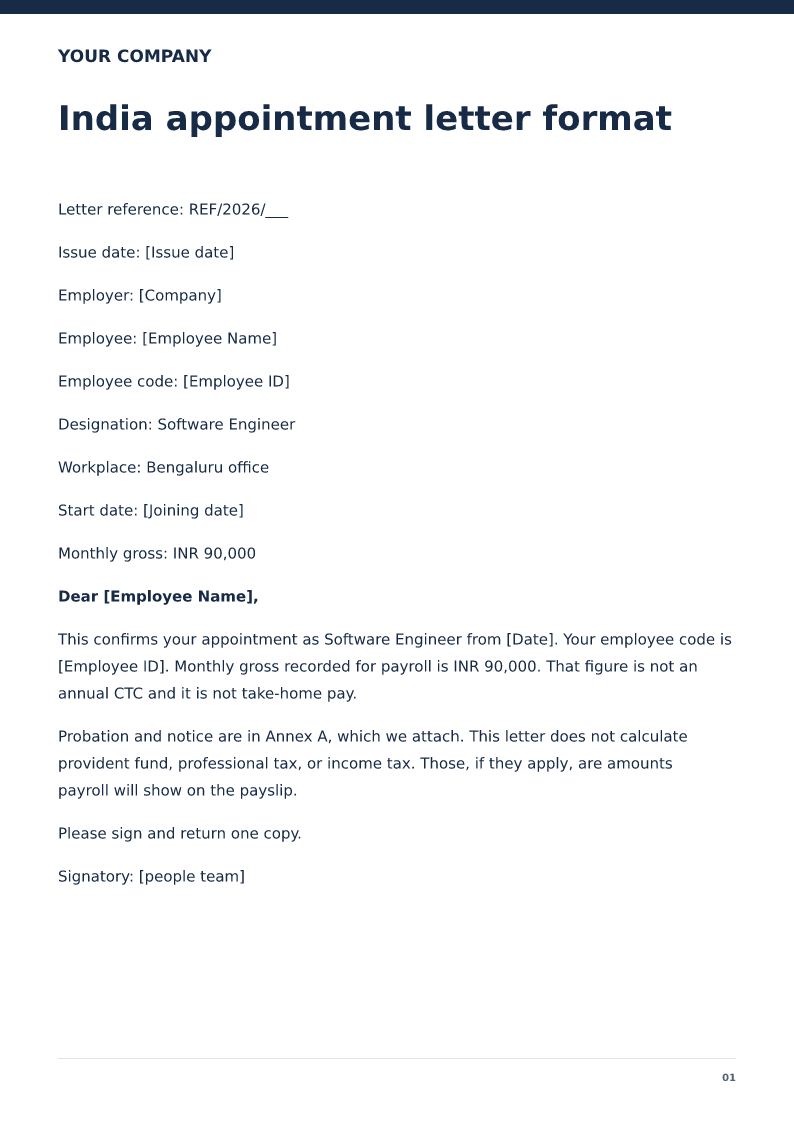
India appointment letter format is the employer's confirmation of a role, a start date, and the pay it will put on record. It is a draft for review, not a signed employment contract, and it does not issue a visa or a licence. State monthly gross in INR and point probation at the annex you actually attach. It does not calculate PF or tax.
Published · Updated
India appointment letter with monthly gross in INR, workplace, and start date. Free PDF and Word downloads. PF and tax are not calculated.
Download or edit this sample
Edit document details
Choose your style
What each part means
Employee code
[Employee ID] is allotted in the sample because the India joining letter asked for a code. Use your series. Do not reuse a leaver's code.
Gross versus CTC
Keep annual CTC off this page unless you also show a monthly breakdown you can pay. The sample uses monthly gross only.
Annex A
Attach the probation and notice you will enforce. The letter does not supply those clauses.
Give the code the joining letter was waiting for
The India joining sample said [Employee Name] had no employee code yet. This appointment, issued the same day, allots [Employee ID]. Monthly gross is INR 90,000, marked as not annual CTC and not take-home. Payroll in India often speaks in CTC. A single monthly number that matches the offer is easier to put on the first payslip. If you need a CTC annex, attach it as numbers that add up to a monthly gross you will actually pay.
PF and tax are payslip lines
The letter says it does not calculate provident fund, professional tax, or income tax. Whether those apply depends on the establishment and the pay, which this download does not decide. The first salary slip is where the amounts belong, typed from your payroll decision, as the India salary-slip pages on this site already say.
Annex A is the notice the resignation will later quote
Probation and notice are Annex A, attached, not printed as a universal Indian notice. The resignation page on this site tells the employee to quote the clause they were given. If you never attach Annex A, they cannot quote it, and a later relieving letter should not invent a notice you did not issue. Have him return one signed copy.
How to edit the India appointment
Edit Word, set a real employee code, match 3 November to the joining report, attach Annex A, and keep CTC language out unless the annex does the breakdown. Stamp the people-team copy.
Review this scenario
- Allot an employee code that payroll will use.
- State monthly gross in INR.
- Do not label that gross as annual CTC.
- Attach Annex A for probation and notice.
- Do not calculate PF or tax.
- Collect one signed copy.
Questions
Should an India appointment show CTC or monthly gross?
This sample shows monthly gross and says it is not annual CTC and not take-home. Add a CTC breakdown only if every line is a figure you will pay or deduct on purpose.
Does the letter deduct PF?
No. It says provident fund, professional tax, and income tax are not calculated here.
What should India appointment letter format state?
The employer, the employee, the role, the start date, the workplace, and the pay the employer will record.
Is this a signed employment contract?
No. It is a draft for review. Have the terms checked before you issue them.
Does it issue a visa or a licence?
No. Immigration, a professional licence, and statutory registration stay outside this letter.
Can I edit it in Word?
Yes. DOCX contains editable text. Customized PDF exports preserve the layout as page images; direct English sample PDFs contain searchable text. Neither is a digitally signed document.
Is my entered information uploaded?
Document generation happens in this browser. Optional consented analytics measures actions, never document contents.
Check before you use it
This India appointment states monthly gross and an employee code. It does not calculate PF or tax and it does not hide notice inside the word policy.
- Replace every sample or bracketed field with accurate information.
- Check dates, amounts, identifiers and the intended recipient’s requirements.
- Open the exported file and obtain any required employer, landlord or legal approval.
Prepared by Feroz Sheikh ·
Related templates
 Preview & customize ↗
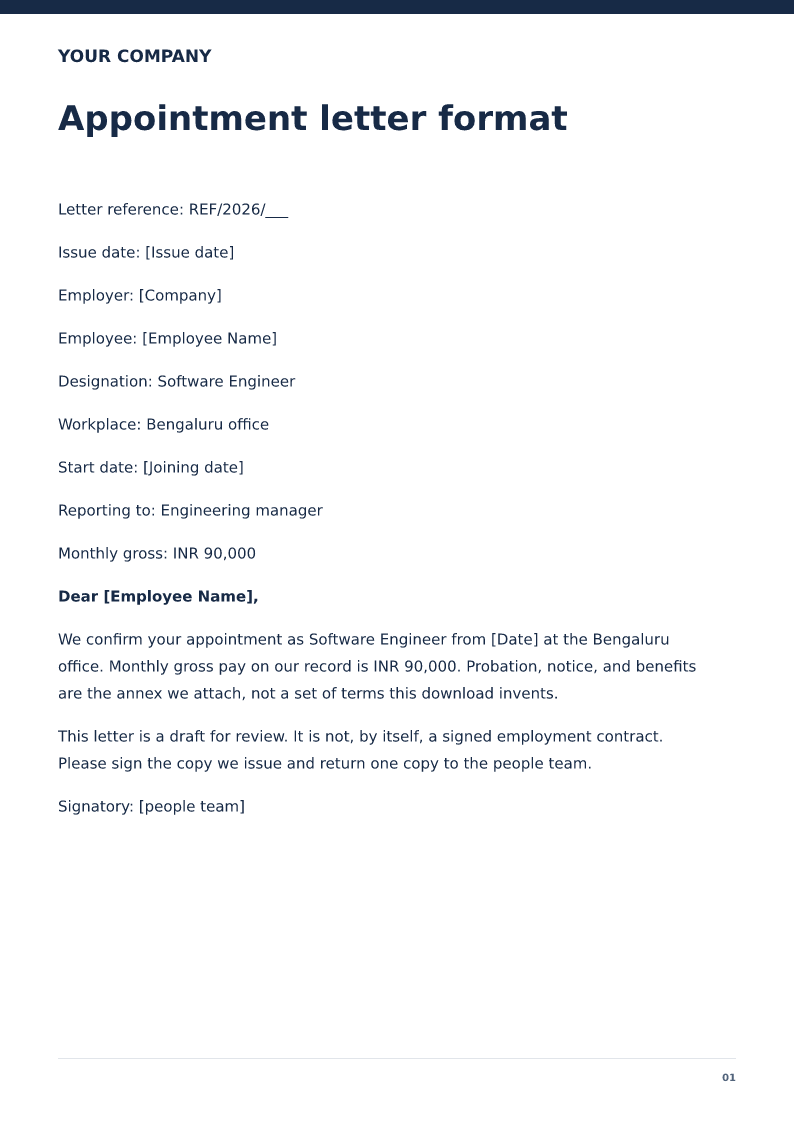
Appointment letter format
Employer appointment letter stating the role, start date, and pay on record. Free PDF and Word downloads. Not a signed employment contract.
 Preview & customize ↗
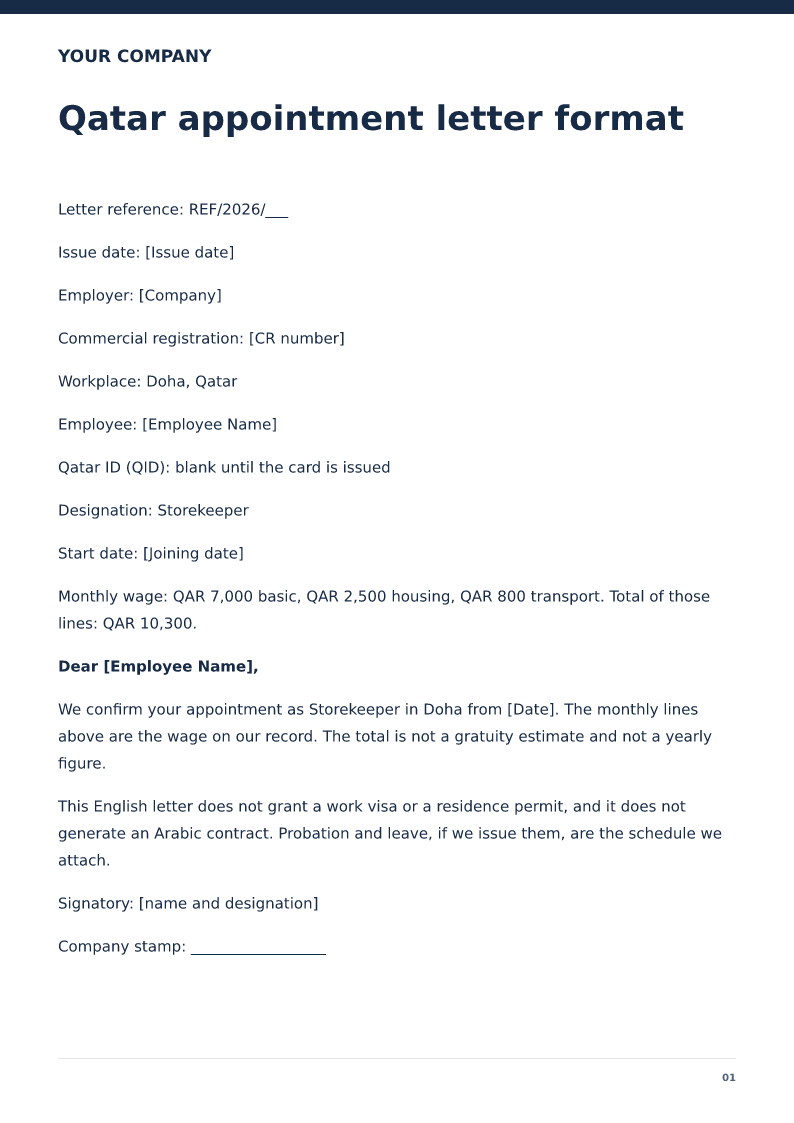
Qatar appointment letter format
English appointment letter for a Doha role, with the QAR wage split. Free PDF and Word downloads. Not a visa and not an Arabic contract.
 Preview & customize ↗
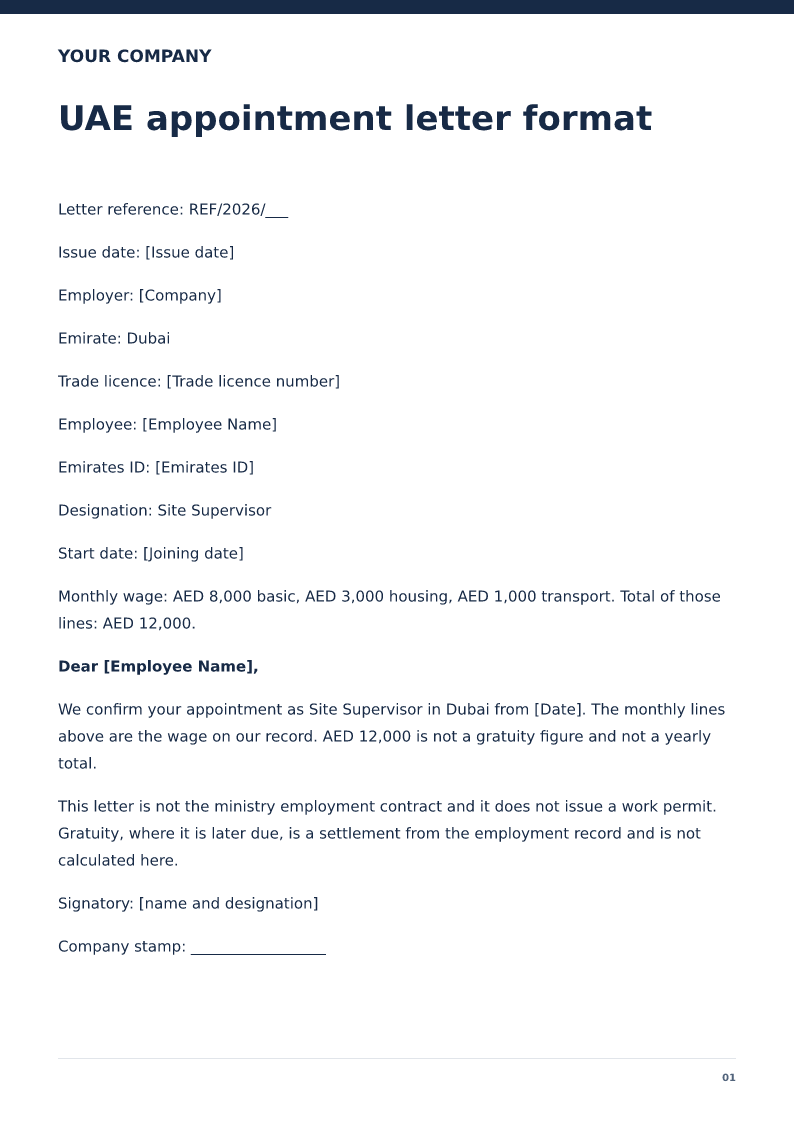
UAE appointment letter format
English appointment letter for a UAE role, with the AED wage split. Free PDF and Word downloads. Not a ministry contract and not a gratuity figure.